Cup Heroes
Updated
Current Version
1.11.3
Offered By

With your passion for Cup Heroes, you shouldn’t have to limit yourself to the small screen of a phone. Play like a pro and take full control of the game using a keyboard and mouse. MEmu gives you everything you’re looking for. Download and play Cup Heroes on PC. Play as long as you want — no more worries about battery life, mobile data, or unexpected calls. The all-new MEmu 9 is the best way to play Cup Heroes on PC. With our expertly designed keymapping system, Cup Heroes feels just like a real PC game. The MEmu multi-instance manager lets you run two or more accounts on the same device at the same time. Most importantly, our exclusive emulation engine unlocks your PC’s full potential, delivering smooth and seamless performance.
Show more
Download Cup Heroes on PC with MEmu Android Emulator. Enjoy playing on big screen. Cup Heroes: Join the Adventure of a Lifetime!
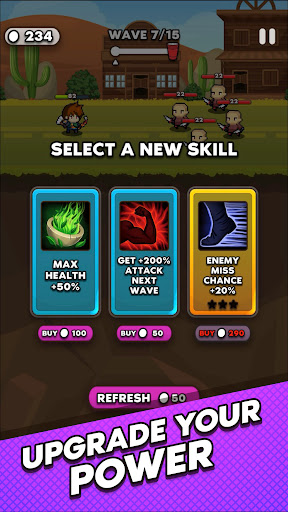
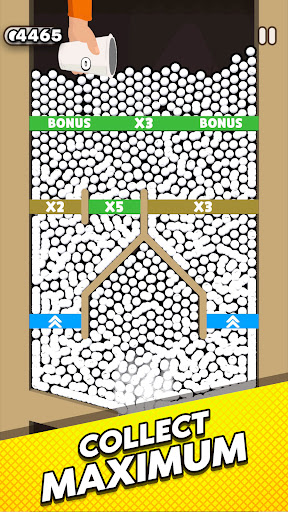
Cup Heroes: Join the Adventure of a Lifetime!
Step into the whimsical world of Cup Heroes, where everyday cups turn into mighty heroes on an epic quest to save their beloved Queen!
This fun-filled adventure will keep you hooked with its charming characters, exciting gameplay, and endless challenges.
How to Play:
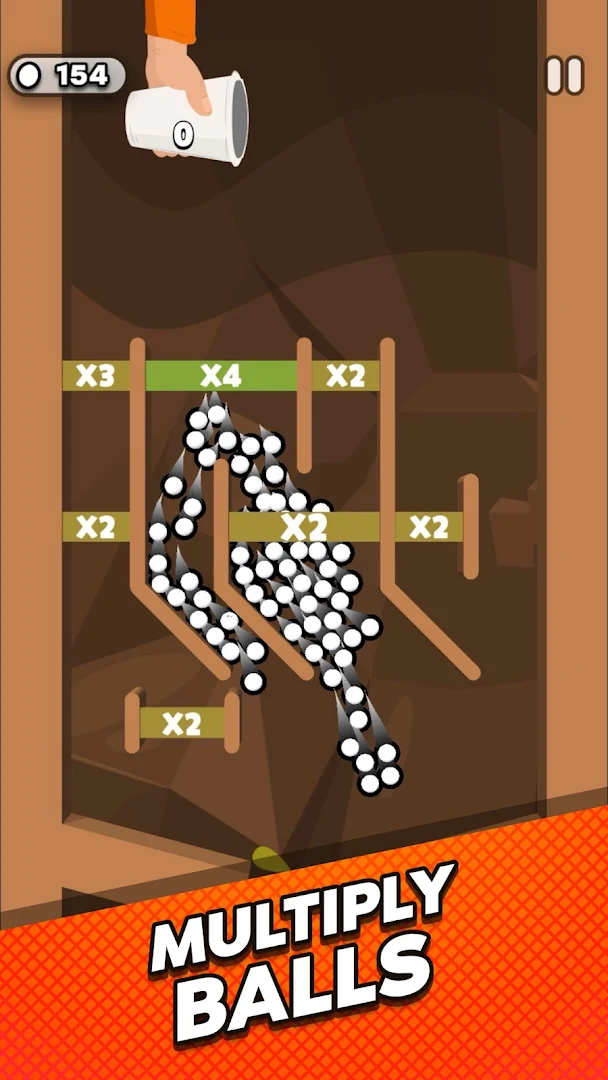
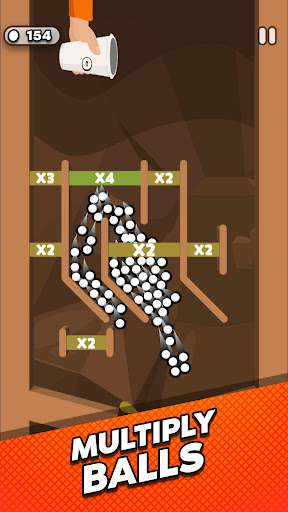
- Control Your Heroes: Swipe, tap, and drag to navigate your heroes through various obstacles and puzzles.
- Save the Queen: Your ultimate goal is to rescue the Queen who has been captured by evil forces.
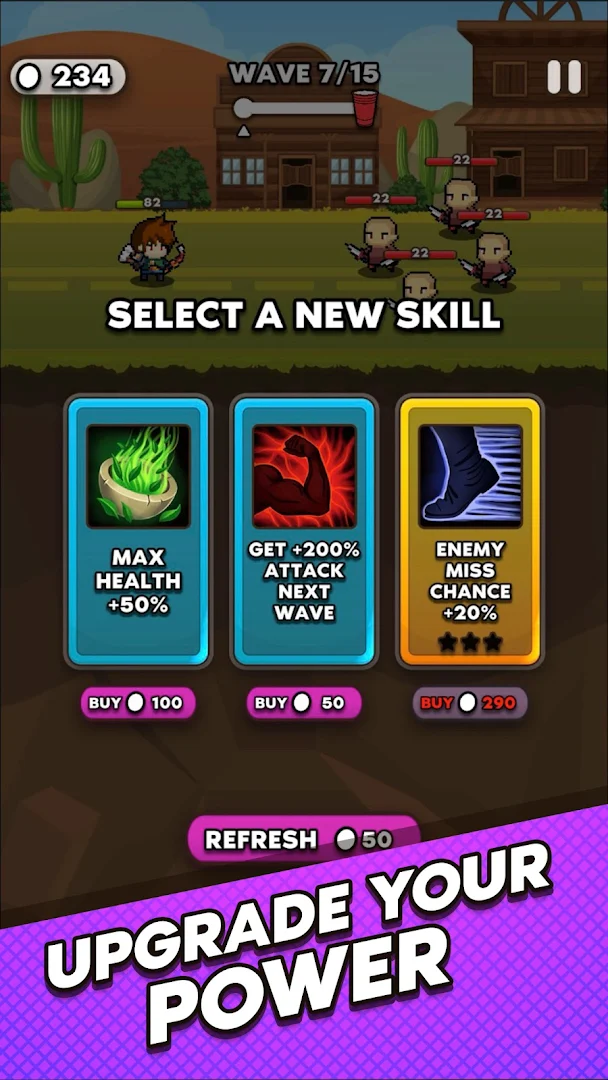
- Unlock and Upgrade Characters: Collect coins and gems to unlock a diverse cast of characters, each with unique abilities. Upgrade their skills to make them even more powerful and adaptable to different challenges.
Key Features:
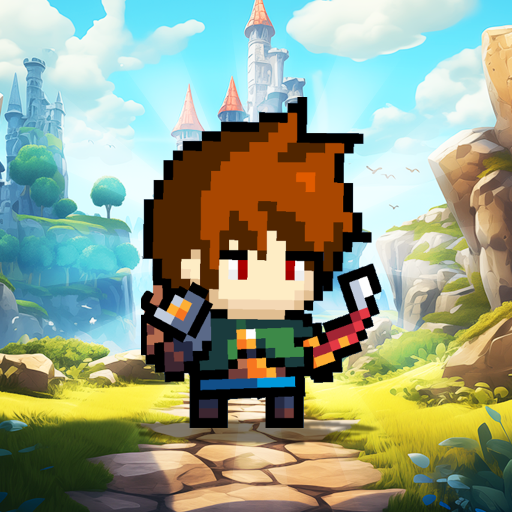
- Unique Characters: Meet a colourful cast of cup heroes, from the brave Knight Cup to the cunning Ninja Cup. Each character brings their own special skills and personality to the team.
- Epic Adventures: Explore various enchanting worlds, from mystical forests to fiery volcanoes. Every level is a new adventure filled with hidden secrets and dangerous foes.
- Challenging Puzzles: Test your brain with mind-bending puzzles that require clever solutions. Use your heroes’ abilities to overcome obstacles and progress through the game.
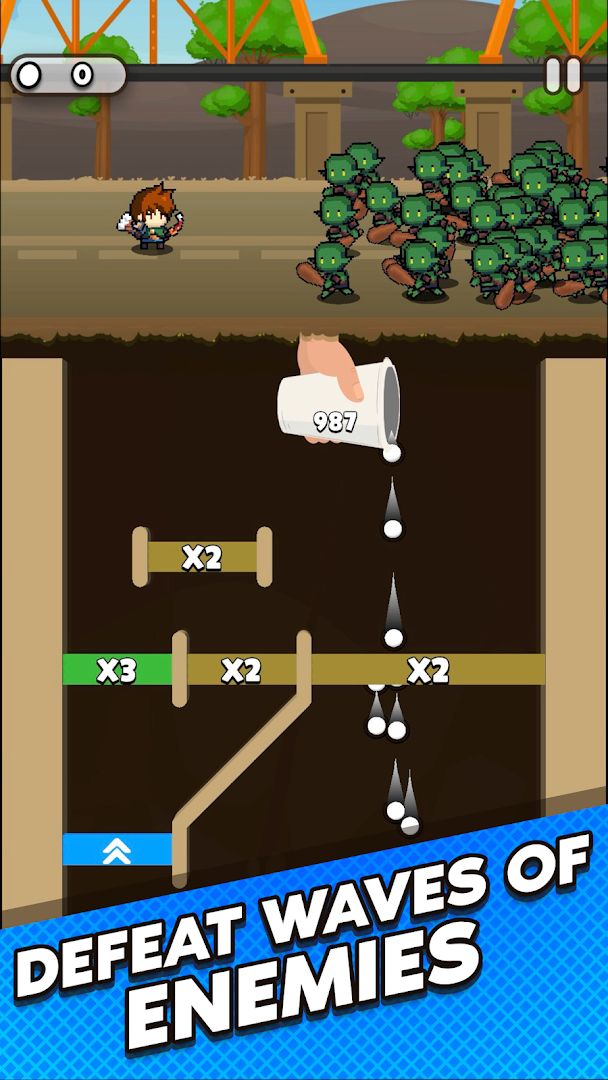
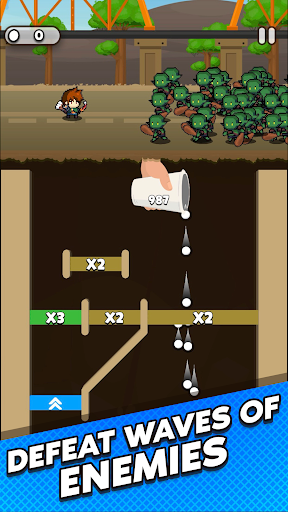
- Exciting Battles: Engage in thrilling combat with evil minions and powerful bosses. Use your heroes’ special moves and teamwork to defeat enemies and save the Queen.
- Beautiful Graphics: Enjoy stunning, colourful graphics that bring the world of Cup Heroes to life. Each scene is meticulously designed to enhance your gaming experience.
- Daily Rewards and Events: Log in every day for special rewards and participate in limited-time events to earn exclusive items and characters.
Why You'll Love Cup Heroes:
- Addictive Gameplay: Easy to learn but hard to master, Cup Heroes offers endless fun for players of all ages.
- Engaging Storyline: Immerse yourself in a heartwarming story of bravery, teamwork, and the quest to save the Queen.
Download Cup Heroes now and embark on an unforgettable journey to save the Queen!
Your cup heroes are waiting for you to lead them to victory!
Show more

1. Download MEmu installer and finish the setup

2. Start MEmu then open Google Play on the desktop

3. Search Cup Heroes in Google Play
Install
4. Download and Install Cup Heroes
5. On install completion click the icon to start

6. Enjoy playing Cup Heroes on PC with MEmu
MEmu Play is the best Android emulator and 100 million people already enjoy its superb Android gaming experience. The MEmu virtualization technology empowers you to play thousands of Android games smoothly on your PC, even the most graphic-intensive ones.
Bigger screen with better graphics; Long duration, without limitation of battery or mobile data.
Full Keymapping support for precise control of keyboard and mouse or gamepad.
Multiple game accounts or tasks on single PC at one time with Multi-Instance manager.
Play Cup Heroes on PC by following steps: