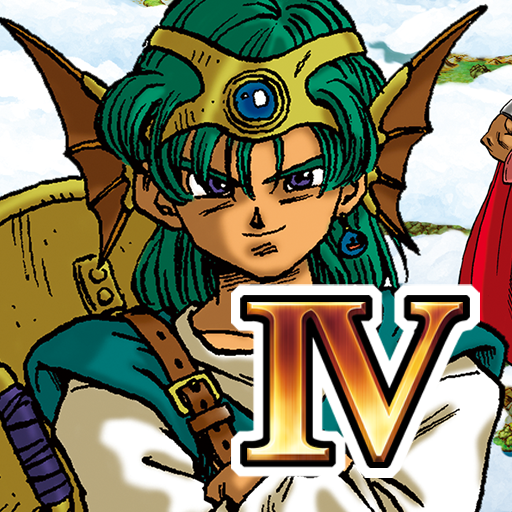
DRAGON QUEST IV
Updated
Current Version
1.1.7
Offered By

With your passion for DRAGON QUEST IV, you shouldn’t have to limit yourself to the small screen of a phone. Play like a pro and take full control of the game using a keyboard and mouse. MEmu gives you everything you’re looking for. Download and play DRAGON QUEST IV on PC. Play as long as you want — no more worries about battery life, mobile data, or unexpected calls. The all-new MEmu 9 is the best way to play DRAGON QUEST IV on PC. With our expertly designed keymapping system, DRAGON QUEST IV feels just like a real PC game. The MEmu multi-instance manager lets you run two or more accounts on the same device at the same time. Most importantly, our exclusive emulation engine unlocks your PC’s full potential, delivering smooth and seamless performance.
Show more
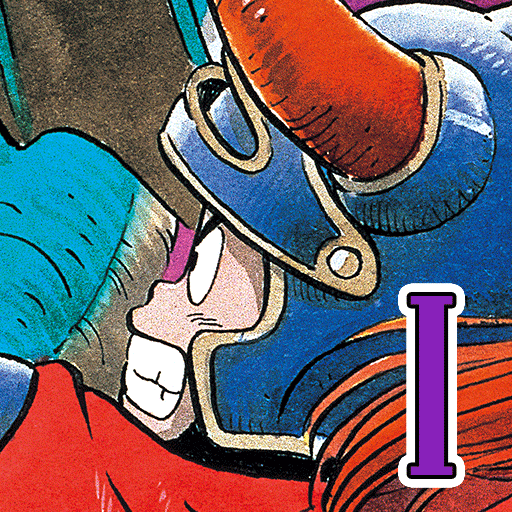
Download DRAGON QUEST IV on PC with MEmu Android Emulator. Enjoy playing on big screen. Play the first DRAGON QUEST in the Zenethian series & experience the epic story!
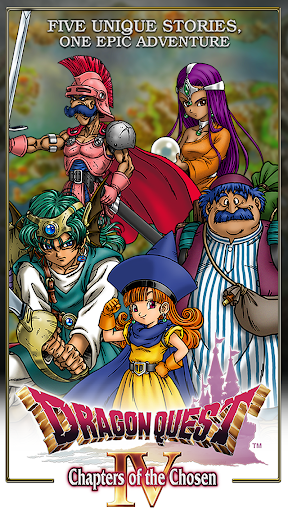
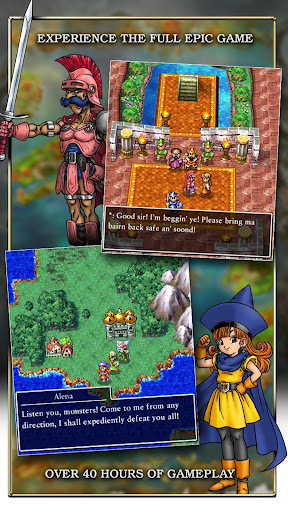
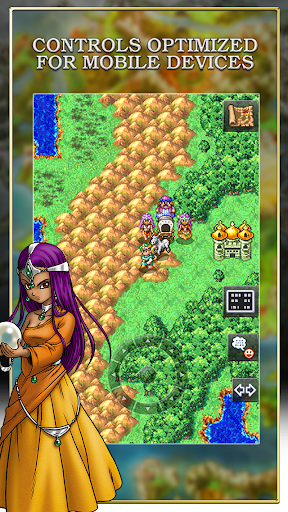
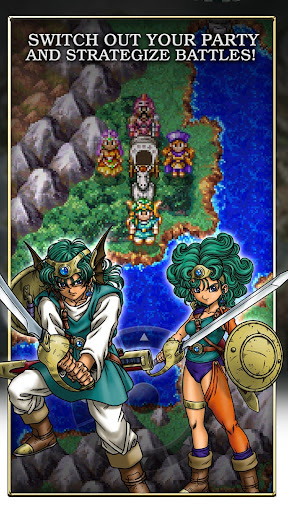
Play the first DRAGON QUEST in the Zenethian series & experience the epic story!
********************
Dragon Quest IV, the first instalment in the Zenithian Trilogy, is now out on mobile devices!
This epic adventure, unfolding over five unique chapters, each focusing on a different cast of characters, can now be enjoyed on your Android devices!
Enter a fantasy world of sword, magic, and monsters with over 40 hours of gameplay in one standalone package!
Download it once, and there’s nothing else to buy, and nothing else to download!
*In-game text is available in English only.
********************
◆ Story
In the far-flung corners of the world, our heroes’ stories are about to unfold...
Chapter 1: Ragnar McRyan and the Case of the Missing Children
Starring Ragnar McRyan, noble knight of bonnie Burland.
Chapter 2: Alena and the Journey to the Tourney
Starring Tsarevna Alena, tomboy princess, Kiryl the priest, her devoted follower, and Borya, the cantankerous conjurer who has watched over Alena since childhood.
Chapter 3: Torneko and the Extravagant Excavation
Starring Torneko Taloon, a weapon merchant chasing his lifelong dream.
Chapter 4: Meena and Maya and the Mahabala Mystery
Starring a pair of gifted sisters —Maya, the most alluring dancer in the entire world, and her fortune-telling sibling Meena—who will stop at nothing to avenge their father’s death.
Chapter 5: The Chosen
Starring a youthful hero destined to deliver the world from disaster.
At long last, the Chosen Ones, inseparably bound together by the thread of fate, set off to face their ultimate enemy!
◆ Game Features
・Party Talk
Chat with your loyal companions any time you like during your adventure!
They’ll tell you all kinds of interesting things, depending on where you are in the story, and what heroic feats you have accomplished!
・360-Degree Views
Rotate your viewpoint in towns and villages through a full 360 degrees to make sure you don’t miss a thing!
・Wagon Quest!
Once you have the wagon, you can take a team of up to ten companions around with you on your adventure, and swap them in and out of your party at will!
・AI Battles
Tired of giving orders? Your faithful companions can be instructed to fight automatically!
Use the various tactics at your disposal to see off even the toughest enemies with ease!
・Chapter 6?
Experience an extra chapter past the final chapter and explore a challenging bonus dungeon.
Experience the legendary RPG loved by millions in Japan and worldwide! Created by a legendary trio with the master creator Yuji Horii, the revolutionary synthesizer score and orchestration by Koichi Sugiyama, and art by master manga artist Akira Toriyama (Dragon Ball).
--------------------
[Supported Devices]
Devices running Android 6.0 and above.
* This game is not guaranteed to run on all devices.
Show more

1. Download MEmu installer and finish the setup

2. Start MEmu then open Google Play on the desktop

3. Search DRAGON QUEST IV in Google Play
Install
4. Download and Install DRAGON QUEST IV
5. On install completion click the icon to start

6. Enjoy playing DRAGON QUEST IV on PC with MEmu
MEmu Play is the best Android emulator and 100 million people already enjoy its superb Android gaming experience. The MEmu virtualization technology empowers you to play thousands of Android games smoothly on your PC, even the most graphic-intensive ones.
Bigger screen with better graphics; Long duration, without limitation of battery or mobile data.
Full Keymapping support for precise control of keyboard and mouse or gamepad.
Multiple game accounts or tasks on single PC at one time with Multi-Instance manager.
Play DRAGON QUEST IV on PC by following steps: