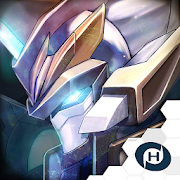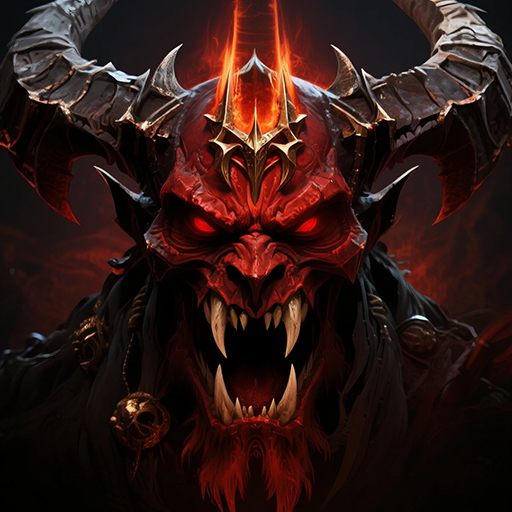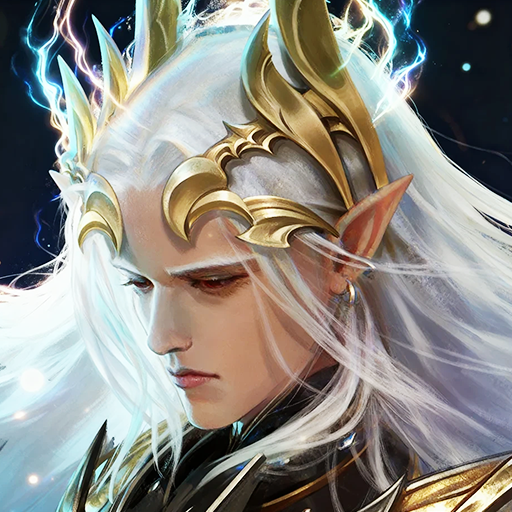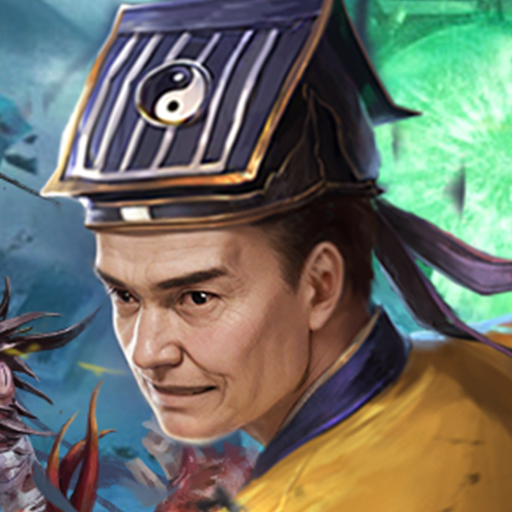
Dragonfall Kingdom
Updated
Current Version
Offered By

With your passion for Dragonfall Kingdom, you shouldn’t have to limit yourself to the small screen of a phone. Play like a pro and take full control of the game using a keyboard and mouse. MEmu gives you everything you’re looking for. Download and play Dragonfall Kingdom on PC. Play as long as you want — no more worries about battery life, mobile data, or unexpected calls. The all-new MEmu 9 is the best way to play Dragonfall Kingdom on PC. With our expertly designed keymapping system, Dragonfall Kingdom feels just like a real PC game. The MEmu multi-instance manager lets you run two or more accounts on the same device at the same time. Most importantly, our exclusive emulation engine unlocks your PC’s full potential, delivering smooth and seamless performance.
Show more
Download Dragonfall Kingdom on PC with MEmu Android Emulator. Enjoy playing on big screen. Enter Dargonfall Kingdom, a Western fantasy strategy game where you build your own realm, summon heroes through a gacha system, and lead your forces to victory in a world shaped by magic and war.
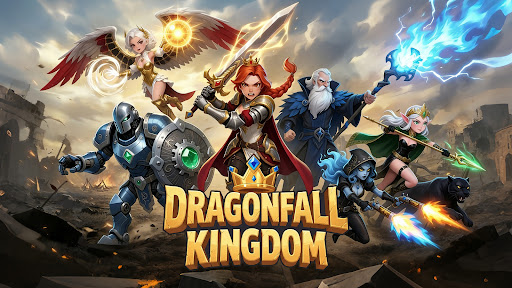
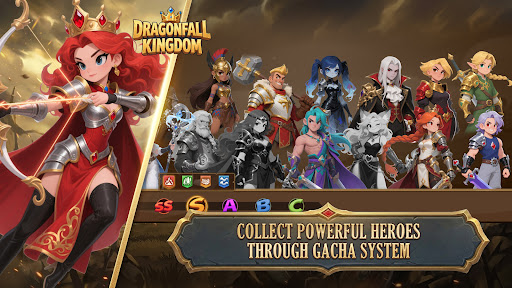
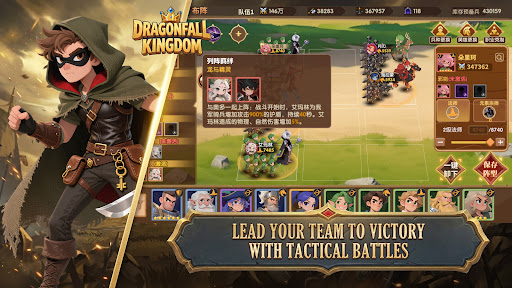
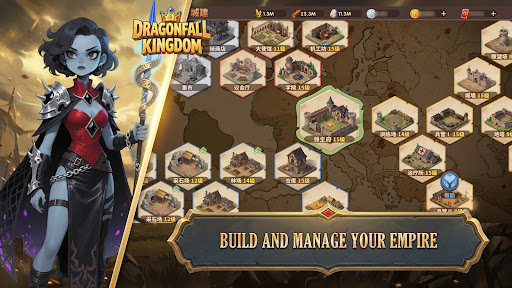
Enter Dargonfall Kingdom, a Western fantasy strategy game where you build your own realm, summon heroes through a gacha system, and lead your forces to victory in a world shaped by magic and war.
In a land divided by conflict, every decision matters. Manage your resources, develop your city, and expand your territory while facing both enemies and players. Strengthen your power step by step and carve your path to the throne.
Summon heroes from different factions, each with unique skills and roles. Mix and match your team, upgrade their abilities, and discover strategies that suit your playstyle. Whether you prefer offense, defense, or balanced tactics, your lineup defines your success.
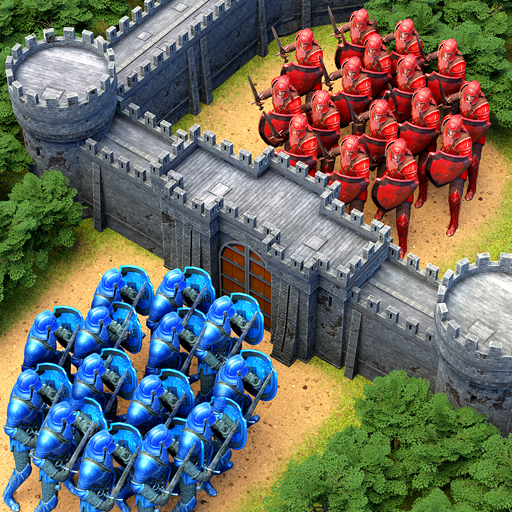
Strategic battles require careful planning. Position your heroes, use their skills wisely, and adapt to different enemy formations. Victory is not just about strength, but also about how you use it.
Beyond your kingdom, a larger world awaits. Join alliances to cooperate with other players, share resources, and participate in large-scale conflicts. Work together to take control of key territories and defend against rival factions.
-Game Features-
• Gacha Hero System
Summon and collect a wide range of heroes, each with distinct abilities and progression paths.
• Kingdom Building
Upgrade buildings, manage resources, and expand your territory at your own pace.
• Strategic Combat
Plan your formations and skill usage to overcome different challenges in battle.
• Hero Progression
Level up, enhance, and evolve your heroes to unlock their full potential.
• PvP & Alliance Gameplay
Compete with players worldwide or join alliances for cooperative play and shared goals.
• Expansive World Map
Explore, expand, and fight for control in a dynamic, shared world.
Build your kingdom, grow your strength, and take your place in the world of Dargonfall Kingdom!
Follow us on
Official Website: https://dkm.gamehollywood.com
Facebook: https://www.facebook.com/dragonfallkingdom
Discord: https://discord.gg/TA3GFuwfYx
YouTube: https://www.youtube.com/@DragonfallKingdom
Show more

1. Download MEmu installer and finish the setup

2. Start MEmu then open Google Play on the desktop

3. Search Dragonfall Kingdom in Google Play
Install
4. Download and Install Dragonfall Kingdom
5. On install completion click the icon to start

6. Enjoy playing Dragonfall Kingdom on PC with MEmu
MEmu Play is the best Android emulator and 100 million people already enjoy its superb Android gaming experience. The MEmu virtualization technology empowers you to play thousands of Android games smoothly on your PC, even the most graphic-intensive ones.
Bigger screen with better graphics; Long duration, without limitation of battery or mobile data.
Full Keymapping support for precise control of keyboard and mouse or gamepad.
Multiple game accounts or tasks on single PC at one time with Multi-Instance manager.
Play Dragonfall Kingdom on PC by following steps: