Drift X
Updated
Current Version
0.55
Offered By

With your passion for Drift X, you shouldn’t have to limit yourself to the small screen of a phone. Play like a pro and take full control of the game using a keyboard and mouse. MEmu gives you everything you’re looking for. Download and play Drift X on PC. Play as long as you want — no more worries about battery life, mobile data, or unexpected calls. The all-new MEmu 9 is the best way to play Drift X on PC. With our expertly designed keymapping system, Drift X feels just like a real PC game. The MEmu multi-instance manager lets you run two or more accounts on the same device at the same time. Most importantly, our exclusive emulation engine unlocks your PC’s full potential, delivering smooth and seamless performance.
Show more
Download Drift X on PC with MEmu Android Emulator. Enjoy playing on big screen. Drift X: The First Arabic Drifting Game with an Unmatched Realistic Experience .
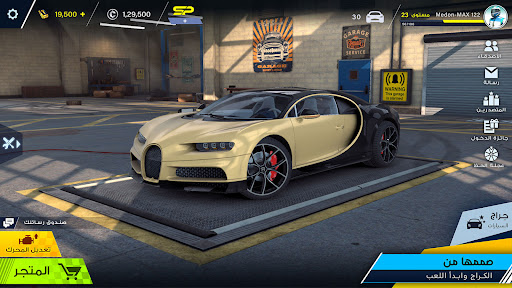
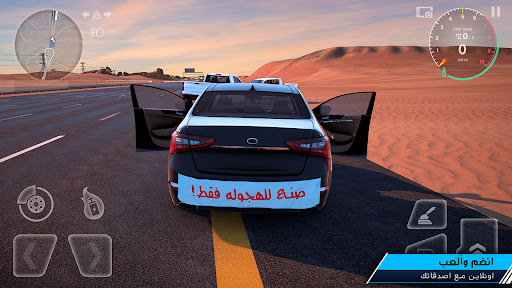
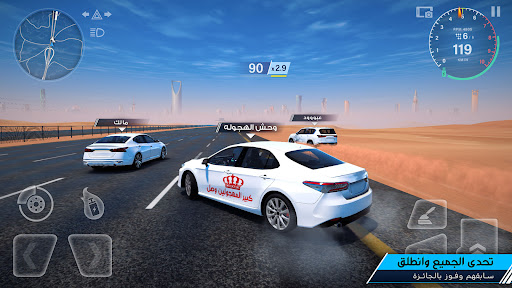
Drift X: The First Arabic Drifting Game with an Unmatched Realistic Experience
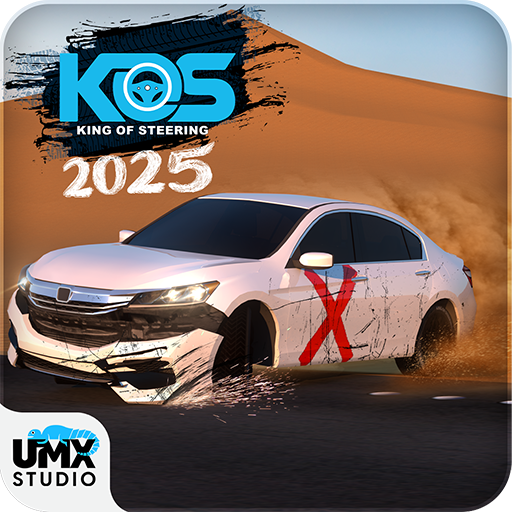
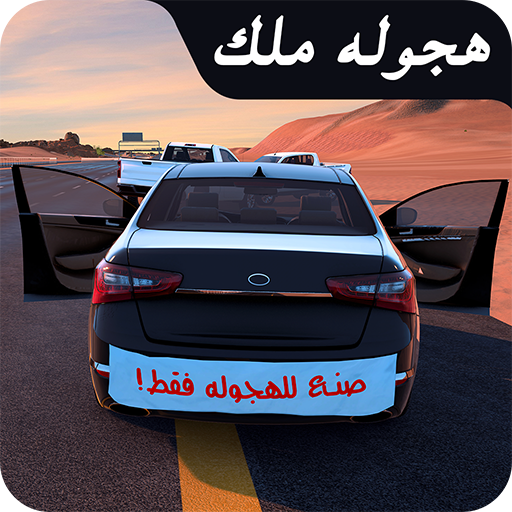
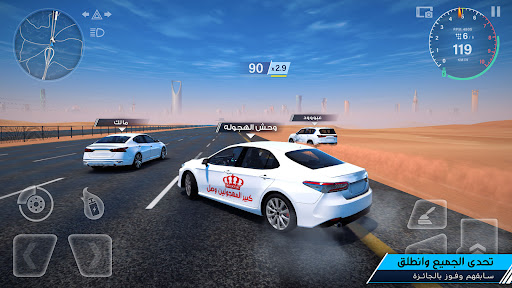
Get ready for Drift X— Where realistic drifting meets intense racing, Dive into a next-level driving experience with mind-blowing graphics, real car physics, and the biggest car selection in any drift game. Compete, customize, and challenge your friends in non-stop drift action!
Features:
→ Massive Car Collection: Get access to 20 cars, with new ones added every two weeks! Drift X brings you the largest lineup of drift cars to race.
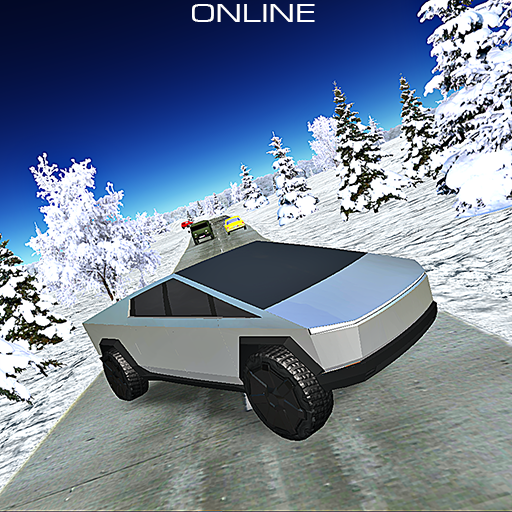
→ Huge Drift Map: Drift across deserts, highways, mountains, river, tents and more.
→ Engine upgrade feature: Choose between SUV or Sedan engines. Upgrade for more speed and power to make your car the fastest on the track.
→ Free & Rewarding Options: Earn keys, coins, and unlock game modes through drift points, daily tasks, and spin rewards. Plenty of ways to build your dream garage!
→ Voice Chat: Enjoy free voice chat for ultimate teamwork and interaction.
Unlock access to a variety of game modes and cars, with plenty of options to expand your garage
→ Realistic Graphics & Physics: Experience advanced visuals and real crash dynamics for that true drift vibe.
→ Exclusive Challenges:
1-Street Race Challenge: Hit the streets and test your speed.
2-Random Point Challenge: Explore surprise locations across the map.
3-Drifting Race Challenge: Compete for the highest drift score.
4-Climbing Race Challenge: Reach the peak and claim the mountain king title.
→ Competitive Drift System: Earn points and be on the top in the leaderboards.
→ Game Modes:
1) Solo Mode: Go for a solo drive, test your skills, and feel the power of your car and engine.
2) Quick Multiplayer: Challenge Drift X and show them who’s got the best ride and skills. Choose the Gathering Map for a quick view of main roads and hotspots or go with the Highway Map for the full layout, showing every road, landmark, and hidden spot.
3) Join/Create Room: Make your own room, invite friends, and play the game your way.
Think you have what it takes to be the ultimate drift champion? Download Drift X now and take the driver’s seat!
For full terms and conditions, please see:
https://umxstudio.co/en/terms-condition
For privacy policy:
https://umxstudio.co/en/privacy-policy
For any suggestion
Contact Technical Support:
support@umxstudio.co
Show more

1. Download MEmu installer and finish the setup

2. Start MEmu then open Google Play on the desktop

3. Search Drift X in Google Play
Install
4. Download and Install Drift X
5. On install completion click the icon to start

6. Enjoy playing Drift X on PC with MEmu
MEmu Play is the best Android emulator and 100 million people already enjoy its superb Android gaming experience. The MEmu virtualization technology empowers you to play thousands of Android games smoothly on your PC, even the most graphic-intensive ones.
Bigger screen with better graphics; Long duration, without limitation of battery or mobile data.
Full Keymapping support for precise control of keyboard and mouse or gamepad.
Multiple game accounts or tasks on single PC at one time with Multi-Instance manager.
Play Drift X on PC by following steps: