Game of Thrones: Dragonfire
Updated
Current Version
26.6.53091
Offered By

With your passion for Game of Thrones: Dragonfire, you shouldn’t have to limit yourself to the small screen of a phone. Play like a pro and take full control of the game using a keyboard and mouse. MEmu gives you everything you’re looking for. Download and play Game of Thrones: Dragonfire on PC. Play as long as you want — no more worries about battery life, mobile data, or unexpected calls. The all-new MEmu 9 is the best way to play Game of Thrones: Dragonfire on PC. With our expertly designed keymapping system, Game of Thrones: Dragonfire feels just like a real PC game. The MEmu multi-instance manager lets you run two or more accounts on the same device at the same time. Most importantly, our exclusive emulation engine unlocks your PC’s full potential, delivering smooth and seamless performance.
Show more
Download Game of Thrones: Dragonfire on PC with MEmu Android Emulator. Enjoy playing on big screen. Command legendary dragons, forge powerful alliances, and conquer the Seven Kingdoms in the ultimate Game of Thrones strategy game.
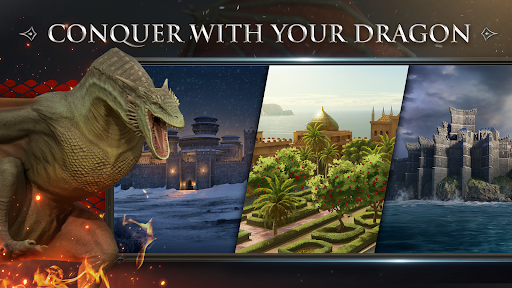
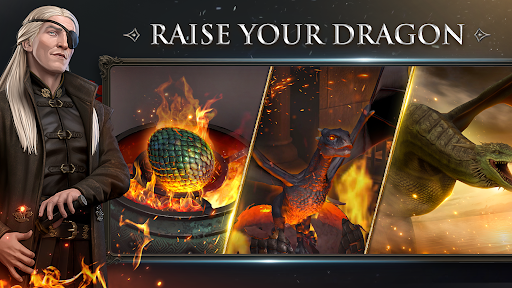
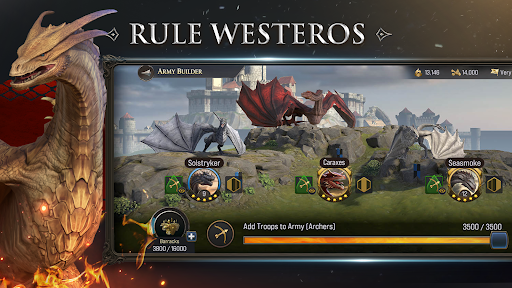
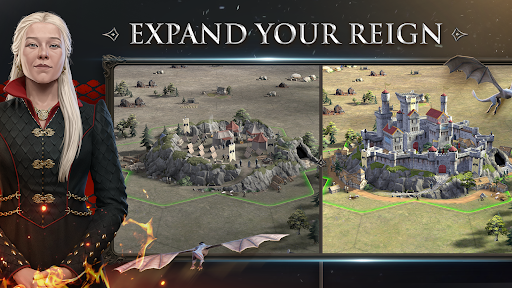
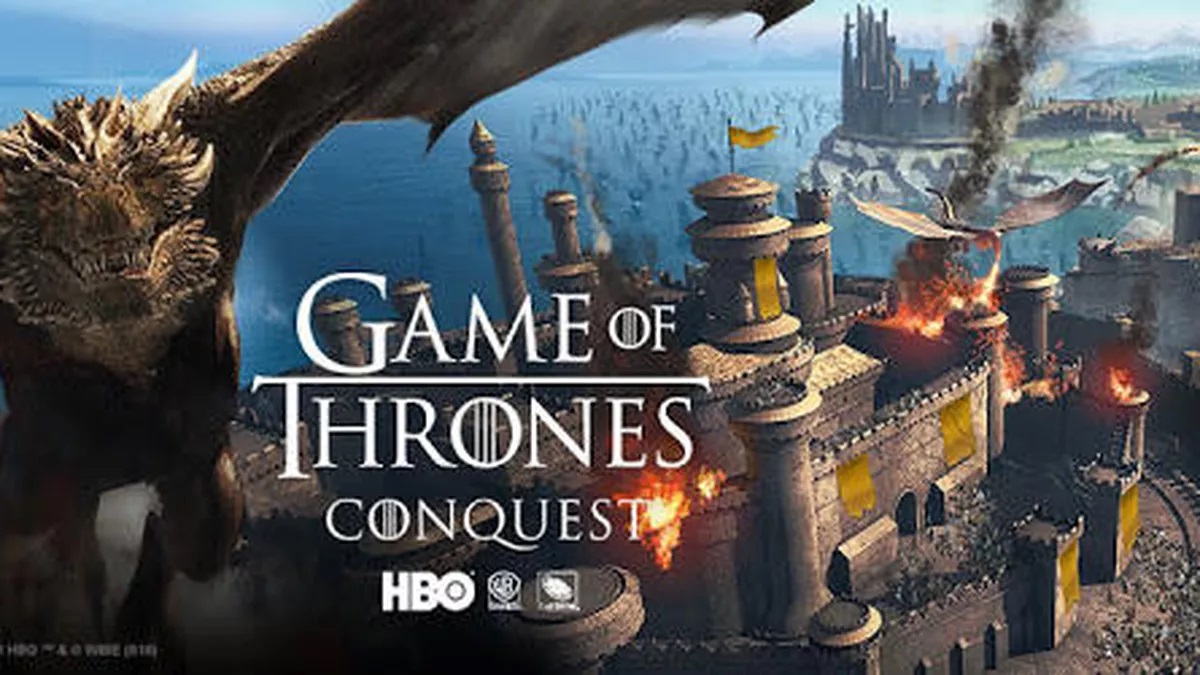
Command legendary dragons, forge powerful alliances, and conquer the Seven Kingdoms in the ultimate Game of Thrones strategy game. Build your empire, raise a fearsome dragon army, and wage RTS war across Westeros to claim the Iron Throne. Game of Thrones: Dragonfire is an epic 4X strategy war game where you lead your House through conquest, diplomacy, and dragon warfare in the most immersive medieval fantasy game on mobile.
COLLECT & COMMAND MIGHTY DRAGONS
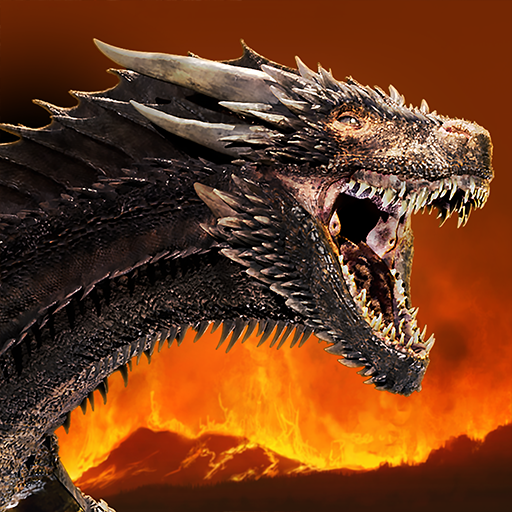
Hatch, train, and command legendary dragons. Battle with Syrax, Caraxes, Seasmoke, and more. Each dragon possesses unique abilities to turn the tide of tactical warfare. Build an unstoppable dragon army, collect rare species, and evolve them into forces of pure destruction to dominate the skies of Westeros.
WAGE EPIC STRATEGIC WARFARE
Lead your armies in high-stakes PvP war and real time strategy combat. Lay siege to enemy strongholds, defend your castle, and outmaneuver rival Houses in thrilling battles. Whether engaging in PvE campaigns or global clan wars, your mastery of RTS mechanics and cunning strategy will determine who reigns supreme.
BUILD & UPGRADE YOUR KINGDOM
Master base building as you grow a small stronghold into an unassailable fortress. Manage vital resources to fuel your conquest of Westeros and train elite troops in this thrilling battle game. Effective kingdom management and defensive upgrades are the keys to surviving the brutal politics of the Seven Kingdoms.
CONQUER THE SEVEN KINGDOMS
Explore a detailed map of Westeros featuring iconic landmarks like the Red Keep, Dragonstone, and Harrenhal. Expand your empire across legendary regions, conquer rival territories, and control the most powerful strongholds in the realm. In this MMO strategy world, every territory claimed brings you closer to the Iron Throne.
DISCOVER EPIC STORYLINES
Step into the official game of the HBO show House of the Dragon, set 172 years before Daenerys Targaryen. Immerse yourself in a narrative-rich campaign where your decisions shape the destiny of the realm. Interact with iconic characters like Rhaenyra Targaryen and Daemon Targaryen in a story filled with the drama, betrayal, and intrigue that defines Game of Thrones.
FORGE MULTIPLAYER ALLIANCES
Join forces with players worldwide in this massive multiplayer strategy MMO. Coordinate grand strategies with your alliance, dominate the world map, and wage war against rival factions. In a land of shifting loyalties, strong diplomacy and coordinated alliance warfare are essential to securing your legacy.
WHY PLAY GAME OF THRONES: DRAGONFIRE?
• The Definitive GoT Strategy Game: Officially licensed medieval fantasy RPG and war game.
• Deep 4X Gameplay: Explore, expand, exploit and exterminate in a massive world.
• Stunning Visuals: High-fidelity graphics bring the dragons and strongholds of Westeros to life.
• Live Events: Regular updates featuring new dragons, seasonal events, and storylines.
• Global PvP: Compete against thousands of strategists in real-time throne battles.
Download Game of Thrones: Dragonfire now and begin your conquest! The battle for the Seven Kingdoms has begun; Will you command the fire and claim the throne?
Show more

1. Download MEmu installer and finish the setup

2. Start MEmu then open Google Play on the desktop

3. Search Game of Thrones: Dragonfire in Google Play
Install
4. Download and Install Game of Thrones: Dragonfire
5. On install completion click the icon to start

6. Enjoy playing Game of Thrones: Dragonfire on PC with MEmu
MEmu Play is the best Android emulator and 100 million people already enjoy its superb Android gaming experience. The MEmu virtualization technology empowers you to play thousands of Android games smoothly on your PC, even the most graphic-intensive ones.
Bigger screen with better graphics; Long duration, without limitation of battery or mobile data.
Full Keymapping support for precise control of keyboard and mouse or gamepad.
Multiple game accounts or tasks on single PC at one time with Multi-Instance manager.
Play Game of Thrones: Dragonfire on PC by following steps: