KR 2 - King Simulator PRO
Updated
Current Version
1.0.46
Offered By

With your passion for KR 2 - King Simulator PRO, you shouldn’t have to limit yourself to the small screen of a phone. Play like a pro and take full control of the game using a keyboard and mouse. MEmu gives you everything you’re looking for. Download and play KR 2 - King Simulator PRO on PC. Play as long as you want — no more worries about battery life, mobile data, or unexpected calls. The all-new MEmu 9 is the best way to play KR 2 - King Simulator PRO on PC. With our expertly designed keymapping system, KR 2 - King Simulator PRO feels just like a real PC game. The MEmu multi-instance manager lets you run two or more accounts on the same device at the same time. Most importantly, our exclusive emulation engine unlocks your PC’s full potential, delivering smooth and seamless performance.
Show more
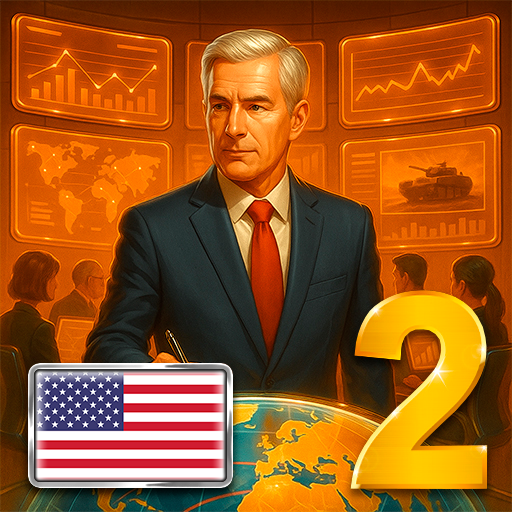
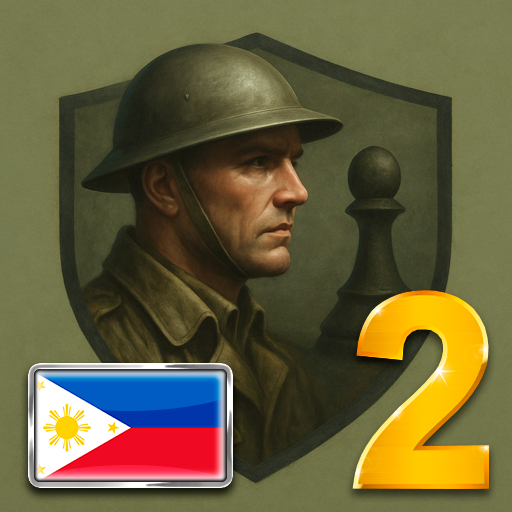
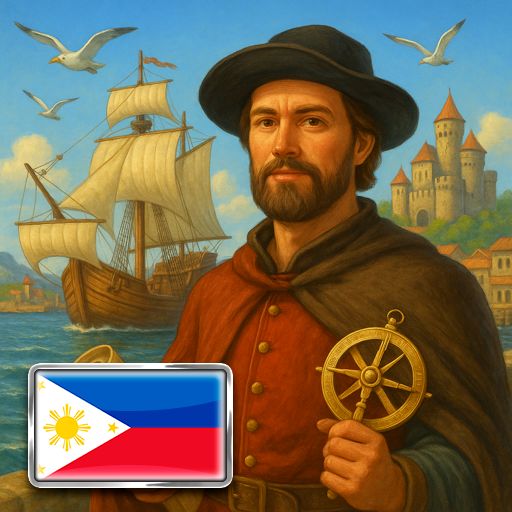
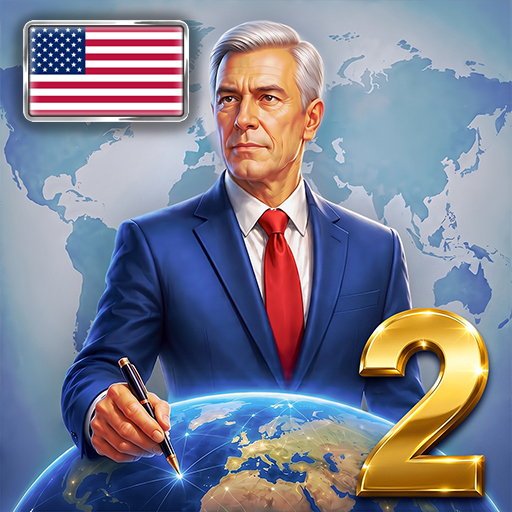
Download KR 2 - King Simulator PRO on PC with MEmu Android Emulator. Enjoy playing on big screen. Kievan Rus’ 2 Premium is a large-scale economic strategy in the atmosphere of the Middle Ages.
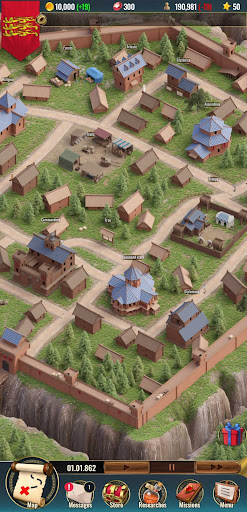
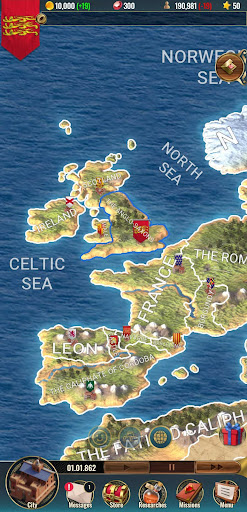
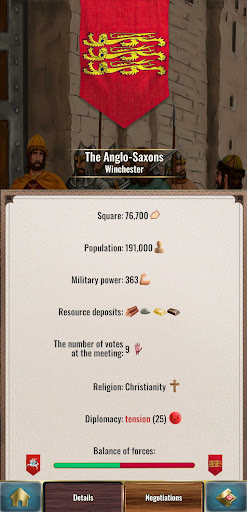
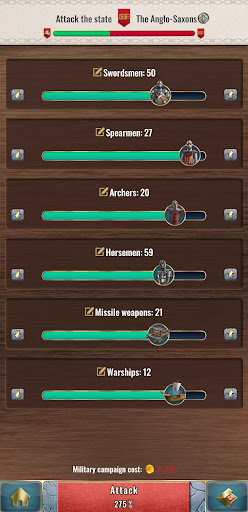
Kievan Rus’ 2 Premium is a large-scale economic strategy in the atmosphere of the Middle Ages. Lead a small kingdom and turn it into a huge and powerful empire! Manage it through the ages, explore new technologies, expand your empire and become the hero of an epic story. Fight with other countries and prove yourself as a wise king and a successful military commander.
FEATURES OF THE GAME
Deep strategic component – it is easy to win playing for Byzantium or France, but try to do it for Poland or Norway! It will take the talent of a brilliant strategist to capture the whole world using not only troops, but also diplomacy, science and economics.
Offline mode – Kievan Rus 2 can be played offline without the Internet: on the road, on the plane, in the subway, it will always be with you.
Diplomacy – build embassies, conclude trade agreements, non-aggression pacts, defense agreements, research agreements. Improve relations with other states.
Economy – organize the development of deposits, the collection and processing of resources, the construction of manufactories, the production of raw materials for the manufacture of military equipment.
Trade – organize trade with other countries, buy and sell food, resources and military equipment.
Colonization – discover new territories, establish control over them, conduct missionary work in the colonized territories.
Scientific development – 63 different technologies are available for the development of your empire.
War and Army – hire numerous medieval warriors, such as horsemen and spearmen. With the right strategy and tactics, seize state after state, establish your control over all countries in the world.
Barbarians – fight the barbarians, put a decisive end to their raids on your empire.
Pay off the war – pursue a flexible military policy. If you see that your army will not be able to defeat the enemy attacking your empire, then you can always negotiate with the aggressor for a certain amount of gold or resources.
Command – appoint people to key positions in the army and the imperial court who will strengthen your kingdom.
Pirates and Pirate brotherhoods – establish your control over the seas so that pirates are afraid of the imperial fleet!
Taxes – collect taxes from the working population, but do not forget to take care of the happiness of the population, otherwise there will be a riot and complete despair in the empire.
Spies and Saboteurs. Use spies to scout out information about the enemy’s army before each battle. Hire saboteurs to conduct secret operations on the territory of your enemies, saboteurs will help significantly reduce the combat potential of the enemy.
Random events will not let you get bored! Events can be positive, for example, receiving help from an ally, or negative: catastrophes, epidemics, pandemics, sabotage.
Wide variety of countries with unique game features: Byzantium, France, Roman Empire, Kievan Rus, Anglo-Saxons, Poland, Japan, Maya and others.
Create your own story with your strategy and tactics. Immerse yourself in one of the most sophisticated mobile strategies, become a legendary emperor and build your mighty empire in this medieval strategy game.
Play Kievan Rus 2 and do not forget: download the game “Kievan Rus 2” and play it for free!
*** Benefits of premium version: ***
1. You’ll be able to play as any available country
2. No ads
3. +100% to day play speed button available
Show more

1. Download MEmu installer and finish the setup

2. Start MEmu then open Google Play on the desktop

3. Search KR 2 - King Simulator PRO in Google Play
Install
4. Download and Install KR 2 - King Simulator PRO
5. On install completion click the icon to start

6. Enjoy playing KR 2 - King Simulator PRO on PC with MEmu
MEmu Play is the best Android emulator and 100 million people already enjoy its superb Android gaming experience. The MEmu virtualization technology empowers you to play thousands of Android games smoothly on your PC, even the most graphic-intensive ones.
Bigger screen with better graphics; Long duration, without limitation of battery or mobile data.
Full Keymapping support for precise control of keyboard and mouse or gamepad.
Multiple game accounts or tasks on single PC at one time with Multi-Instance manager.
Play KR 2 - King Simulator PRO on PC by following steps: