
Light and Night
Updated
Current Version
Offered By

With your passion for Light and Night, you shouldn’t have to limit yourself to the small screen of a phone. Play like a pro and take full control of the game using a keyboard and mouse. MEmu gives you everything you’re looking for. Download and play Light and Night on PC. Play as long as you want — no more worries about battery life, mobile data, or unexpected calls. The all-new MEmu 9 is the best way to play Light and Night on PC. With our expertly designed keymapping system, Light and Night feels just like a real PC game. The MEmu multi-instance manager lets you run two or more accounts on the same device at the same time. Most importantly, our exclusive emulation engine unlocks your PC’s full potential, delivering smooth and seamless performance.
Show more
Download Light and Night on PC with MEmu Android Emulator. Enjoy playing on big screen. Light and Night is a deeply immersive interactive romance mobile game set in a modern Eastern metropolis.
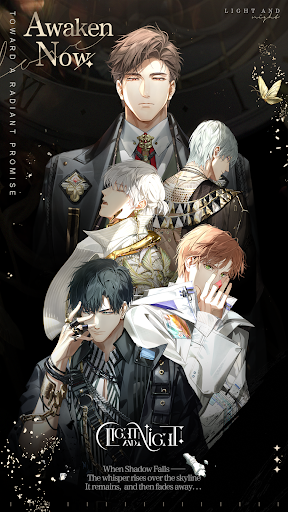
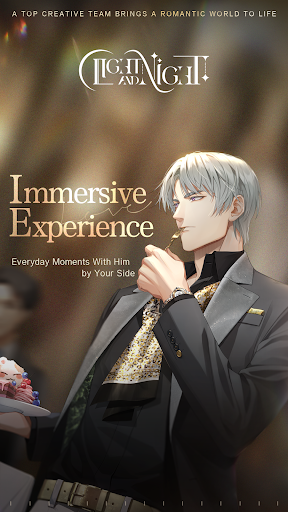
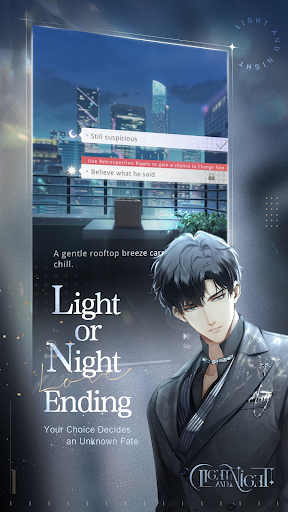
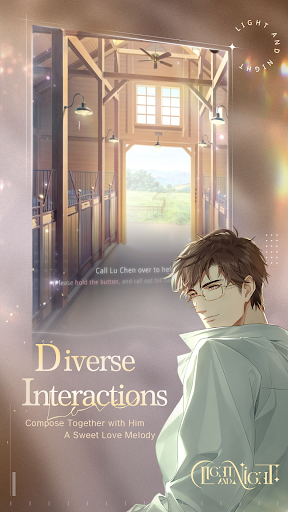
Light and Night is a deeply immersive interactive romance mobile game set in a modern Eastern metropolis. Featuring professional composers and an elite team of artists and writers, it delivers a distinctive, lifelike romantic experience.
With rich interactions and branching endings, your choices lead you to a fateful encounter that is yours alone.
WORLD SETTING
In the world of light, you are a rising designer chasing your dreams. In the dreams of night, you catch a glimpse of another hidden truth. Light and night exist side by side. Every choice you make shapes the final outcome. Will you remain in the light, or step forward into the night? In the end, it all comes down to a single choice. The wheel of fate turns with your decision.
[LIGHT AND NIGHT ENDINGS]
A unique dual-ending system. Choose your destined path. Unlock different endings through your choices, meet different male leads, and create a romance woven just for you.
[INTERACTIVE ROMANCE]
Go on dates, enjoy voice interactions, and play mini-games together. With messages, calls, and video calls, experience a love that feels real.
[FASHION DESIGN]
Become a top designer and customize your look. Mix and match outfits and makeup to create your own signature style for every occasion.
[EXCLUSIVE STORIES]
Unlock hidden stories and voice content that make your heart race. Discover each male lead's personal story, the secrets hidden deep within his heart, shared only with you, creating memories that belong to just the two of you.
[IMMERSIVE EXPERIENCE]
Brought to life with intimate voices, with him by your side through everyday moments. A professional team of composers, writers, and artists delivers a rich sensory experience. Step into a romance that is both sweet and heart-fluttering.
SUPPORT
- Email: lightandnight@vng.com.vn
Show more

1. Download MEmu installer and finish the setup

2. Start MEmu then open Google Play on the desktop

3. Search Light and Night in Google Play
Install
4. Download and Install Light and Night
5. On install completion click the icon to start

6. Enjoy playing Light and Night on PC with MEmu
MEmu Play is the best Android emulator and 100 million people already enjoy its superb Android gaming experience. The MEmu virtualization technology empowers you to play thousands of Android games smoothly on your PC, even the most graphic-intensive ones.
Bigger screen with better graphics; Long duration, without limitation of battery or mobile data.
Full Keymapping support for precise control of keyboard and mouse or gamepad.
Multiple game accounts or tasks on single PC at one time with Multi-Instance manager.
Play Light and Night on PC by following steps: