Rebel Queen: Dress Up Games
Updated
Current Version
1.2.7
Offered By

With your passion for Rebel Queen: Dress Up Games, you shouldn’t have to limit yourself to the small screen of a phone. Play like a pro and take full control of the game using a keyboard and mouse. MEmu gives you everything you’re looking for. Download and play Rebel Queen: Dress Up Games on PC. Play as long as you want — no more worries about battery life, mobile data, or unexpected calls. The all-new MEmu 9 is the best way to play Rebel Queen: Dress Up Games on PC. With our expertly designed keymapping system, Rebel Queen: Dress Up Games feels just like a real PC game. The MEmu multi-instance manager lets you run two or more accounts on the same device at the same time. Most importantly, our exclusive emulation engine unlocks your PC’s full potential, delivering smooth and seamless performance.
Show more
Download Rebel Queen: Dress Up Games on PC with MEmu Android Emulator. Enjoy playing on big screen. Every heart holds a magnificent spark, ready to shine.
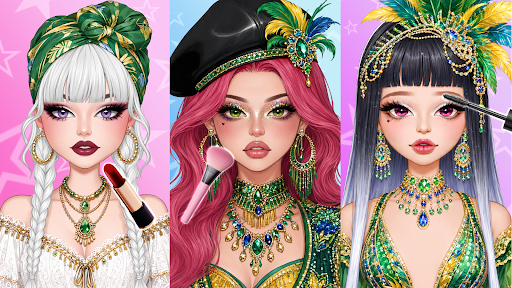
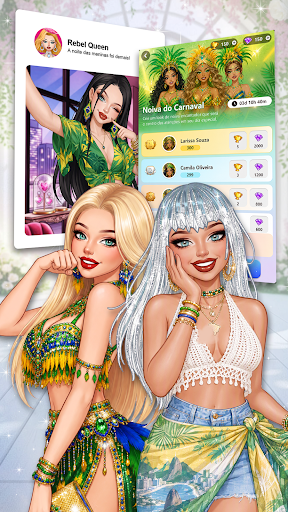
Every heart holds a magnificent spark, ready to shine. Your creativity, unique style, and confidence deserve a radiant place to glow.
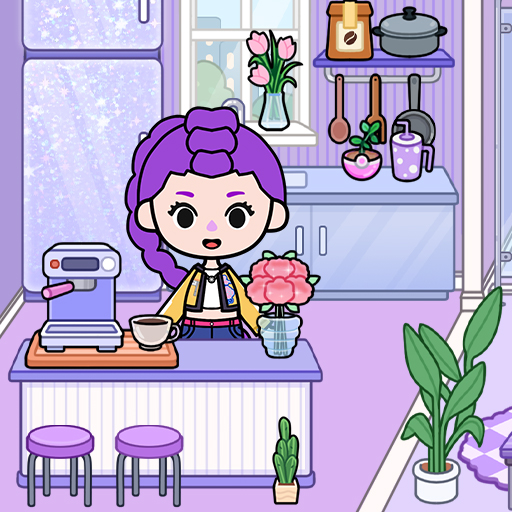
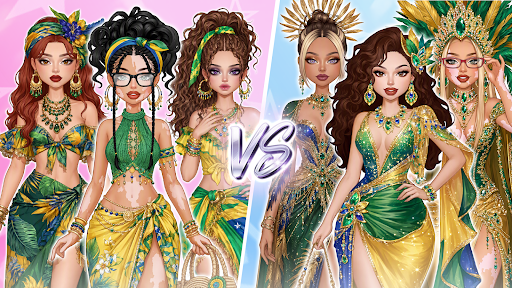
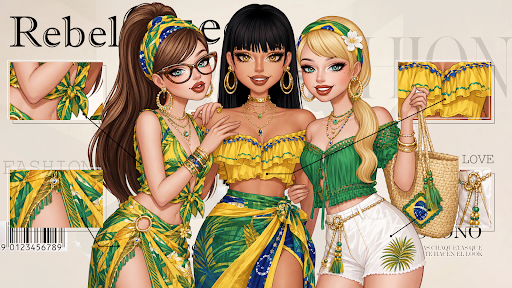
Welcome to Rebel Glam, an inspiring fashion simulation where beauty and imagination come to life. This is more than ordinary dress up games—it is a glorious celebration of self-expression and artistic design. Discover vibrant aesthetics, explore global trends, and create exquisite outfits that reflect your authentic personality.
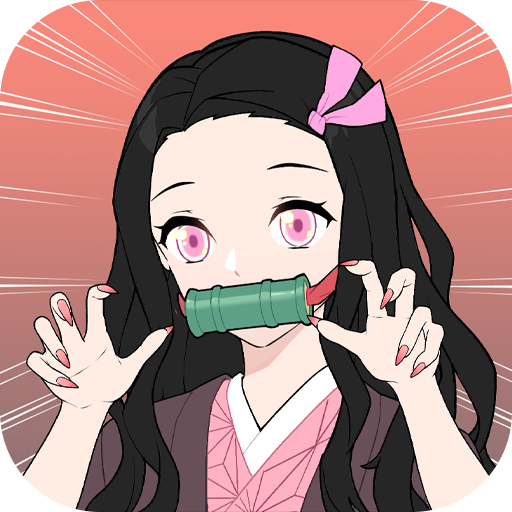
From E-Girl energy to Red Carpet glamour, every style you design becomes a triumphant moment. Enjoy the freedom to master the art of fashion, makeup, and magical makeover transformations that make every avatar feel truly special.
DESIGN & CUSTOMIZE YOUR STYLE
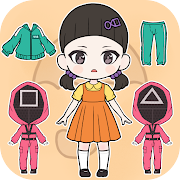
Why follow trends when you can curate your own? Explore a massive wardrobe of Y2K fashion, gothic chic, and luxury couture. Cut custom patterns, dye fabrics with vibrant colors, and stitch unique silhouettes to mix and match textures. Customize every detail of your avatar—from stunning hairstyles to professional makeup combinations.
IMMERSIVE CREATIVE DRESS UP GAMES
If you love creative dress up games, Rebel Queen offers endless inspiration. Engage in deep styling mechanics, experiment with fresh outfits, and enjoy relaxing fashion challenges. Each new look you design becomes a vital part of your personal fashion journey.
MASTER THE MAKEUP & MAKEOVER MAGIC
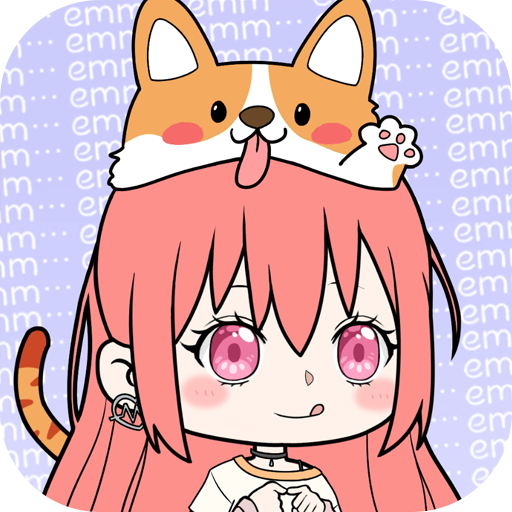
Express your artistry with professional makeup tools and complete beauty makeover features. Blend colorful eyeshadows, contour with highlights, and style iconic hair designs. Every makeover helps transform your model into a confident fashion icon through realistic cosmetic simulation.
CAPTURE & SHARE STUNNING MOMENTS
Pose your model in immersive scenes and capture high-definition photos. Add creative filters, fun stickers, and share your favorite fashion looks with the global community. Celebrate your creativity, gain Aura Points, and inspire others with your beautiful masterpieces.
Create amazing outfits, master stylish makeup, and let your inner brilliance shine brighter than ever.
Show more

1. Download MEmu installer and finish the setup

2. Start MEmu then open Google Play on the desktop

3. Search Rebel Queen: Dress Up Games in Google Play
Install
4. Download and Install Rebel Queen: Dress Up Games
5. On install completion click the icon to start

6. Enjoy playing Rebel Queen: Dress Up Games on PC with MEmu
MEmu Play is the best Android emulator and 100 million people already enjoy its superb Android gaming experience. The MEmu virtualization technology empowers you to play thousands of Android games smoothly on your PC, even the most graphic-intensive ones.
Bigger screen with better graphics; Long duration, without limitation of battery or mobile data.
Full Keymapping support for precise control of keyboard and mouse or gamepad.
Multiple game accounts or tasks on single PC at one time with Multi-Instance manager.
Play Rebel Queen: Dress Up Games on PC by following steps: