SD Gundam G Generation ETERNAL
Updated
Current Version
2.0.1
Offered By

With your passion for SD Gundam G Generation ETERNAL, you shouldn’t have to limit yourself to the small screen of a phone. Play like a pro and take full control of the game using a keyboard and mouse. MEmu gives you everything you’re looking for. Download and play SD Gundam G Generation ETERNAL on PC. Play as long as you want — no more worries about battery life, mobile data, or unexpected calls. The all-new MEmu 9 is the best way to play SD Gundam G Generation ETERNAL on PC. With our expertly designed keymapping system, SD Gundam G Generation ETERNAL feels just like a real PC game. The MEmu multi-instance manager lets you run two or more accounts on the same device at the same time. Most importantly, our exclusive emulation engine unlocks your PC’s full potential, delivering smooth and seamless performance.
Show more
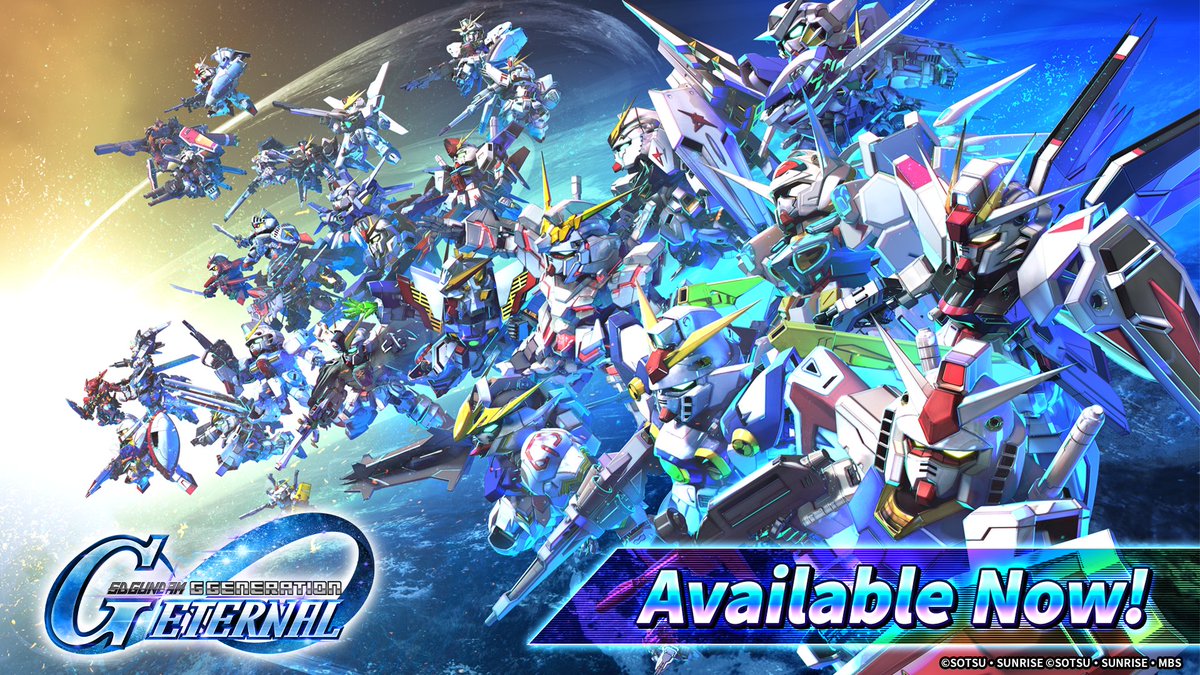
Download SD Gundam G Generation ETERNAL on PC with MEmu Android Emulator. Enjoy playing on big screen. The latest title from the Gundam strategy game series "G Generation" is finally available on your smartphone!
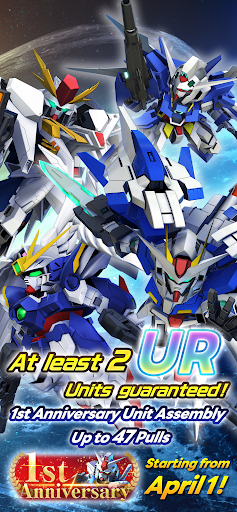
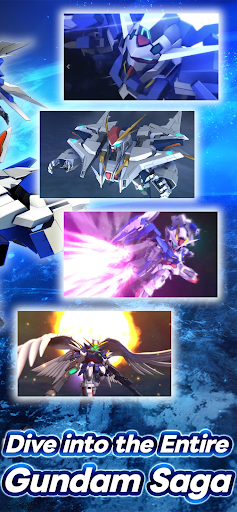
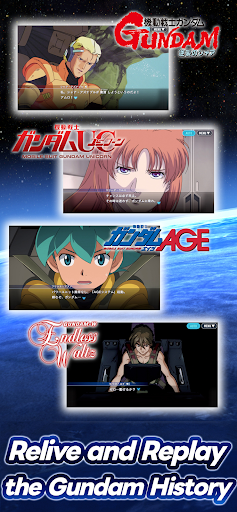
The latest title from the Gundam strategy game series "G Generation" is finally available on your smartphone!
Dive into the world of Gundam and enjoy the game's unique system to upgrade, develop, and form squads with your favorite Mobile Suits and characters from your favorite series.
Enjoy the epic battles where characters and Mobile Suits from all the series clash together!
[Game Features]
■ The most Mobile Suits and characters ever!
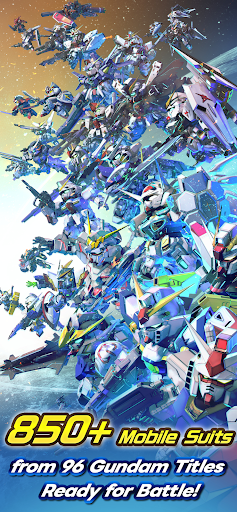
Play with over 850 Mobile Suits from 96 different Gundam titles! Choose your favorite characters and Mobile Suits, form the ultimate squad, and sortie into battle!
*More titles and Mobile Suits will continue to be added sequentially.
[Official Social Media Channels]
Check the latest info and Events here! And don't forget to follow us!
X: https://x.com/ggene_eternalEN
Facebook: https://www.facebook.com/ggene.eternal/
■About [Eternal Pass]
It is a monthly service that allows for increased stage challenge attempts and item grants.
■Service Content 1
Upgrade Stages (Capital) Challenge Limit 1Up
Upgrade Stages (Units) Challenge Limit 1Up
Upgrade Stages (Characters) Challenge Limit 1Up
Upgrade Stages (Supporters) Challenge Limit 1Up
・The above effects will be applied during the subscription period.
■Service Content 2
Premium Unit Assembly Ticket×5
Limited Time AP Pack (Effective for 30 days)×5
・The items will be granted upon logging in after the purchase or renewal.
*If the maximum holding limit is exceeded, the items will be granted to the present box.
*The Limited Time AP Pack is effective for 30 days from the granting date.
It will expire 30 days later even if not used.
■Validity Period and Auto-Renewal
・The effective period of the Eternal Pass is one month after purchase and it will be automatically renewed.
*One month refers to the same date and time of the next month from the purchase date.
Example: If purchased at 1:00 AM on January 1, it is valid until 0:59 AM on February 1.
*If the same date does not exist in the next month, it will be valid until the closest date within the next month.
Example: If purchased at 1:00 AM on March 31, it is valid until 0:59 AM on April 30.
*Depending on the timing of the purchase or renewal, such as around the turn of the month, there may be a few days' discrepancy in the reflection timing on the platform side.
・To cancel the Eternal Pass, please cancel it at least 3 days (72 hours) before the automatic renewal.
*If you miss the 3 days (72 hours) deadline, there may be a timing discrepancy on the platform side, preventing the intended cancellation timing.
・Even if you cancel during the validity period, you will receive the Eternal Pass benefits until the expiration of the validity period.
Example: If purchased at 1:00 AM on January 1 and canceled on January 2 during the validity period, you will still receive the benefits until 0:59 AM on February 1.
■How to Cancel
You can cancel your subscription by:
Selecting your user icon from the [Play Store].
Selecting [Payments and subscriptions].
Selecting [Subscriptions].
Selecting [SD Gundam G Generation Eternal].
Then, choose [Cancel subscription].
※Deleting the app or game data won't cancel the subscription.
※Contact your platform if you need help.
■Terms of Use
https://legal.bandainamcoent.co.jp/terms/
■Privacy Policy
https://legal.bandainamcoent.co.jp/privacy/
SUPPORT:
https://bnfaq.channel.or.jp/title/2921
Bandai Namco Entertainment Inc. Website:
https://bandainamcoent.co.jp/english/
By downloading or installing this app, you agree to the Bandai Namco Entertainment Terms of Service.
Note:
This game contains some items available for in-app purchase that can enhance gameplay and speed up your progress.
In-app purchases can be disabled in your device settings, see
https://support.google.com/googleplay/answer/1626831?hl=en for more details.
This application is distributed under the official rights from the license holder.
©SOTSU・SUNRISE
©SOTSU・SUNRISE・MBS
Show more

1. Download MEmu installer and finish the setup

2. Start MEmu then open Google Play on the desktop

3. Search SD Gundam G Generation ETERNAL in Google Play
Install
4. Download and Install SD Gundam G Generation ETERNAL
5. On install completion click the icon to start

6. Enjoy playing SD Gundam G Generation ETERNAL on PC with MEmu
MEmu Play is the best Android emulator and 100 million people already enjoy its superb Android gaming experience. The MEmu virtualization technology empowers you to play thousands of Android games smoothly on your PC, even the most graphic-intensive ones.
Bigger screen with better graphics; Long duration, without limitation of battery or mobile data.
Full Keymapping support for precise control of keyboard and mouse or gamepad.
Multiple game accounts or tasks on single PC at one time with Multi-Instance manager.
Play SD Gundam G Generation ETERNAL on PC by following steps: