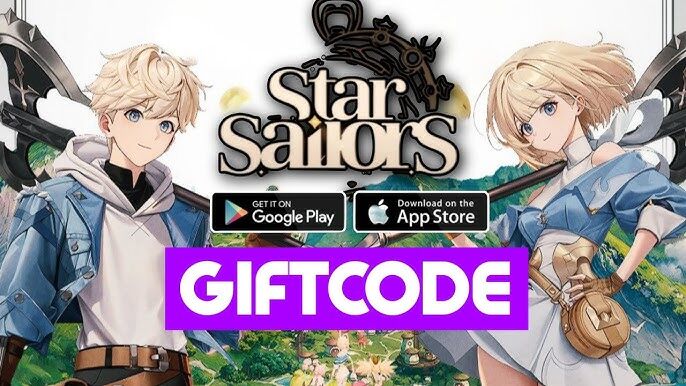
Star Sailors
Updated
Current Version
1.1.15
Offered By

With your passion for Star Sailors, you shouldn’t have to limit yourself to the small screen of a phone. Play like a pro and take full control of the game using a keyboard and mouse. MEmu gives you everything you’re looking for. Download and play Star Sailors on PC. Play as long as you want — no more worries about battery life, mobile data, or unexpected calls. The all-new MEmu 9 is the best way to play Star Sailors on PC. With our expertly designed keymapping system, Star Sailors feels just like a real PC game. The MEmu multi-instance manager lets you run two or more accounts on the same device at the same time. Most importantly, our exclusive emulation engine unlocks your PC’s full potential, delivering smooth and seamless performance.
Show more
Download Star Sailors on PC with MEmu Android Emulator. Enjoy playing on big screen. Adrenaline Rush!
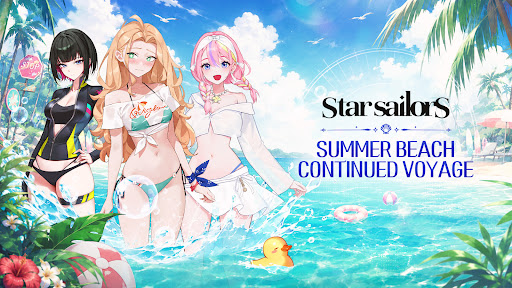
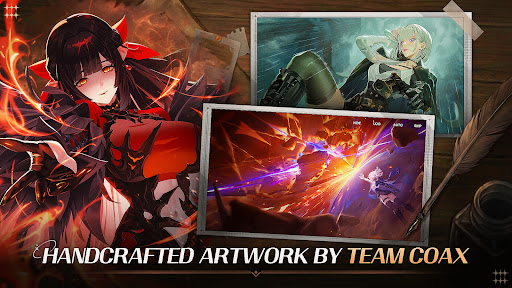
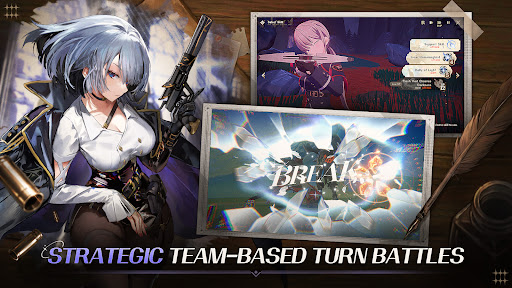
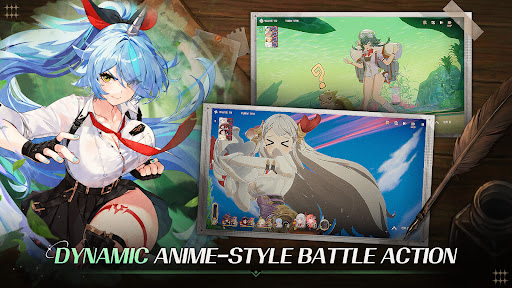
Adrenaline Rush! Feel the thrill at your fingertips!
Unleash devastating finishing blows with your team in dynamic turn-based battles.
Collectible, turn-based RPG—Star Sailors!
""This is no longer the world we once knew.""
A world divided by the Magic Explosion.
To rebuild the Human Kingdom,
the legendary Heirlooms must be found.
Begin your own voyage in the direction pointed by the legendary compass!
■ Meet Unique Partners in a Fairytale Fantasy World Brought to Life by Artist Coax
A fairytale-inspired fantasy world realized through high-quality cartoon rendering that preserves the charm of handcrafted artwork.
Collect characters with unique appearances, personalities, and stories, and experience the fun of a collection RPG as you create your own story.
Immerse yourself in anime-style visuals, dazzling skill animations, and spectacular recruit sequences inspired by subculture and anime aesthetics.
Talk with your Partners and discover their stories through special interactions.
■ Plan Your Strategy, Unite Your Team, and End Battles with a Single Explosion!
Turn the tide of battle with skill synergies between Partners and elemental advantages.
Break enemy defenses with Break effects and seize victory through Burst Chance QTEs that unleash all your accumulated buffs at once!
The familiar charm of classic JRPGs is enhanced with deeper strategy through the combination of Classes, Monsters, and Anomalies.
■ Easy to Play, Satisfying to Grow
Reduce repetitive grinding with the Sweep system and immediately deploy newly recruited Partners through the Link system.
Start casually like an idle game and discover progression depth comparable to a JRPG.
* Official Website: https://starsailors.com2us.com?r=p13
* Discord: https://discord.com/invite/vVQcyp76xS
* Naver Lounge: https://game.naver.com/lounge/Star_Sailors/home
* Instagram: https://www.instagram.com/starsailors.official
* X: https://x.com/StarSailors_EN
This game supports 한국어, English, 日本語, 简体中文, 繁體中文, ภาษาไทย, Tiếng Việt, Bahasa Indonesia.
※ Some items in Star Sailors require purchase, and additional costs may apply depending on the item type.
※ Minimum Requirements: Snapdragon 845(Galaxy S9) / 4GB RAM or higher / 10GB available storage
▶ App Permissions
We request the following access permissions to provide the services below.
[Required Permissions]
- None
[Optional Permissions]
- Notifications: Permission requested to receive push messages related to the game.
※ You can use the service without granting optional permissions, except for related features.
▶ How to Withdraw Permissions
After granting access permissions, you can modify or withdraw them as follows:
- Device Settings > Privacy > Select App > Allow or Disallow Permissions
Show more

1. Download MEmu installer and finish the setup

2. Start MEmu then open Google Play on the desktop

3. Search Star Sailors in Google Play
Install
4. Download and Install Star Sailors
5. On install completion click the icon to start

6. Enjoy playing Star Sailors on PC with MEmu
MEmu Play is the best Android emulator and 100 million people already enjoy its superb Android gaming experience. The MEmu virtualization technology empowers you to play thousands of Android games smoothly on your PC, even the most graphic-intensive ones.
Bigger screen with better graphics; Long duration, without limitation of battery or mobile data.
Full Keymapping support for precise control of keyboard and mouse or gamepad.
Multiple game accounts or tasks on single PC at one time with Multi-Instance manager.
Play Star Sailors on PC by following steps: