Zero Immortal
Updated
Current Version
Offered By

With your passion for Zero Immortal, you shouldn’t have to limit yourself to the small screen of a phone. Play like a pro and take full control of the game using a keyboard and mouse. MEmu gives you everything you’re looking for. Download and play Zero Immortal on PC. Play as long as you want — no more worries about battery life, mobile data, or unexpected calls. The all-new MEmu 9 is the best way to play Zero Immortal on PC. With our expertly designed keymapping system, Zero Immortal feels just like a real PC game. The MEmu multi-instance manager lets you run two or more accounts on the same device at the same time. Most importantly, our exclusive emulation engine unlocks your PC’s full potential, delivering smooth and seamless performance.
Show more
Download Zero Immortal on PC with MEmu Android Emulator. Enjoy playing on big screen. Awaken Your Power.
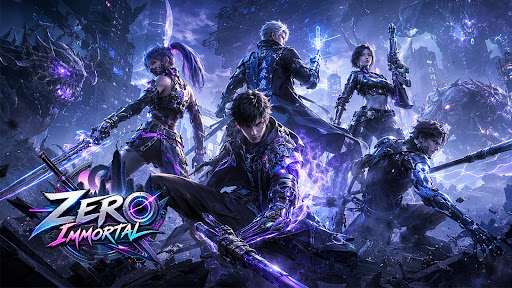
Awaken Your Power. Become Immortal.
Step into Zero Immortal, an action-packed RPG where powerful enemies, epic boss battles, and endless character progression await. Choose your class, master powerful skills, awaken new forms, and build an unstoppable hero.
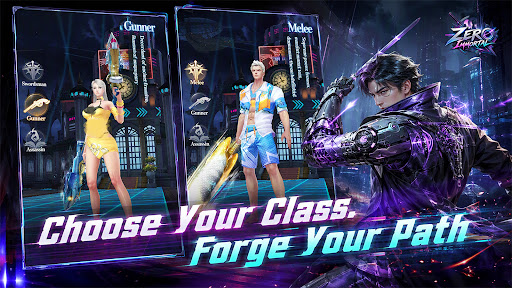
CHOOSE YOUR CLASS
Choose from three unique classes, each with its own weapons, appearance, and skills. Complete job advancement quests to unlock new class identities, passive abilities, and greater power.
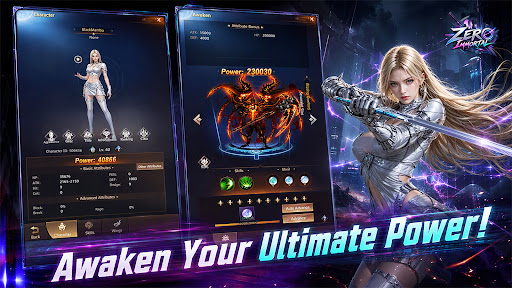
UNLEASH AWAKENED POWER
Awaken during battle and transform into powerful awakened forms. Gain massive offensive power and unleash attacks that can ignore enemy defenses. Unlock additional transformation forms to take your strength even further.
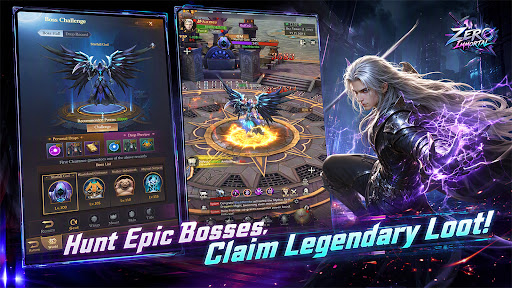
HUNT EPIC BOSSES
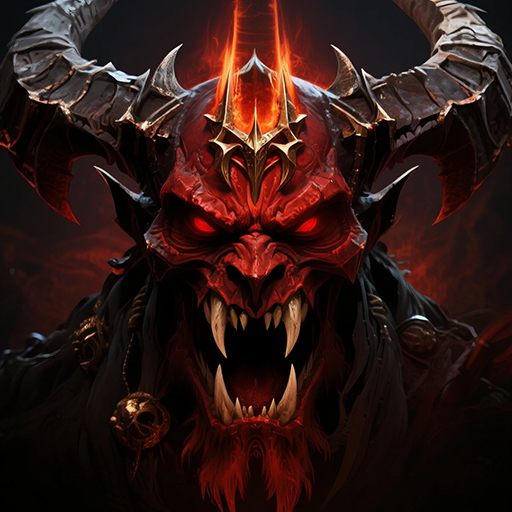
Challenge a wide range of powerful PVE enemies, including World Bosses, Personal Bosses, Rare Bosses, and mighty creatures. Defeat them to claim valuable gear and upgrade materials.
CONQUER DIVERSE DUNGEONS
Take on a variety of solo and multiplayer dungeons. Battle through trials, towers, progression dungeons, and challenging boss encounters. Push through higher difficulties and earn rewards to strengthen your character.
BUILD YOUR ULTIMATE HERO
Customize and develop your character through an extensive progression system. Upgrade your skills, equipment, gems, wings, soul systems, titles, and more. Combine and enhance resources to continuously increase your power.
COLLECT & EVOLVE COMPANIONS
Develop powerful companions including Mercenaries, Assistants, Box Demons, and Mounts. Upgrade their levels, unlock passive skills, enhance their forms, and gain additional bonuses as they evolve.
FORGE POWERFUL GEAR
Collect equipment from boss battles and other game content. Strengthen your gear, enhance its attributes, socket gems, and complete equipment sets to unlock additional bonuses.
FIGHT TOGETHER
Join a guild or create your own and team up with other players. Participate in guild quests, hunting activities, guild events, and other cooperative content while contributing to your guild's growth.
TEAM UP FOR CO-OP
Gather your allies for multiplayer challenges and Awakening Dungeons. Work together to overcome powerful enemies and earn greater rewards.
CHASE THE TOP
Compete with other players across multiple leaderboards, including Power, Level, Wings, Mounts, Guilds, and more. Build your character, rise through the rankings, and prove your strength.
Are you ready to awaken your power?
Enter Zero Immortal and begin your journey to immortality.
Official Website: https://zim.gamehollywood.com
Facebook: https://www.facebook.com/zeroimmortalcommunity
YouTube: https://www.youtube.com/@ZeroImmortalChannel
Discord: https://discord.gg/y2nAH5zEKZ
Show more

1. Download MEmu installer and finish the setup

2. Start MEmu then open Google Play on the desktop

3. Search Zero Immortal in Google Play
Install
4. Download and Install Zero Immortal
5. On install completion click the icon to start

6. Enjoy playing Zero Immortal on PC with MEmu
MEmu Play is the best Android emulator and 100 million people already enjoy its superb Android gaming experience. The MEmu virtualization technology empowers you to play thousands of Android games smoothly on your PC, even the most graphic-intensive ones.
Bigger screen with better graphics; Long duration, without limitation of battery or mobile data.
Full Keymapping support for precise control of keyboard and mouse or gamepad.
Multiple game accounts or tasks on single PC at one time with Multi-Instance manager.
Play Zero Immortal on PC by following steps: