รถไฟสายสนธยา
อัปเดตเมื่อ
เวอร์ชันปัจจุบัน
1.0.1
ให้บริการโดย

เวลาคุณเล่น รถไฟสายสนธยา, คุณอาจรู้สึกว่ามือคุณอาจบังจอแล้วทำให้ไม่ได้เล่นแบบเต็มที่. เล่นแบบไร้ขีดจำกัดด้วยเม้าส์และคีย์บอร์ด. MEmu มีตัวเลือกหลายอย่างให้คุณใช้งานเกมที่คุณเล่นแบบที่คุณต้องการ. ดาวน์โหลดและเล่น รถไฟสายสนธยา บน PC. เล่นนานแค่ไหนก็ได้, ไม่ต้องชาร์จแบตเตอรี่, หรือเจอคนโทรเข้ามาระหว่างเล่น. MEmu 9 เป็นตัวเลือกสำหรับการเล่น รถไฟสายสนธยา บน PC. ทางทีมงานเราได้ปรับแต่งเกม, ปรับให้เล่นเกมบางเกมได้เหมือนเล่น รถไฟสายสนธยา เป็นเกม PC เช่นเล็งด้วยเม้าส์หรือใช้คีย์บอร์ด. ระบบของเรายังทำให้คุณสามารถเปิดเล่นได้มากกว่า 2 เกมพร้อมๆกันในคอมของคุณ. และที่สำคัญที่สุด, ระบบโปรแกรมของเราสามารถทำให้คุณใช้ระบบของ PC ทำให้เกมลื่นเหมือนกับใช้โทรศัพท์รุ่นล่าสุด. เราไม่ได้ดูแลเรื่องการเล่นเกม, แต่เราดูแลถึงความสนุกสนานที่คุณได้จากการเล่นด้วย.
แสดงเพิ่มเติม
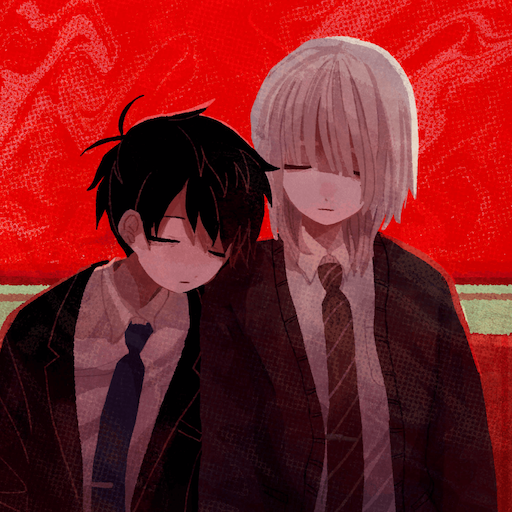
ดาวน์โหลด รถไฟสายสนธยา บน PC ด้วย MEmu Android Emulator สนุกกับการเล่นบนหน้าจอขนาดใหญ่ ทั้งสองคนให้คำสาบานว่าจะหนีจากทุกสิ่งและใช้ชีวิตชั่วนิรันดร์ในสวรรค์.
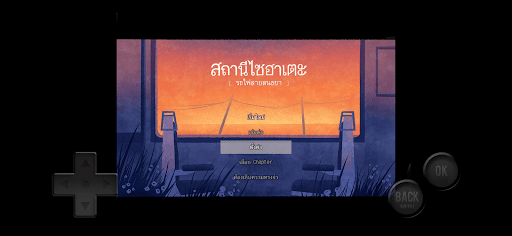
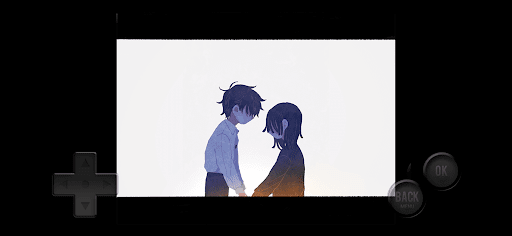
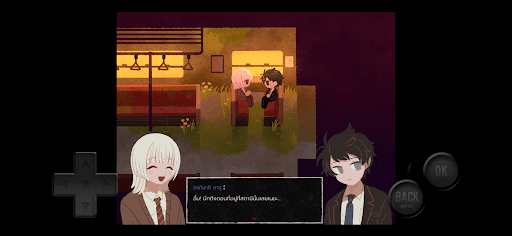
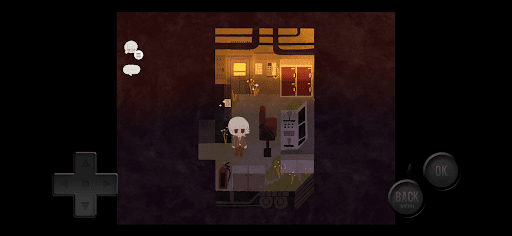
ทั้งสองคนให้คำสาบานว่าจะหนีจากทุกสิ่งและใช้ชีวิตชั่วนิรันดร์ในสวรรค์
เวลาผ่านไปนานแสนนาน... จู่ๆ รถไฟก็เริ่มเคลื่อนที่ขึ้นมาอย่างกะทันหัน...
It is highly recommended to play this after completing all routes of the main story - Saihate Station.
■Synopsis
This is an exploration horror ADV (Adventure) with a new map and scenario as additional content for the love-hate bromance exploration horror "Saihate Station."
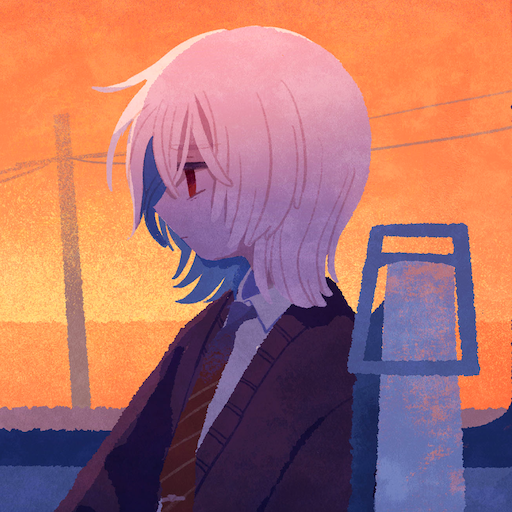
In the main story of "Saihate Station," you control "Tatsunami Shion", who was an assist character, and as you travel by train through a ruined station bathed in the sunset, you unravel their past and go in search for true happiness.
■Game Features
The core gameplay consists of moving around and investigating (talking). There are also simple puzzles and some light action elements (like chase scenes and key input events), but the difficulty level is low.
The game is dialogue-heavy. Please enjoy the interactions between characters.
A new conversation feature has been added. While exploring, you can talk to characters to check your progress or just chat with them.
There are no jump scares. Compared to the main story of Saihate Station, the horror elements are minimal.
There are two different endings.
After clearing the game, bonus features such as CG gallery and in-game achievements become available.
Estimated playtime is 3-4 hours.
■About Let's Plays / Streaming
Let's play or livestreaming of this software are generally prohibited.
Production Tools:RPG Maker MZ
©Gotcha Gotcha Games Inc./YOJI OJIMA 2020
Authors:Viv
Publishers:NukadukeParipiMan
แสดงเพิ่มเติม

1. ดาวน์โหลดตัวติดตั้ง MEmu และสิ้นสุดการติดตั้ง

2. เริ่ม MEmu จากนั้นเปิด Google Play บนหน้าแรก

3. ค้นหา รถไฟสายสนธยา ใน Google Play
Install
4. ดาวน์โหลดและติดตั้ง รถไฟสายสนธยา
5. เมื่อติดตั้งเสร็จให้คลิกที่ไอคอนเพื่อเริ่มใช้งาน

6. สนุกกับการเล่น รถไฟสายสนธยา บนพีซีด้วย MEmu
MEmu App Player เป็นอีมูเลเตอร์ Android ที่ดีที่สุดและผู้คนกว่า 50 ล้านคนเพลิดเพลินไปกับประสบการณ์การเล่นเกม Android ที่ยอดเยี่ยม เทคโนโลยีการจำลองเสมือนของ MEmu ช่วยให้คุณเล่นเกม Android หลายพันเกมได้อย่างราบรื่นบนพีซีของคุณแม้แต่เกมที่ต้องใช้กราฟิกมากที่สุด
จอใหญ่และกราฟฟิกสวยกว่า; เล่นได้นาน, ไม่ต้องใช้แบตเตอรี่โทรศัพท์หรือเน็ตโทรศัพท์.
ระบบปรับแต่งปุ่มคีย์บอร์ดและเม้าส์ตามที่คุณเลือก
เล่นมากกว่าหนึ่งเกมบน PC ในเวลาเดียวกันด้วยระบบหลายจอหรือ Multi-Instance manager.
Play รถไฟสายสนธยา on PC by following steps: