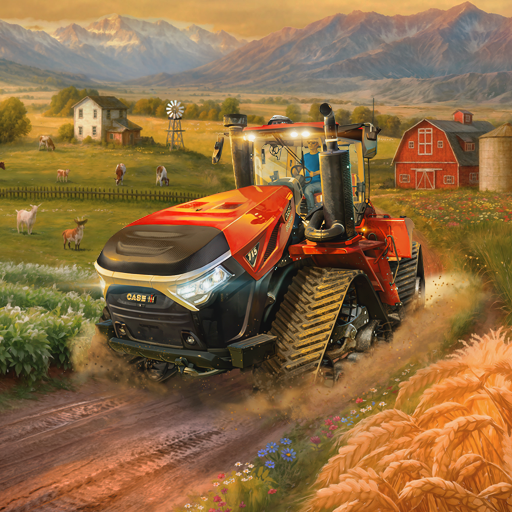
Farming Simulator 26 Mobile
อัปเดตเมื่อ
เวอร์ชันปัจจุบัน
0.0.0.38 - Google
ให้บริการโดย

เวลาคุณเล่น Farming Simulator 26 Mobile, คุณอาจรู้สึกว่ามือคุณอาจบังจอแล้วทำให้ไม่ได้เล่นแบบเต็มที่. เล่นแบบไร้ขีดจำกัดด้วยเม้าส์และคีย์บอร์ด. MEmu มีตัวเลือกหลายอย่างให้คุณใช้งานเกมที่คุณเล่นแบบที่คุณต้องการ. ดาวน์โหลดและเล่น Farming Simulator 26 Mobile บน PC. เล่นนานแค่ไหนก็ได้, ไม่ต้องชาร์จแบตเตอรี่, หรือเจอคนโทรเข้ามาระหว่างเล่น. MEmu 9 เป็นตัวเลือกสำหรับการเล่น Farming Simulator 26 Mobile บน PC. ทางทีมงานเราได้ปรับแต่งเกม, ปรับให้เล่นเกมบางเกมได้เหมือนเล่น Farming Simulator 26 Mobile เป็นเกม PC เช่นเล็งด้วยเม้าส์หรือใช้คีย์บอร์ด. ระบบของเรายังทำให้คุณสามารถเปิดเล่นได้มากกว่า 2 เกมพร้อมๆกันในคอมของคุณ. และที่สำคัญที่สุด, ระบบโปรแกรมของเราสามารถทำให้คุณใช้ระบบของ PC ทำให้เกมลื่นเหมือนกับใช้โทรศัพท์รุ่นล่าสุด. เราไม่ได้ดูแลเรื่องการเล่นเกม, แต่เราดูแลถึงความสนุกสนานที่คุณได้จากการเล่นด้วย.
แสดงเพิ่มเติม
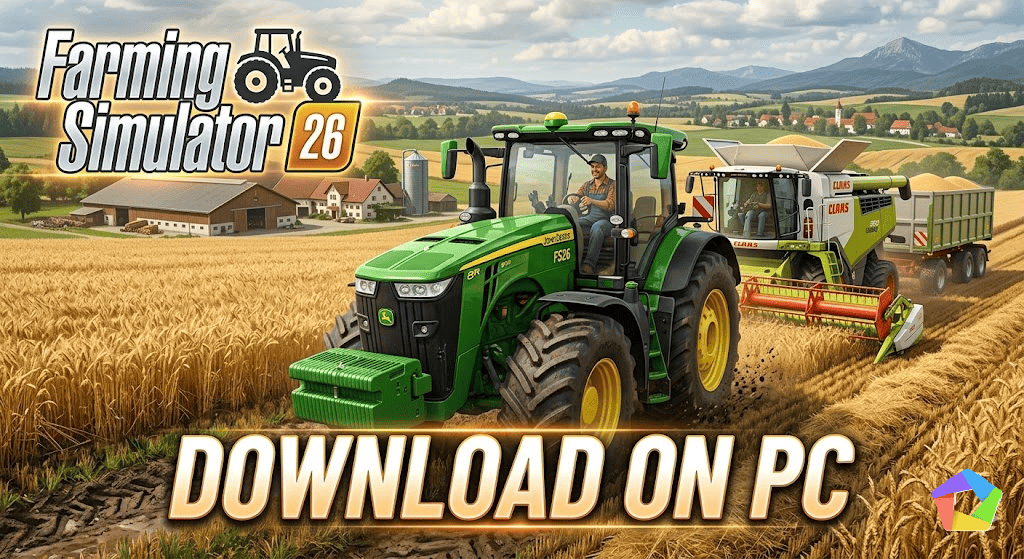
ดาวน์โหลด Farming Simulator 26 Mobile บน PC ด้วย MEmu Android Emulator สนุกกับการเล่นบนหน้าจอขนาดใหญ่ เลือกได้เลยว่าคุณอยากเป็นเกษตรกรแบบไหน!
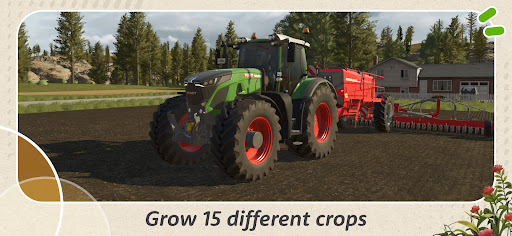
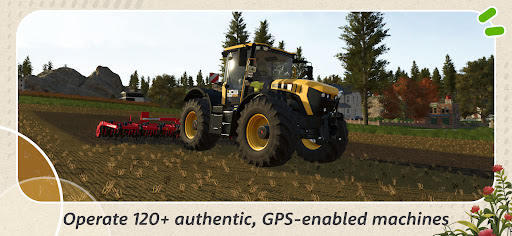
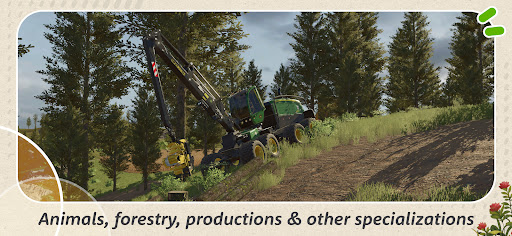
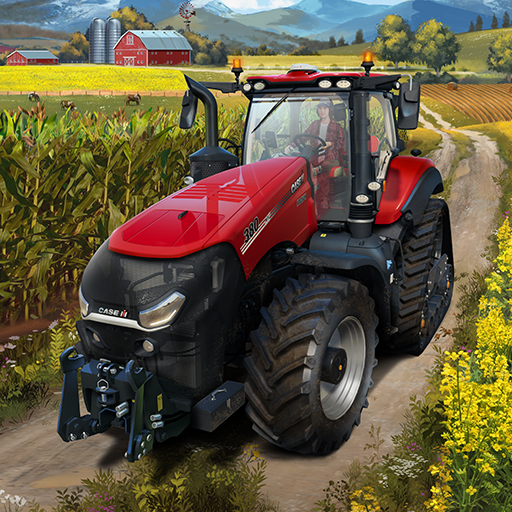
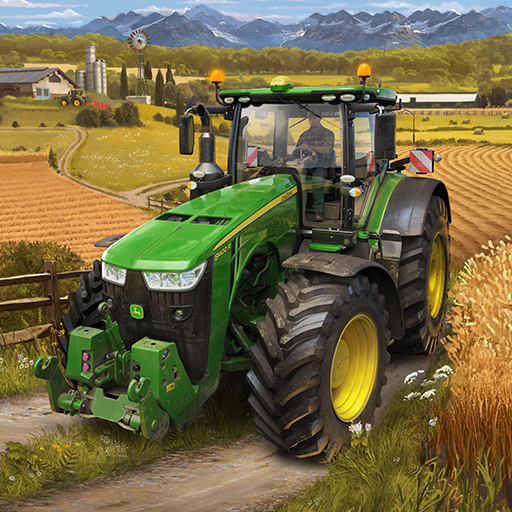
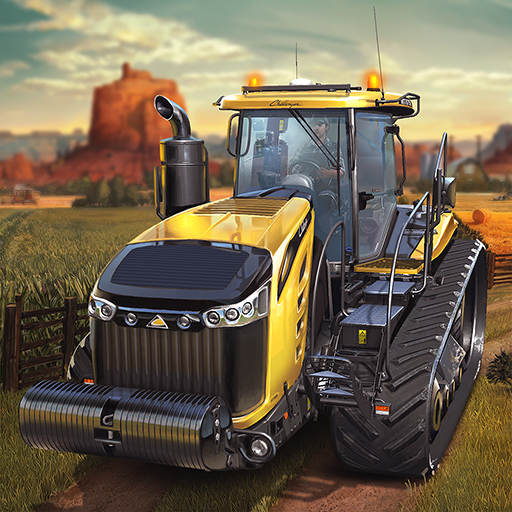
เลือกได้เลยว่าคุณอยากเป็นเกษตรกรแบบไหน! ควบคุมรถแทรกเตอร์ รถเก็บเกี่ยว เครื่องพ่นสารเคมี และเครื่องจักรอื่นๆ ที่สมจริง เริ่มต้นตัดไม้ด้วยอุปกรณ์ป่าไม้ขนาดใหญ่ หรือดูแลสัตว์เลี้ยงในฟาร์มแสนน่ารัก เช่น วัว แกะ ไก่ แพะ และลูกๆ ของพวกมัน
• ความเป็นไปได้มากมายบนแผนที่ใหม่สองแผนที่
• พืชผลทางการเกษตร 15 ชนิด รวมถึงต้นไม้
• เครื่องจักรที่สมจริงกว่า 120 ชนิด พร้อมระบบ GPS
• ความท้าทายในฟาร์มที่จะทำให้คุณตื่นเต้นอยู่เสมอ
• ห่วงโซ่การผลิต โลจิสติกส์ และอื่นๆ อีกมากมาย
ควบคุมเครื่องจักรที่สมจริงกว่า 120 ชนิด จาก Case IH, CLAAS, DEUTZ-FAHR, Fendt, John Deere, KRONE, Massey Ferguson, New Holland, Valtra และผู้ผลิตชั้นนำอื่นๆ อีกมากมายจากทั่วโลก
นอกจากไถพรวน กำจัดวัชพืช เก็บเกี่ยวพืชผล หรือเก็บไข่จากเล้าไก่แล้ว ยังมีอะไรให้ทำอีกมากมาย: ผลิตสินค้าที่มีมูลค่าจากผลผลิตของคุณเพื่อขยายธุรกิจที่เจริญรุ่งเรืองของคุณด้วยโรงงานและห่วงโซ่การผลิตใหม่ๆ!
ไม่ต้องกังวลไป คุณยังมีเวลาพักผ่อนและเดินเล่นชมไร่นาอันกว้างใหญ่ของคุณไปพร้อมๆ กับทิวทัศน์ที่เปลี่ยนแปลงไปตามฤดูกาล และหากคุณยังใหม่กับชีวิตในชนบท ก็จะมีบทแนะนำในเกมที่ปรับปรุงใหม่เพื่อแสดงวิธีการทำฟาร์มให้คุณทราบ
แสดงเพิ่มเติม

1. ดาวน์โหลดตัวติดตั้ง MEmu และสิ้นสุดการติดตั้ง

2. เริ่ม MEmu จากนั้นเปิด Google Play บนหน้าแรก

3. ค้นหา Farming Simulator 26 Mobile ใน Google Play
Install
4. ดาวน์โหลดและติดตั้ง Farming Simulator 26 Mobile
5. เมื่อติดตั้งเสร็จให้คลิกที่ไอคอนเพื่อเริ่มใช้งาน

6. สนุกกับการเล่น Farming Simulator 26 Mobile บนพีซีด้วย MEmu
MEmu App Player เป็นอีมูเลเตอร์ Android ที่ดีที่สุดและผู้คนกว่า 50 ล้านคนเพลิดเพลินไปกับประสบการณ์การเล่นเกม Android ที่ยอดเยี่ยม เทคโนโลยีการจำลองเสมือนของ MEmu ช่วยให้คุณเล่นเกม Android หลายพันเกมได้อย่างราบรื่นบนพีซีของคุณแม้แต่เกมที่ต้องใช้กราฟิกมากที่สุด
จอใหญ่และกราฟฟิกสวยกว่า; เล่นได้นาน, ไม่ต้องใช้แบตเตอรี่โทรศัพท์หรือเน็ตโทรศัพท์.
ระบบปรับแต่งปุ่มคีย์บอร์ดและเม้าส์ตามที่คุณเลือก
เล่นมากกว่าหนึ่งเกมบน PC ในเวลาเดียวกันด้วยระบบหลายจอหรือ Multi-Instance manager.
Play Farming Simulator 26 Mobile on PC by following steps: