Blade & Soul Heroes
Updated
Current Version
1751612837
Offered By

With your passion for Blade & Soul Heroes, you shouldn’t have to limit yourself to the small screen of a phone. Play like a pro and take full control of the game using a keyboard and mouse. MEmu gives you everything you’re looking for. Download and play Blade & Soul Heroes on PC. Play as long as you want — no more worries about battery life, mobile data, or unexpected calls. The all-new MEmu 9 is the best way to play Blade & Soul Heroes on PC. With our expertly designed keymapping system, Blade & Soul Heroes feels just like a real PC game. The MEmu multi-instance manager lets you run two or more accounts on the same device at the same time. Most importantly, our exclusive emulation engine unlocks your PC’s full potential, delivering smooth and seamless performance.
Show more
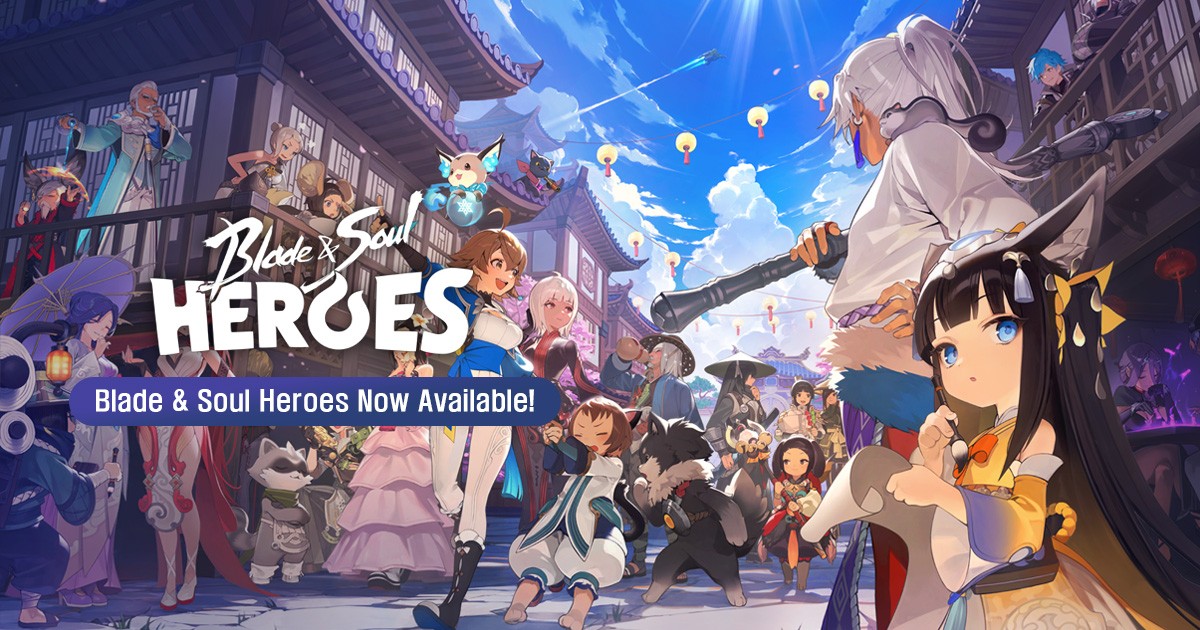
Download Blade & Soul Heroes on PC with MEmu Android Emulator. Enjoy playing on big screen. This thrilling free-to-play Collectible Action MMORPG offers the duality of turn-based strategy & real-time action.
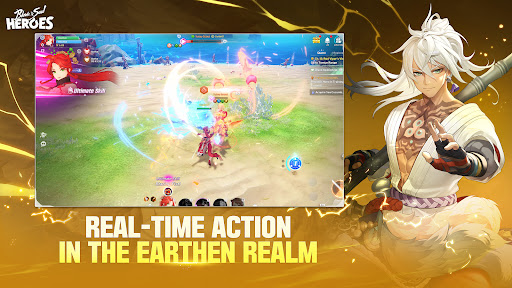
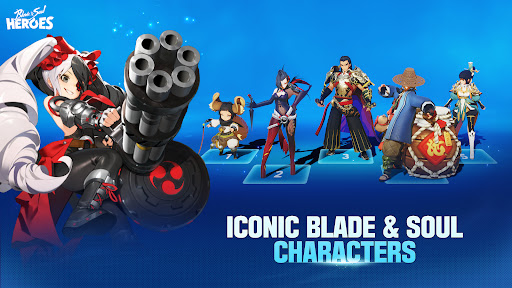
This thrilling free-to-play Collectible Action MMORPG offers the duality of turn-based strategy & real-time action.
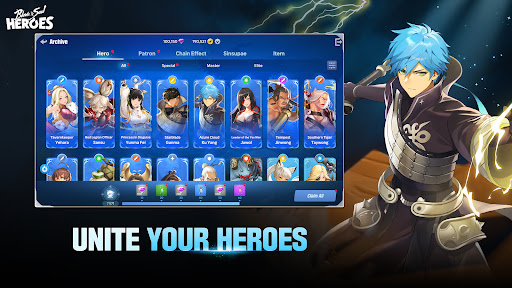
Experience exciting cross-platform play and embark on an epic quest where numerous stories are waiting to be discovered alongside your five member team. Unite your heroes!
The Story
Journey along with lead character Yusol as she strives to rebuild her clan and enact justice against those who destroyed it. Follow her as she pursues the evil Yi Chun and unravels the mysteries of the Heaven's Fall Cult. Throughout the adventure, she’ll encounter an expansive cast of heroes, each with their own skills and story, who will join her resurgent clan and unite in the fight to defeat Yi Chun and Heaven’s Fall.
Dual Combat System
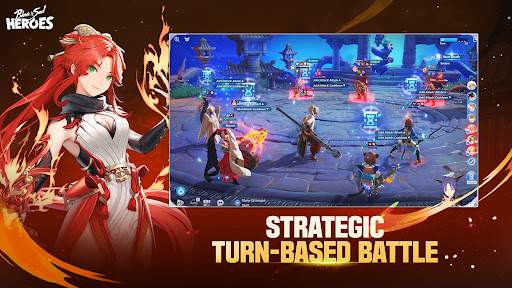
Seamlessly switch between real-time action and turn-based strategy.
In turn-based mode, all five team members take the battle field to unite for victory.
For real-time action, one designated lead hero fights the various enemies supported by four skill-linked allies
Character Collection
Build & grow your 5-hero team to begin your journey. With over 40 heroes to unlock, each with their unique skills & stories, a variety of legendary characters awaits you to join your clan.
Visual Style
Immerse yourself in this anime-inspired world with majestic vistas, eerie forests, ancient deserts, and mythical dungeons of the Earthen Realm. Each hero models a distinctive look and feel evocative of the elements.
Deep Tactical Combat
To defeat your foes, master your fighting abilities with a wide array of combinations and skills. With each battle, tailor your team strategically in order to achieve victory across different opponents and environments.
Offical Social Media
Official Website: https://heroes.plaync.com/en-us/index
X (Twitter): https://x.com/bnsheroes
Facebook: https://www.facebook.com/bnsheroes
Instagram: https://www.instagram.com/bnsheroes
Youtube: https://www.youtube.com/@bnsheroes
Discord: https://discord.gg/gj7VBPxK8U
Show more

1. Download MEmu installer and finish the setup

2. Start MEmu then open Google Play on the desktop

3. Search Blade & Soul Heroes in Google Play
Install
4. Download and Install Blade & Soul Heroes
5. On install completion click the icon to start

6. Enjoy playing Blade & Soul Heroes on PC with MEmu
MEmu Play is the best Android emulator and 100 million people already enjoy its superb Android gaming experience. The MEmu virtualization technology empowers you to play thousands of Android games smoothly on your PC, even the most graphic-intensive ones.
Bigger screen with better graphics; Long duration, without limitation of battery or mobile data.
Full Keymapping support for precise control of keyboard and mouse or gamepad.
Multiple game accounts or tasks on single PC at one time with Multi-Instance manager.
Play Blade & Soul Heroes on PC by following steps: