GRID™ Legends: Deluxe Edition
Updated
Current Version
1.1.5RC3
Offered By

With your passion for GRID™ Legends: Deluxe Edition, you shouldn’t have to limit yourself to the small screen of a phone. Play like a pro and take full control of the game using a keyboard and mouse. MEmu gives you everything you’re looking for. Download and play GRID™ Legends: Deluxe Edition on PC. Play as long as you want — no more worries about battery life, mobile data, or unexpected calls. The all-new MEmu 9 is the best way to play GRID™ Legends: Deluxe Edition on PC. With our expertly designed keymapping system, GRID™ Legends: Deluxe Edition feels just like a real PC game. The MEmu multi-instance manager lets you run two or more accounts on the same device at the same time. Most importantly, our exclusive emulation engine unlocks your PC’s full potential, delivering smooth and seamless performance.
Show more
Download GRID™ Legends: Deluxe Edition on PC with MEmu Android Emulator. Enjoy playing on big screen. High-octane motorsport.
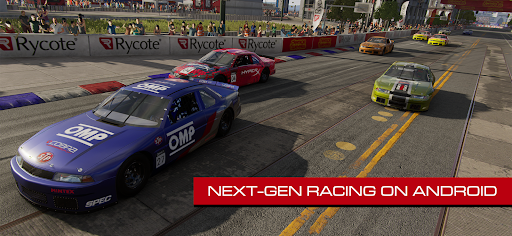
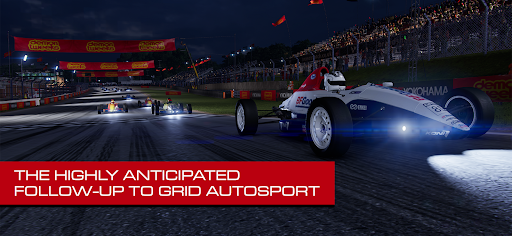
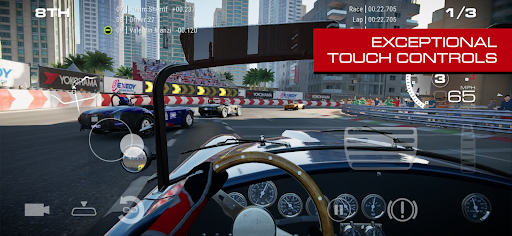
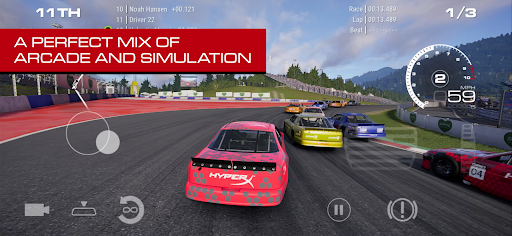
High-octane motorsport. Wheel-to-wheel rivalries. Edge-of-your-seat action.
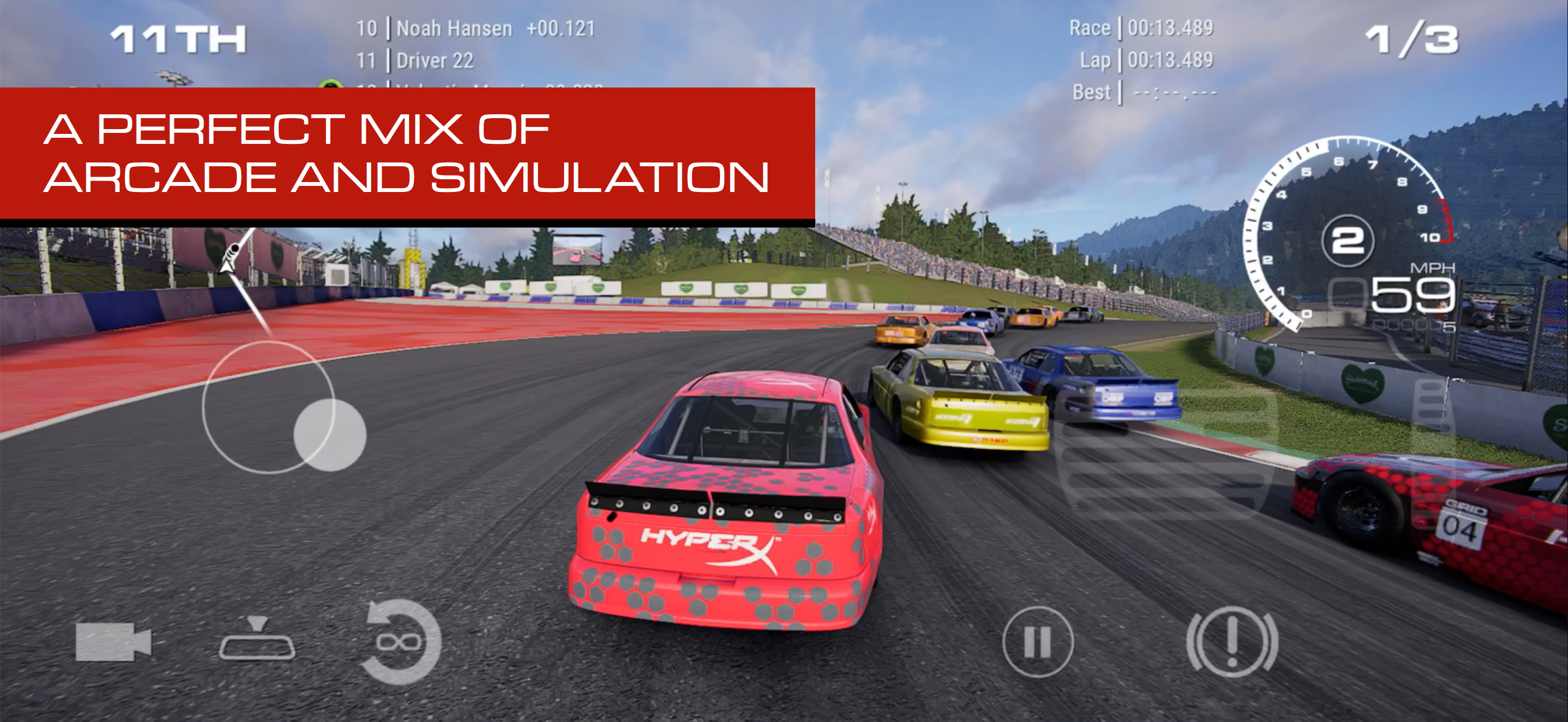
GRID Legends delivers Codemasters’ unique blend of arcade racing and precise simulation handling that leaves the competition in the dust.
GRID Legends: Deluxe Edition is complete with all DLCs, and stacked with high-speed action from the starting grid to the chequered flag.
===
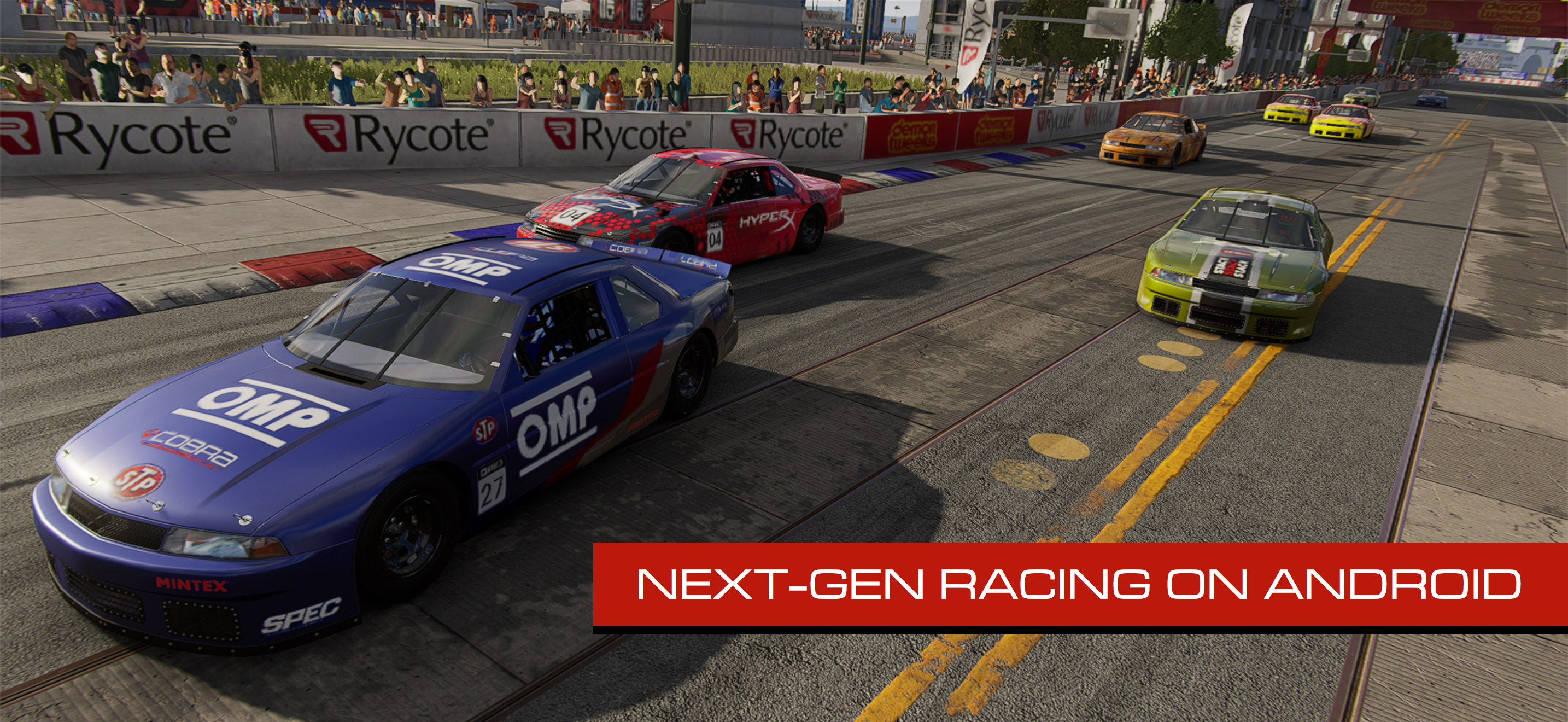
AMAZING MOTORSPORT ON MOBILE
Striking visuals, a huge choice of vehicles and an exhilarating sensation of speed on your phone or tablet.
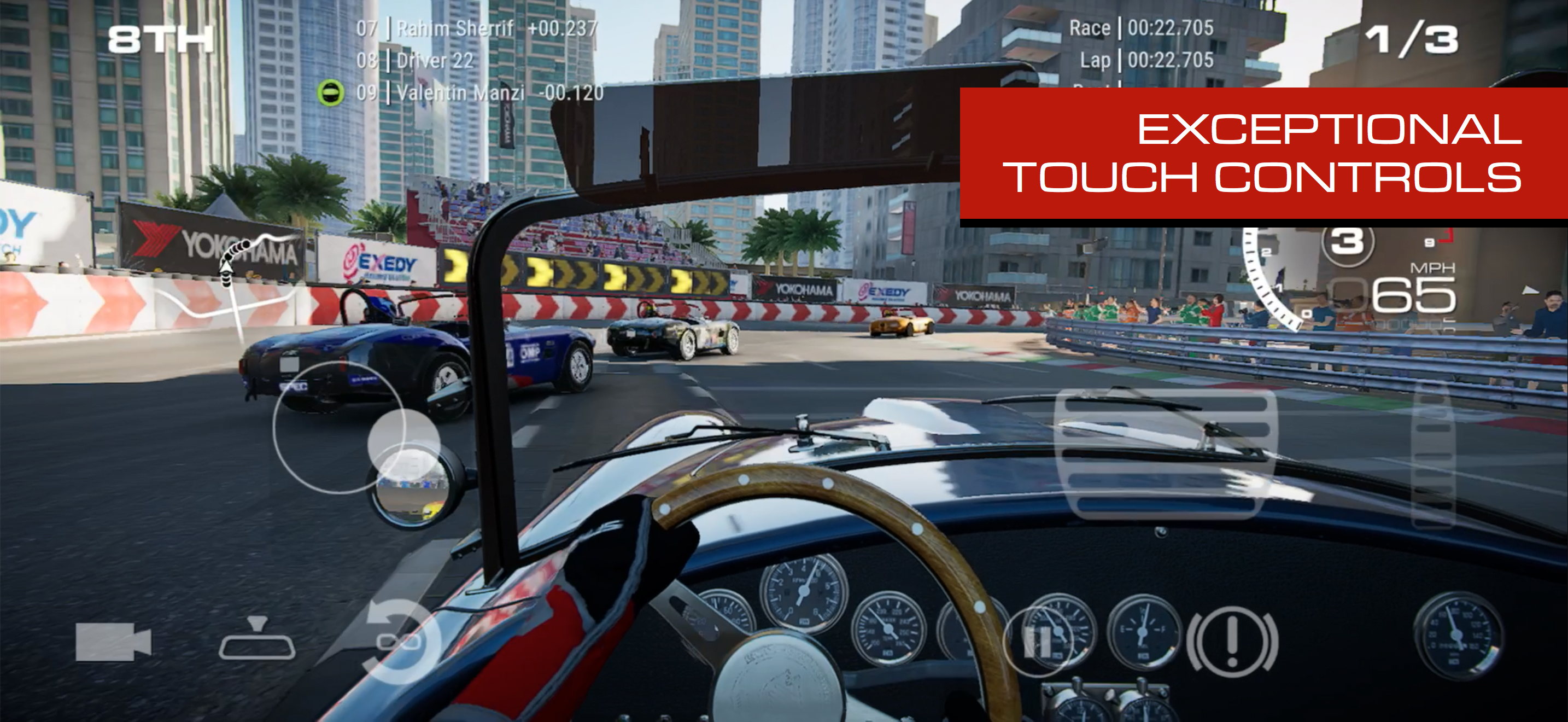
TOUCH, TILT AND TOTAL GAMEPAD SUPPORT
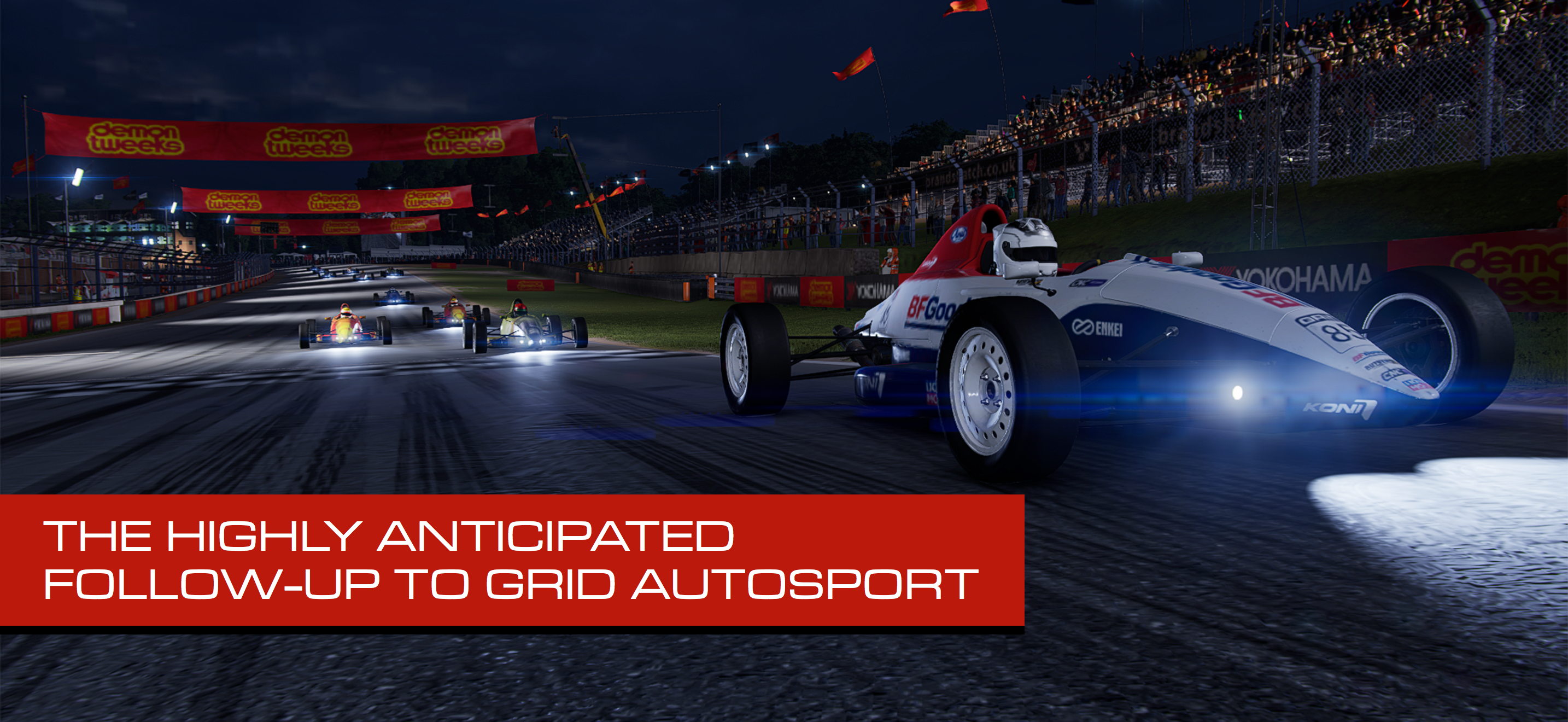
Seamlessly intuitive controls from the team that brought you GRID Autosport.
10 DISCIPLINES TO DOMINATE
From prototype GTs and hypercars to trucks and open-wheelers; pit yourself against the pack or beat your best times in high-speed Circuit racing, Elimination events and Time Trials.
LIGHTS, CAMERA, ACTION-PACKED
The Live-action story mode "Driven to Glory" offers a unique ride through the twists and turns of the GRID World Series.
RACE TO THE TOP
Rise through the ranks in Legends’ massive career mode, or race your own way in the hugely customisable Race Creator mode.
TUNED TO PERFECTION
Comes fully loaded with all the DLCs: Classic Car-Nage destruction derby, Drift and Endurance modes, added Career and Story events, and bonus cars and tracks.
===
GRID Legends is a very demanding game with high device requirements. It requires Android 12 or later and at least 15GB* of storage, though we recommend double this to avoid initial installation issues.
To avoid disappointment, we aim to block users from purchasing a game if their device is not capable of running it. If you are able to purchase this game on your device then we expect it to run well in most cases.
However, we are aware of rare instances where users are able to purchase the game on unsupported devices. This can occur when a device is not correctly identified by the Google Play Store, and therefore cannot be blocked from purchasing. For full details on the supported chipsets for this game, plus a list of tested and verified devices, we recommend that you visit the link below:
https://feral.in/gridlegends-android-devices
*Devices with 8GB of RAM or more can download and install HD Vehicle Textures. If you wish to use HD Vehicle Textures you will need 18GB of free space to install the game.
===
Supported Languages: English, Deutsch, Español, Français, Italiano, 日本語, Polski, Português (Brasil), Pусский, 简体中文, 繁體中文
===
© 2024 Electronic Arts Inc. GRID and Codemasters are trademarks of Electronic Arts Inc. Originally developed by Codemasters and published by Electronic Arts Inc. Developed for and published on Android by Feral Interactive Ltd. Android is a trademark of Google LLC. Feral and the Feral logo are trademarks of Feral Interactive Ltd. All other trademarks, logos and copyrights are property of their respective owners. All rights reserved.
Show more

1. Download MEmu installer and finish the setup

2. Start MEmu then open Google Play on the desktop

3. Search GRID™ Legends: Deluxe Edition in Google Play
Install
4. Download and Install GRID™ Legends: Deluxe Edition
5. On install completion click the icon to start

6. Enjoy playing GRID™ Legends: Deluxe Edition on PC with MEmu
MEmu Play is the best Android emulator and 100 million people already enjoy its superb Android gaming experience. The MEmu virtualization technology empowers you to play thousands of Android games smoothly on your PC, even the most graphic-intensive ones.
Bigger screen with better graphics; Long duration, without limitation of battery or mobile data.
Full Keymapping support for precise control of keyboard and mouse or gamepad.
Multiple game accounts or tasks on single PC at one time with Multi-Instance manager.
Play GRID™ Legends: Deluxe Edition on PC by following steps: