DOP 4: Draw One Part
Updated
Current Version
1.1.52
Offered By

With your passion for DOP 4: Draw One Part, you shouldn’t have to limit yourself to the small screen of a phone. Play like a pro and take full control of the game using a keyboard and mouse. MEmu gives you everything you’re looking for. Download and play DOP 4: Draw One Part on PC. Play as long as you want — no more worries about battery life, mobile data, or unexpected calls. The all-new MEmu 9 is the best way to play DOP 4: Draw One Part on PC. With our expertly designed keymapping system, DOP 4: Draw One Part feels just like a real PC game. The MEmu multi-instance manager lets you run two or more accounts on the same device at the same time. Most importantly, our exclusive emulation engine unlocks your PC’s full potential, delivering smooth and seamless performance.
Show more
Download DOP 4: Draw One Part on PC with MEmu Android Emulator. Enjoy playing on big screen. SOLVE DRAWING PUZZLE AND BECOME AN ARTIST!
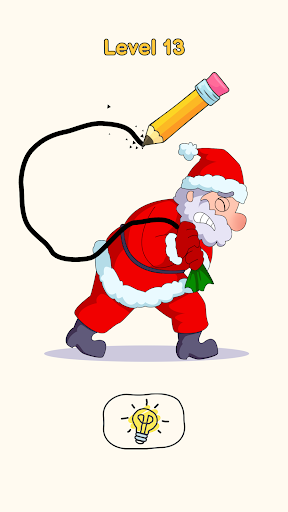
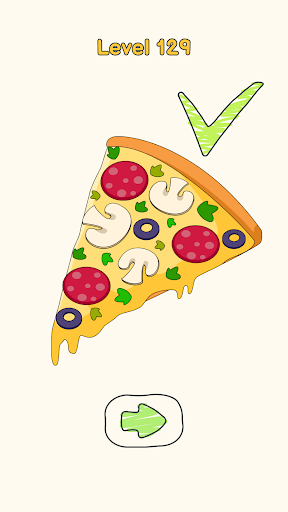
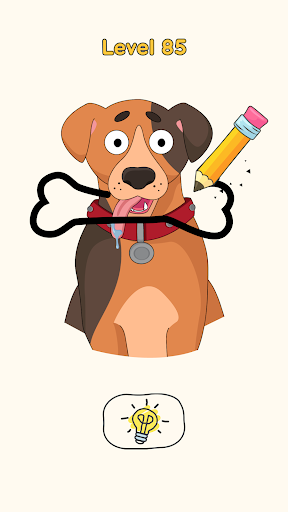
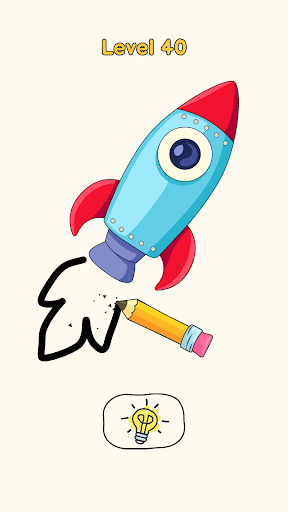
SOLVE DRAWING PUZZLE AND BECOME AN ARTIST!
Have you ever wanted a game to challenge your brain and your talent for drawing?
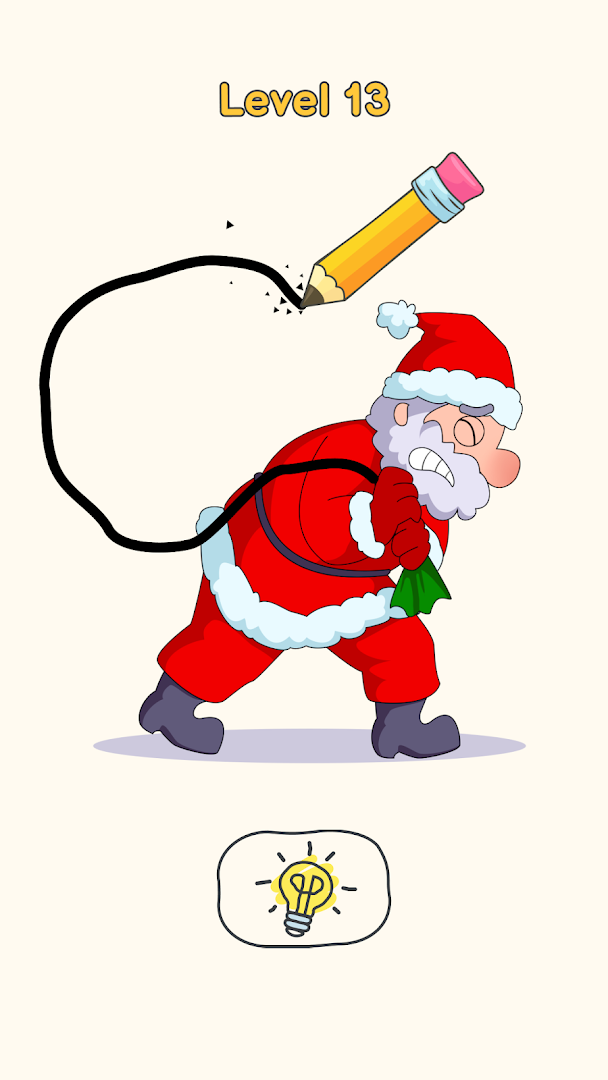
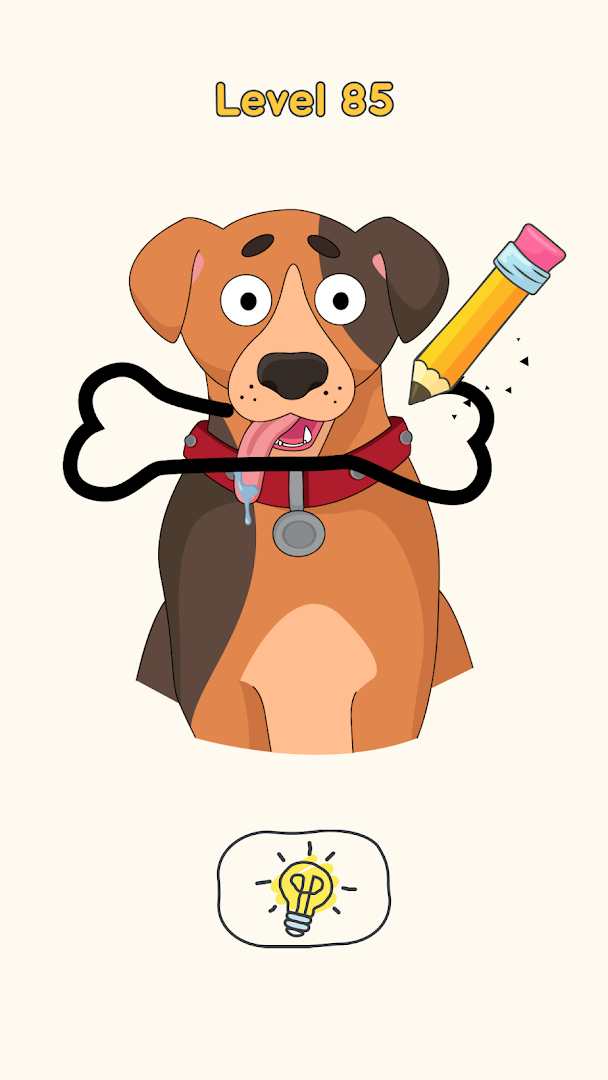
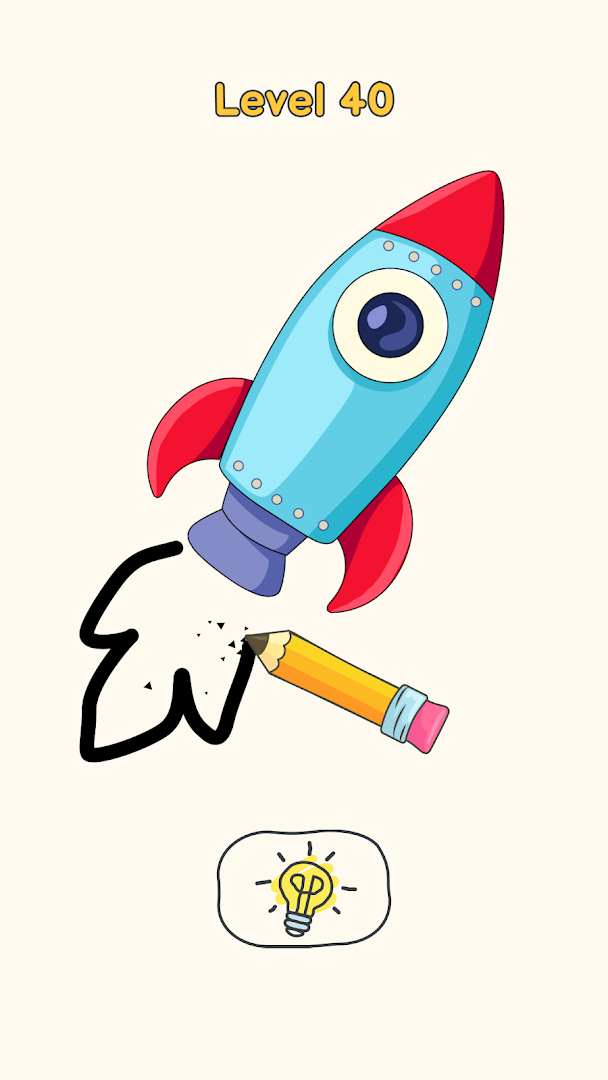
Solve puzzles by using your powers of logic and lateral thinking as you work your way through a huge series of cute drawings that all have something a little bit wrong with them — and it’s up to you to work it out!
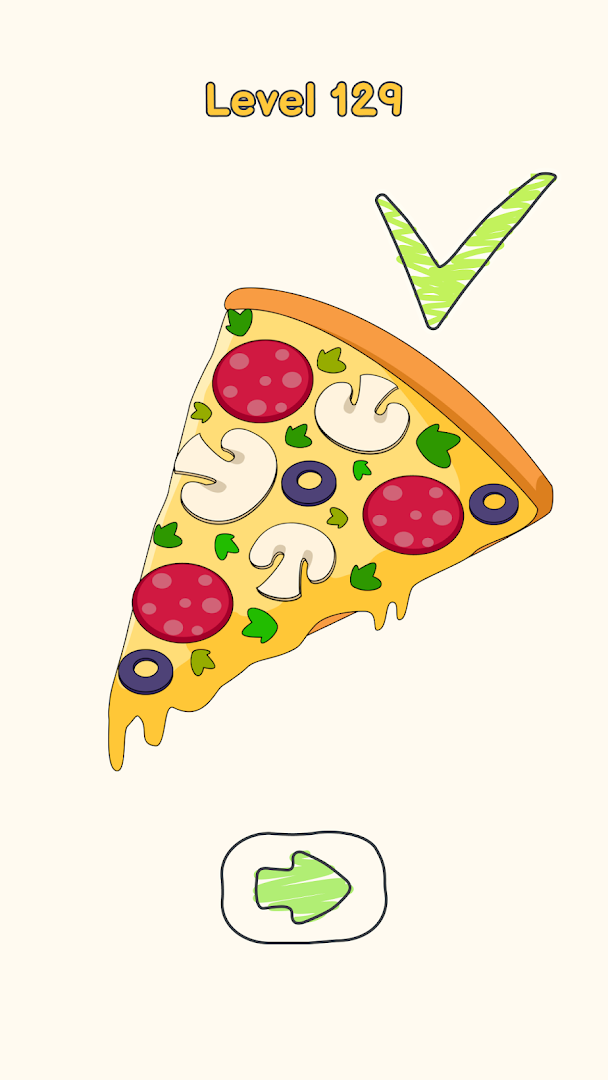
Use your finger to draw and outline the shapes of the parts that the drawings need, and then watch the game color and fill in the rest to complete the picture and take you on to the next challenge.
Once you work out the puzzles you will see that even the funniest drawings are entirely based on logic and lateral thinking, and you will be kicking yourself for even looking at the hints!
Some of the results might surprise you and make you really want to play more!
INNOVATIVE FEATURES THAT MAKE THIS GAME ONE OF A KIND
Use your own finger to complete drawings on your screen and let the game fill in the rest of the picture
A game that is an engaging and fun for your skill at solving puzzles and lateral thinking
Dozens of beautiful drawings to complete and figure out and keep your brain engaged for hours
Uniquely refreshing and engaging gameplay which you will be thinking about all day and coming back for more
A helpful hint system that won’t leave you in a lurch and let you get on with the game whenever you get stuck
Lovely music written especially for the game, which is relaxing and catchy at the same time and takes you away from the worries of everyday life
Your progress is saved after every drawing, play the game for as little or as long as you like
A difficulty which is just right, as it grows and draws you in until you’re solving puzzles and using your powers of logic like a pro
You don’t have to be a great artist, but it helps!
A FUN AND RELAXING CHALLENGE
If there is a puzzle that you need a little help with figuring out, there is a helpful hint system that will point your artistic talents in the right direction!
When you play this game, there is a relaxing balance of difficulty and enjoyment where you will feel that you have faced a challenge for your brain but never got annoyed or frustrated.
⏱ The gaming sessions can be as long or as short as you want, from solving a single drawing to several hours, as they keep on coming and your progress is always saved!
You can also always play the game together with your friends and family, as your screen doesn’t mind whose finger it is!
Download this colorful and fun game of artistic riddles today and bring out your inner artist!
Privacy Policy: https://say.games/privacy-policy
Terms of Use: https://say.games/terms-of-use
Show more

1. Download MEmu installer and finish the setup

2. Start MEmu then open Google Play on the desktop

3. Search DOP 4: Draw One Part in Google Play
Install
4. Download and Install DOP 4: Draw One Part
5. On install completion click the icon to start

6. Enjoy playing DOP 4: Draw One Part on PC with MEmu
MEmu Play is the best Android emulator and 100 million people already enjoy its superb Android gaming experience. The MEmu virtualization technology empowers you to play thousands of Android games smoothly on your PC, even the most graphic-intensive ones.
Bigger screen with better graphics; Long duration, without limitation of battery or mobile data.
Full Keymapping support for precise control of keyboard and mouse or gamepad.
Multiple game accounts or tasks on single PC at one time with Multi-Instance manager.
Play DOP 4: Draw One Part on PC by following steps: