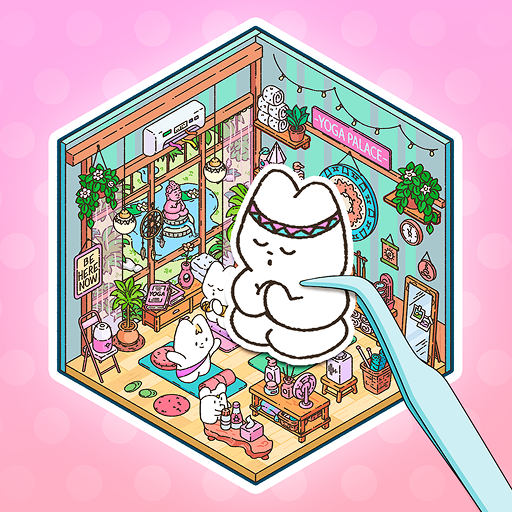
My Sticker Room - Decor Game
Updated
Current Version
1.5.0
Offered By

With your passion for My Sticker Room - Decor Game, you shouldn’t have to limit yourself to the small screen of a phone. Play like a pro and take full control of the game using a keyboard and mouse. MEmu gives you everything you’re looking for. Download and play My Sticker Room - Decor Game on PC. Play as long as you want — no more worries about battery life, mobile data, or unexpected calls. The all-new MEmu 9 is the best way to play My Sticker Room - Decor Game on PC. With our expertly designed keymapping system, My Sticker Room - Decor Game feels just like a real PC game. The MEmu multi-instance manager lets you run two or more accounts on the same device at the same time. Most importantly, our exclusive emulation engine unlocks your PC’s full potential, delivering smooth and seamless performance.
Show more
Download My Sticker Room - Decor Game on PC with MEmu Android Emulator. Enjoy playing on big screen. THE ULTIMATE COZY STICKER GAME.
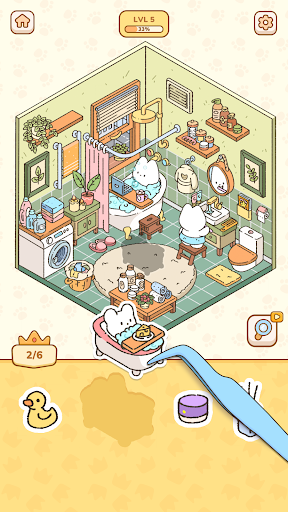
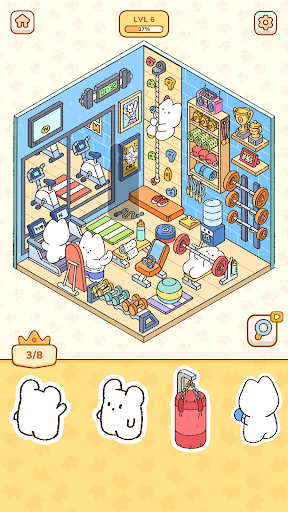
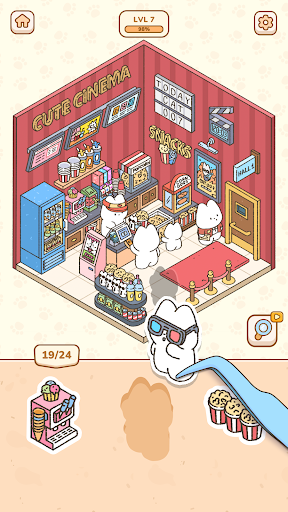
THE ULTIMATE COZY STICKER GAME
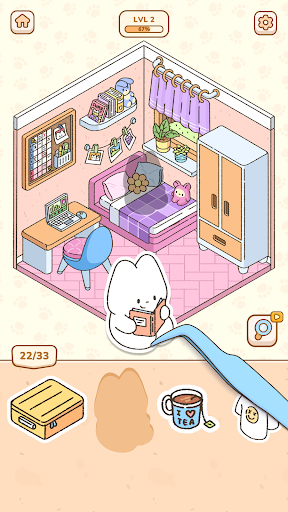
Life can be stressful, so it’s important to make time for yourself to relax – and what better way to do that than with an adorable kawaii sticker game? A mixture of décor games and sticker books, come peel up stickers and put them in their spots to finish each page, and feel your stress melt away. This is the ultimate chill home décor game with charming animal characters and room décor galore is the answer to all your worries!
STICK THE LANDING
Peel, stick, repeat – it really is that simple in this relaxing game filled with cute cats, diy home décor, and of course, stickers! Perfect for all ages and skill levels, this calm and easy sticker book game allows you to get your decorating groove on across all sorts of rooms and locations. The kawaii room décor and animations will help you relax, and the easy mechanics and calm gameplay mean you’ll be feeling cool as a cucumber even if you’ve only had time to play one level.
The best parts:
Cute cats and more: Each level is essentially a sticker book page where you’ll need to place all the stickers in the right spots to help our little animal friends live their best lives, be it at the coffee shop or hanging with friends! Enjoy watching the room décor items fill out the space and bring it to life thanks to the home décor game aspect, but free yourself from the stress of having to choose it all yourself.
Bye-bye stress: This relaxing sticker game is perfect for any amount of time – be it waiting before a meeting, just chilling at home, or in the elevator at work before a big presentation. Just open it and start sticking! Room décor items, kawaii animals, and more will fall into place thanks to your decorating skills, and before you know it you’ll be feeling ready to take on whatever is ahead!
Chill gameplay: In our quest to make this a relaxing sticker game, we pulled out all the stops – the game mechanics are simple and straightforward, the graphics are cute and cozy, and the ambiance: adoring and amazing. Fun for both the young and young at heart, everyone will enjoy decorating various rooms with décor items and seeing the cute cats, bunnies, and more in their little spaces!
PEEL, STICK, REPEAT
Come try the most relaxing and kawaii sticker game in town: My Sticker Room! Here you’ll get to peel and stick diy home décor, cute animals, and more onto their spots and watch the pages come alive! This cute decorating game will leave you stress free thanks to the chill graphics and gameplay, and players of all ages will enjoy placing the stickers on each new page. Relax in style with My Sticker Room today!
Privacy Policy: https://say.games/privacy-policy
Terms of Use: https://say.games/terms-of-use
Show more

1. Download MEmu installer and finish the setup

2. Start MEmu then open Google Play on the desktop

3. Search My Sticker Room - Decor Game in Google Play
Install
4. Download and Install My Sticker Room - Decor Game
5. On install completion click the icon to start

6. Enjoy playing My Sticker Room - Decor Game on PC with MEmu
MEmu Play is the best Android emulator and 100 million people already enjoy its superb Android gaming experience. The MEmu virtualization technology empowers you to play thousands of Android games smoothly on your PC, even the most graphic-intensive ones.
Bigger screen with better graphics; Long duration, without limitation of battery or mobile data.
Full Keymapping support for precise control of keyboard and mouse or gamepad.
Multiple game accounts or tasks on single PC at one time with Multi-Instance manager.
Play My Sticker Room - Decor Game on PC by following steps: