Ragnarok: Twilight Global
Updated
Current Version
1.0.3
Offered By

With your passion for Ragnarok: Twilight Global, you shouldn’t have to limit yourself to the small screen of a phone. Play like a pro and take full control of the game using a keyboard and mouse. MEmu gives you everything you’re looking for. Download and play Ragnarok: Twilight Global on PC. Play as long as you want — no more worries about battery life, mobile data, or unexpected calls. The all-new MEmu 9 is the best way to play Ragnarok: Twilight Global on PC. With our expertly designed keymapping system, Ragnarok: Twilight Global feels just like a real PC game. The MEmu multi-instance manager lets you run two or more accounts on the same device at the same time. Most importantly, our exclusive emulation engine unlocks your PC’s full potential, delivering smooth and seamless performance.
Show more
Download Ragnarok: Twilight Global on PC with MEmu Android Emulator. Enjoy playing on big screen. >>100% Drop Rate, Epic Gear and Cards Come Easy, Idle and Win Effortlessly.
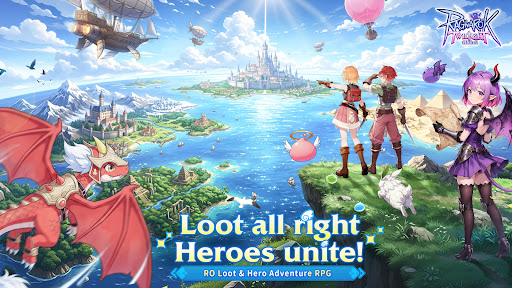
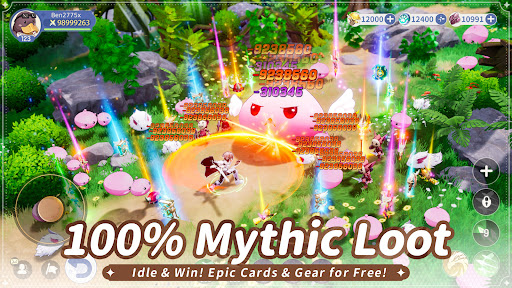
>>100% Drop Rate, Epic Gear and Cards Come Easy, Idle and Win Effortlessly
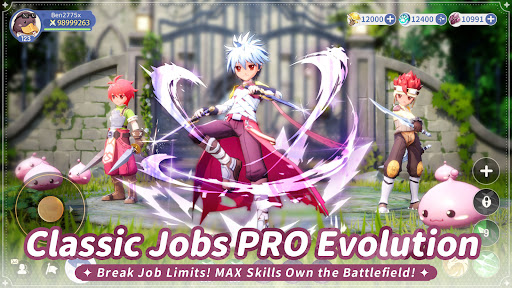
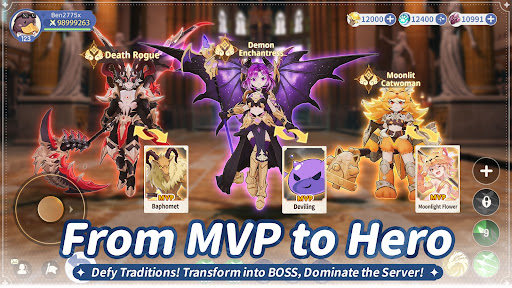
>>Hero Transformation, MVP Monsters Evolve, Awakened Heroes Surge with Power
>>Adventure Team, Fight Side by Side with Friends, Double the Fun in Team Battles
>>Classic Pets & Monsters Return, Join You on a Brand-New Adventure in Prontera
>>Unique Costumes, 1000+ OOTD Combos, Style Freely with Ultimate Fashion
>>Enter the Game NOW to Claim 100 Treasure Gacha, the Limited Mount Fire Drake, and the Rare Wings!
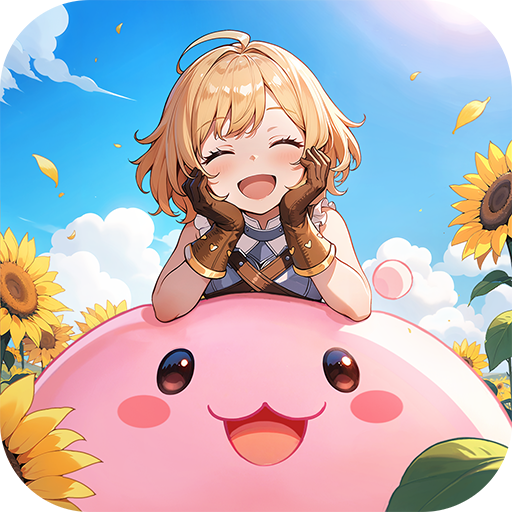
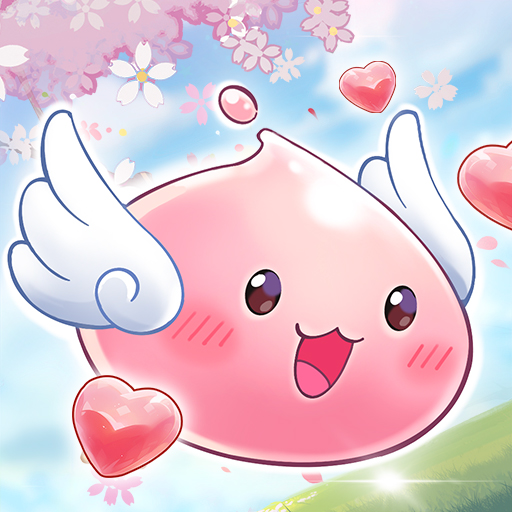
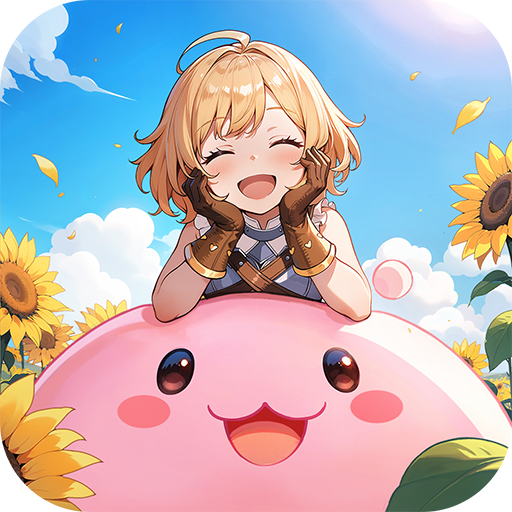
Ragnarok: Twilight Global is a brand-new MMORPG in the Ragnarok IP series. As the first RO mobile game featuring “100% Drop Rate” + “Hero Transformation”, it perfectly blends classic RO elements with innovative gameplay. The game not only brings back iconic elements such as nostalgic BGM, adorable pets like Poring and Raging Lunatic, classic MVP monsters like Baphomet and Phreeoni, and a versatile fashion system, but also faithfully recreates the complete job changing system from Novice to Swordsman, Acolyte, Mage, Thief, and Archer.
This time, in-game rewards have been greatly increased. Defeating MVPs guarantees a 100% gear drop, and players can grow stronger easily even through idle gameplay. The debut Hero Transformation System allows players to transform into legendary MVP/BOSS heroes such as Baphomet, while the Adventure Team Mode lets you experience the social fun of exploring dungeons and defeating bosses with friends.
【Classic IP, A Brand-New Journey】
A perfect fusion of RO classic elements and innovative gameplay! As the familiar BGM begins to play, memories instantly come flooding back. The adorable mount Poring mount and pet Raging Lunatic return to accompany your journey! Classic MVP monsters like Baphomet and Phreeoni are waiting for your challenge.
【100% Drop Rate, Grow Strong While You Relax】
The most generous RO is here! No need to purchase equipment. You can defeat MVPs for 100% epic gear drops! Strengthen effortlessly through idle gameplay, with 20 hours of offline auto-battling. Log back in to claim massive EXP, epic gear, and cards, and reach Level 150 in just one hour! There are also Exclusive MVP Dungeons with no monster competition. Solo players can freely farm bosses and grow rapidly without pressure.
【Hero Transformation, MVP Evolution】
MVP monsters undergo ultimate evolution and appear as powerful heroes, allowing you to break through combat limits and transform into mighty bosses within the game!
When Angeling evolves into the Blazing Angel, and Deviling awakens its dark power to become the Demon Enchantress, the once-familiar MVP monsters transcend dimensions and evolve into heroes with mythic power.
【Adventure Team, Double the Fun】
Say goodbye to solo adventures and enjoy relaxed social gameplay! Team up with friends to form an Adventure Team, clear main story missions and dungeons together, and participate in guild wars to seize the throne of the royal castle. No need to worry about insufficient combat power --get carried anytime! The special Couple System even allows you to deepen bonds while adventuring together, fulfilling both friendship and romance.
【Unique Costumes, Style Your Way】
With 1000+ OOTD combos, express your style freely! Create your exclusive look with DIY outfits, switching effortlessly from cute styles to cool aesthetics. Dynamic wings, headgear costumes, chat expressions, and many other cosmetic options are available, allowing you to begin a brand-new adventure in style as a Novice.
For more updates and gameplay reveals, please stay tuned to the official Ragnarok: Twilight Global Facebook page.
Official Website: https://pse.is/8wq2k5
Official Community Channels: https://rotl.onelink.me/HtQJ/70mbpgxe
Show more

1. Download MEmu installer and finish the setup

2. Start MEmu then open Google Play on the desktop

3. Search Ragnarok: Twilight Global in Google Play
Install
4. Download and Install Ragnarok: Twilight Global
5. On install completion click the icon to start

6. Enjoy playing Ragnarok: Twilight Global on PC with MEmu
MEmu Play is the best Android emulator and 100 million people already enjoy its superb Android gaming experience. The MEmu virtualization technology empowers you to play thousands of Android games smoothly on your PC, even the most graphic-intensive ones.
Bigger screen with better graphics; Long duration, without limitation of battery or mobile data.
Full Keymapping support for precise control of keyboard and mouse or gamepad.
Multiple game accounts or tasks on single PC at one time with Multi-Instance manager.
Play Ragnarok: Twilight Global on PC by following steps: