Rotate Rings
Updated
Current Version
1.0.3
Offered By

With your passion for Rotate Rings, you shouldn’t have to limit yourself to the small screen of a phone. Play like a pro and take full control of the game using a keyboard and mouse. MEmu gives you everything you’re looking for. Download and play Rotate Rings on PC. Play as long as you want — no more worries about battery life, mobile data, or unexpected calls. The all-new MEmu 9 is the best way to play Rotate Rings on PC. With our expertly designed keymapping system, Rotate Rings feels just like a real PC game. The MEmu multi-instance manager lets you run two or more accounts on the same device at the same time. Most importantly, our exclusive emulation engine unlocks your PC’s full potential, delivering smooth and seamless performance.
Show more
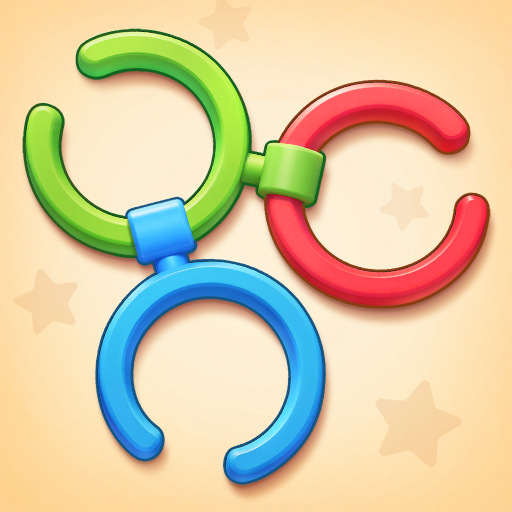
Download Rotate Rings on PC with MEmu Android Emulator. Enjoy playing on big screen. Welcome to Rotate Rings — the captivating 3D circle puzzle game designed to challenge your logical mind, relieve stress, and deliver pure brain-boosting fun!
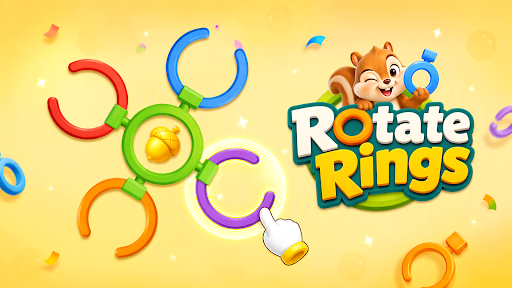
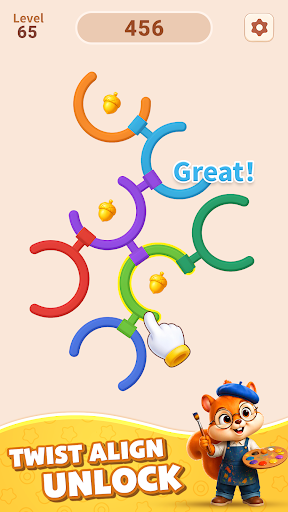
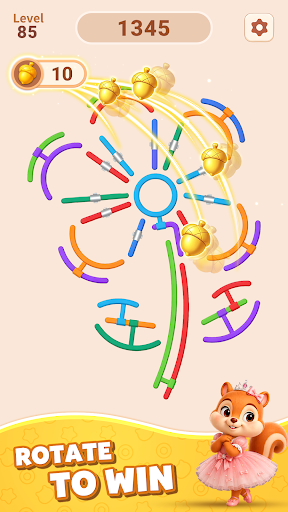
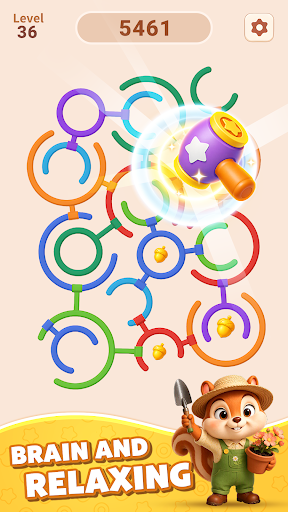
Welcome to Rotate Rings — the captivating 3D circle puzzle game designed to challenge your logical mind, relieve stress, and deliver pure brain-boosting fun!
Step into a sleek, minimal logic puzzle world where every spin counts. Your mission is simple yet addictive: observe the interlocked 3D rings, calculate your moves, and carefully rotate circles to align the hidden gaps and unlock each layer. Rotate Rings balances relaxing casual gameplay with deep tactical thinking, turning every unlocked ring into a rewarding victory.
How To Play This Circle Puzzle
• Touch & Rotate: Tap and drag to rotate the rings to the correct angle.
• Align the Gaps: Find the open paths and line up matching gaps across interlocked circles.
• Unlock & Untangle: Untangle complex loops and break locks layer by layer.
• Master the Puzzle: Use smart planning to clear each level with minimum moves!
Engaging Brain Training Mechanics
Rotate Rings is more than just a quick casual pastime — it is a smart, satisfying logic puzzle experience! Sharpen your spatial awareness, train your hand-eye coordination, and improve multi-step problem solving. As you progress, encounter unique ring structures including D-rings, S-flex locks, triangular frames, and U-shaped tubes that will test your tactical wits.
Exciting Game Features
• Satisfying Unlock Physics: Feel the smooth tactile feedback as you spin rings, open gaps, and watch complex structures untangle.
• Varied Ring Mechanics: Master diverse obstacles — rotate C-locks, navigate restricted D-rings, and solve multi-layered circle challenges.
• Hundreds of Smart Levels: Enjoy smooth difficulty progression with hundreds of handcrafted 3D unlock puzzle stages.
• Helpful Boosters & Hints: Stuck on a complex loop? Use smart hints and tools to untangle tricky rings and keep moving forward.
• Relaxing & Stress-Relieving: Clean visuals, smooth rotation animations, and calming ambient sound effects create a soothing atmosphere.
• Play Offline Anytime: No Wi-Fi required! Enjoy your daily brain workout anywhere, anytime at your own pace with no time limits.
Why You'll Love Rotate Rings
Whether you want to unwind during daily downtime or flex your brain with intricate spatial logic, Rotate Rings offers the ultimate ring removal and circle unlock challenge. Experience the soothing joy of turning chaotic interlocked shapes into perfectly solved puzzles!
Download Rotate Rings, spin the circles, align the gaps, and become the ultimate ring puzzle master!
Show more

1. Download MEmu installer and finish the setup

2. Start MEmu then open Google Play on the desktop

3. Search Rotate Rings in Google Play
Install
4. Download and Install Rotate Rings
5. On install completion click the icon to start

6. Enjoy playing Rotate Rings on PC with MEmu
MEmu Play is the best Android emulator and 100 million people already enjoy its superb Android gaming experience. The MEmu virtualization technology empowers you to play thousands of Android games smoothly on your PC, even the most graphic-intensive ones.
Bigger screen with better graphics; Long duration, without limitation of battery or mobile data.
Full Keymapping support for precise control of keyboard and mouse or gamepad.
Multiple game accounts or tasks on single PC at one time with Multi-Instance manager.
Play Rotate Rings on PC by following steps: