Umamusume: Pretty Derby
Updated
Current Version
1.35.0
Offered By

With your passion for Umamusume: Pretty Derby, you shouldn’t have to limit yourself to the small screen of a phone. Play like a pro and take full control of the game using a keyboard and mouse. MEmu gives you everything you’re looking for. Download and play Umamusume: Pretty Derby on PC. Play as long as you want — no more worries about battery life, mobile data, or unexpected calls. The all-new MEmu 9 is the best way to play Umamusume: Pretty Derby on PC. With our expertly designed keymapping system, Umamusume: Pretty Derby feels just like a real PC game. The MEmu multi-instance manager lets you run two or more accounts on the same device at the same time. Most importantly, our exclusive emulation engine unlocks your PC’s full potential, delivering smooth and seamless performance.
Show more
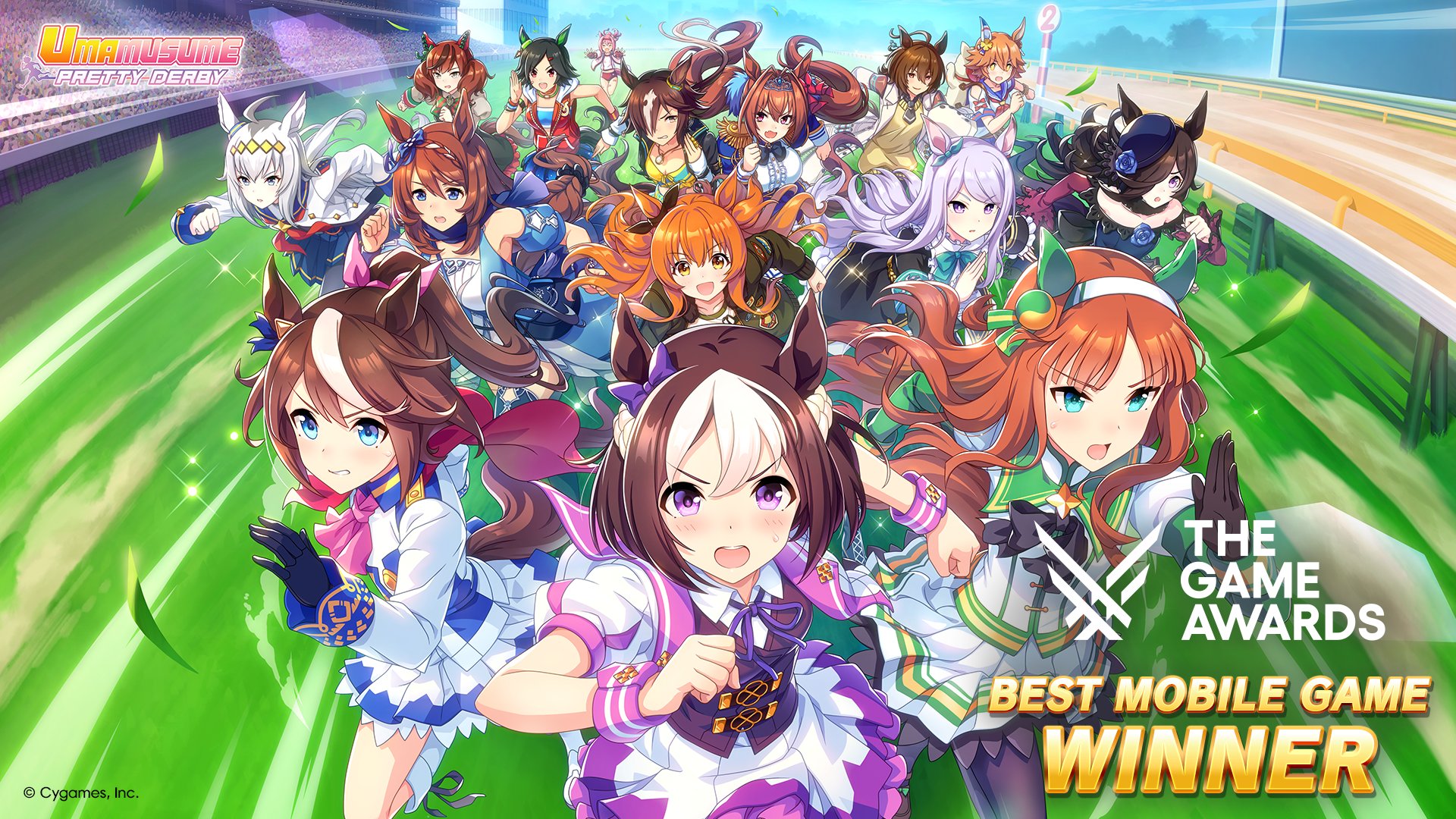
Download Umamusume: Pretty Derby on PC with MEmu Android Emulator. Enjoy playing on big screen. Umamusume: Pretty Derby, winner of Best Mobile Game at The Game Awards 2025, is ready to race!


Umamusume: Pretty Derby, winner of Best Mobile Game at The Game Awards 2025, is ready to race! Scout featured trainees and supporters as you navigate the immersive sports life simulation through the game's in-depth training system and top-of-the-line 3D graphics!
Introduction
-- Umamusume. They are born to run. They inherit otherworldly names, and are inspirited by dreams most dramatic and wonderful. Now, they run ever forward. That, is their destiny. No one knows how the races that lie in their futures will end. Even so, they continue to run, aiming only toward the goal in front of them.
-- Each and every one of the runners sports a unique charm. It's up to you, the trainer, to lead them down the path of victory! You have but one goal—raise your Umamusume to her fullest potential and help turn her greatest dreams into reality. In order to reach these newfound heights, it's your job to participate in—and win—as many races as possible! Triumph awaits those who train hard and work to communicate. Only by cooperating will you take the crown!
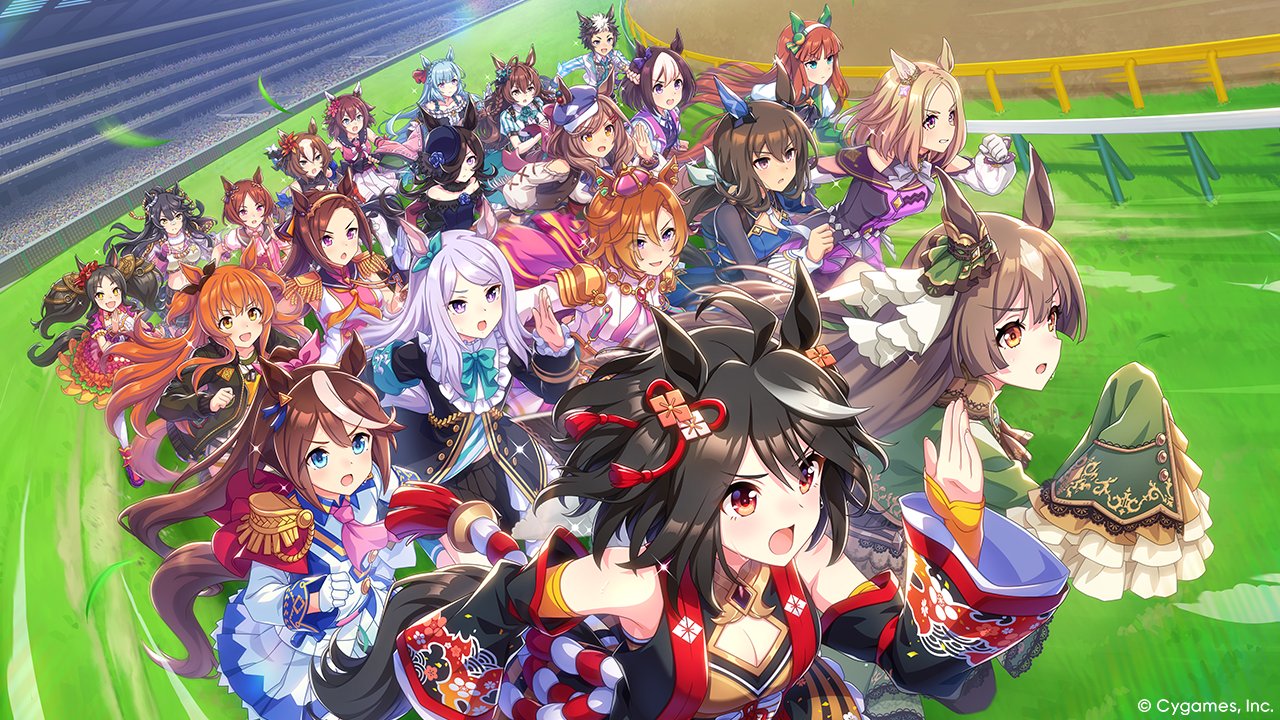
-- Experience the thrilling stories of historic racers, such as:
Special Week (Voice: Azumi Waki)
Silence Suzuka (Voice: Marika Kohno)
Tokai Teio (Voice: Machico)
Oguri Cap (Voice: Tomoyo Takayanagi)
Gold Ship (Voice: Hitomi Ueda)
Vodka (Voice: Ayaka Ohashi)
Daiwa Scarlet (Voice: Chisa Kimura)
Mejiro McQueen (Voice: Saori Onishi)
Symboli Rudolf (Voice: Azusa Tadokoro)
Rice Shower (Voice: Manaka Iwami)
Haru Urara (Voice: Yukina Shuto)
Nice Nature (Voice: Kaori Maeda)
...and so many more—over 20 Umamusume are searching for a trainer to help them achieve their goals!
-- Cheer for your favorite Umamusume and immerse yourself in exhilarating races and stunning performances in breathtaking 3D graphics. Up to 18 Umamusume compete in races against each other for first place—watch them go as you tune in to the game's incredibly realistic live commentary. And of course, stick around after the race to support the victor during a dazzling winning concert! Whether on the racetrack or the stage, raise the roof to each exciting new performance!
-- Follow us on X:
https://x.com/umamusume_eng
-- For more information, check out our official website:
https://umamusume.com/
Show more

1. Download MEmu installer and finish the setup

2. Start MEmu then open Google Play on the desktop

3. Search Umamusume: Pretty Derby in Google Play
Install
4. Download and Install Umamusume: Pretty Derby
5. On install completion click the icon to start

6. Enjoy playing Umamusume: Pretty Derby on PC with MEmu
MEmu Play is the best Android emulator and 100 million people already enjoy its superb Android gaming experience. The MEmu virtualization technology empowers you to play thousands of Android games smoothly on your PC, even the most graphic-intensive ones.
Bigger screen with better graphics; Long duration, without limitation of battery or mobile data.
Full Keymapping support for precise control of keyboard and mouse or gamepad.
Multiple game accounts or tasks on single PC at one time with Multi-Instance manager.
Play Umamusume: Pretty Derby on PC by following steps: