Wrestling Empire
Updated
Current Version
1.7.1
Offered By

With your passion for Wrestling Empire, you shouldn’t have to limit yourself to the small screen of a phone. Play like a pro and take full control of the game using a keyboard and mouse. MEmu gives you everything you’re looking for. Download and play Wrestling Empire on PC. Play as long as you want — no more worries about battery life, mobile data, or unexpected calls. The all-new MEmu 9 is the best way to play Wrestling Empire on PC. With our expertly designed keymapping system, Wrestling Empire feels just like a real PC game. The MEmu multi-instance manager lets you run two or more accounts on the same device at the same time. Most importantly, our exclusive emulation engine unlocks your PC’s full potential, delivering smooth and seamless performance.
Show more
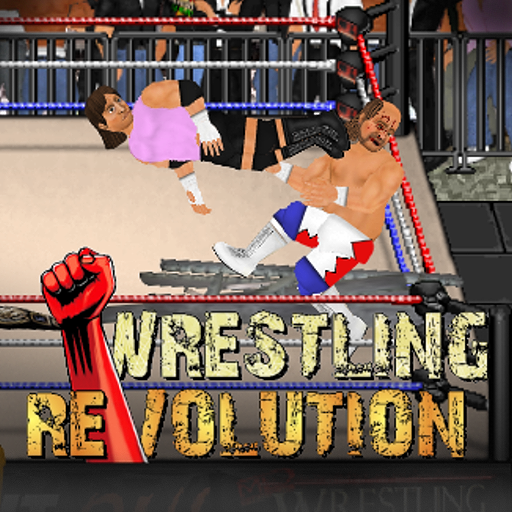
Download Wrestling Empire on PC with MEmu Android Emulator. Enjoy playing on big screen. The lightweight champion of mobile wrestling is back with higher resolution visuals and a smoother frame rate, whilst still retaining the retro style that puts the fun first with no loading times!
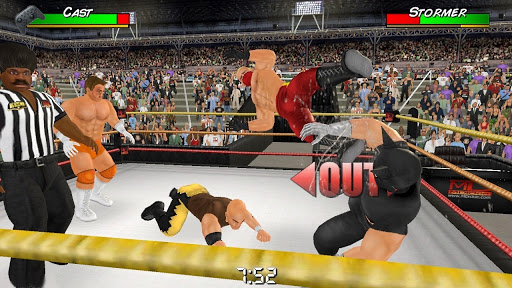
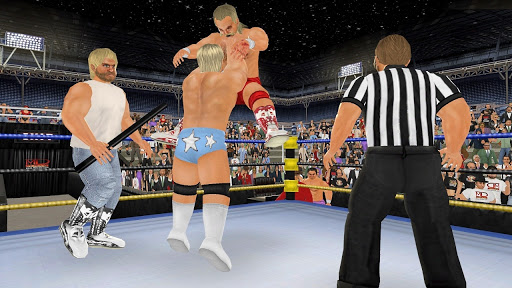
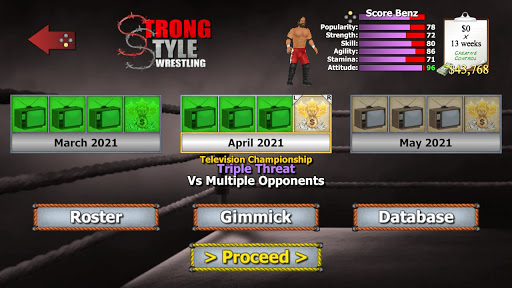
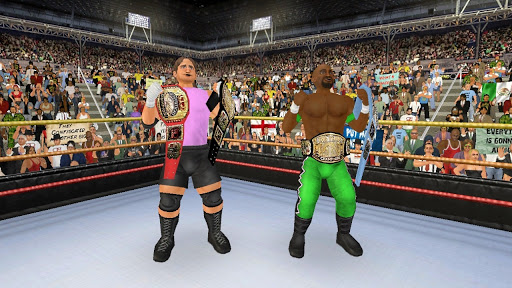
The lightweight champion of mobile wrestling is back with higher resolution visuals and a smoother frame rate, whilst still retaining the retro style that puts the fun first with no loading times! See if you can keep up with the pace, as new features and effects make wrestling even easier to play yet even more satisfying to master.
Create your own star and embark on a career to encounter up to 350 opponents across 10 different rosters in the sport’s most epic shared universe. Make the right moves backstage as well as in the ring to fight for your worth and retire with a career worth remembering. You can even "take it outside" with a whole other roaming mode that challenges you to take responsibility for what happens behind the scenes in real-time!
When you’re ready to get serious, upgrade to a “Pro” membership to stop relying on sponsors and make the world your own by saving your changes to each character. The most intuitive match setup process in wrestling is then available to create dream matches before your very eyes – roping in as many characters & props as you can handle!
The original game now also includes a whole other "booking" mode at no extra cost, which challenges you to run your own promotion with a territorial twist! Assemble the best roster you can with the resources you have, and then travel the world trying to set attendance records everywhere you go. Present the right matches in the right way at the right time to maximize your impact on the ratings, whilst trying to keep a locker room full of egos from self-destructing. Everybody thinks they know better until it's time to do better...
* This game depicts a fictitious universe and allows the user to create their own. Any resemblance to real persons – past or present – is purely coincidental.
Show more

1. Download MEmu installer and finish the setup

2. Start MEmu then open Google Play on the desktop

3. Search Wrestling Empire in Google Play
Install
4. Download and Install Wrestling Empire
5. On install completion click the icon to start

6. Enjoy playing Wrestling Empire on PC with MEmu
MEmu Play is the best Android emulator and 100 million people already enjoy its superb Android gaming experience. The MEmu virtualization technology empowers you to play thousands of Android games smoothly on your PC, even the most graphic-intensive ones.
Bigger screen with better graphics; Long duration, without limitation of battery or mobile data.
Full Keymapping support for precise control of keyboard and mouse or gamepad.
Multiple game accounts or tasks on single PC at one time with Multi-Instance manager.
Play Wrestling Empire on PC by following steps: