Atlas Earth - Buy Virtual Land
Updated
Current Version
1.60.4
Offered By

Stop worrying about high battery drain when using Atlas Earth - Buy Virtual Land on your phone. Free yourself from the tiny screen and enjoy the app on a much larger display. From now on, get a full-screen experience of your app with the convenience of a keyboard and mouse. MEmu offers you all the surprising features you’d expect: quick installation and easy setup, intuitive controls, and no more worries about battery life, mobile data, or unexpected calls. The all-new MEmu 9 is the choice for using Atlas Earth - Buy Virtual Land on your computer. With the MEmu multi-instance manager, you can run two or more accounts at the same time. Most importantly, our exclusive emulation engine unlocks your PC’s full potential, delivering smooth and enjoyable performance.
Show more
Enjoy superb experience of using Atlas Earth - Buy Virtual Land on PC with MEMU App Player. It's a powerful free Android emulator which provides you with thousands of android apps for their desktop version. Enjoy connecting with friends and polishing your work with higher efficiency! BUY VIRTUAL LAND & EARN REAL MONEY.
BUY VIRTUAL LAND & EARN REAL MONEY
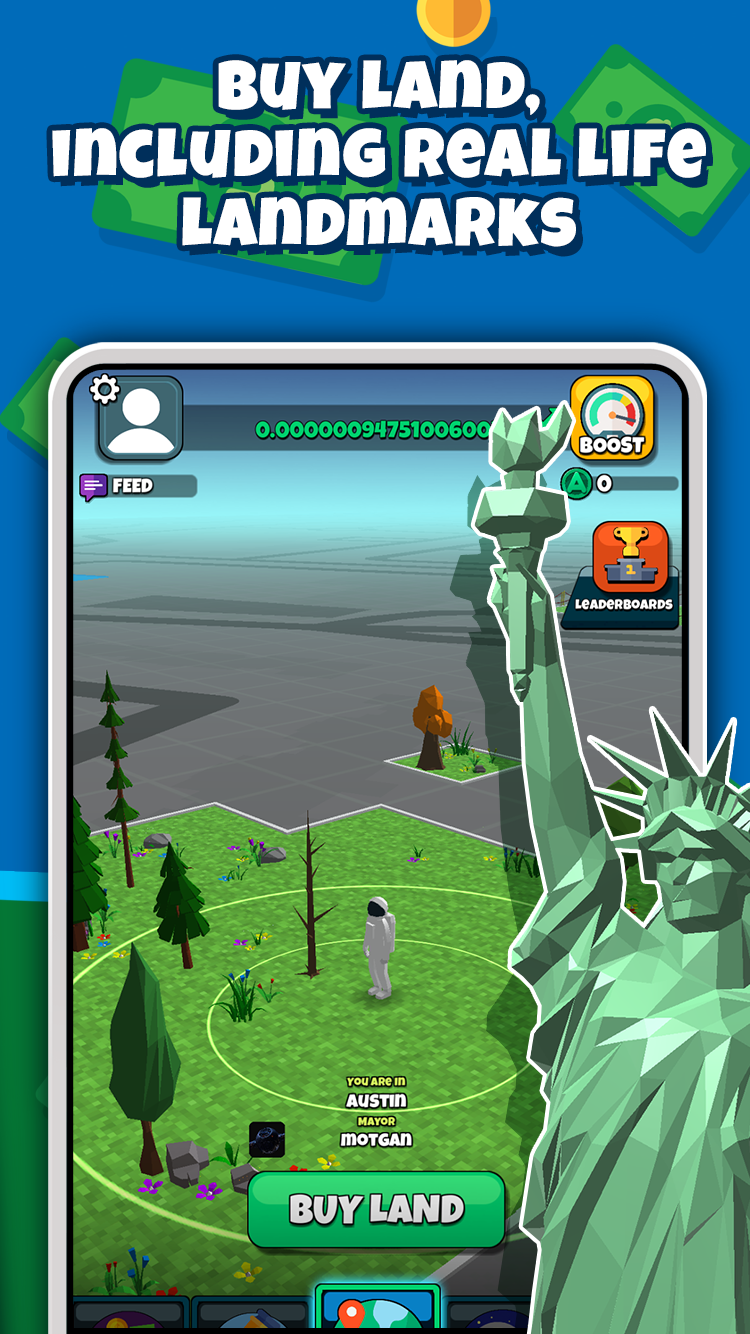
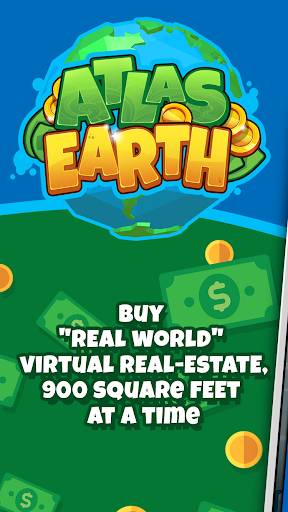
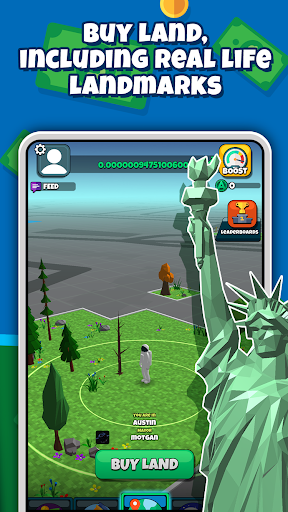
ATLAS: Earth is a location-based app where users can buy virtual land that mirrors real-world locations, 900 square feet at a time. Purchase land anywhere near your physical location in the real world and the property is yours to keep and earn virtual rent on that you can turn into real money!
GET YOUR FIRST REAL ESTATE IN THE METAVERSE FOR FREE
Each parcel of land you own in the game earns you rent per second, every second of the day, every day of the year. Parcels start at just $5, and your first parcel is free.
EARN RENT & CASH OUT
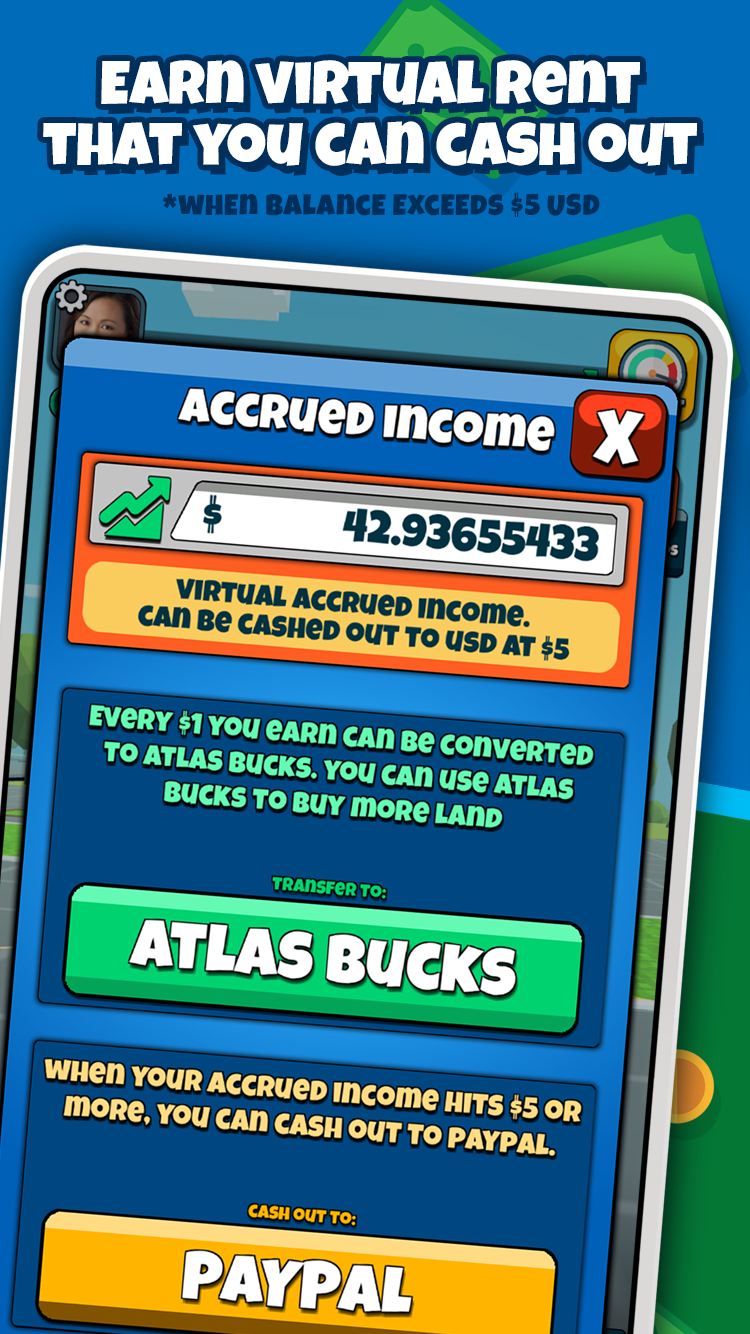
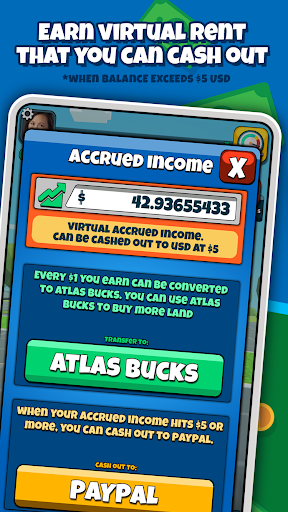
Earn virtual rent every second from your land and cash out the money straight to your PayPal, Venmo, gift cards, and more when your total earnings reach $5 or more.* Players can also transfer accrued rent into more virtual land currency to keep expanding territory and earning rent!
BOOST RENT HOURLY
Boost rental income on your virtual land in the metaverse for an hour when you watch an ad. Hourly rent boosts reach up to 30x base rent rates and are free with each ad you watch.
LEADERBOARDS & LEADER ROLES
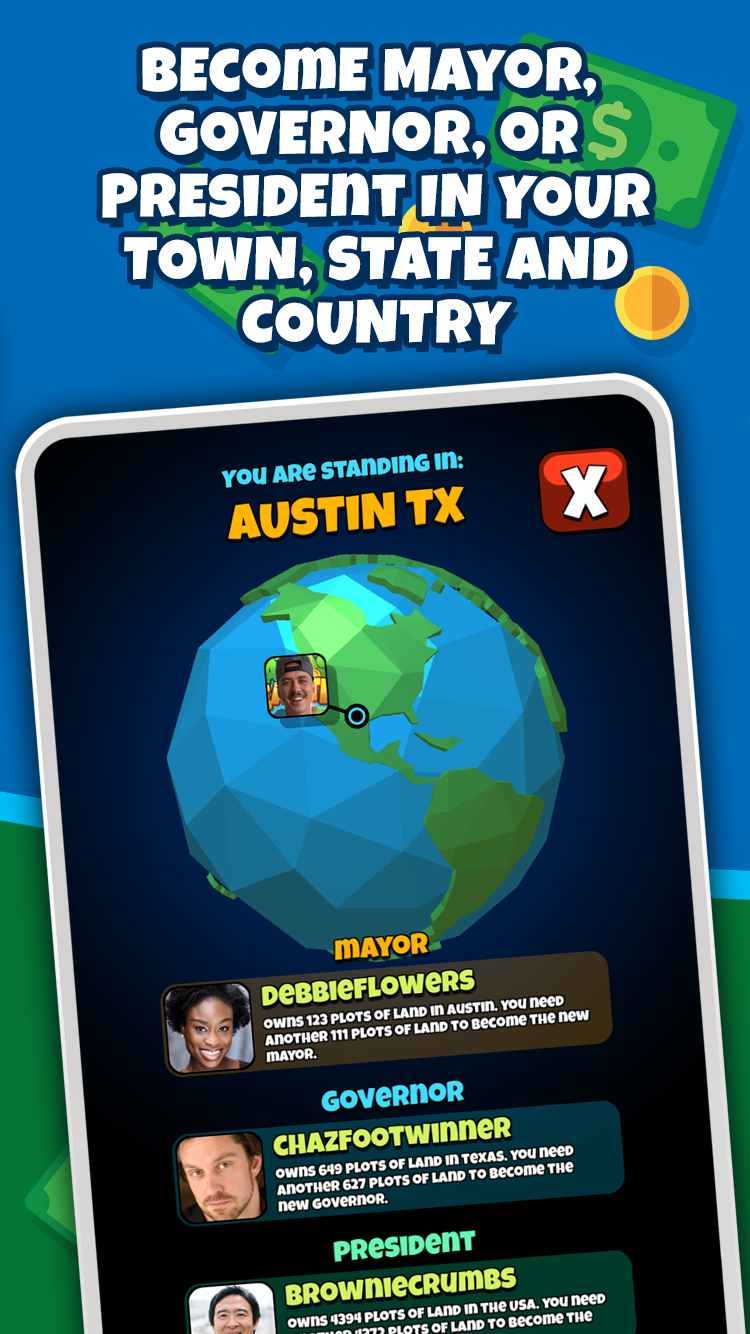
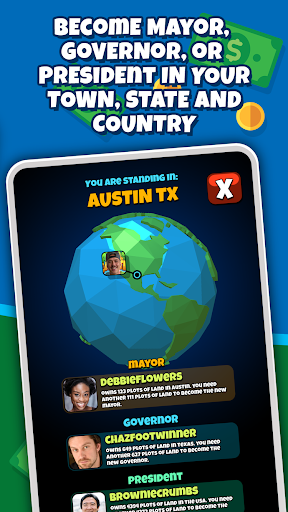
Show off your virtual land investing skills to other users! Climb the leaderboards and become Mayor, Governor, or even President, by owning the most virtual landa and real estate in your city, state, or country.
COLLECT MERCHANT REWARDS
Earn free Atlas Bucks when you shop with our retail partners in the real world. Connect a VISA or Mastercard credit card through our card-linked rewards portal and earn in-game rewards every time you swipe at our growing list of brick-and-mortar stores.
NOTES:
Atlas Earth is an idle tycoon business game that offers in-game purchases. Is it most ideally played on smartphones, not tablets.
A parcel of virtual land in the game is not an NFT, and buying property does not require crypto.
In order to play, please agree to our Terms of Service, which can be found here: https://legal.atlasreality.com/content/earth/terms-of-service.html
*Paying Rent is our way of saying thank you. It is our form of loyalty/cash-back for enjoying our game. Although we avoid such scenarios, Rent is not guaranteed and may change or pause.
Please get in touch with us at support@atlasreality.com if you have any questions.
Atlas Earth requirements for Android Devices:
GPS and location services
Strong internet connection
Android 8.0+
Rooted devices are not supported
2 GB RAM
1.6GHz+ CPU speed
Show more

1. Download MEmu installer and finish the setup

2. Start MEmu then open Google Play on the desktop

3. Search Atlas Earth - Buy Virtual Land in Google Play
Install
4. Download and Install Atlas Earth - Buy Virtual Land
5. On install completion click the icon to start

6. Enjoy using Atlas Earth - Buy Virtual Land on PC with MEmu
MEmu Play is the best Android emulator, and 100 million users already enjoy its superb Android app experience. Powered by advanced virtualization technology, it lets you enjoy thousands of Android apps smoothly on your PC—including the most graphics-intensive ones.
Bigger screen with better graphics; Long duration, without limitation of battery or mobile data.
Full Keymapping support for precise control of keyboard and mouse or gamepad.
Multiple game accounts or tasks on single PC at one time with Multi-Instance manager.
Use Atlas Earth - Buy Virtual Land on PC by following steps: