Cash App
Updated
Current Version
5.69.0
Offered By

Stop worrying about high battery drain when using Cash App on your phone. Free yourself from the tiny screen and enjoy the app on a much larger display. From now on, get a full-screen experience of your app with the convenience of a keyboard and mouse. MEmu offers you all the surprising features you’d expect: quick installation and easy setup, intuitive controls, and no more worries about battery life, mobile data, or unexpected calls. The all-new MEmu 9 is the choice for using Cash App on your computer. With the MEmu multi-instance manager, you can run two or more accounts at the same time. Most importantly, our exclusive emulation engine unlocks your PC’s full potential, delivering smooth and enjoyable performance.
Show more
Enjoy superb experience of using Cash App on PC with MEMU App Player. It's a powerful free Android emulator which provides you with thousands of android apps for their desktop version. Enjoy connecting with friends and polishing your work with higher efficiency! Cash App makes it easy to:.
Cash App makes it easy to:
- Spend, send, save, & invest
- Borrow cash
- Get teens started with money
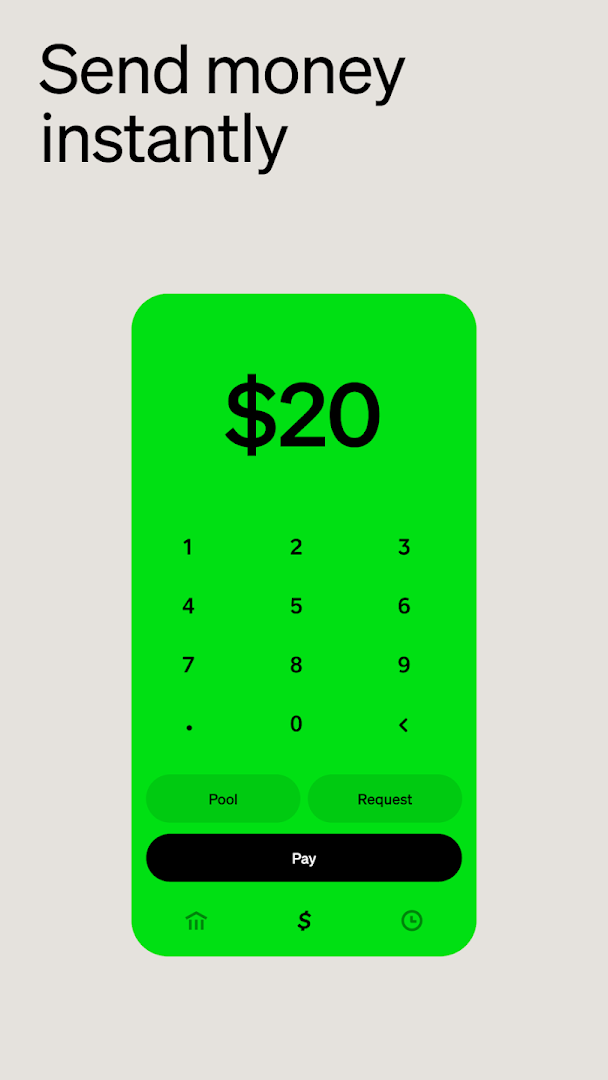
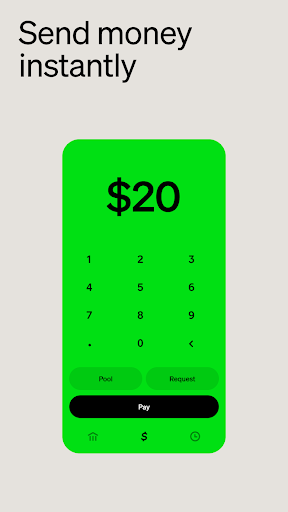
Send money instantly for free. Get paid up to 2 days early when you set up direct deposit.*
Join the millions of people who've bought & sold bitcoin*** with Cash App.
Get a customizable Cash App Card, a debit card that works with Apple Pay, Google Pay, & digital wallets. Save instantly with exclusive offers.
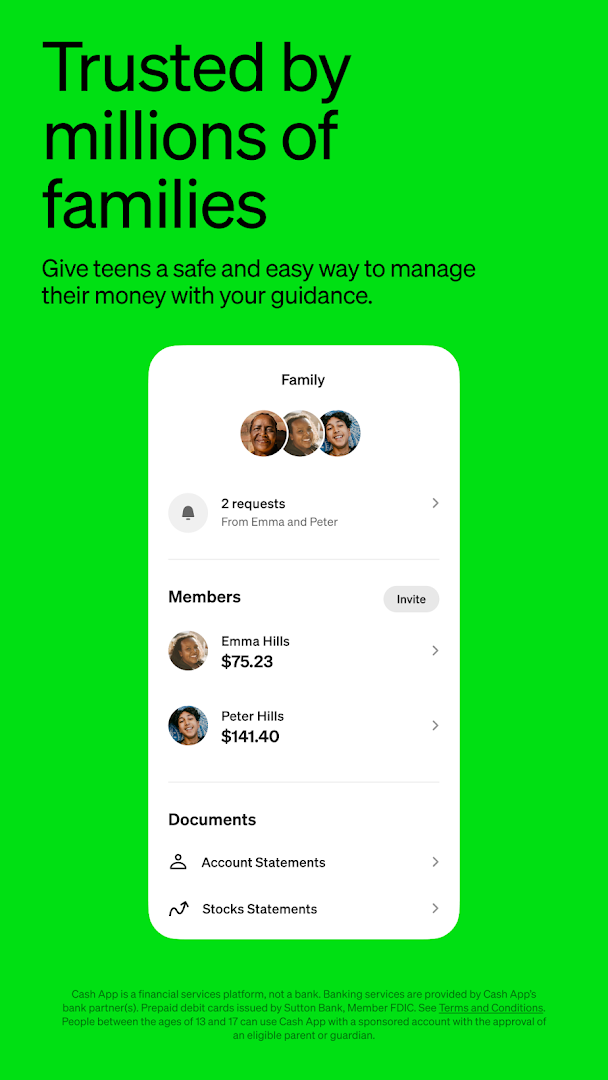
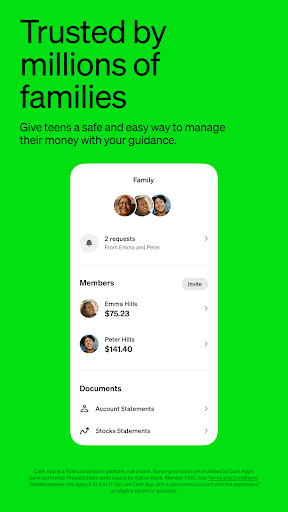
TRUSTED BY MILLIONS OF FAMILIES
• Ages 13 to 17 can use Cash App when sponsored by a parent/guardian****
• Personalized debit card, extra security features, & parental controls
P2P PAYMENTS
• Pay people using their phone number, email, $cashtag, or QR code
• Proactive security features to avoid scams
CUSTOMIZABLE DEBIT CARD*
• Works where Visa® is accepted
• No monthly or hidden fees
• Exclusive styles
• Real-time alerts
• 24/7 fraud monitoring
SIMPLIFIED BANKING*
• No minimum balance requirements
• Distribute part of your paycheck to savings, stocks, or bitcoin***
• Free in-network ATM withdrawals & up to $200 in free overdraft coverage when you earn Green status**
EASY WAYS TO SAVE
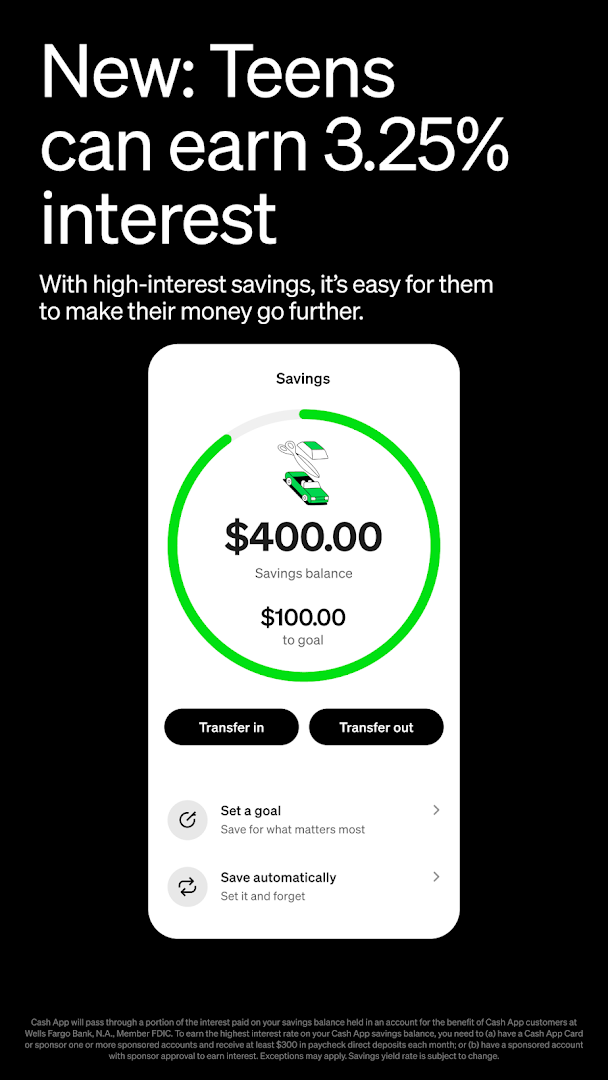
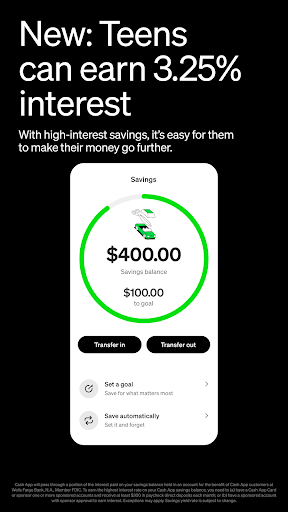
• Up to 3.5% interest when you earn Green status**
• Round up spare change or put part of your paychecks into savings, stocks, or bitcoin***
EXCLUSIVE DISCOUNTS & ACCESS
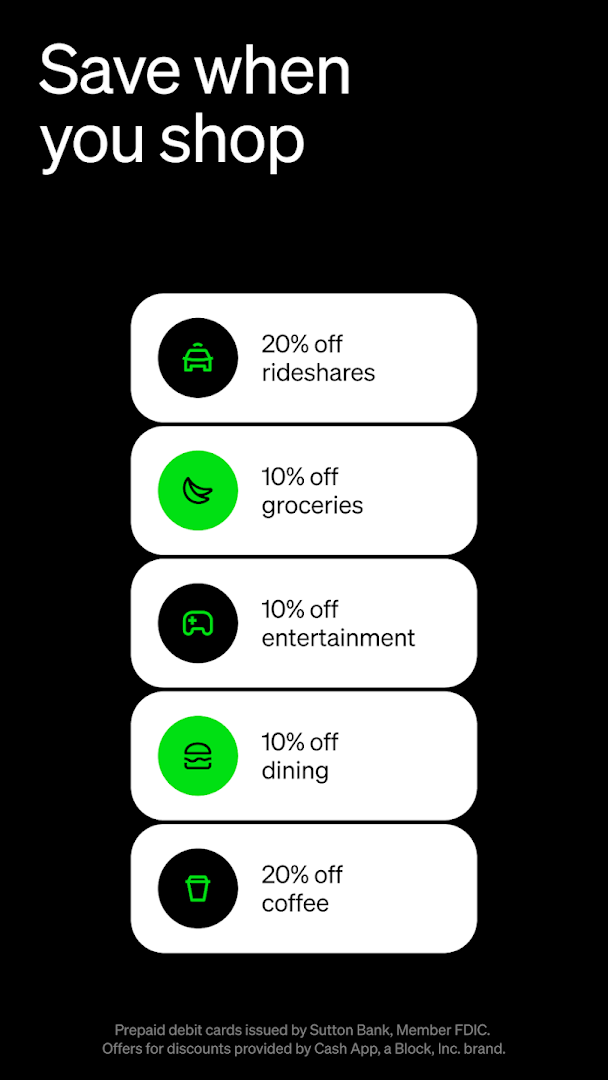
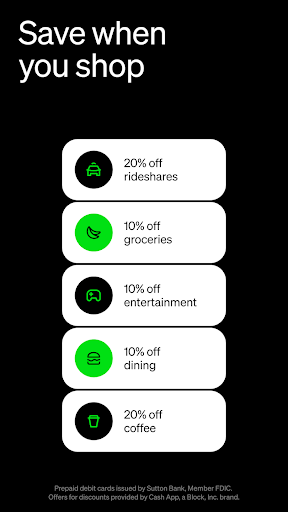
• Save on everyday spending with offers
• Get access to concert presales & exclusive events
INVEST IN STOCKS & BUY BITCOIN***
• Buy with as little as $1
• Get paid in bitcoin & buy stocks with no commission fees
—
*Cash App is a financial services platform, not a bank. Banking services provided by Cash App's bank partner(s). Prepaid debit cards issued by Sutton Bank, Member FDIC. Cash App Visa® Debit Flex Cards issued by Sutton Bank, Member FDIC, and The Bancorp Bank, N.A., pursuant to a license from Visa U.S.A. Inc. See terms and conditions at cash.app/legal. Discounts, Round Ups, Direct Deposit, Offers, Savings, P2P and Cash App Green features provided by Cash App, a Block, Inc brand. Offers may not be affiliated with third party merchants.
**Customers can qualify for Cash App Green by spending $500 in Qualifying Purchases using your Cash App Card or Cash App Pay per month, or by depositing $300 of Qualifying Deposits per month. Eligibility restrictions apply to some benefits. See Terms and Conditions for more information on borrowing, free overdraft coverage, savings interest, free in-network ATM withdrawals.
***Brokerage services by Cash App Investing LLC, subsidiary of Block, Inc. For additional information, see cash.app/CAIdisclosures. Bitcoin services provided by Block, Inc. Bitcoin services are not licensable activity in all U.S. states and territories. For additional information, see Bitcoin disclosures.
Additional fees for securities may apply such as regulatory fees and fees to transfer securities externally. See house rules for details.
****Teens 13 to 17 can use Cash App with sponsorship by an eligible parent or guardian. See eligibility requirements at cash.app/legal.
Contact Cash App Support by phone at (800) 969-1940 or mail at:
Block, Inc.
1955 Broadway, Suite 600
Oakland, CA 94612
Show more

1. Download MEmu installer and finish the setup

2. Start MEmu then open Google Play on the desktop

3. Search Cash App in Google Play
Install
4. Download and Install Cash App
5. On install completion click the icon to start

6. Enjoy using Cash App on PC with MEmu
MEmu Play is the best Android emulator, and 100 million users already enjoy its superb Android app experience. Powered by advanced virtualization technology, it lets you enjoy thousands of Android apps smoothly on your PC—including the most graphics-intensive ones.
Bigger screen with better graphics; Long duration, without limitation of battery or mobile data.
Full Keymapping support for precise control of keyboard and mouse or gamepad.
Multiple game accounts or tasks on single PC at one time with Multi-Instance manager.
Use Cash App on PC by following steps: