Uber Eats: Local Food Delivery
Updated
Current Version
1783958371
Offered By

Stop worrying about high battery drain when using Uber Eats: Local Food Delivery on your phone. Free yourself from the tiny screen and enjoy the app on a much larger display. From now on, get a full-screen experience of your app with the convenience of a keyboard and mouse. MEmu offers you all the surprising features you’d expect: quick installation and easy setup, intuitive controls, and no more worries about battery life, mobile data, or unexpected calls. The all-new MEmu 9 is the choice for using Uber Eats: Local Food Delivery on your computer. With the MEmu multi-instance manager, you can run two or more accounts at the same time. Most importantly, our exclusive emulation engine unlocks your PC’s full potential, delivering smooth and enjoyable performance.
Show more
Enjoy superb experience of using Uber Eats: Local Food Delivery on PC with MEMU App Player. It's a powerful free Android emulator which provides you with thousands of android apps for their desktop version. Enjoy connecting with friends and polishing your work with higher efficiency! Get food delivery to your doorstep from thousands of amazing local and national restaurants.
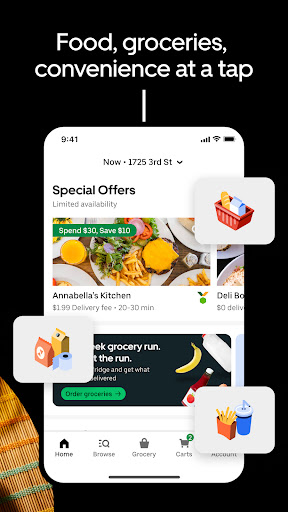
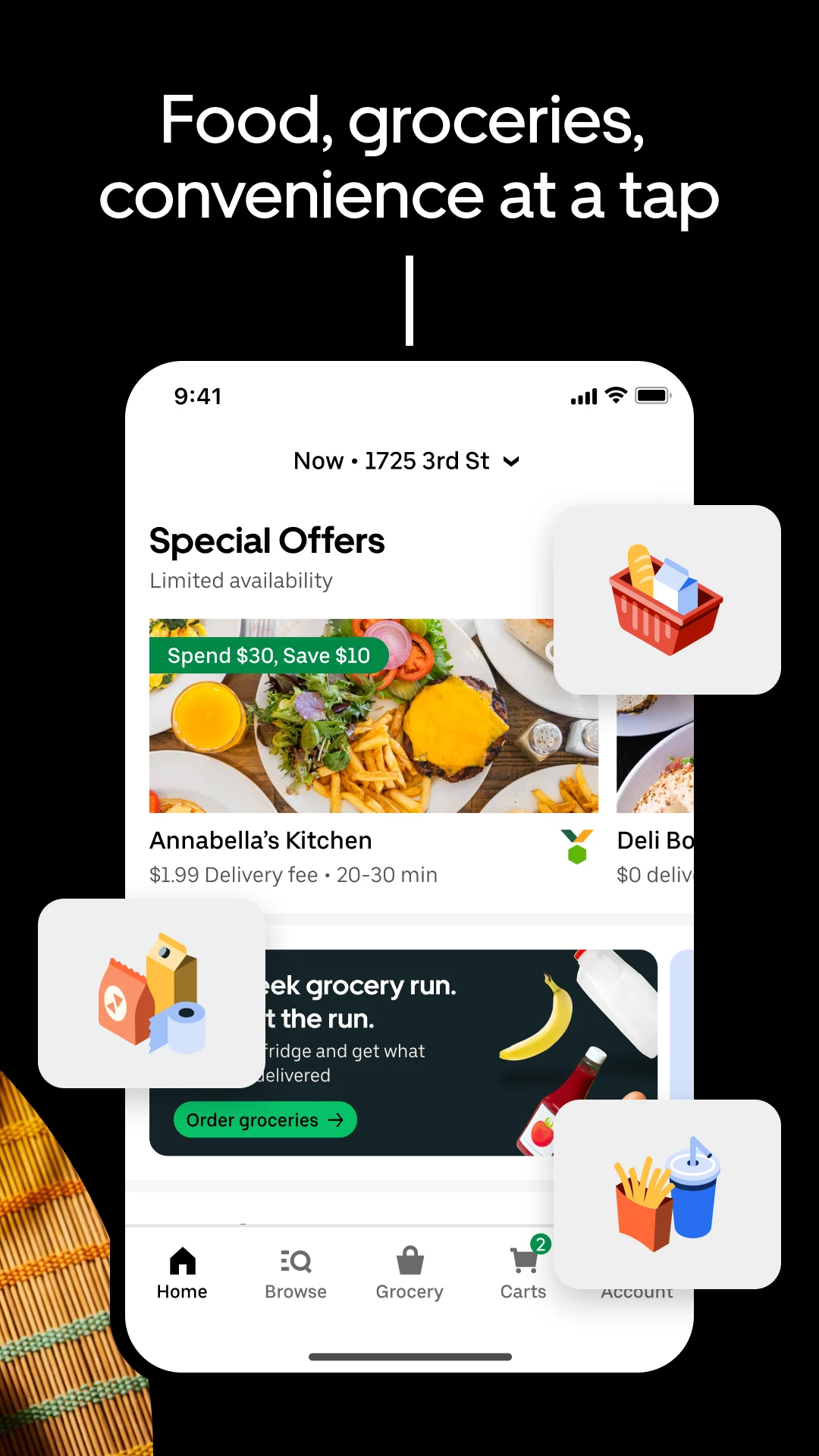
Get food delivery to your doorstep from thousands of amazing local and national restaurants. Find the meal you crave and order food from restaurants easily with the Uber Eats app. Track your order in real-time.
FIND YOUR FAVORITE FOOD & RESTAURANTS
Order food from nearby restaurants and search by cuisine, restaurant name, dish, and meal.
Food delivery options for you to order and enjoy including pizza, burritos, burgers, sushi, donuts, and Chinese takeout.
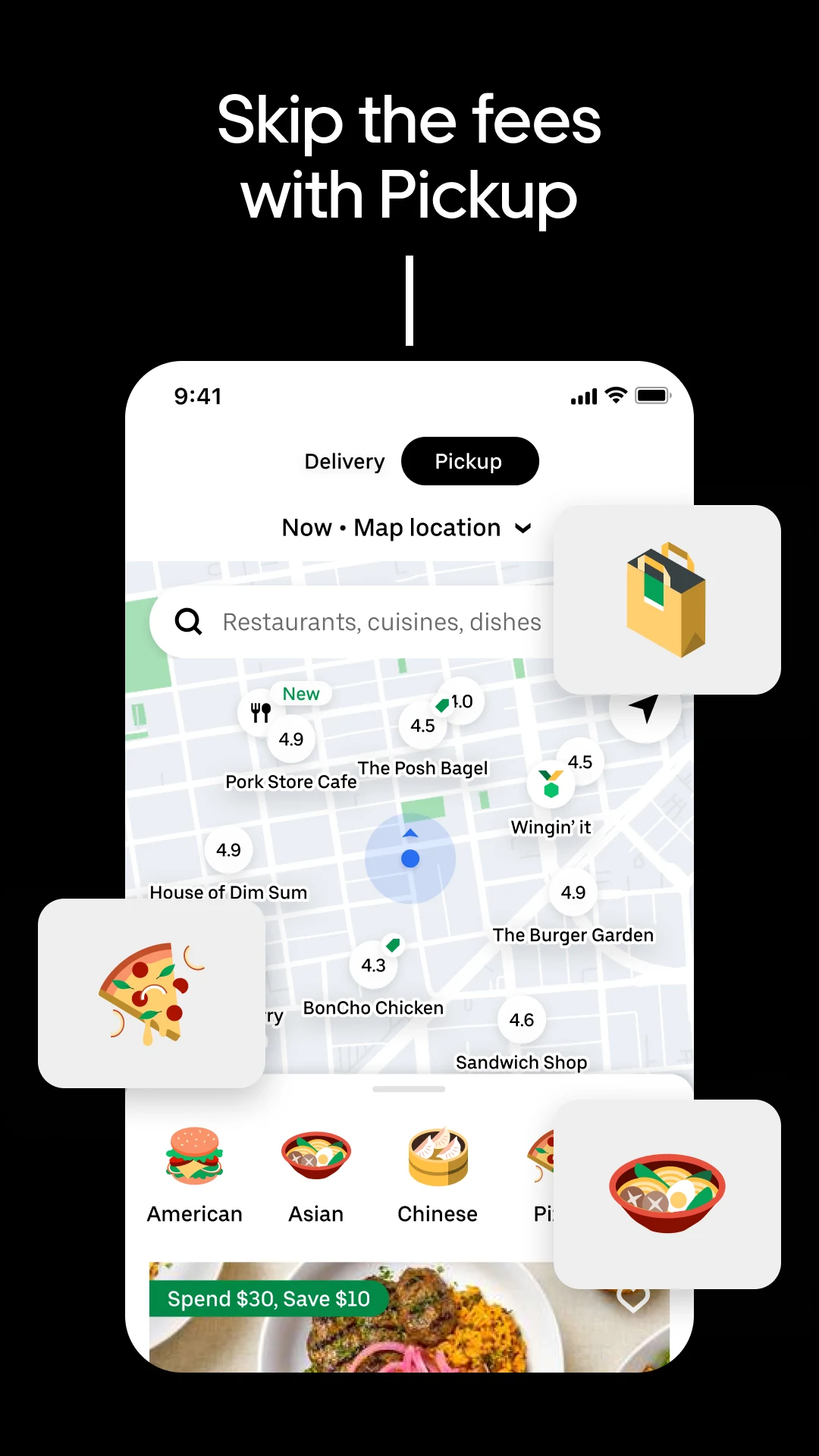
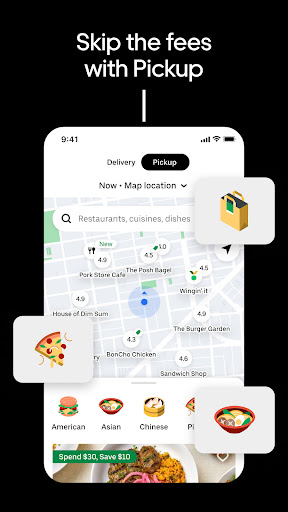
Prefer pickup? Skip the line and reservations and choose to pick up your order instead. Choose your favorite delivery options with the Uber Eats app now.
SUBSCRIBE TO UBER ONE
For $9.99 per month, Uber One subscribers enjoy $0 Delivery Fee and up to 10% off orders over $15 at participating non-grocery stores (and 5% off orders over $35 at participating grocery stores) available on Uber Eats. Members are also eligible for rewards, perks, coupons, and offers. View full Uber One Terms & Conditions in app.
ORDER ALMOST ANYTHING, ANYTIME
Order household needs from your favorite drug stores, supermarkets, and pet shops. Baby food or diapers, pharmacy needs, beauty products and cosmetics. Grocery staples like bread and milk, bananas and produce, flowers and plants, packaged foods or frozen treats.
SIMPLE DELIVERY ORDERING
Pick your food order from any menu and add it to your cart with a few taps. That’s it.
Uber Eats makes it easy to order food delivery online or through the app and have it delivered by restaurants and delivery people near you.
Or, schedule your order in advance for a delivery person to pick it up later. Your choice!
ORDER FOOD AHEAD WITH PICKUP
Now you can also order food ahead for Pickup instead of just ordering delivery. Select Pickup, add food items to your cart, and skip the lines to the restaurant to get your food.
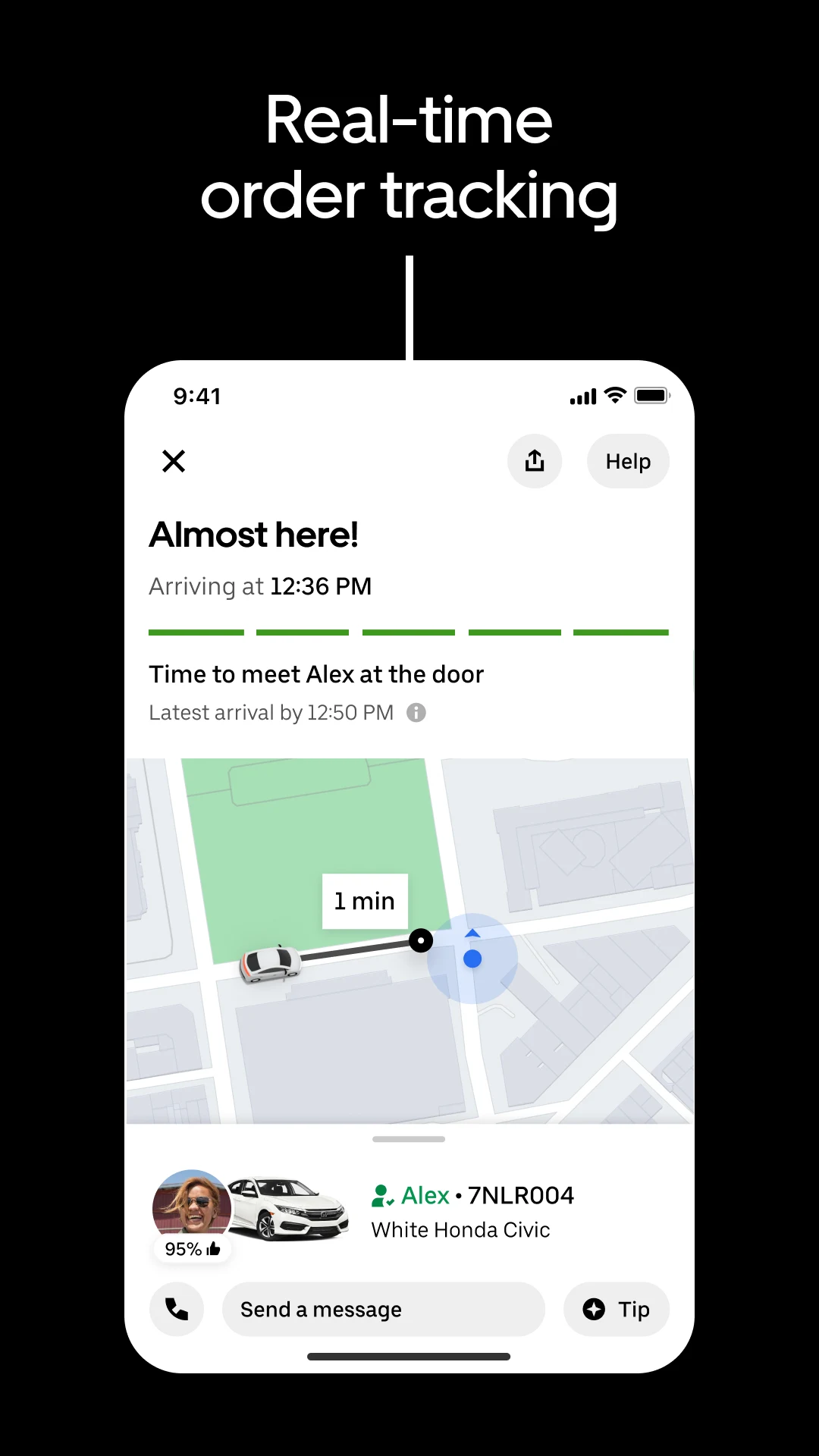
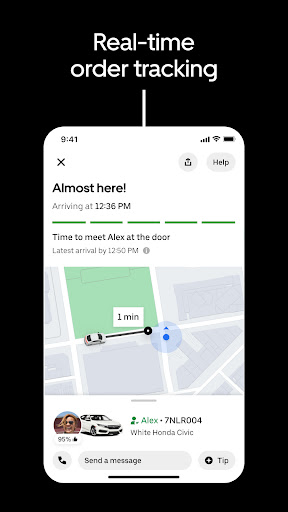
REAL-TIME ORDER TRACKING
Track your food delivery order on a map as it heads your way.
See the estimated arrival time at your address.
Get notified when your order arrives.
FIND SOME OF YOUR FAVORITE NATIONAL RESTAURANTS
Some of our food delivery partners include: Pizza Hut, Little Caesars, Buffalo Wild Wings, Papa Johns, Shake Shack, Domino’s Pizza, Nando’s, Burger King, CAVA, A&W, Chick-fil-A, Chipotle, Dunkin', IHOP, KFC, McDonald's, Panda Express, Panera, Popeyes, Shake Shack, Sonic, Starbucks, Subway, Sweetgreen, Taco Bell, Tim Hortons, Wendy's, Five Guys, Jersey Mikes, White Castle, Jack in the Box, Outback Steakhouse, Red Lobster.
FIND PHARMACIES, GROCERY STORES, AND MORE
Order from grocers such as Albertsons and SEG. Other delivery partners in the pharmacy, convenience, and retail space include CVS, Walgreens, 7-Eleven, Wawa, Gopuff, BevMo!, and Total Wines.Order from stores such as Walmart, Walgreens, CVS and Safeway. Other delivery partners include Petco, Drizly, and Favor.
ABOUT UBER EATS
Uber Eats is the way to order the food you love through an easy delivery experience. Uber Eats is available in hundreds of cities around the world. Enter your delivery address to explore restaurant and grocery delivery options near you.
AVAILABLE INTERNATIONALLY
Join the thousands of others in your city who use the Uber Eats app to order from their favorites restaurants and schedule delivery
Uber Eats is currently available in cities and metro areas including Adelaide, Amsterdam, Atlanta, Auckland, Austin, Baltimore, Brussels, Cape Town, Chicago, Dallas, Denver, Johannesburg, Glasgow, London, Los Angeles, Madrid, Melbourne, Mexico City, Miami, Milan, Nashville, New Orleans, New York, Ottawa, Paris, Philadelphia, Rio de Janeiro, San Diego, San Francisco, Seattle, Stockholm, Sydney, Taipei, Tokyo, Toronto, Warsaw, and Washington DC. Uber Eats helps you find food delivery around the world. See full list of available countries in the app. Uber content/messages may be human or machine translated per device settings—accuracy not guaranteed.
Show more

1. Download MEmu installer and finish the setup

2. Start MEmu then open Google Play on the desktop

3. Search Uber Eats: Local Food Delivery in Google Play
Install
4. Download and Install Uber Eats: Local Food Delivery
5. On install completion click the icon to start

6. Enjoy using Uber Eats: Local Food Delivery on PC with MEmu
MEmu Play is the best Android emulator, and 100 million users already enjoy its superb Android app experience. Powered by advanced virtualization technology, it lets you enjoy thousands of Android apps smoothly on your PC—including the most graphics-intensive ones.
Bigger screen with better graphics; Long duration, without limitation of battery or mobile data.
Full Keymapping support for precise control of keyboard and mouse or gamepad.
Multiple game accounts or tasks on single PC at one time with Multi-Instance manager.
Use Uber Eats: Local Food Delivery on PC by following steps: