myBCA
Updated
Current Version
1786450730
Offered By

Stop worrying about high battery drain when using myBCA on your phone. Free yourself from the tiny screen and enjoy the app on a much larger display. From now on, get a full-screen experience of your app with the convenience of a keyboard and mouse. MEmu offers you all the surprising features you’d expect: quick installation and easy setup, intuitive controls, and no more worries about battery life, mobile data, or unexpected calls. The all-new MEmu 9 is the choice for using myBCA on your computer. With the MEmu multi-instance manager, you can run two or more accounts at the same time. Most importantly, our exclusive emulation engine unlocks your PC’s full potential, delivering smooth and enjoyable performance.
Show more
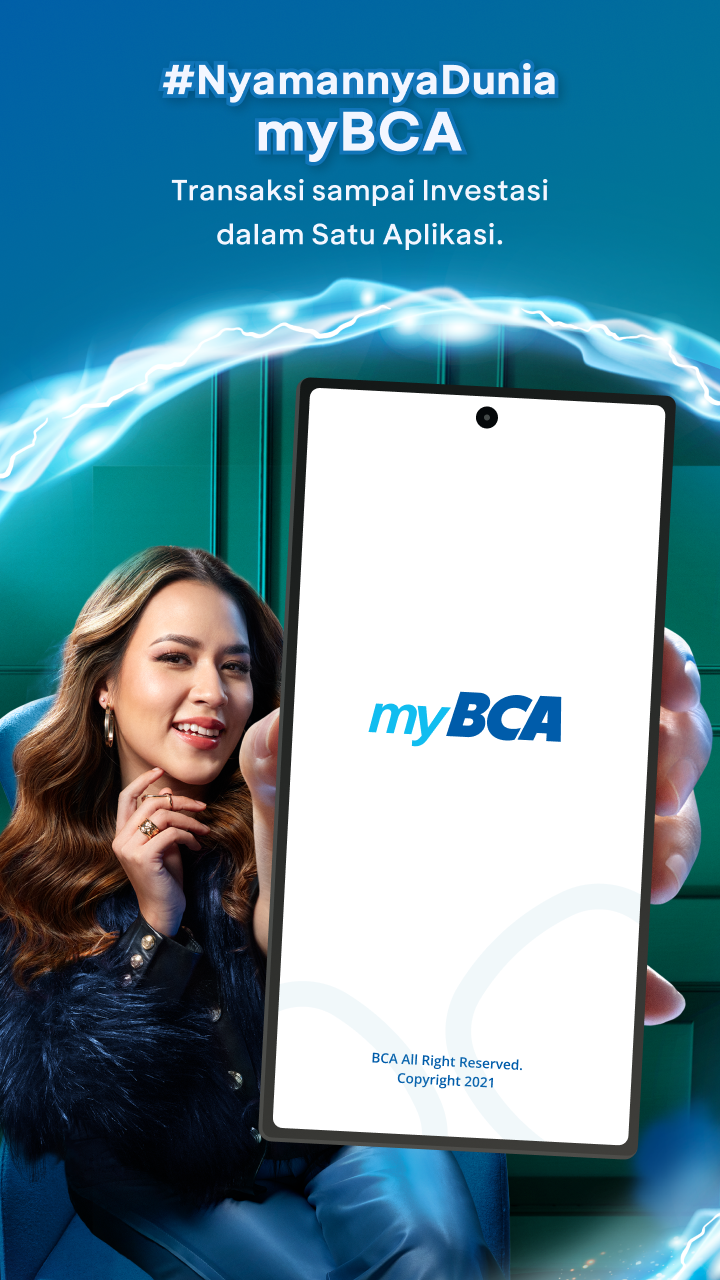
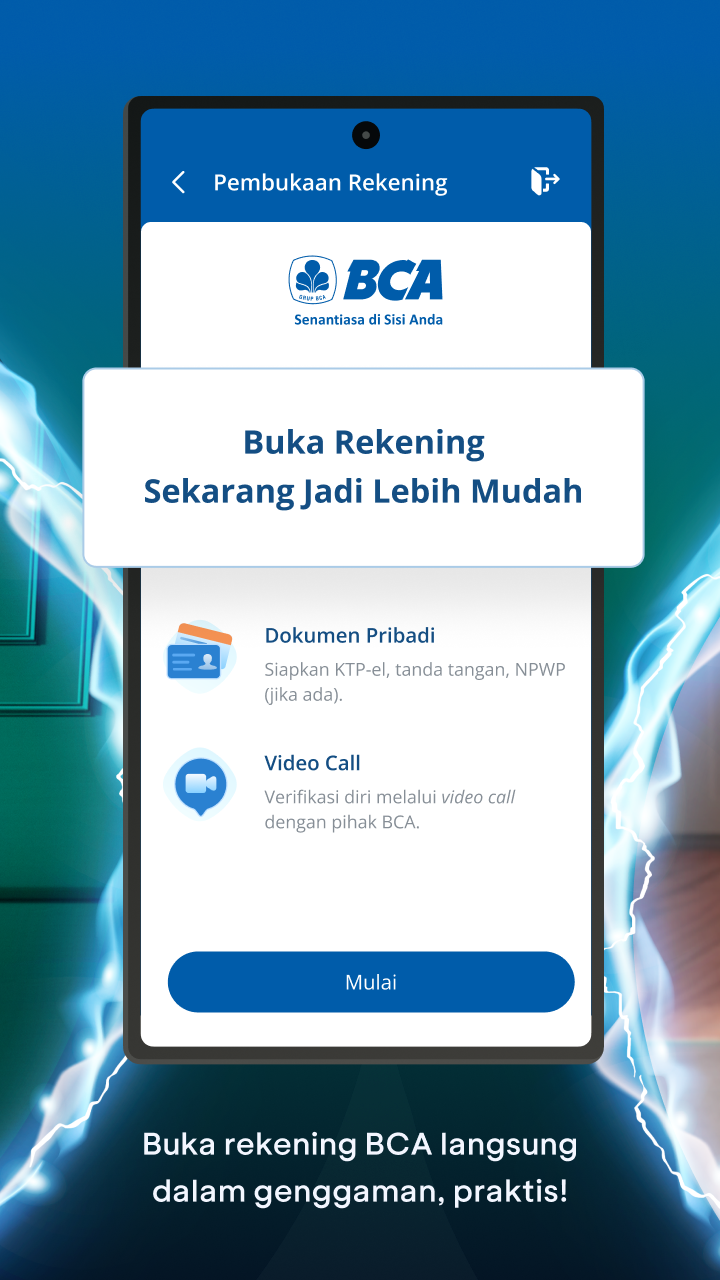
Enjoy superb experience of using myBCA on PC with MEMU App Player. It's a powerful free Android emulator which provides you with thousands of android apps for their desktop version. Enjoy connecting with friends and polishing your work with higher efficiency! From open BCA account online, transfer money online, paying bills, to managing investments — everything is accessible from just one app.
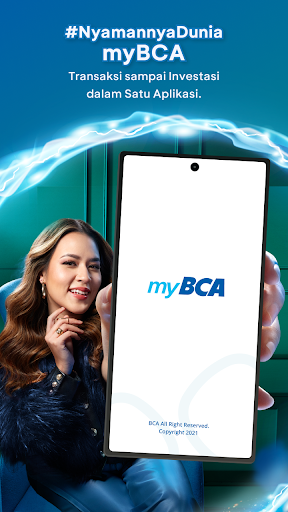
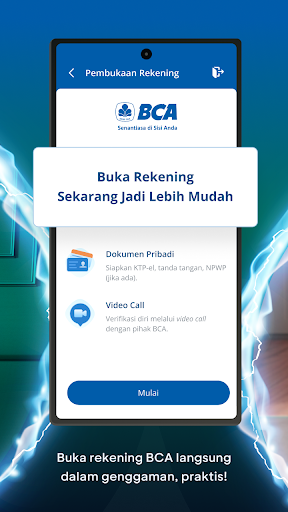
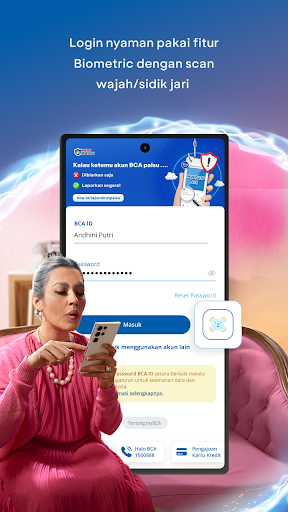
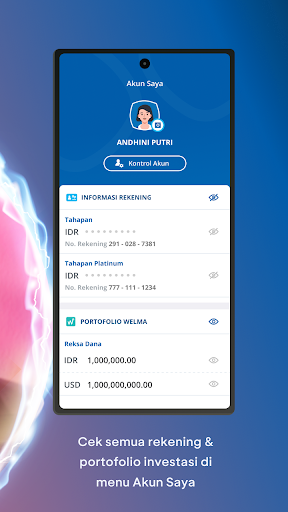
From open BCA account online, transfer money online, paying bills, to managing investments — everything is accessible from just one app. myBCA is here to simplify your digital banking needs all in one place. With just one BCA ID, your financial transactions can be done anytime, anywhere.
Main Features:
1. Domestic & International Transfers
Send money to fellow BCA users, other banks, virtual accounts, or top up e-wallets like OVO, DANA, and more. Easily transfer foreign currencies with competitive exchange rates. Perfect for personal or business transfers — a powerful foreign exchange app.
2. Complete Bill & Daily Payment Services
Pay electricity, water, internet, vehicle tax, education fees, and even credit card installments — all from within the app.
3. Practical QRIS & QRIS Tap Payments
Make payments by scanning QRIS codes or tapping your phone at any EDC that supports QRIS Tap. Works across Indonesia, Thailand, Singapore, and Malaysia.
4. Cardless Cash Withdrawals
Forgot your wallet? No problem. Use the cardless feature in myBCA to deposit or withdraw cash at any BCA ATM.
5. Fast & Secure Login Anywhere
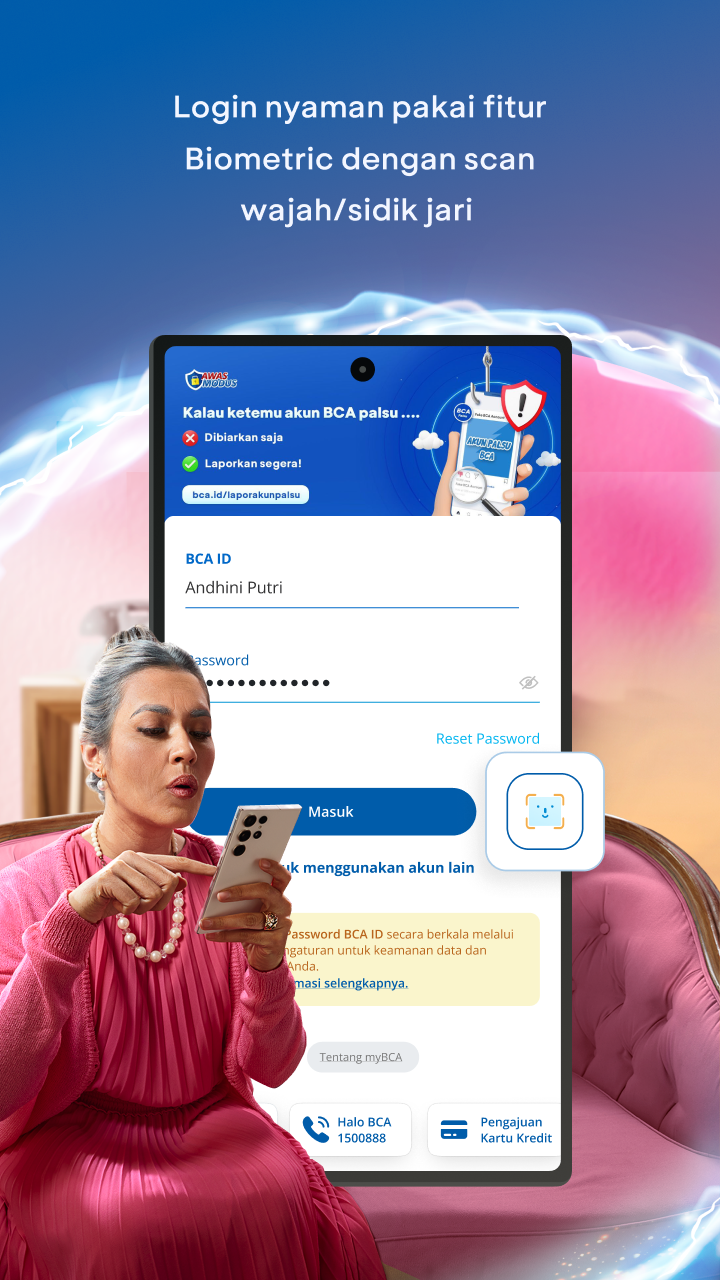
Access the app quickly and securely using fingerprint or Face ID — no need to enter your PIN repeatedly.
6. Online Foreign Currency Savings
Buy and save in foreign currencies with the Poket Valas feature. Choose from up to 17 currencies, available 24/7 with great exchange rates. Ideal for business, travel, or long-term investing. Use your BCA Mastercard debit card abroad with no conversion hassle.
7. Curated Investments from Rp10,000
Start investing from just Rp10,000 with access to mutual funds and bonds. Safe, curated, and built around your investment goals — all accessible via mobile. It’s your digital account opening app for investing.
8. Financial Diary & Transaction History
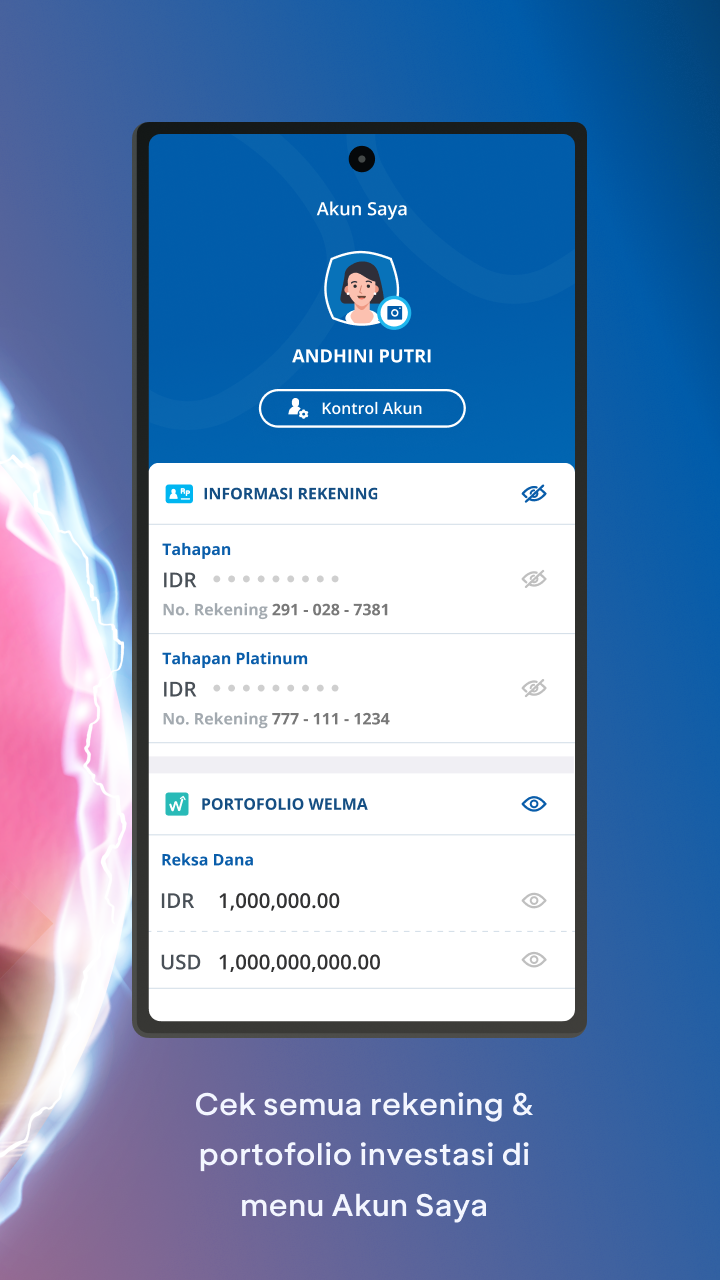
Track your daily expenses using Financial Diary and view your transaction history all the way back to 2016 — across all accounts in one dashboard.
9. Multi-Platform Access
Access myBCA via the mobile app, web browser, or Wear OS devices. Flexible and secure across devices.
10. Exclusive Features for Priority Customers
Enjoy exclusive offers and services for Priority and Solitaire customers — including lifestyle, health, and travel benefits.
Access myBCA using a Wear OS smartwatch to check account balance, view transaction history, perform cardless transactions, use QRIS, and use NFC Pay.
For the security and integrity of your data, the myBCA app cannot be used on devices that have been rooted, hooked, running on an emulator, or have unauthorized system modifications.
Download myBCA Now!
* Download myBCA and enjoy seamless banking right from your fingertips
* Perfect for those looking to open BCA account online, save in foreign currencies, invest, or just pay electricity bills from home
* All your transactions — one app. Faster, safer, and hassle-free!
#myBCA #OpenBankAccountOnlineFree #TransferUang #QRIS #TopUpEwallet #ForeignExchangeApp #OnlineInvestment #DigitalBanking #BankNewAccountOpeningOnline #myBCAPayLater
Show more

1. Download MEmu installer and finish the setup

2. Start MEmu then open Google Play on the desktop

3. Search myBCA in Google Play
Install
4. Download and Install myBCA
5. On install completion click the icon to start

6. Enjoy using myBCA on PC with MEmu
MEmu Play is the best Android emulator, and 100 million users already enjoy its superb Android app experience. Powered by advanced virtualization technology, it lets you enjoy thousands of Android apps smoothly on your PC—including the most graphics-intensive ones.
Bigger screen with better graphics; Long duration, without limitation of battery or mobile data.
Full Keymapping support for precise control of keyboard and mouse or gamepad.
Multiple game accounts or tasks on single PC at one time with Multi-Instance manager.
Use myBCA on PC by following steps: