Chess - チェス
更新日
現在のバージョン
4.24
提供元

スマホ不要!プロ選手のようにキーボードとマウスで操作しよう。MEmuエミュはあなたにすべての期待を与える。電池が切れてしまうとか画面が小さいとかの問題を心配する必要がなくて、存分Chess - チェスを楽しんでください。新しいMEmuエミュ7はPCでChess - チェスをプレイするのに最適!完璧なキーマッピングシステムにより、まるでパソコンゲームみたい。マルチインスタンスで複数のゲームやアプリを同時に実行!唯一無二な仮想化エンジンがパソコンの可能性を最大限になる。遊べるだけでなく、より楽しめる!
もっと見る
Chess - チェスをPCでダウンロード!大画面でより楽しむ。電源が落ちてしまうとか通信料が足りないとかの問題を心配する必要がなく、PCの大画面でより快適にゲームを楽しましょう! From Google Play “Top Developers” AI Factory .
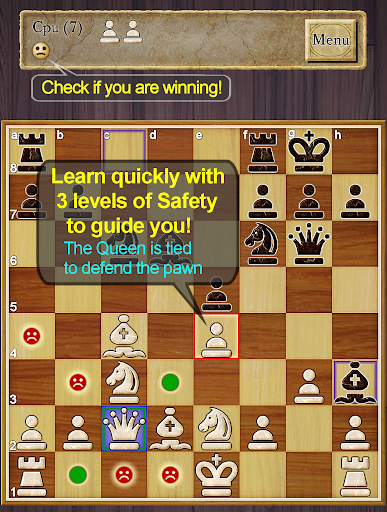
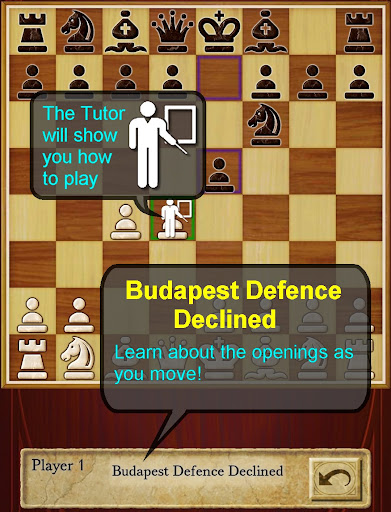
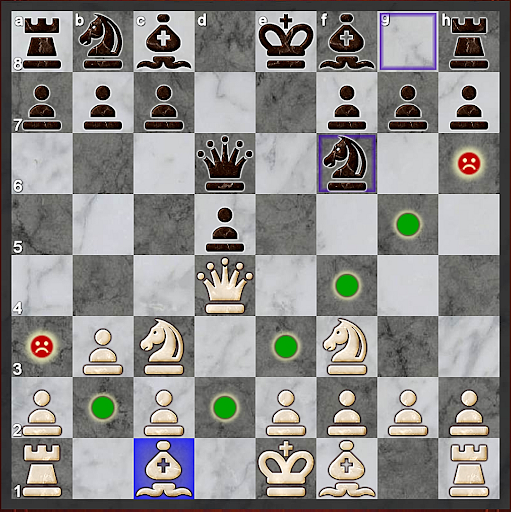
From Google Play “Top Developers” AI Factory
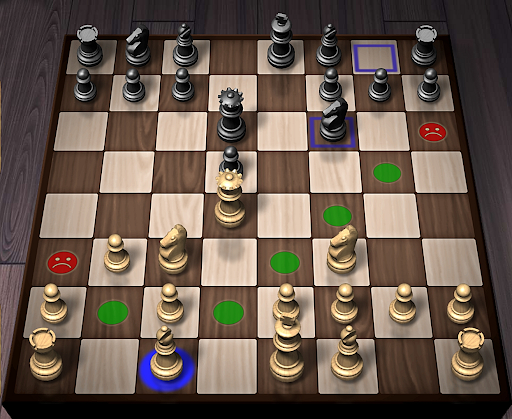
AI Factory's Chess is the best free Chess game on Android!
It is currently the highest rated free chess on Android (at time of writing), from the 30+ free chess programs listed.
-- rating!: "Chess Free provides a rich and challenging experience of this classic board game, all within the confines of your Android smart-phone. " James Woodcock : Review Journalist (http://www.jameswoodcock.co.uk/?p=5427)
Featuring:
-- 12 play levels (Novice->Expert)
This uses intelligent weakening for lower levels. Good for beginners.
-- Uses Treebeard Chess engine
(as used in Microsoft's MSN Chess). This has a unique "human-like" style.
-- "Show CPU Thinking" option for level 3+
A unique feature, great for learning chess. This shows which moves the AI is considering.
-- Chess Stats, Timers, Hints and Handicaps
Track your career history against each level and improve your rating
-- 2 player hot-seat
Play against your friends!
-- 8 Chess Boards and 5 Chess Piece Sets
-- Review game mode
Step back through your game and see how you won!
-- Load/Save game files & PGN Export
-- Designed for both Tablet and Phone
-- Full Touch screen and trackball support
-- Support for latest Android 3.X and 4.X action bar for options and menu access
Supported by unobtrusive Ads.
*Note: Requested permissions are a requirement of the in-game ads only. The Paid version has no ads, and therefore no permissions beyond writing to SD card.*
See some of the 10000+ user comments!
Download the best Chess for Android now!
もっと見る

1. MEmuインストーラーをダウンロードしてセットアップを完了する

2. MEmuを起動し、デスクトップでのPlayストアを開く

3. PlayストアでChess - チェスを検索する
Install
4. Chess - チェスをダウンロードしてインストールする
5. インストールが完了したら、アイコンをクリックしてスタート

6. MEmuを使用してPCでChess - チェスを楽しむ
MEmu App Playerは最高の無料で提供されるAndroidエミュレータで、5,000万人がすでに優れたAndroidゲーム体験を楽しんでいます。 MEmuの仮想化技術は、あなたのPCで何千ものAndroidゲームを快適にプレイすることを可能にします。
大画面でより精細;無限の待機、電池とドラフィックの極限を超え
キーボード・マウス・コントローラーを全力でサポート、より快適
マルチインスタンスで複数のゲームを同時に実行
Play Chess - チェス on PC by following steps: