Fast DS Emulator PC: How to Download and Play DS Games on MEmu Emulator
 |
|
Fast DS Emulator is a powerful Nintendo DS emulator for Android that allows players to enjoy classic dual-screen games on modern devices. Developed by CPU Studio, the app brings smooth NDS emulation, customizable controls, save states, and performance optimization features for a better retro gaming experience.
Fast DS Emulator For Android
With MEmu Emulator, you can run Fast DS Emulator on your PC and enjoy DS games on a larger screen with improved controls, better performance, and full keyboard or controller support.
Contents
What is Fast DS Emulator?
Fast DS Emulator is an Android emulator app designed to run Nintendo DS game backups on Android devices. It supports popular formats including .nds, .3ds, and .zip, allowing players to load compatible game files and revisit classic handheld adventures.
The app includes several useful features:
- High-performance Nintendo DS emulation
- Support for dual-screen gameplay
- Customizable touch controls and screen layouts
- Save and load game states anytime
- External controller support
- Fast loading performance
- 3D mode support for compatible decrypted game backups
- Transfer Session feature for moving gameplay between connected devices
Fast DS Emulator does not include game ROM files. Players need to use legally owned game backups to play.
Why Play Fast DS Emulator on PC with MEmu?
Playing Fast DS Emulator on a mobile device works well, but running it through MEmu Emulator provides a more comfortable PC gaming experience.
Bigger Screen Experience
Enjoy Nintendo DS games on your computer monitor instead of a small mobile display. A larger screen makes dual-screen gameplay easier to view and control.
Better Controls
MEmu allows you to customize keyboard mappings, making it easier to control games that require precise button inputs. You can also connect external controllers for a console-like experience.
Improved Performance
With PC hardware resources, MEmu provides smoother gameplay, faster loading, and a more stable emulator environment.
Convenient Multi-Instance Support
MEmu's multi-instance manager allows you to create multiple Android environments, making it easier to test different settings or manage different emulator setups.
How to Download Fast DS Emulator on PC with MEmu
Follow these steps to install Fast DS Emulator on your computer:
Step 1: Download and Install MEmu Emulator
Download the latest version of MEmu Emulator from the official website and complete the installation process.
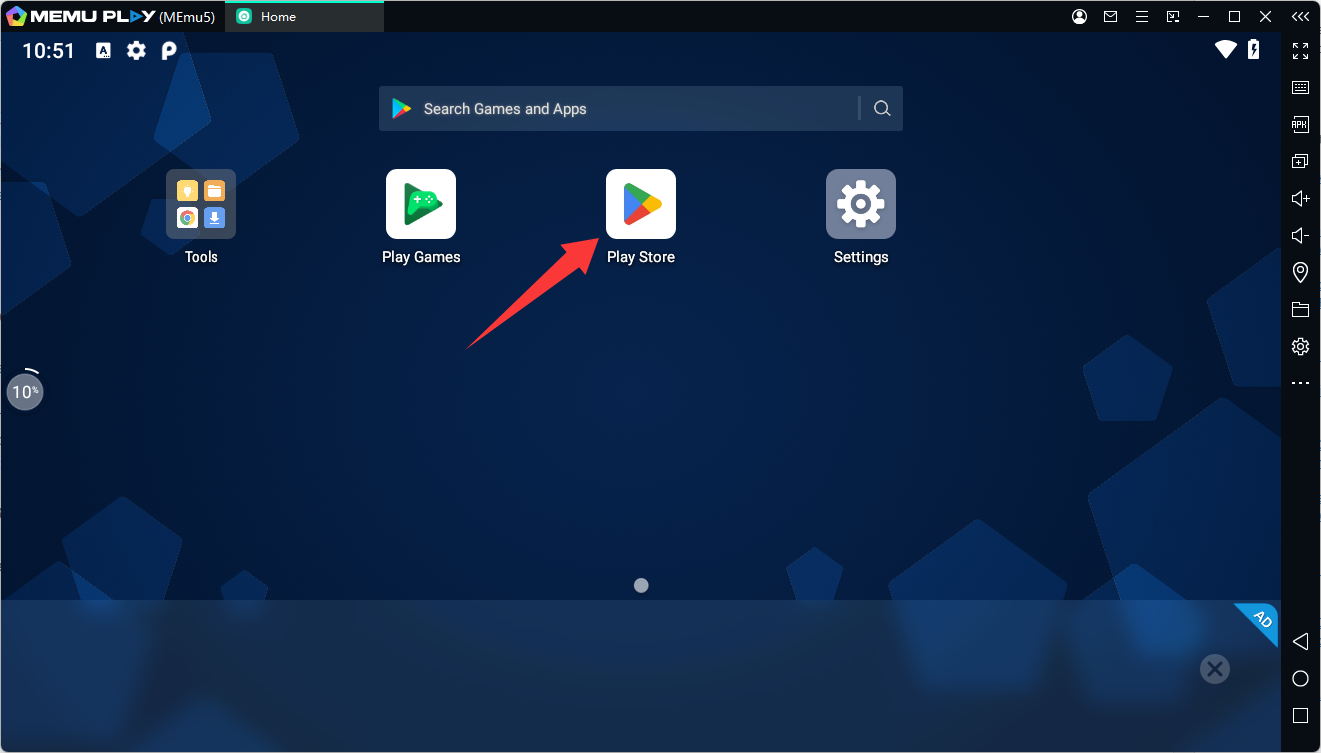
Step 2: Open Google Play Store in MEmu
Launch MEmu, open the Google Play Store, and sign in with your Google account.
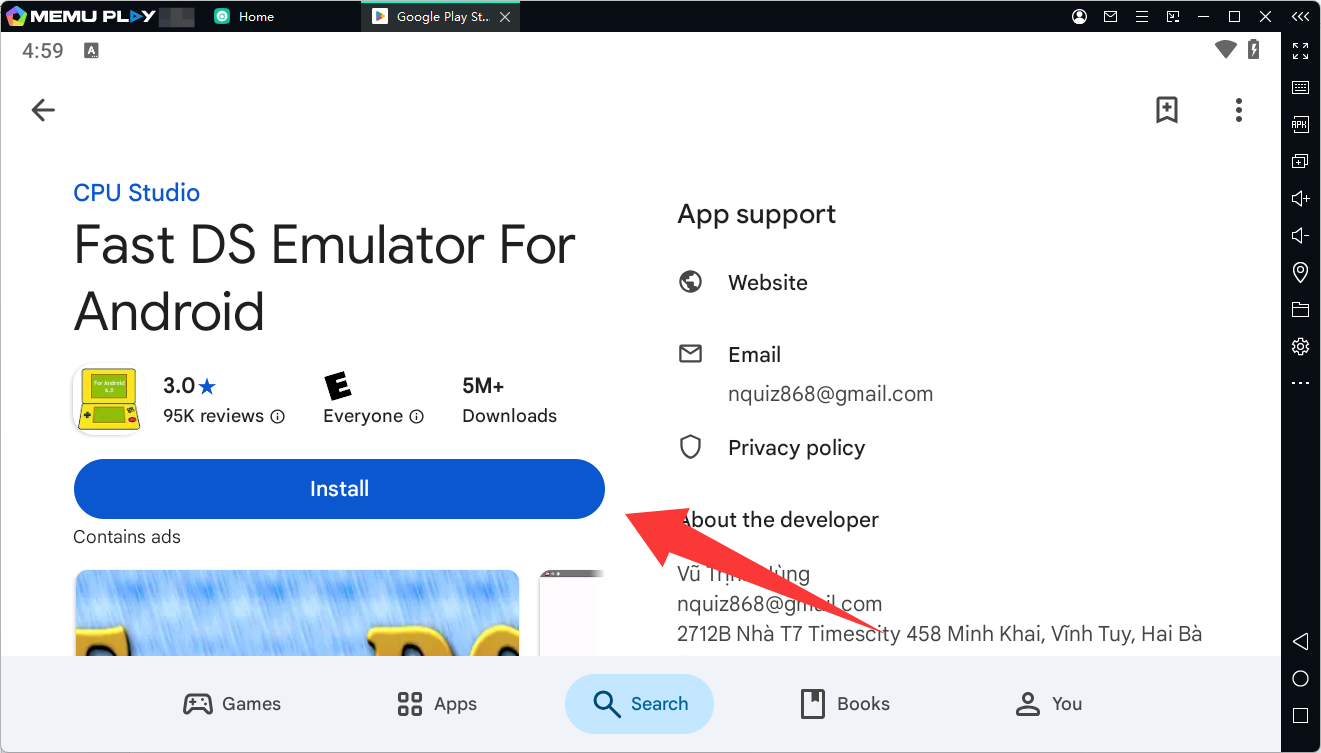
Step 3: Search for Fast DS Emulator
Search for: Fast DS Emulator For Android
or use the package name: com.cpu.free.dsemulatorv6
Then click Install.
Step 4: Launch the Emulator
After installation, open Fast DS Emulator from the MEmu home screen.
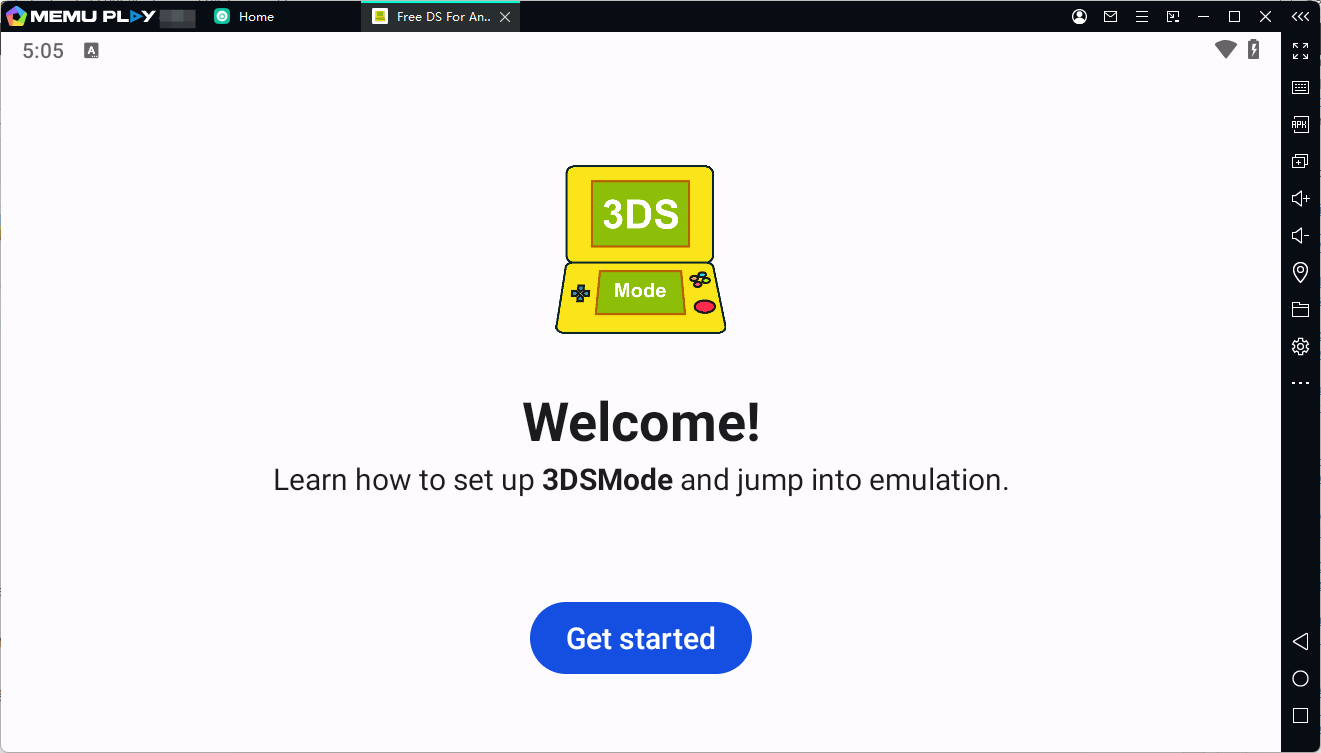
You can then configure:
- Screen layout
- Control settings
- Performance options
- Storage location for your game backups
Step 5: Load Your DS Game Files
Import your legally owned DS game backups into MEmu and open them through Fast DS Emulator.
Supported formats include:
.nds
.3ds
.zip
Tips for Playing Fast DS Emulator on MEmu
Adjust Display Settings
For the best experience, try different screen layouts to find the most comfortable way to view both DS screens.
Customize Keyboard Controls
Open MEmu's keymapping tool and assign keyboard buttons to DS controls such as:
- Direction keys
- A/B buttons
- Start and Select
- Touchscreen actions
Enable Controller Support
If you prefer traditional controls, connect a compatible gamepad through your PC and configure it inside MEmu.
Optimize Performance
If you experience slow gameplay:
- Increase MEmu CPU and RAM allocation
- Enable performance mode
- Close unnecessary background applications
Play Classic DS Games on PC with MEmu
Fast DS Emulator brings classic Nintendo DS gaming to Android with flexible controls, save features, and optimized performance. By running it on MEmu Emulator, players can enjoy a larger display, smoother gameplay, and more comfortable PC controls.
Whether you want to revisit old favorites or explore your personal DS game collection, Fast DS Emulator on MEmu provides an easy way to experience handheld classics on your computer.
Download MEmu Emulator today and start playing Fast DS Emulator on PC!
Fast DS Emulator For Android