Call of Duty: Global Operations
Updated
Current Version
1.4.5
Offered By

With your passion for Call of Duty: Global Operations, you shouldn’t have to limit yourself to the small screen of a phone. Play like a pro and take full control of the game using a keyboard and mouse. MEmu gives you everything you’re looking for. Download and play Call of Duty: Global Operations on PC. Play as long as you want — no more worries about battery life, mobile data, or unexpected calls. The all-new MEmu 9 is the best way to play Call of Duty: Global Operations on PC. With our expertly designed keymapping system, Call of Duty: Global Operations feels just like a real PC game. The MEmu multi-instance manager lets you run two or more accounts on the same device at the same time. Most importantly, our exclusive emulation engine unlocks your PC’s full potential, delivering smooth and seamless performance.
Show more
Download Call of Duty: Global Operations on PC with MEmu Android Emulator. Enjoy playing on big screen. Prepare for nuclear war and engage in massive real-time battles with iconic Call of Duty characters!
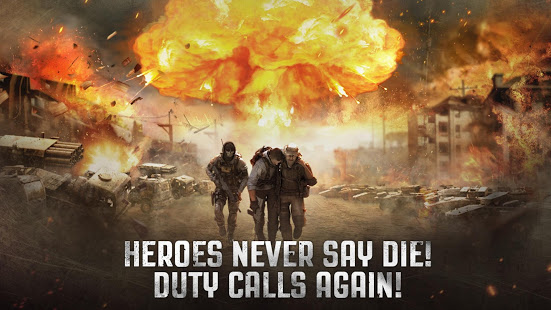
Prepare for nuclear war and engage in massive real-time battles with iconic Call of Duty characters! Lead legendary soldiers in epic, world-conquering campaigns!
Command armies and wage global conflict in Call of Duty®: Global Operations, the most thrilling tactical war-themed MMO game from Activision and Elex, the makers of Clash of Kings!
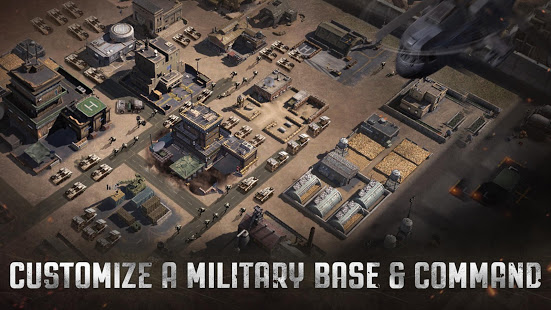
Build your own military base and assemble an unstoppable modern army led by classic Call of Duty® characters. Dive into jaw-dropping multiplayer battles now!
Loot and destroy! Use unique strategies to conquer players from all around the world.
Think you got what it takes to save the world from anarchy?
Become the most powerful general in a world of chaos and march your way to victory!
Download Call of Duty ®: Global Operations now!
***FEATURES***
DOMINATE THE WORLD WITH NUCLEAR WEAPONS!
Destroy your enemy’s base with a nuclear blast.
Occupy the Capital and fight for the nuclear weapon. Conquer the world with a simple press of a red button! The World’s Destiny is in your hands.
ENGAGE IN REAL-TIME PVP BATTLES!
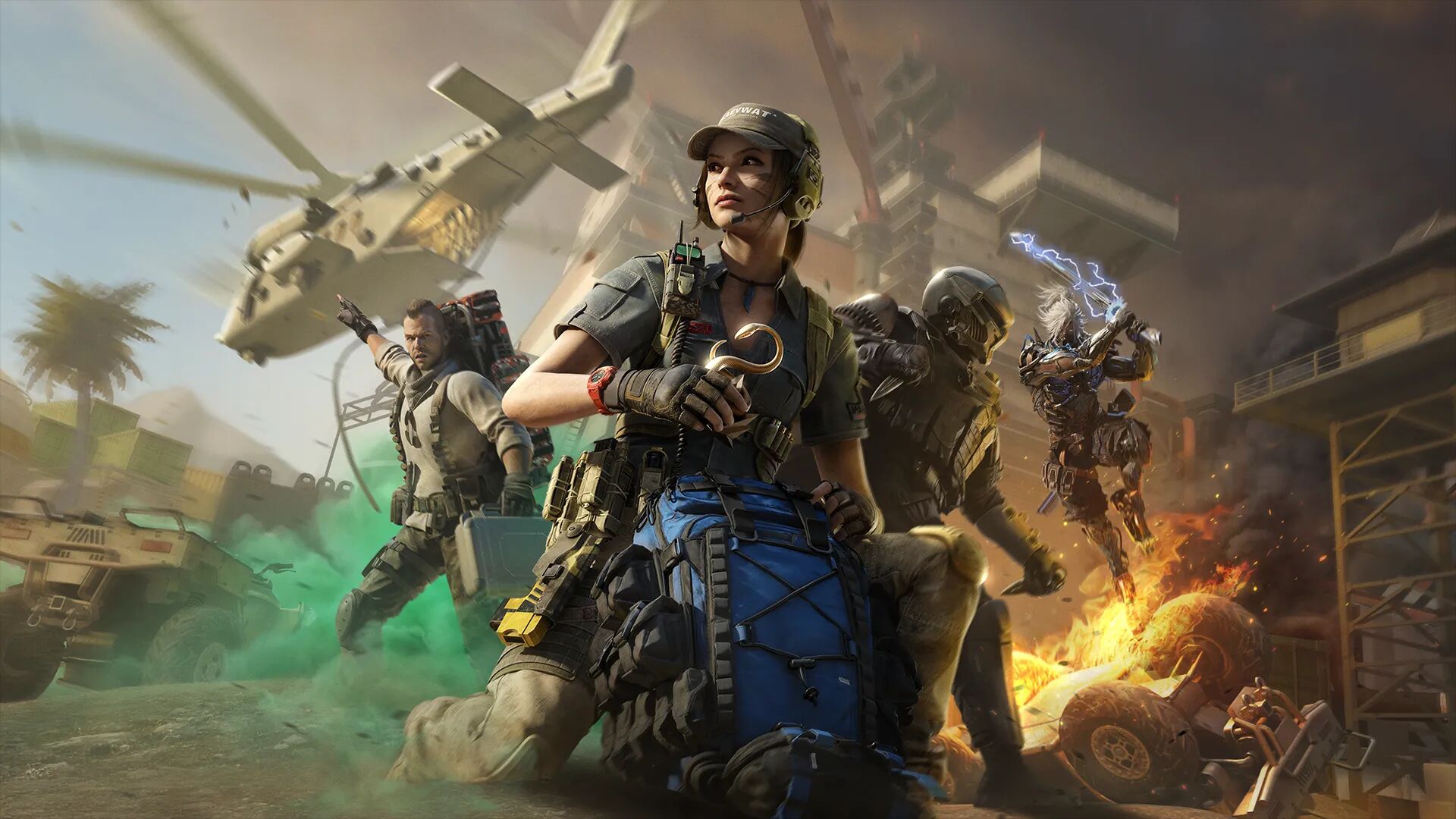
Engage in Real-Time MMO battles with characters, vehicles, weapons, and more from the Call of Duty franchise!
Build an army, recruit commanders, and forge alliances to take on enemies from around the world!
KEEP TRACK OF ENEMY MOVEMENTS WITH A SEAMLESS WORLD MAP!
Explore a massive map with seamless zoom in & out technology!
All in-game actions take place on a single world map. Zoom from epic world views down to individual cities. Battlefield and World Map is shown clearly through seamless map zooming.
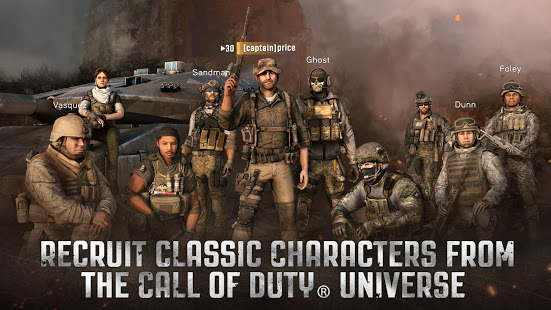
RECRUIT AND COMMAND ICONIC CALL OF DUTY ® CHARACTERS!
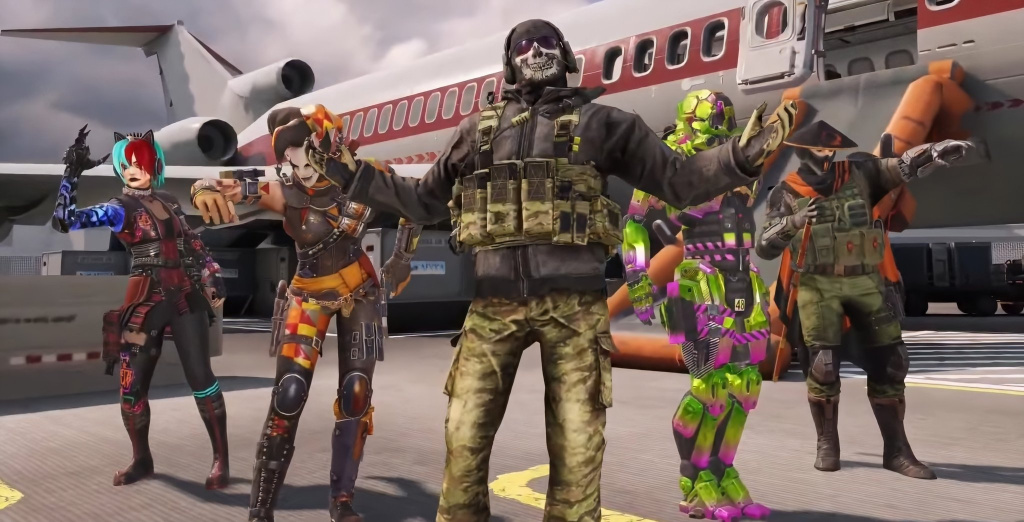
As a General, recruit dozens of Heroes from across the Call of Duty ® universe, including Captain Price, Ghost, and Soap.
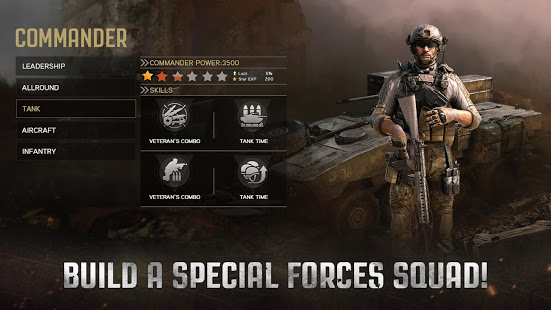
Upgrade a Commander’s Battle Skill to suit your personal strategy, assign troops to utilize your Commander’s strengths, and raid your enemy’s resources.
BUILD AND CUSTOMIZE YOUR BASE TO WAGE WAR!
Choose your own path to power. Freely lay out your buildings so your base suits your needs.
Choose your unique research path and plan which buildings to upgrade that will give an edge over your enemies. Top it all off by personalizing your Commanders so their strengths complement your army’s needs.
JOIN AN ALLIANCES AND RAID ENEMIES!
Play real-time Co-op PvP Wars with millions of players in Alliance Mode, expand territory and gain resources.
In Co-op Mode, create or team up with a clan in our MMO PVP game modes to raid enemies and grow your Alliance’s power!
NOTE: Call of Duty: Global Operations is currently in Beta and we are working to improve the game by continuously fixing bugs and adding additional content.
We welcome any feedback during your experience to improve the game. To give feedback: callofdutyglobaloperations@gmail.com
Subscribe for IMPORTANT NEWS! -https://www.facebook.com/Call-of-Duty-Global-Operations-515423132265195/?modal=admin_todo_tour
_________________________________________________________
Note: An internet connection is required to play this game.
Please note this app contains social features that allow you to connect and play with friends, in-app purchases that cost real money and push notifications to inform you when exciting events or new content are taking place in the game. You can choose whether or not to utilize these features.
NEITHER ELEX NOR ACTIVISION MAKES ANY GUARANTEES REGARDING THE AVAILABILITY OF ONLINE PLAY OR FEATURES AND MAY MODIFY OR DISCONTINUE ONLINE SERVICES IN THEIR DISCRETION WITH REASONABLE NOTICE.
© 2019 Activision Publishing, Inc. ACTIVISION and CALL OF DUTY are trademarks of Activision Publishing, Inc. All other trademarks and trade names are the properties of their respective owners.
Show more

1. Download MEmu installer and finish the setup

2. Start MEmu then open Google Play on the desktop

3. Search Call of Duty: Global Operations in Google Play
Install
4. Download and Install Call of Duty: Global Operations
5. On install completion click the icon to start

6. Enjoy playing Call of Duty: Global Operations on PC with MEmu
MEmu Play is the best Android emulator and 100 million people already enjoy its superb Android gaming experience. The MEmu virtualization technology empowers you to play thousands of Android games smoothly on your PC, even the most graphic-intensive ones.
Bigger screen with better graphics; Long duration, without limitation of battery or mobile data.
Full Keymapping support for precise control of keyboard and mouse or gamepad.
Multiple game accounts or tasks on single PC at one time with Multi-Instance manager.
Play Call of Duty: Global Operations on PC by following steps: