Coins.ph Wallet
Updated
Current Version
7.9.29.5
Offered By

Stop worrying about high battery drain when using Coins.ph Wallet on your phone. Free yourself from the tiny screen and enjoy the app on a much larger display. From now on, get a full-screen experience of your app with the convenience of a keyboard and mouse. MEmu offers you all the surprising features you’d expect: quick installation and easy setup, intuitive controls, and no more worries about battery life, mobile data, or unexpected calls. The all-new MEmu 9 is the choice for using Coins.ph Wallet on your computer. With the MEmu multi-instance manager, you can run two or more accounts at the same time. Most importantly, our exclusive emulation engine unlocks your PC’s full potential, delivering smooth and enjoyable performance.
Show more
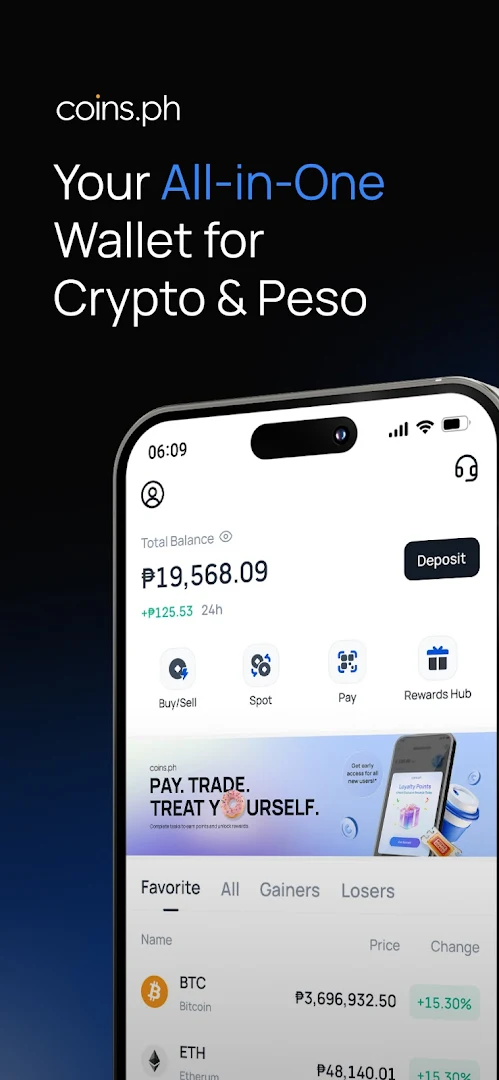
Enjoy superb experience of using Coins.ph Wallet on PC with MEMU App Player. It's a powerful free Android emulator which provides you with thousands of android apps for their desktop version. Enjoy connecting with friends and polishing your work with higher efficiency! Use Coins to send, receive, pay, and convert money globally — your all-in-one digital wallet and crypto exchange.
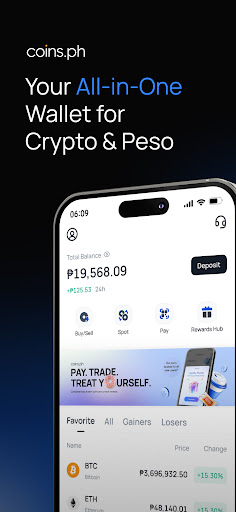
Use Coins to send, receive, pay, and convert money globally — your all-in-one digital wallet and crypto exchange. Access digital assets, manage multiple currencies, and unlock a growing suite of fintech tools designed for a more connected world. With stablecoin-powered settlement behind the scenes, transactions are faster, cheaper, and available 24/7/365.
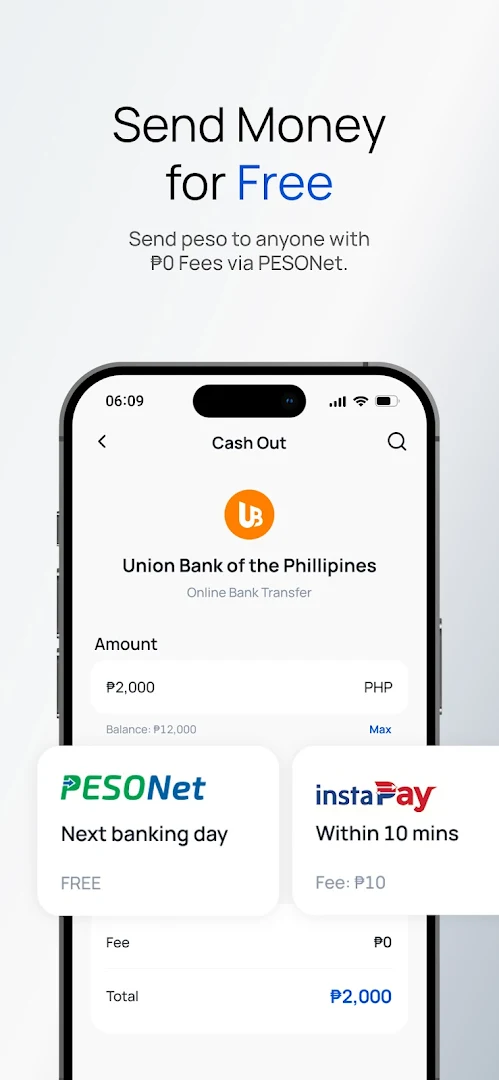
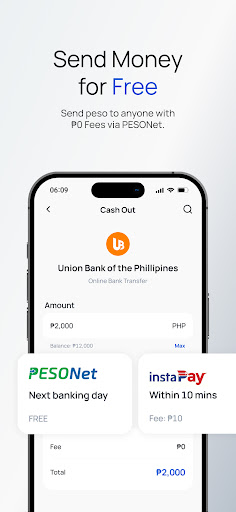
Send Money For FREE — Padala ng libre
• Send money to GCash, Maya (PayMaya), Palawan, other e-wallets, and banks via PESONet for 0 Fees.
• Use InstaPay to send money instantly to BDO, BPI, Unionbank, Metrobank, Landbank, EastWest, CIMB, GoTyme and more.
• Perfect for OFW remittance — receive your padala directly into your Coins.ph wallet.
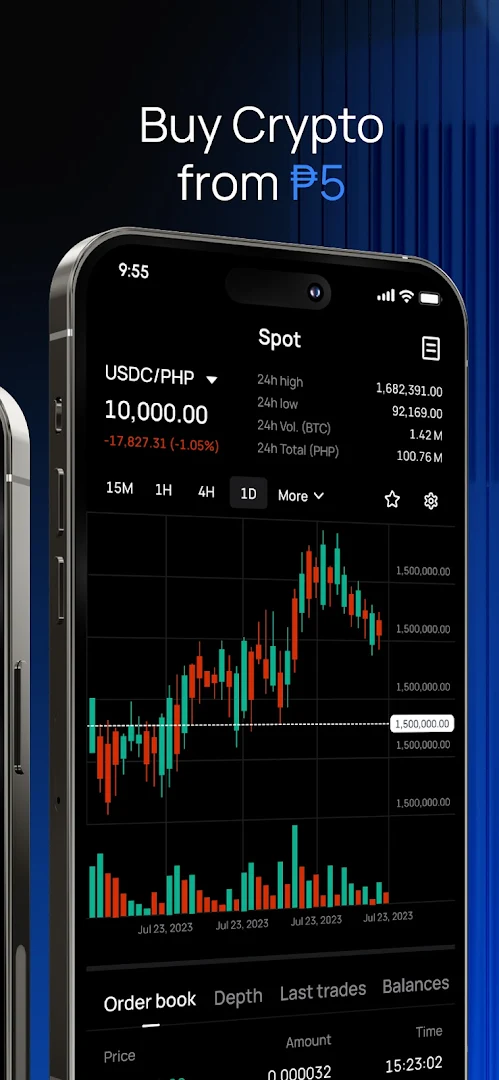
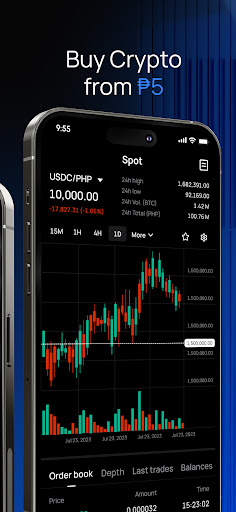
Buy & Trade Crypto from ₱5
• Buy Bitcoin (BTC), Ethereum (ETH), USDT, USDC, Solana (SOL), XRP, Dogecoin (DOGE), PEPE and meme coins with as little as ₱5.
• Access 170+ cryptocurrencies with the most competitive trading rates in the Philippines.
• Enjoy the lowest USDT withdrawal fees and seamless Peso conversion. Best crypto exchange for Filipinos.
Earn Rewards Easily — Libre pera, daily rewards ka pa!
• Daily Check-In Rewards: Log in daily to earn points and build your streak. Complete missions to unlock free food, coffee, and crypto rewards through ShareTreats.
• Reward Tasks: Finish simple tasks like your first 3 transactions, explore different features through Category Bingo, and hit monthly spending milestones to earn bonus points.
• Refer & Earn: Refer friends and get rewarded when they verify, deposit, or trade.
• HODL & Earn: Complete tasks in the Rewards Hub to get free crypto, cash, and loyalty rewards.
• Redeem Points: Use your earned points for ShareTreats — free coffee, food vouchers, and premium lifestyle rewards from your favorite brands.
Easy Cash In & Cash Out
• Cash in via GCash, Maya, banks, and Palawan outlets nationwide.
• Cash out to any bank or e-wallet. Convert crypto to Peso instantly.
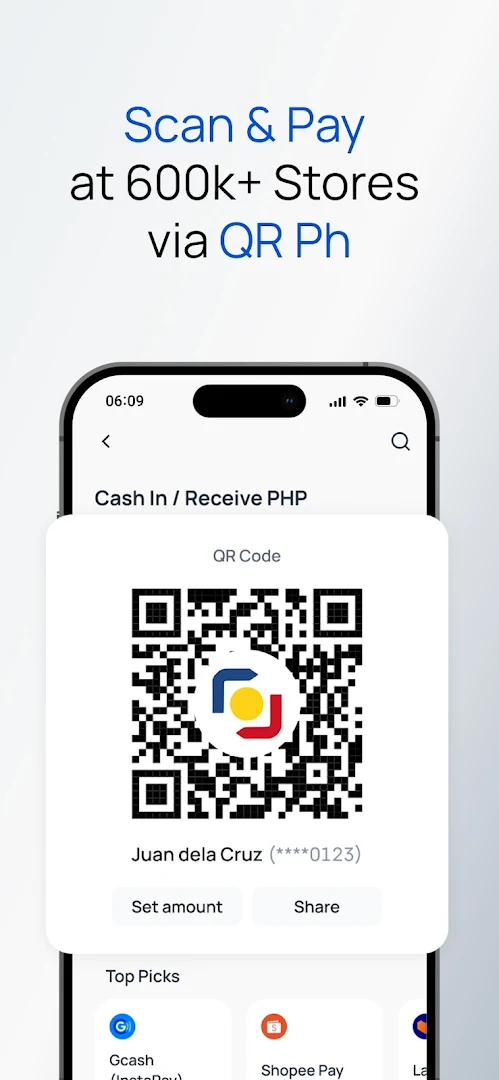
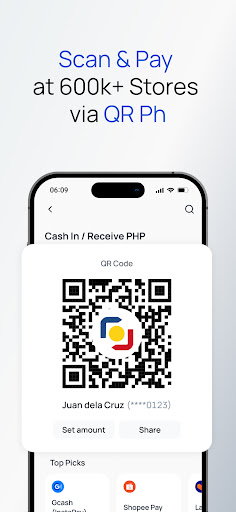
Scan to Pay with QRPh
• Scan QRPh codes to pay cashless at 7-Eleven, Jollibee, Mercury Drug, SM Supermalls, and 600k+ merchants nationwide.
• Convert your USDT or Bitcoin to Peso instantly at the counter. Bayad made easy — no cash needed.
• Pay online securely and instantly on e-commerce platforms via Coins Webpay.
Buy Load & Pay 120+ Bills
• Buy prepaid load and data for Globe, Smart, TNT, DITO, and TM instantly.
• Top up Steam, Valorant, Mobile Legends, Roblox, and other gaming credits.
• Pay 120+ bills from home: Meralco, Maynilad, PLDT, Converge, Home Credit, and credit cards.
Secure & BSP-Regulated
• Fully licensed and regulated by the Bangko Sentral ng Pilipinas (BSP). Your funds are protected by industry-leading security and encryption.
Whether you need a Bitcoin wallet, a GCash alternative, a daily rewards app, or a simple way to pay bills and buy load — Coins.ph is the smart ewallet with the best loyalty rewards program for every Filipino.
Download Coins.ph now — ang best na crypto at payment app sa Pilipinas!
Stay updated with our latest promos and crypto drops:
• Facebook: facebook.com/coinsph
• X: x.com/coinsph
• Telegram: t.me/coinsphfilipino
Show more

1. Download MEmu installer and finish the setup

2. Start MEmu then open Google Play on the desktop

3. Search Coins.ph Wallet in Google Play
Install
4. Download and Install Coins.ph Wallet
5. On install completion click the icon to start

6. Enjoy using Coins.ph Wallet on PC with MEmu
MEmu Play is the best Android emulator, and 100 million users already enjoy its superb Android app experience. Powered by advanced virtualization technology, it lets you enjoy thousands of Android apps smoothly on your PC—including the most graphics-intensive ones.
Bigger screen with better graphics; Long duration, without limitation of battery or mobile data.
Full Keymapping support for precise control of keyboard and mouse or gamepad.
Multiple game accounts or tasks on single PC at one time with Multi-Instance manager.
Use Coins.ph Wallet on PC by following steps: