
AZPULMAT
Updated
Current Version
6.2.66
Offered By

Stop worrying about high battery drain when using AZPULMAT on your phone. Free yourself from the tiny screen and enjoy the app on a much larger display. From now on, get a full-screen experience of your app with the convenience of a keyboard and mouse. MEmu offers you all the surprising features you’d expect: quick installation and easy setup, intuitive controls, and no more worries about battery life, mobile data, or unexpected calls. The all-new MEmu 9 is the choice for using AZPULMAT on your computer. With the MEmu multi-instance manager, you can run two or more accounts at the same time. Most importantly, our exclusive emulation engine unlocks your PC’s full potential, delivering smooth and enjoyable performance.
Show more
Enjoy superb experience of using AZPULMAT on PC with MEMU App Player. It's a powerful free Android emulator which provides you with thousands of android apps for their desktop version. Enjoy connecting with friends and polishing your work with higher efficiency! Kredit məbləğini hesab kartınıza köçürtmək indi düşündüyünüzdən də asandır!
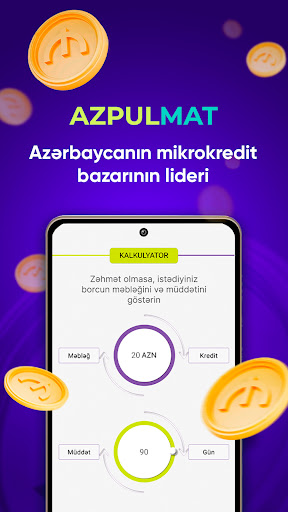
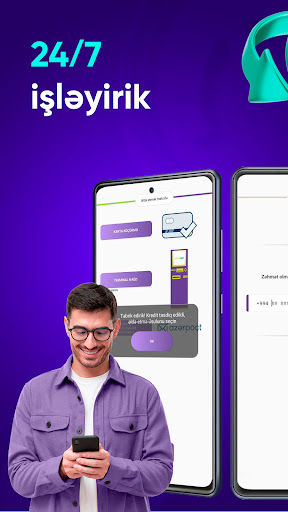
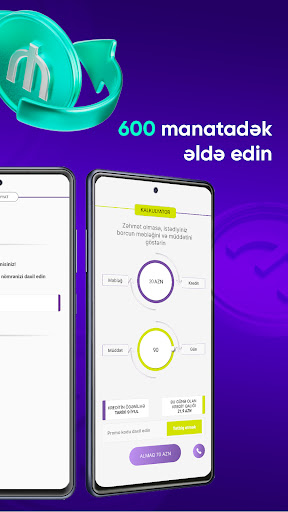
Kredit məbləğini hesab kartınıza köçürtmək indi düşündüyünüzdən də asandır! İlk kreditinizi indi 20%-ə qədər endirimlə əldə edin!
«Azpulmat» mobil tətbiqi ilə krediti anında əldə edə bilərsiniz. Bizimlə siz kredit məbləğini imtinasız və banka müraciət etmədən kartınıza köçürdə bilərsiz.
Dəqiqələr ərzində məbləğ sizin kartınızdadır!
97% kredit müraciətləri tez və problemsiz təsdiqlənir! Evdən çıxmadan və heç bir çətinlik çəkmədən siz məbləği kartınıza köçürdürsünüz.
Rahat və tez şəkildə krediti smartfon vasitəsi ilə əldə etmək mümkündür. Kredit təşkilatlarına baş çəkməyi, çoxlu sayda sənəd və arayış toplamağı unudun. İndi kartla kredit götürmək üçün əlinizdə mobil telefonunuzun olması yetərlidir. Krediti problemsiz və narahat olmadan əldə etmək mümkündür. Banka müraciət etmədən kredit rəsmiləşdirə bilərsiz. Gücünüzə və vaxtınıza qənaət edin. «Azpulmat» mobil tətbiqi vasitəsi ilə krediti əldə etmək mümkündür.
Bizimlə borcu istədiyiniz an rəsmiləşdirə bilərsiniz. Gəlir mənbəyinizə aid təsdiq sənədi tələb olunmur!
Kredit əldə etmək üçün aşağıdakı şərtlərə əməl etməlisiniz:
Kreditin minimum ödəniş müddəti 61 gün təşkil edir;
Kreditin maksimum ödəniş müddəti isə 364 gün təşkil edir;
Kredit məbləği 20 azn-dən 500 azn-dək;
Kreditdən asılı olaraq günlük faiz dərəcəsi - 0,08%-dən 0,66%-dək.
Maksimum illik faiz dərəcəsi: 34,5 %
Kreditin vaxtından əvvəl və hissə-hissə ödənişi üçün rüsum yoxdur.
Borc alana tələblər:
- 18-65 yaşa aralığı;
- Azərbaycan Respublikasının vətəndaşlığını təsdiq edən sənəd.
Kreditinizi vaxtında bağlamaqda çətinlik çəkdiyiniz halda bizimlə əlaqə saxlayın. Biz sizinlə kreditin mümkün olan ödəniş üsüllarını həll yollarını tapmağı müzakirə edəcəyik: ödəniş cədvəlinə yenidən baxılması və cari ödənişin qismən ödənilməsi.
Ümumi dəyərin hesablanması misalı: uzadılma nəzərə alınmaqla 91 gün müddətinə 100 manat məbləğində götürdükdə 60 mükafat veriləcək. Yekun olaraq müddətin sonunda geri verəcəyiniz məbləğ 160 təşkil edir. APR- 34,5%.
Siz linkə keçid edib, ətraflı məlumatların yer aldığı məxfilik siyasətinə baxa bilərsiniz:
https://azpul.az/images/Documents/private_policy_az.html
Show more

1. Download MEmu installer and finish the setup

2. Start MEmu then open Google Play on the desktop

3. Search AZPULMAT in Google Play
Install
4. Download and Install AZPULMAT
5. On install completion click the icon to start

6. Enjoy using AZPULMAT on PC with MEmu
MEmu Play is the best Android emulator, and 100 million users already enjoy its superb Android app experience. Powered by advanced virtualization technology, it lets you enjoy thousands of Android apps smoothly on your PC—including the most graphics-intensive ones.
Bigger screen with better graphics; Long duration, without limitation of battery or mobile data.
Full Keymapping support for precise control of keyboard and mouse or gamepad.
Multiple game accounts or tasks on single PC at one time with Multi-Instance manager.
Use AZPULMAT on PC by following steps:
































