QuickLa
Updated
Current Version
2.0.4
Offered By

Stop worrying about high battery drain when using QuickLa on your phone. Free yourself from the tiny screen and enjoy the app on a much larger display. From now on, get a full-screen experience of your app with the convenience of a keyboard and mouse. MEmu offers you all the surprising features you’d expect: quick installation and easy setup, intuitive controls, and no more worries about battery life, mobile data, or unexpected calls. The all-new MEmu 9 is the choice for using QuickLa on your computer. With the MEmu multi-instance manager, you can run two or more accounts at the same time. Most importantly, our exclusive emulation engine unlocks your PC’s full potential, delivering smooth and enjoyable performance.
Show more
Enjoy superb experience of using QuickLa on PC with MEMU App Player. It's a powerful free Android emulator which provides you with thousands of android apps for their desktop version. Enjoy connecting with friends and polishing your work with higher efficiency! About QuickLa.

About QuickLa
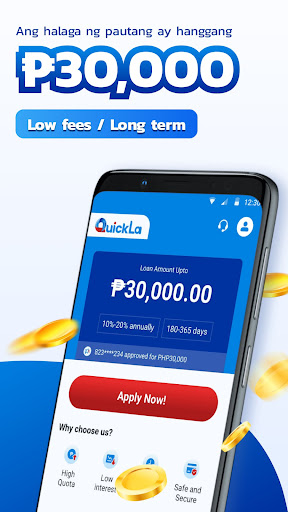
QuickLa is a professional and 100% digital cash loan platform that aims to help users with short-term financial difficulties. Users who are in need of cash can apply with us no matter when they need cash and no matter where they are. The application is paperless and minimal documentation is required. We value the safety and privacy of our users' personal data and we will never disclose the data to anyone else.
Product Introduction
Loan Amount: from ₱2,000 to ₱30,000
Loan Period: mininum 180 days (6 months), and maximum 360 days (12 months)
Annual Interest rate (APR): 10% - 20%
Maximum APR: 20%
Service Fee: 5%-10% (It’s a one-time service fee that will be charged upon the principal amount when the loan is disbursed. The service fee will vary depending on the applicant’s risk profile.)
Other fees: 0
Representative Example
Loan Amount: ₱2,000
Loan Period: 180 days (6months)
Annual Interest Rate (ARP): 10%
Service fee: 10%
Other fees: 0
Then the cost of the loan will be
One time service fee: 2,000*10%=200
Amount in hand: 2,000-200=1,800
The amount you need to repay before due date:
Total interest fee: 2,000*10%*180/365=98.6
Total payable amount: 2,000+98.6=2,098.6
Monthly payable amount: 2,098.6/6=349.77
Application requirements
Filipino citizen
Above 18 years old
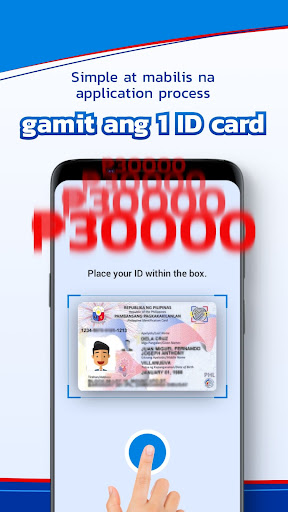
Have a valid ID card
How to apply with us?
1. Install the QuickLa APP from GooglePlay
2. Fill out the application forms
3. Loan approved and disbursed
4. Repay the loan in time
How to repay?
You can choose to repay either from E-wallets or convenience stores in the Philippines:
GCash/Paymaya/M Lhuillier/RD Pawnshop/7-11/etc.
Company Information
Company name: Copperstone Lending Inc.
SEC Registration No. 2021050012959-04
Registered Business Name: QuickLa
CERTIFICATE OF AUTHORITY NO.3454
Note: Please study the terms and conditions of the Disclosure Statement before proceeding with the loan
Address:
The Penthouse, Marajo Tower, 26th st. Cor. 4th Ave. Bonifacio Global City 312 Metro Manila Fort Bonifacio, Taguig City, Fourth District, National Capital Region (NCR), 1634
Email: RizaJoie@outlook.com
Show more

1. Download MEmu installer and finish the setup

2. Start MEmu then open Google Play on the desktop

3. Search QuickLa in Google Play
Install
4. Download and Install QuickLa
5. On install completion click the icon to start

6. Enjoy using QuickLa on PC with MEmu
MEmu Play is the best Android emulator, and 100 million users already enjoy its superb Android app experience. Powered by advanced virtualization technology, it lets you enjoy thousands of Android apps smoothly on your PC—including the most graphics-intensive ones.
Bigger screen with better graphics; Long duration, without limitation of battery or mobile data.
Full Keymapping support for precise control of keyboard and mouse or gamepad.
Multiple game accounts or tasks on single PC at one time with Multi-Instance manager.
Use QuickLa on PC by following steps:
































