Descargando MEmu...
Si la descarga no comienza, Clic aquí
Cómo Descargar Ajedrez online y offline en PC
-
![Ajedrez online y offline PC]()
1. Descargar el instalador de MEmu y finalice la instalación
-
![Ajedrez online y offline PC]()
2. Iniciar MEmu y abrir Google Play en la página de inicio
-
![Ajedrez online y offline PC]()
3. Buscar Ajedrez online y offline en Google Play
-
 Install
4. Descargar y instalar Ajedrez online y offline
-
5. Hacer click al icono para iniciar
-
![Ajedrez online y offline PC]()
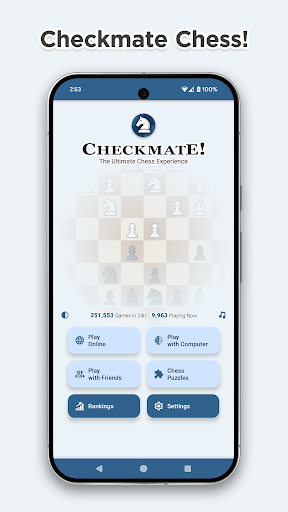
6. Disfruta jugando Ajedrez online y offline en PC con MEmu