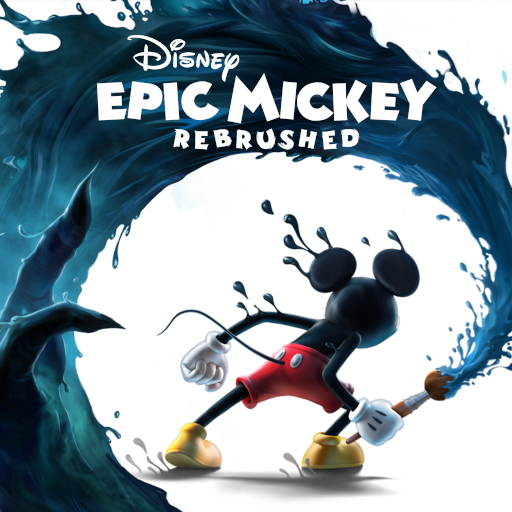
Disney Epic Mickey: Rebrushed
Updated
Current Version
1.779.1 (Shipping)
Offered By

With your passion for Disney Epic Mickey: Rebrushed, you shouldn’t have to limit yourself to the small screen of a phone. Play like a pro and take full control of the game using a keyboard and mouse. MEmu gives you everything you’re looking for. Download and play Disney Epic Mickey: Rebrushed on PC. Play as long as you want — no more worries about battery life, mobile data, or unexpected calls. The all-new MEmu 9 is the best way to play Disney Epic Mickey: Rebrushed on PC. With our expertly designed keymapping system, Disney Epic Mickey: Rebrushed feels just like a real PC game. The MEmu multi-instance manager lets you run two or more accounts on the same device at the same time. Most importantly, our exclusive emulation engine unlocks your PC’s full potential, delivering smooth and seamless performance.
Show more
Download Disney Epic Mickey: Rebrushed on PC with MEmu Android Emulator. Enjoy playing on big screen. Disney Epic Mickey: Rebrushed brings the magic of Disney to life in a vibrant 3D platformer.
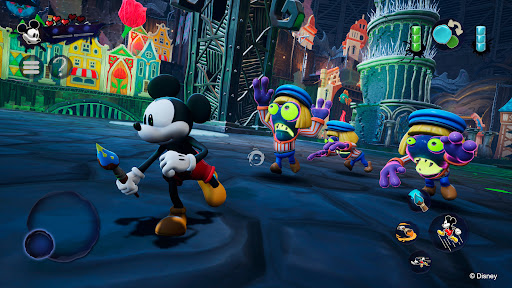
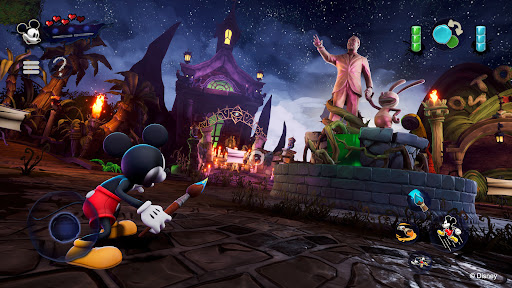
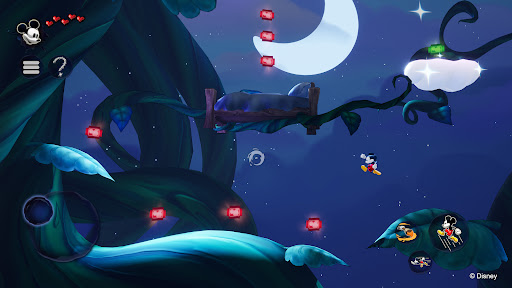
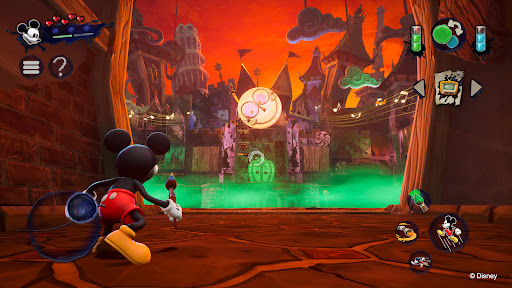
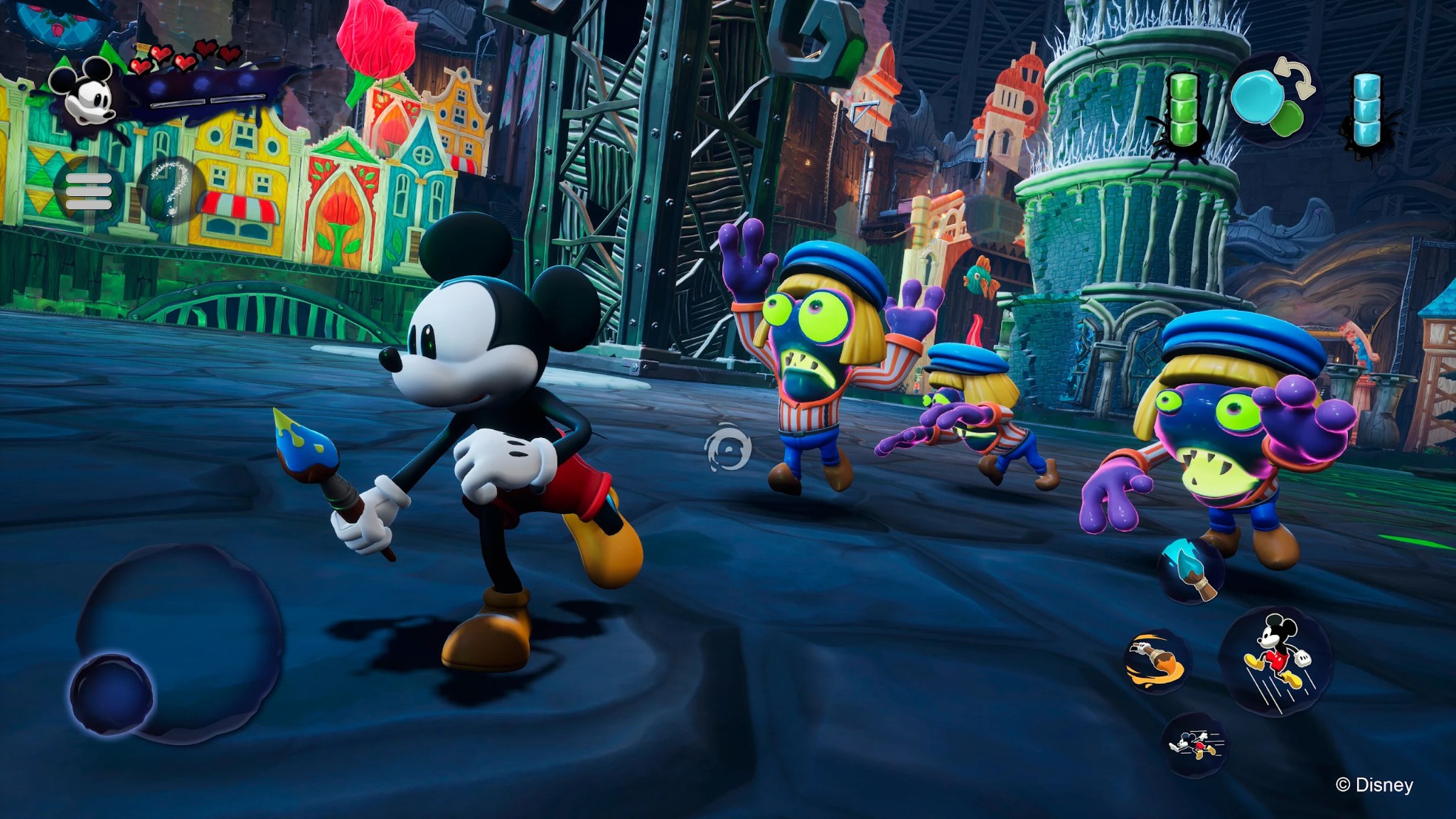
Disney Epic Mickey: Rebrushed brings the magic of Disney to life in a vibrant 3D platformer. This beautiful remake sends Mickey Mouse on an epic journey through Wasteland, a realm of forgotten Disney characters. As Mickey, you will dive into a fantastical world and, armed with paint and thinner, shape your adventure and the fate of this alternate world.
Every stroke of your magic brush matters! Use paint to restore beauty and harmony or thinner to alter your environment and uncover hidden secrets. Your choices influence Mickey's destiny and change the outcome of this artistic odyssey. Will you become the epic hero Wasteland needs?
Encounter various iconic characters like Oswald the Lucky Rabbit, Walt Disney’s first creation, as you travel between lands in Wasteland. Collect virtual Disney pins, tackle creative challenges, and uncover secrets, all while exploring classic platforming levels inspired by animated films and shorts.
Originally envisioned by Warren Spector, reimagined by Purple Lamp, Disney Epic Mickey: Rebrushed employs state-of-the-art visuals and improved controls to breathe new life into a beloved classic. Experience new movement skills for Mickey, such as dash, ground pound and sprinting. The game’s compelling story makes it an unforgettable adventure for long-time fans and newcomers alike. Join Mickey Mouse and unravel the mysteries of Wasteland in this homage to Disney's legacy.
Explore a reimagined Wasteland, full of Disney's timeless characters and stories.
Wield the magic brush: Paint to create, thinner to alter. Every choice shapes your story.
Meet Oswald the Lucky Rabbit, Disney's original star, in a rich, narrative-driven world.
Enjoy advanced gameplay with new abilities and enhanced visuals in a classic setting.
Mickey has new moves such as dash, ground pound and sprinting.
High replayability with multiple endings based on your unique playstyle and decisions.
© 2026 THQ Nordic Mobile
Show more

1. Download MEmu installer and finish the setup

2. Start MEmu then open Google Play on the desktop

3. Search Disney Epic Mickey: Rebrushed in Google Play
Install
4. Download and Install Disney Epic Mickey: Rebrushed
5. On install completion click the icon to start

6. Enjoy playing Disney Epic Mickey: Rebrushed on PC with MEmu
MEmu Play is the best Android emulator and 100 million people already enjoy its superb Android gaming experience. The MEmu virtualization technology empowers you to play thousands of Android games smoothly on your PC, even the most graphic-intensive ones.
Bigger screen with better graphics; Long duration, without limitation of battery or mobile data.
Full Keymapping support for precise control of keyboard and mouse or gamepad.
Multiple game accounts or tasks on single PC at one time with Multi-Instance manager.
Play Disney Epic Mickey: Rebrushed on PC by following steps: