Toontastic 3D
Updated
Current Version
1.0.5
Offered By

With your passion for Toontastic 3D, you shouldn’t have to limit yourself to the small screen of a phone. Play like a pro and take full control of the game using a keyboard and mouse. MEmu gives you everything you’re looking for. Download and play Toontastic 3D on PC. Play as long as you want — no more worries about battery life, mobile data, or unexpected calls. The all-new MEmu 9 is the best way to play Toontastic 3D on PC. With our expertly designed keymapping system, Toontastic 3D feels just like a real PC game. The MEmu multi-instance manager lets you run two or more accounts on the same device at the same time. Most importantly, our exclusive emulation engine unlocks your PC’s full potential, delivering smooth and seamless performance.
Show more
Download Toontastic 3D on PC with MEmu Android Emulator. Enjoy playing on big screen. 3… 2… 1… ACTION!
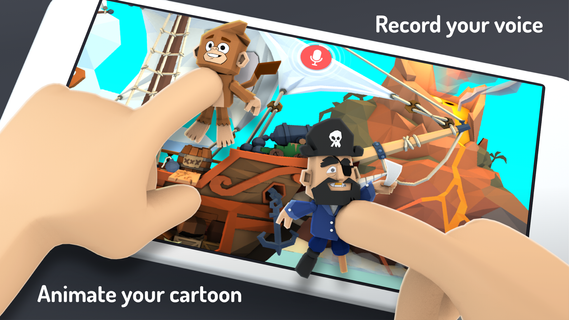
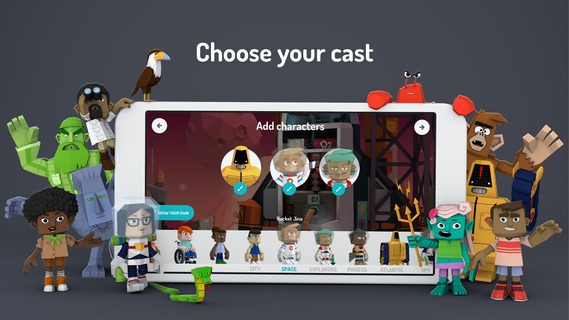
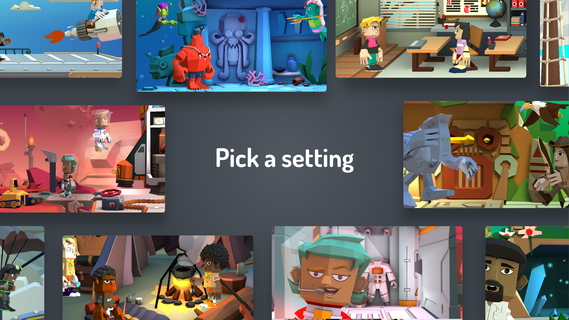
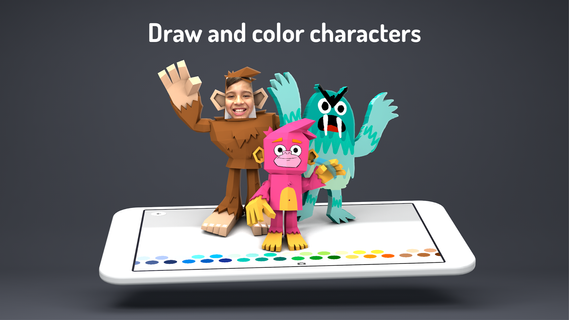
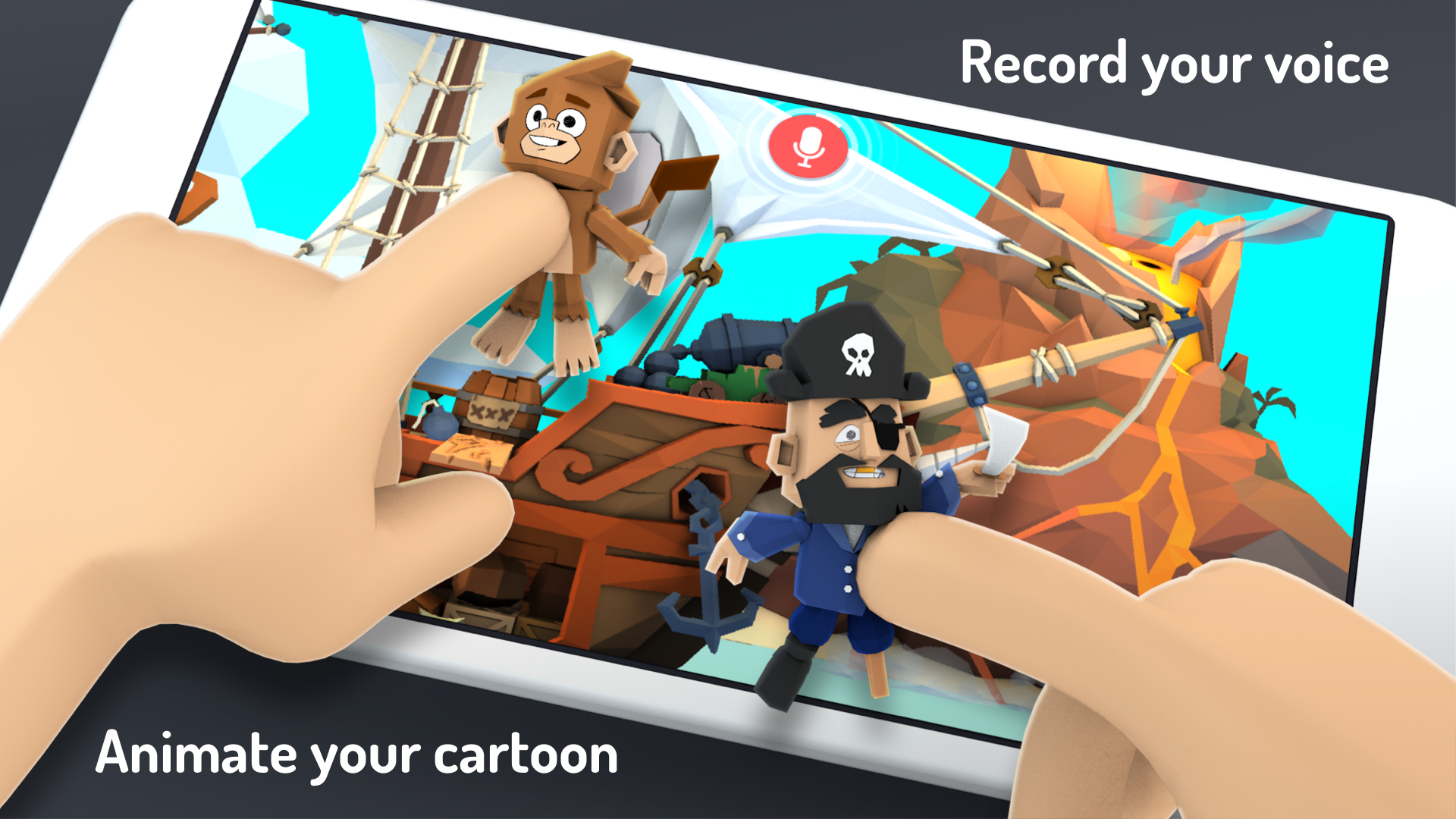
3… 2… 1… ACTION! With Toontastic 3D you can draw, animate, and narrate your own cartoons. It’s as easy as play. Just move your characters around onscreen, tell your story, and Toontastic records your voice and animations and stores it on your device as a 3D video. Toontastic is a powerful and playful way to create interstellar adventures, breaking news reports, video game designs, family photo albums, or anything else you might imagine!
What people are saying:
• Parents' Choice Gold Award: "Toontastic 3D is a wonderful creative outlet for all budding storytellers, young scientists, or those who increasingly blur the lines between the two - perhaps this is where the next documentary makers and Pixar artists will get their start."
• Five star rating from Common Sense Media - "Kids are in the director's seat and have free rein to let their creative side shine with this flexible and easy-to-use storytelling platform."
• A+ and Editor's Choice rating from Children's Technology Review - "Powerful and free, this rich language experience lets you create your own self-narrated puppet shows."
• Winner of the 2017 BolognaRagazzi Digital Award for 'Best Kids App of the Year'
FEATURES
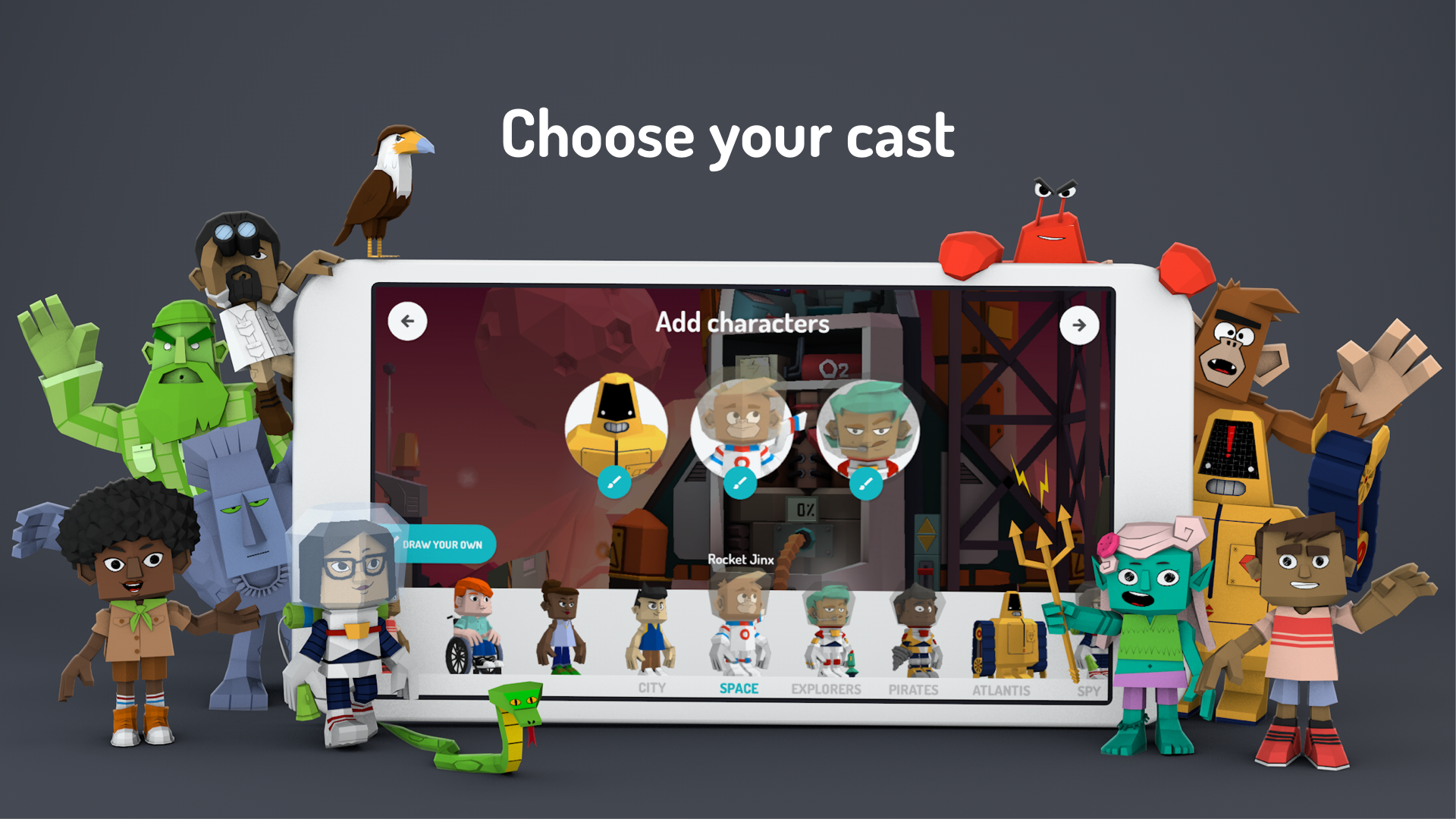
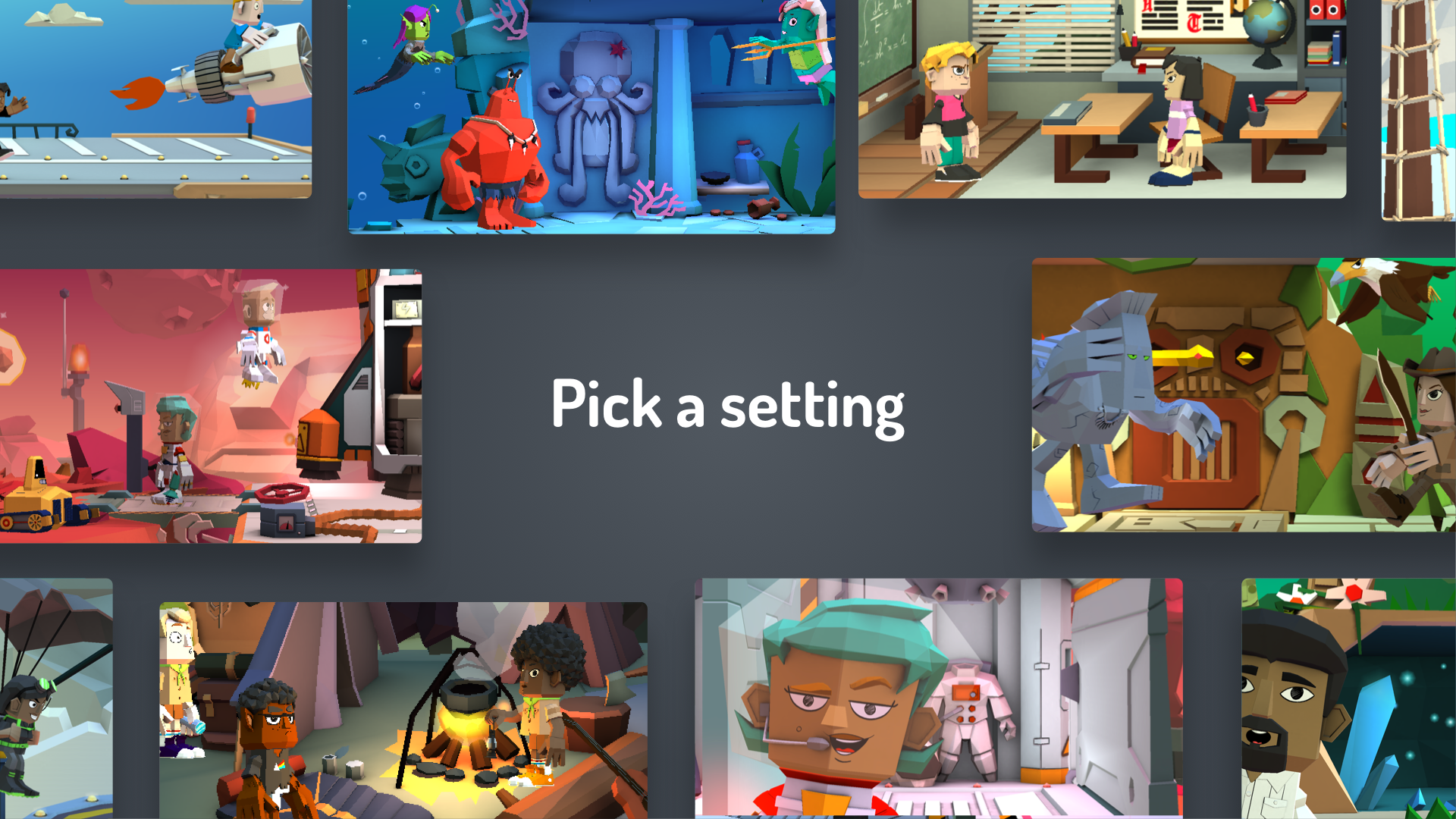
• A giant toy box chock full of swashbuckling pirates, transforming robots, nefarious villains, and many more characters and settings to spark kids’ imaginations
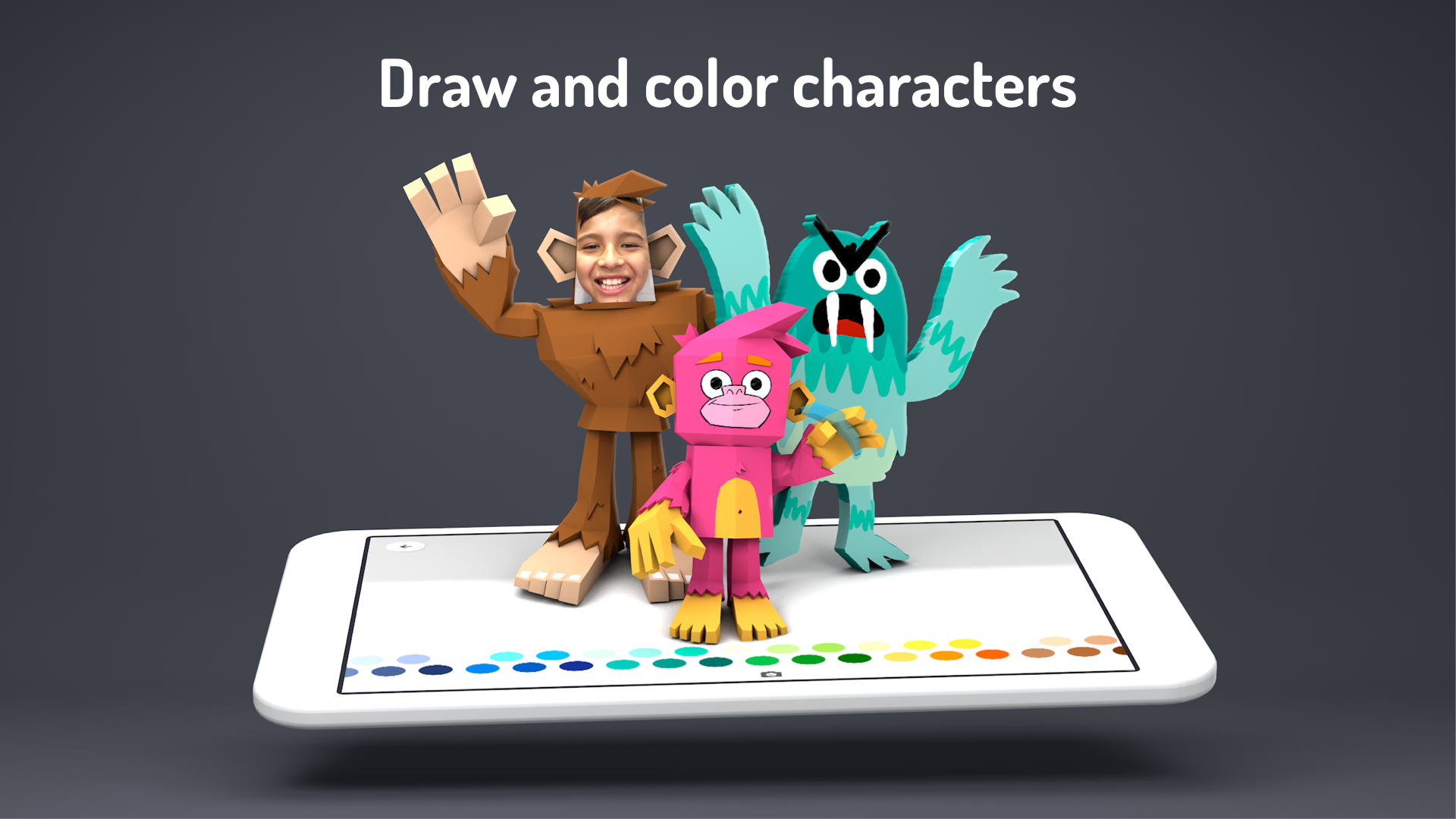
• Design your own characters with 3D drawing tools
• Add yourself to your adventures with photos and custom colored characters
• Mix your soundtrack with dozens of built-in songs
• Choose from three Story Arcs for digital storytelling (Short Story, Classic, & Science Report)
• Export videos to your Photos library to share with family and friends
• An idea lab chock full of playful stories, characters and settings to inspire new adventures
Fruit Ninja © 2017 Halfbrick. All Rights Reserved.
Show more

1. Download MEmu installer and finish the setup

2. Start MEmu then open Google Play on the desktop

3. Search Toontastic 3D in Google Play
Install
4. Download and Install Toontastic 3D
5. On install completion click the icon to start

6. Enjoy playing Toontastic 3D on PC with MEmu
MEmu Play is the best Android emulator and 100 million people already enjoy its superb Android gaming experience. The MEmu virtualization technology empowers you to play thousands of Android games smoothly on your PC, even the most graphic-intensive ones.
Bigger screen with better graphics; Long duration, without limitation of battery or mobile data.
Full Keymapping support for precise control of keyboard and mouse or gamepad.
Multiple game accounts or tasks on single PC at one time with Multi-Instance manager.
Play Toontastic 3D on PC by following steps: