Sparkasse Ihre mobile Filiale
Updated
Current Version
8.2.6
Offered By

Stop worrying about high battery drain when using Sparkasse Ihre mobile Filiale on your phone. Free yourself from the tiny screen and enjoy the app on a much larger display. From now on, get a full-screen experience of your app with the convenience of a keyboard and mouse. MEmu offers you all the surprising features you’d expect: quick installation and easy setup, intuitive controls, and no more worries about battery life, mobile data, or unexpected calls. The all-new MEmu 9 is the choice for using Sparkasse Ihre mobile Filiale on your computer. With the MEmu multi-instance manager, you can run two or more accounts at the same time. Most importantly, our exclusive emulation engine unlocks your PC’s full potential, delivering smooth and enjoyable performance.
Show more
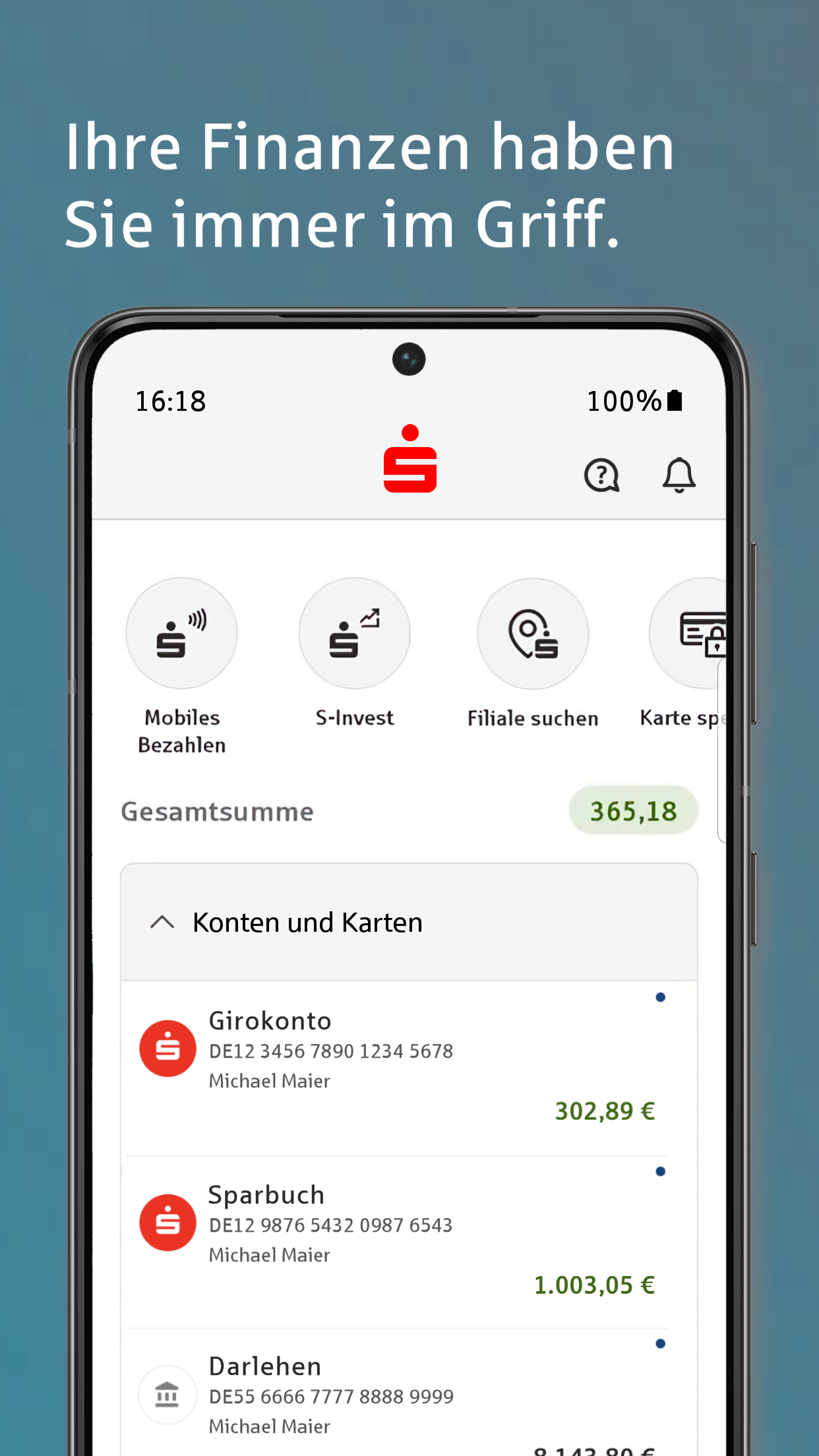
Enjoy superb experience of using Sparkasse Ihre mobile Filiale on PC with MEMU App Player. It's a powerful free Android emulator which provides you with thousands of android apps for their desktop version. Enjoy connecting with friends and polishing your work with higher efficiency! Banking without opening hours, transfers from the comfort of your sofa, and always keeping track of your account activity: Enjoy intuitive, mobile banking and handle your banking transactions effortlessly.
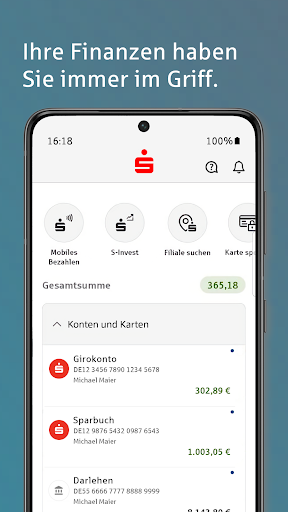
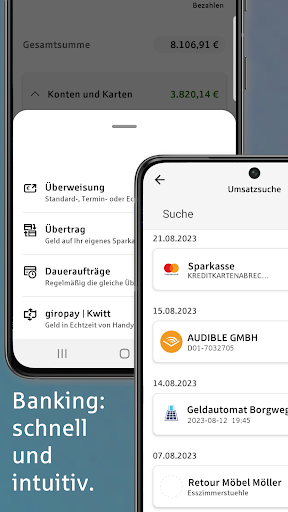
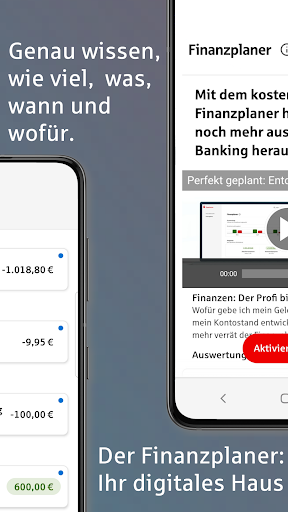
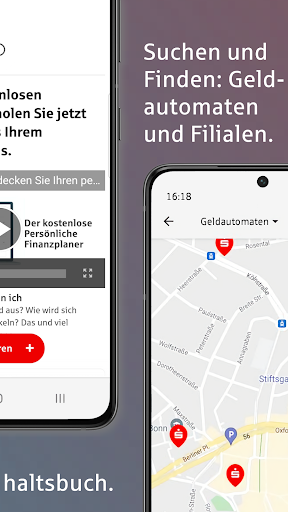
Banking without opening hours, transfers from the comfort of your sofa, and always keeping track of your account activity: Enjoy intuitive, mobile banking and handle your banking transactions effortlessly.
BENEFITS
• Check your accounts anytime, anywhere
• Manage any number of online accounts – from savings banks and other banks
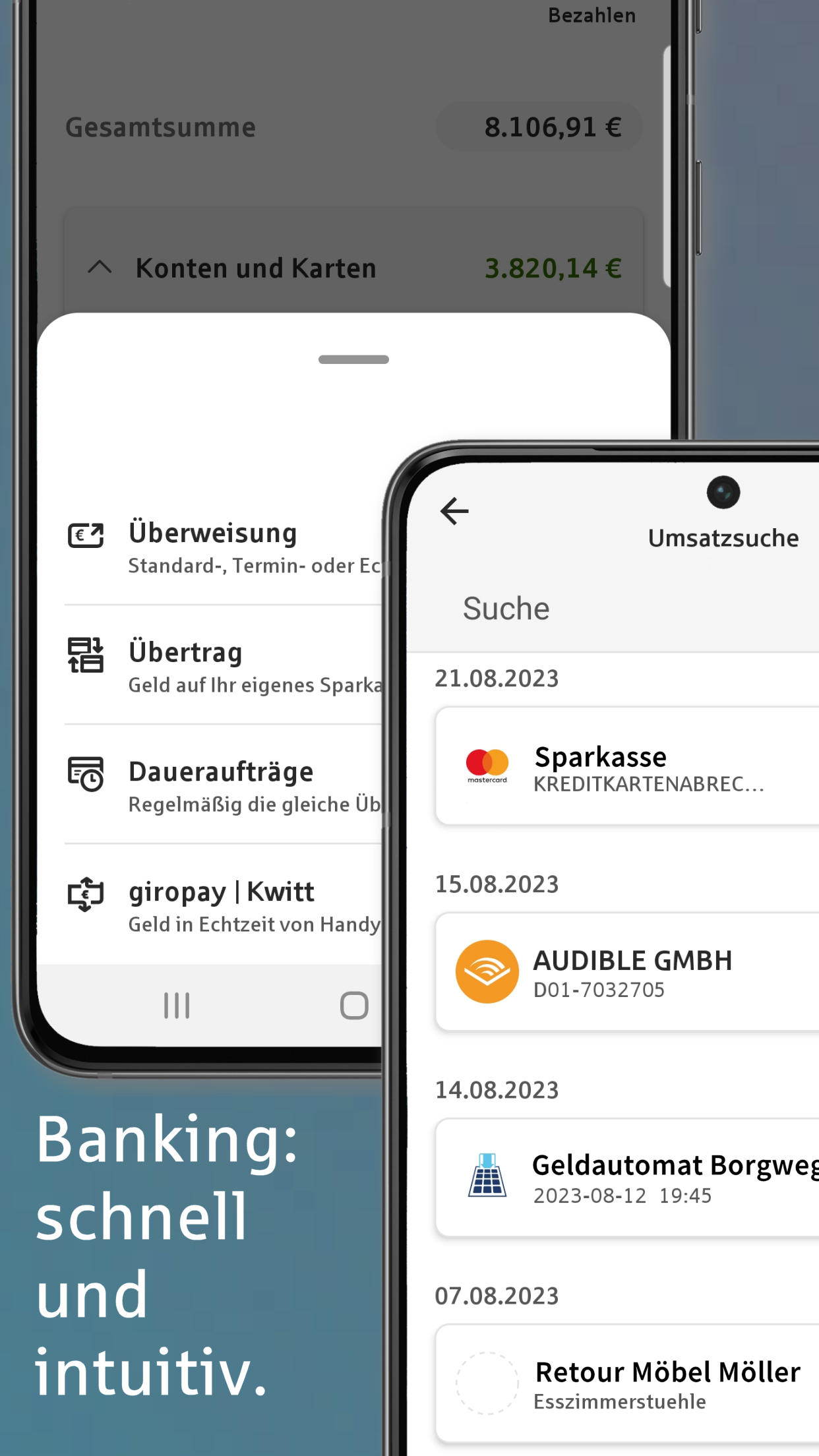
• Set up transfers and standing orders
• Stay informed about all account activity with the account alert
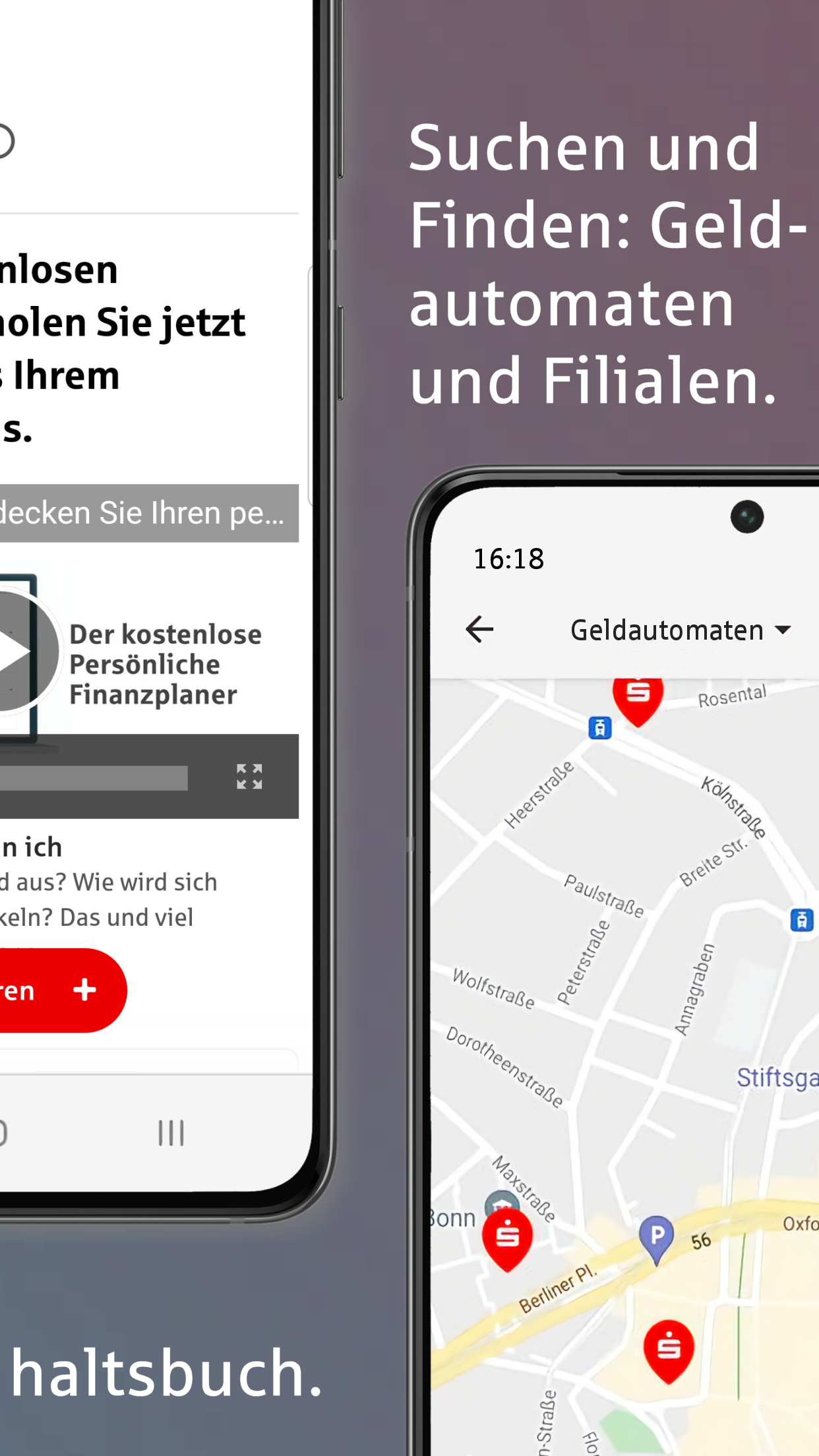
• Find the quickest route to the nearest ATM or branch
• Privacy thanks to optional incognito view of account balances
The Sparkasse app is there for you. Whether you're paying a bill at the breakfast table with a photo transfer, setting up a standing order on the train, or checking your account balance and credit card transactions, the tedious task of filling out a transfer form is eliminated. You can do everything with your smartphone or tablet.
ACCOUNT ALERT
The account alert keeps you informed about account activity around the clock. If you want to know your daily balance, simply set up the balance alert. The salary alert notifies you when your paycheck arrives, and the limit alert lets you know when your account balance exceeds or falls below a certain limit.
PHONE TO PHONE
Split the bill after a pleasant evening with friends at a restaurant is easy. With Wero, you can send money from phone to phone. This also works for borrowing money or pooling funds for a gift.
STRONG PROTECTION
Don't worry about mobile banking when you use a high-quality, up-to-date banking app in conjunction with a current operating system and a secure internet connection. The Sparkasse app communicates via certified interfaces and ensures secure data transfer in accordance with German online banking regulations. All data is stored encrypted. Access is protected by a password and optionally by biometrics. The auto-lock function automatically locks the app. All your finances are maximally protected in case of loss.
PRACTICAL FEATURES
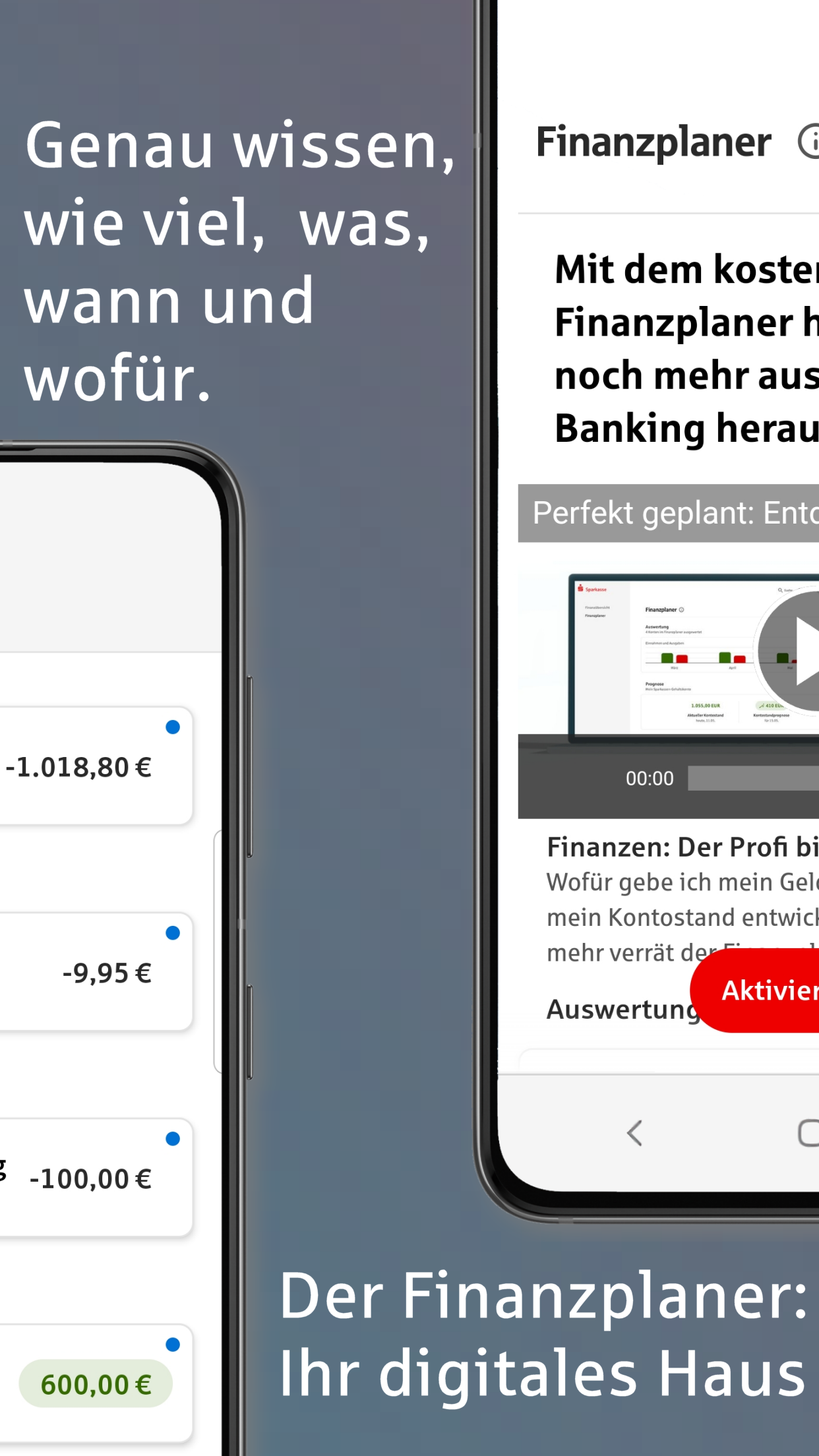
Use the search function across accounts and bank connections or view graphical analyses. With the app, you have direct access to your savings bank and services such as card blocking, notifications, watchlists, appointments, and even account opening. You can also switch directly to the S-Invest app to trade securities.
MOBILE PAYMENTS
From the Sparkasse app, switch to the Mobile Payments app via the "Profile" view, and you're ready to pay with your digital card at the checkout.
REQUIREMENTS
You need an account with a German savings bank or bank that is enabled for online banking. The TAN methods required for payment transactions are chipTAN or pushTAN.
NOTES
You can send support requests directly from the app. Please note that some features may incur costs at your bank, which may be passed on to you. In-app account opening for new customers, giropay, and wero are available if these features are supported by your savings bank/bank.
We take the protection of your data seriously. It is governed by the privacy policy. By downloading and/or using the Sparkasse app, you fully accept the terms of the End User License Agreement of Star Finanz GmbH.
• Data Privacy: https://cdn.starfinanz.de/index.php?id=datenschutz_android_sparkasse_de
• Terms of Use: https://cdn.starfinanz.de/index.php?id=lizenz-android
• Accessibility Statement: https://cdn.starfinanz.de/barrierefreiheitserklaerung-app-sparkasse-und-sparkasse-business
Show more

1. Download MEmu installer and finish the setup

2. Start MEmu then open Google Play on the desktop

3. Search Sparkasse Ihre mobile Filiale in Google Play
Install
4. Download and Install Sparkasse Ihre mobile Filiale
5. On install completion click the icon to start

6. Enjoy using Sparkasse Ihre mobile Filiale on PC with MEmu
MEmu Play is the best Android emulator, and 100 million users already enjoy its superb Android app experience. Powered by advanced virtualization technology, it lets you enjoy thousands of Android apps smoothly on your PC—including the most graphics-intensive ones.
Bigger screen with better graphics; Long duration, without limitation of battery or mobile data.
Full Keymapping support for precise control of keyboard and mouse or gamepad.
Multiple game accounts or tasks on single PC at one time with Multi-Instance manager.
Use Sparkasse Ihre mobile Filiale on PC by following steps: