How to Install MEmu Offline Installer
 |
|
How to Install MEmu Offline Installer
Follow these steps to install MEmu using the offline package:
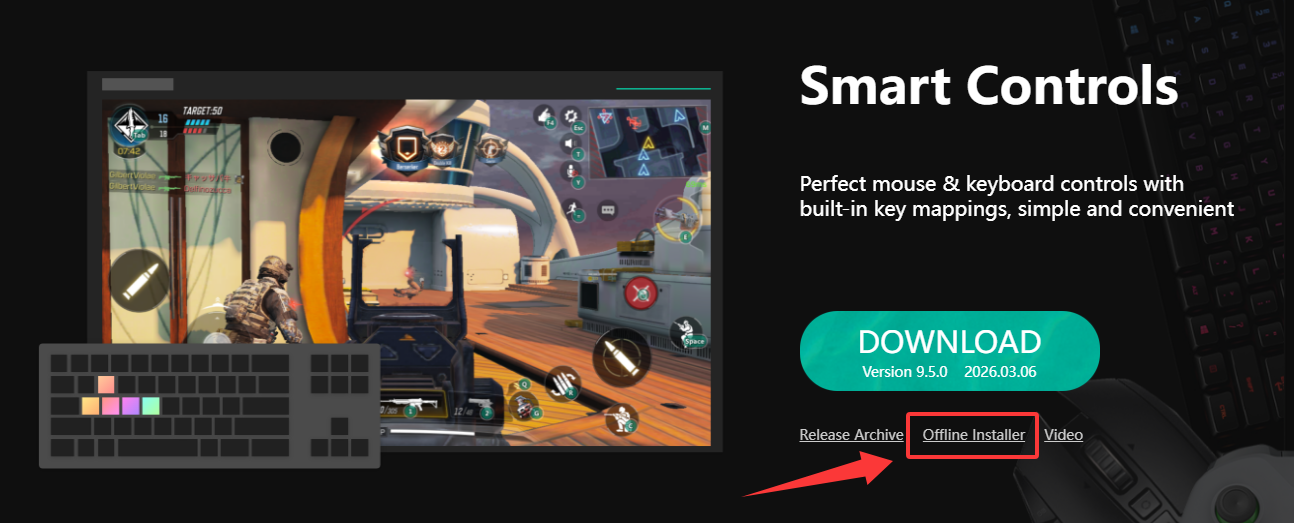
✅ 1. Download the Offline Installer
-
Go to the official website
-
Download the latest offline installer (.exe) package
✅ 2. Run the Installer
-
Double-click the downloaded file
-
Click Run as administrator (recommended)
✅ 3. Customize Installation (Optional)
-
Choose installation path
-
Select or deselect optional components (ads, extra software)
✅ 4. Start Installation
-
Click Install and wait for the process to complete
-
No internet connection is required during installation
✅ 5. Launch MEmu
-
Open MEmu after installation
-
Complete initial setup (Google Play login, basic settings)
⚠️ Tips
-
Disable antivirus if installation fails
-
Ensure enough disk space (at least 5–10 GB recommended)
-
Enable VT (Virtualization) for best performance