Google Pay: A safe & helpful way to manage money
Updated
Current Version
1785132104
Offered By

Stop worrying about high battery drain when using Google Pay: A safe & helpful way to manage money on your phone. Free yourself from the tiny screen and enjoy the app on a much larger display. From now on, get a full-screen experience of your app with the convenience of a keyboard and mouse. MEmu offers you all the surprising features you’d expect: quick installation and easy setup, intuitive controls, and no more worries about battery life, mobile data, or unexpected calls. The all-new MEmu 9 is the choice for using Google Pay: A safe & helpful way to manage money on your computer. With the MEmu multi-instance manager, you can run two or more accounts at the same time. Most importantly, our exclusive emulation engine unlocks your PC’s full potential, delivering smooth and enjoyable performance.
Show more
Enjoy superb experience of using Google Pay: A safe & helpful way to manage money on PC with MEMU App Player. It's a powerful free Android emulator which provides you with thousands of android apps for their desktop version. Enjoy connecting with friends and polishing your work with higher efficiency! Join crores of Indians who are using Google Pay for all their payment needs.
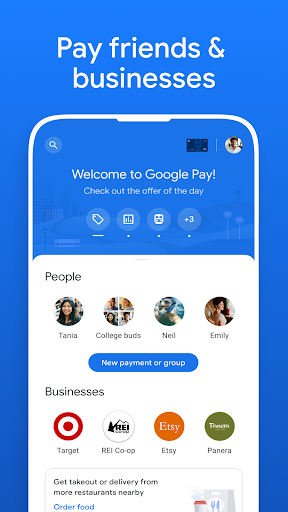
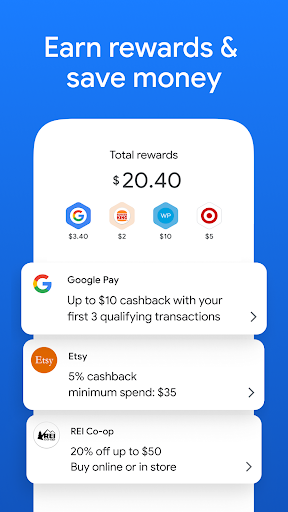
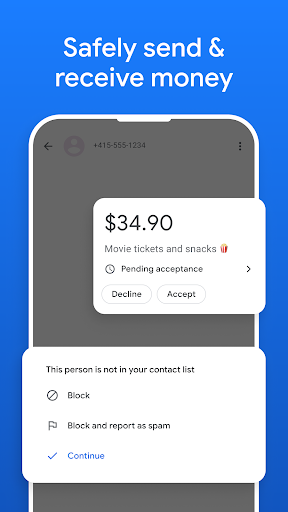
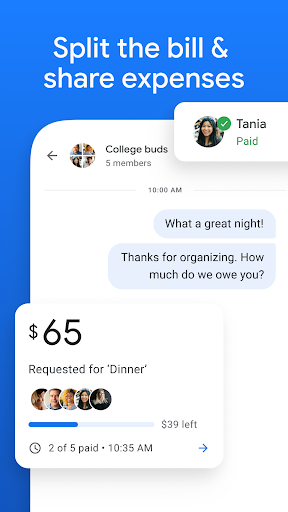
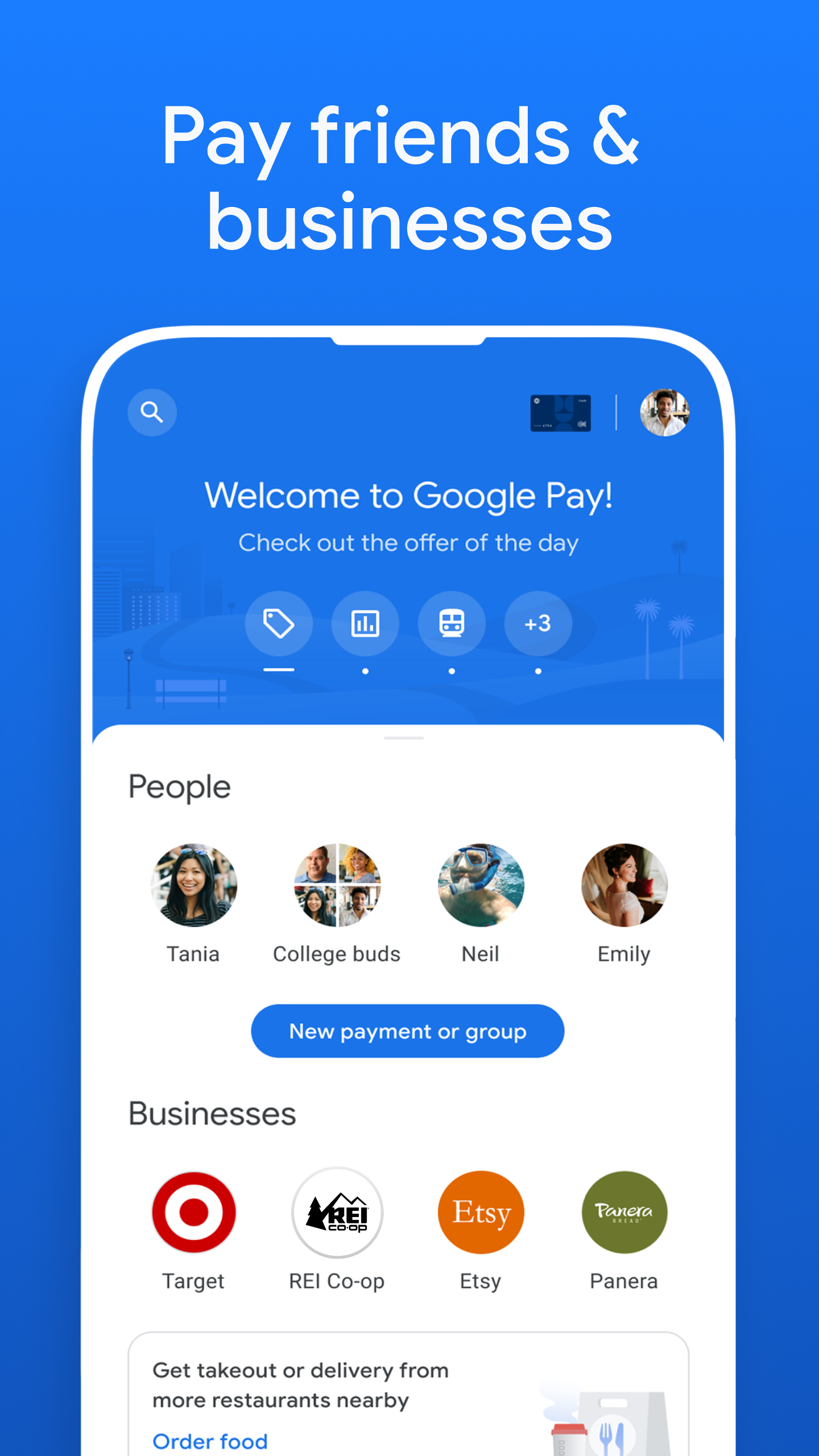
Join crores of Indians who are using Google Pay for all their payment needs. Google Pay is a simple and secure payments app by Google. Refer friends, get offers and earn rewards as you pay.
All you need to do is link your bank account on this app with your registered mobile number and start the experience.
UPI ID is a unique ID that is used to make UPI payments in place of bank account details.
UPI PIN is a 4 or 6 digit number which needs to be set by you while creating your UPI ID. Please don’t share your PIN.
+ Multiple layers of security from your bank and Google
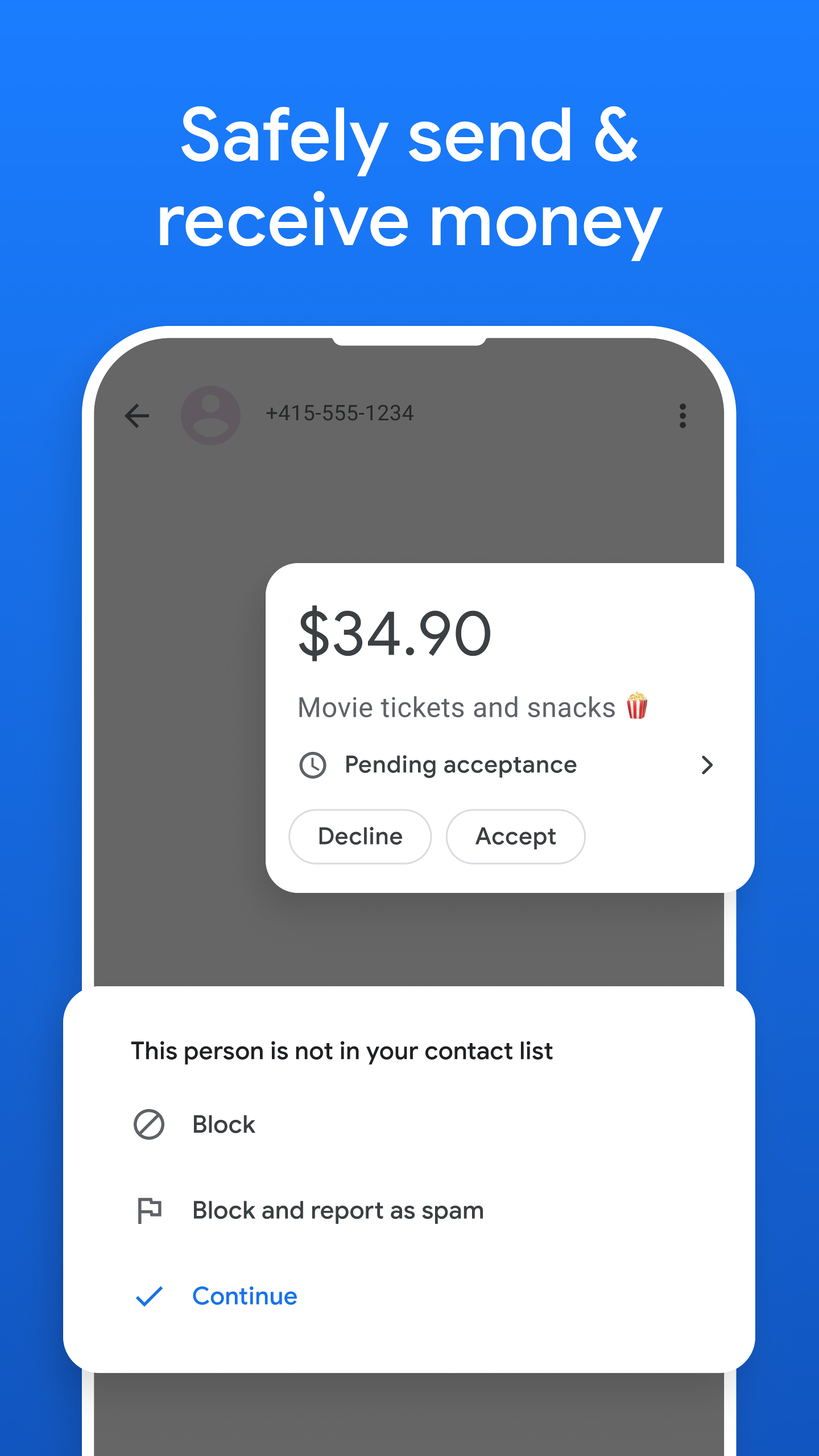
Your hard-earned money is kept safely in your bank account and you have control over money leaving your bank account*. With a world-class security system that helps detect fraud and hacking, we are committed to keeping your money safe and we work with your bank to protect your payment information.
Each transaction is secured with your UPI PIN, and you can safeguard your account with a device lock method such as your fingerprint.
*Google Pay works with all banks in India that support BHIM UPI.
+ Conveniently pay DTH, broadband, electricity, FASTag, LPG bills and more
Link your biller accounts once, we remind you thereon to pay your bill with just a few taps. Google Pay works with billers across the country.
+ Find the latest prepaid recharge plans and easily recharge your mobile
Recharge in fewer steps and at zero extra charges.
+ Check your bank account balance
No need to visit the ATM to see your bank balance, quickly view it anytime, easily.
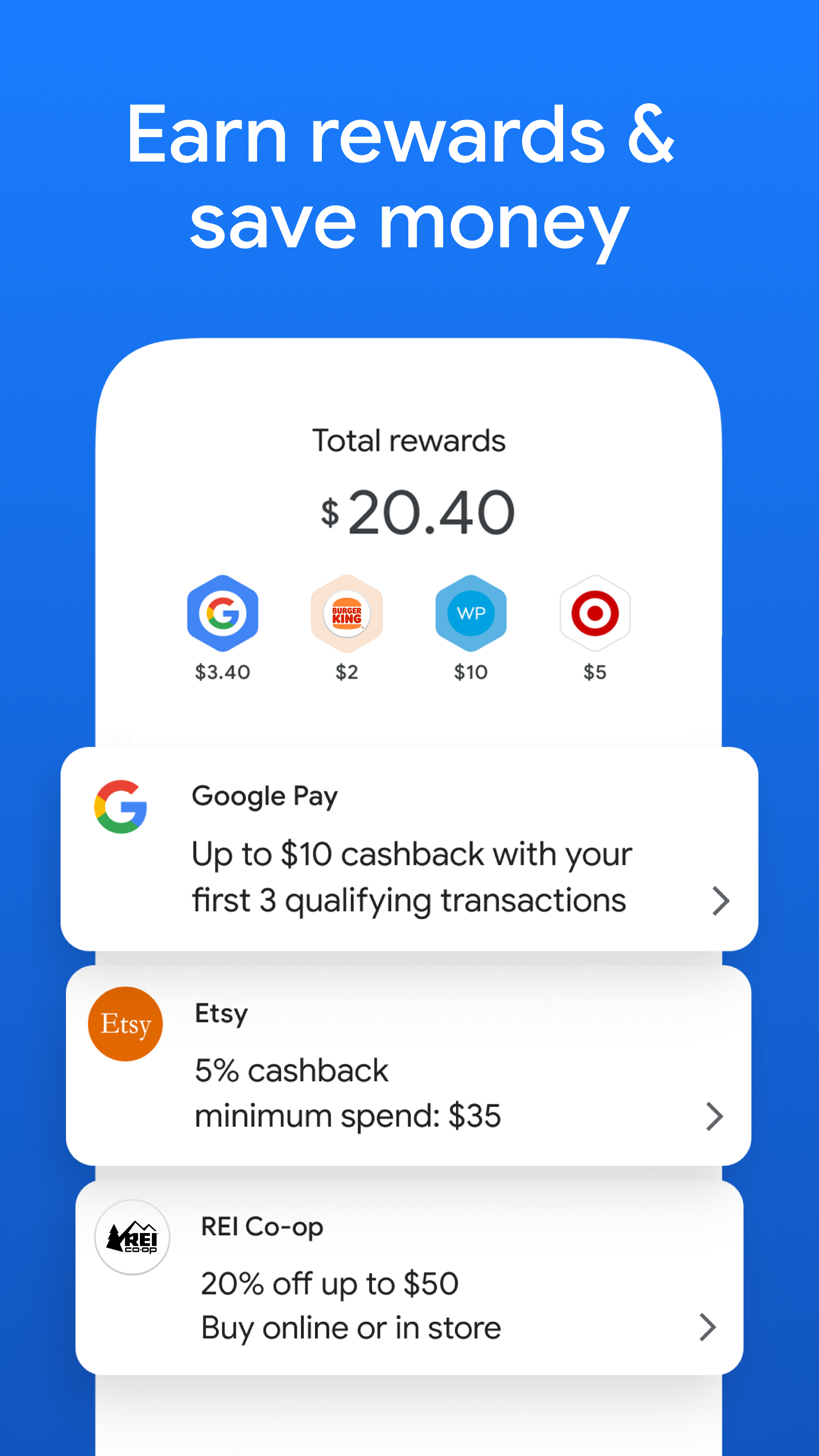
+ Get rewarded
Refer friends, get offers and earn cash rewards into your bank account as you pay.
+ QR code payments
Pay through the QR code scanner at your favorite offline shops and merchants.
+ Book tickets, shop online and order meals
Order your favorite food and book your travel within the app or on partner websites and apps like Zomato, redBus, MakeMyTrip etc.
+ Fast & secure payments with your debit and credit cards
Add and link your debit and credit cards** on Google Pay and use them for:
- Online payments (mobile recharges or with online apps)
- Offline payments (at offline shops by tapping your phone on NFC terminals)
**Service is rolling out across bank issuers and card network providers.
+ Buy, sell, and earn 24K Gold
Trade gold securely with rates backed by MMTC-PAMP. Gold is securely deposited in your Gold Locker on Google Pay, or delivered as gold coins to your home. New! You can now earn gold as Google Pay rewards.
+ Send money directly from your bank account to any bank account, including those who are not on Google Pay, via UPI transfers
Using NPCI's (National Payments Corporation of India) BHIM Unified Payments Interface (BHIM UPI), money transfers are simple & secure with Google Pay.
+ Provide loans
- Lenders: Aditya Birla Finance Limited, Axis Bank, Bajaj Finance Limited, DMI Finance
Show more

1. Download MEmu installer and finish the setup

2. Start MEmu then open Google Play on the desktop

3. Search Google Pay: A safe & helpful way to manage money in Google Play
Install
4. Download and Install Google Pay: A safe & helpful way to manage money
5. On install completion click the icon to start

6. Enjoy using Google Pay: A safe & helpful way to manage money on PC with MEmu
MEmu Play is the best Android emulator, and 100 million users already enjoy its superb Android app experience. Powered by advanced virtualization technology, it lets you enjoy thousands of Android apps smoothly on your PC—including the most graphics-intensive ones.
Bigger screen with better graphics; Long duration, without limitation of battery or mobile data.
Full Keymapping support for precise control of keyboard and mouse or gamepad.
Multiple game accounts or tasks on single PC at one time with Multi-Instance manager.
Use Google Pay: A safe & helpful way to manage money on PC by following steps: