





































100M+ Downloads Worldwide
Third-Party Reviews
Digital Trends
CNET
User Reviews
-
![]()
This is the best emulator that I have used ever! I can click and drag to install apk, no need to pay for continuous use. It runs much faster and there are more functions than any others such as constantly updated smart keys. I will always follow this emulator!
Fengyun Hu
-
![]()
This software runs super smooth, and it weighs much less than the other ones. It starts in mere seconds and also delivers a lot of functions. I highly recommend it, either if it's for gaming, or general android use.
frenchiveruti
-
![]()
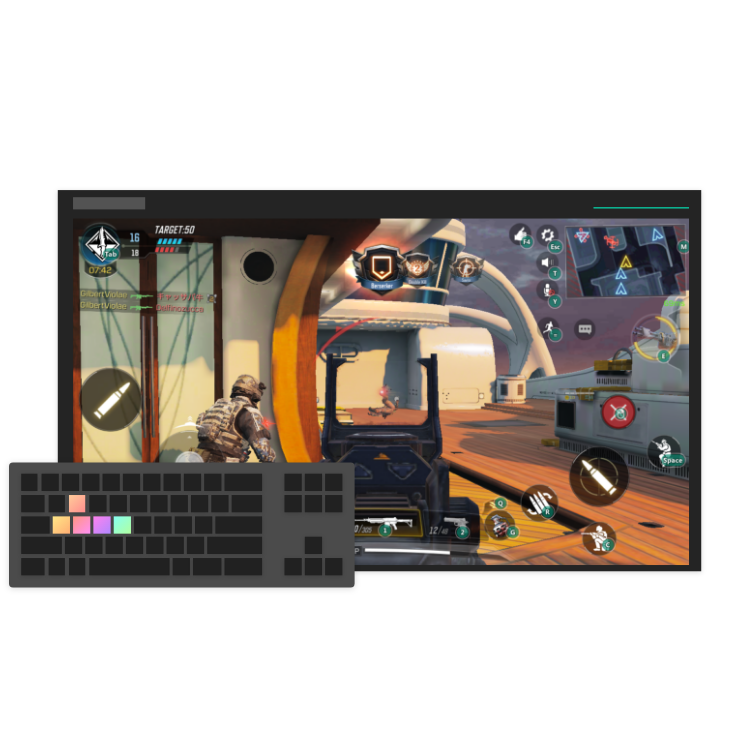
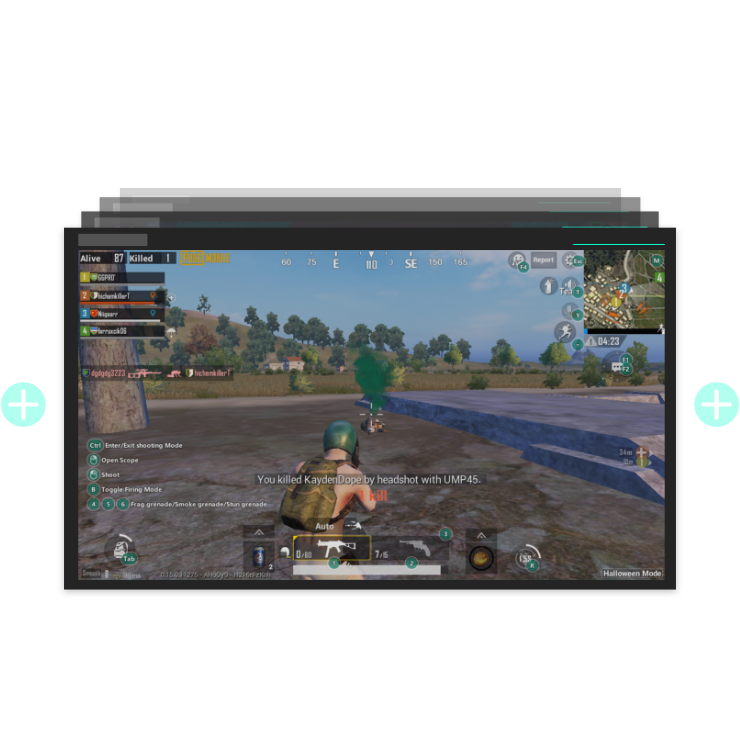
I play PUBG mobile on PC but my laptop sucks. I have tried many other emulators. After getting used to the key mapping of MEmu, with the help of its 'smart' F key, I can finally have the same experience of playing real PUBG on PC.
Ignacio Bao
-
![]()
I have tested many emulators throughout my search for emulations. None came close to the quality and speed of MEmu. Plus, it runs smoothly on many devices! On the site itself, it says that MEmu surpasses many Android devices itself, and that is not a lie.
Leo Chang
-
![]()
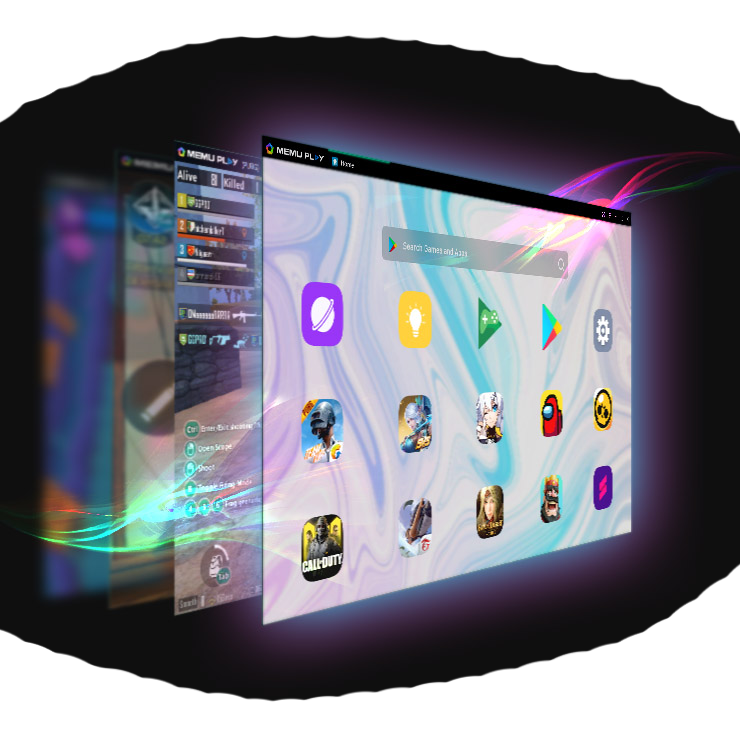
MEmu App Player aims to provide you with the best experience to play Android games and use apps on Windows. Key components of MEmu have been updated in MEmu 7.0 and the general performance has been improved by 30%, which translated into much higher frame rates, better quality graphics, and overall improved experience.
Techspot
-
![]()
MEmu is an exceptional Android emulator that gives you access to the whole catalog of games for this operating system on your PC. We're talking about thousands of games, all free, which you can enjoy on your computer. The best thing about it is that you don't even need a really powerful computer to run the games perfectly.
uptodown
-
![]()
I started using this emulator after using Andy for a year, I was so mad at andy cause it used up so much system resources. It was installing apps everyday. I hated it so much, now that I've started using MEmu, I've never been so happy. It's like getting laid after not getting it for years. Amazing.
Eric Winger









-
Is MEmu Safe? The Answer Arrives 2020-08-05
-
All New AFK Journey Codes October 2026 2026-10-12

Faster · Smarter
The Best Android Emulator for Windows