What is MEmu?
 |
|
What is MEmu Play?
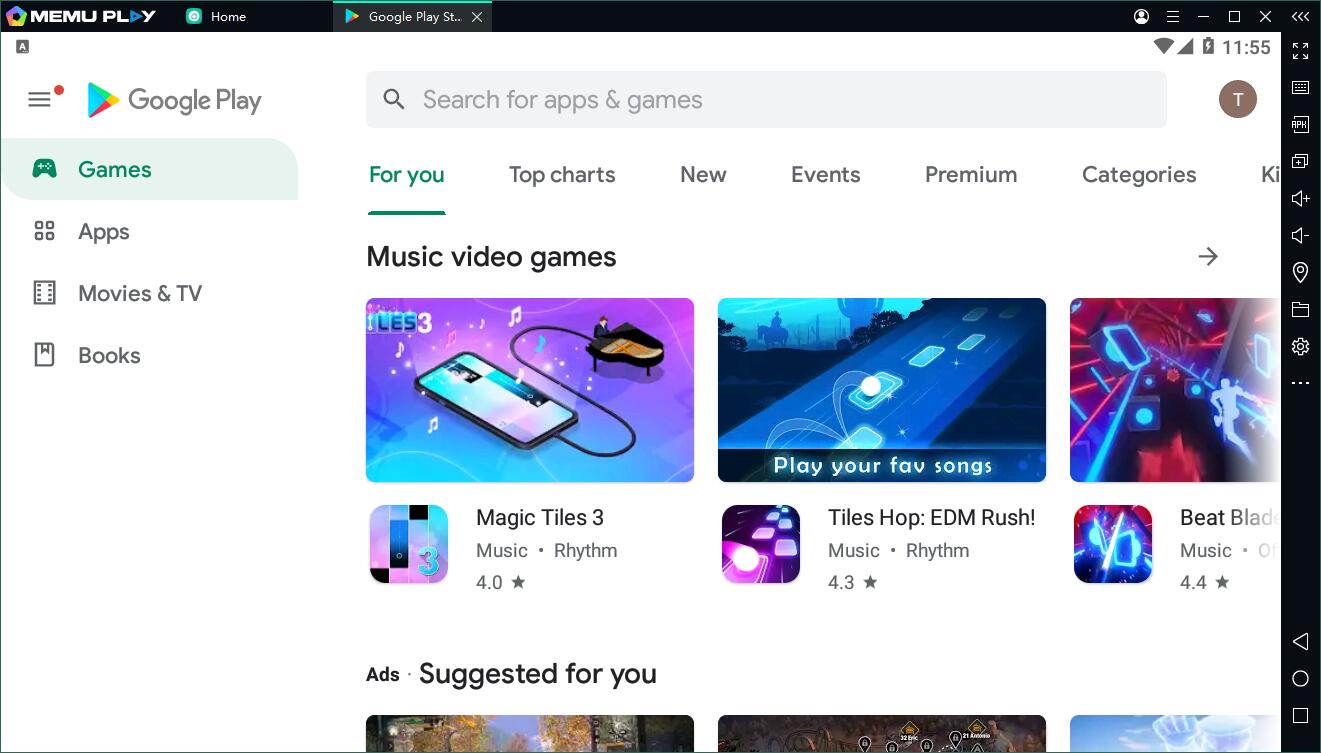
MEmu is an Android Emulator software to simulate Android OS on PC. It provides native user experience of Android OS, allows you to install, use, and uninstall any Android application, just like a physical Android device does. You can control your apps or games simply with your keyboard and mouse, sometimes even with external controllers.
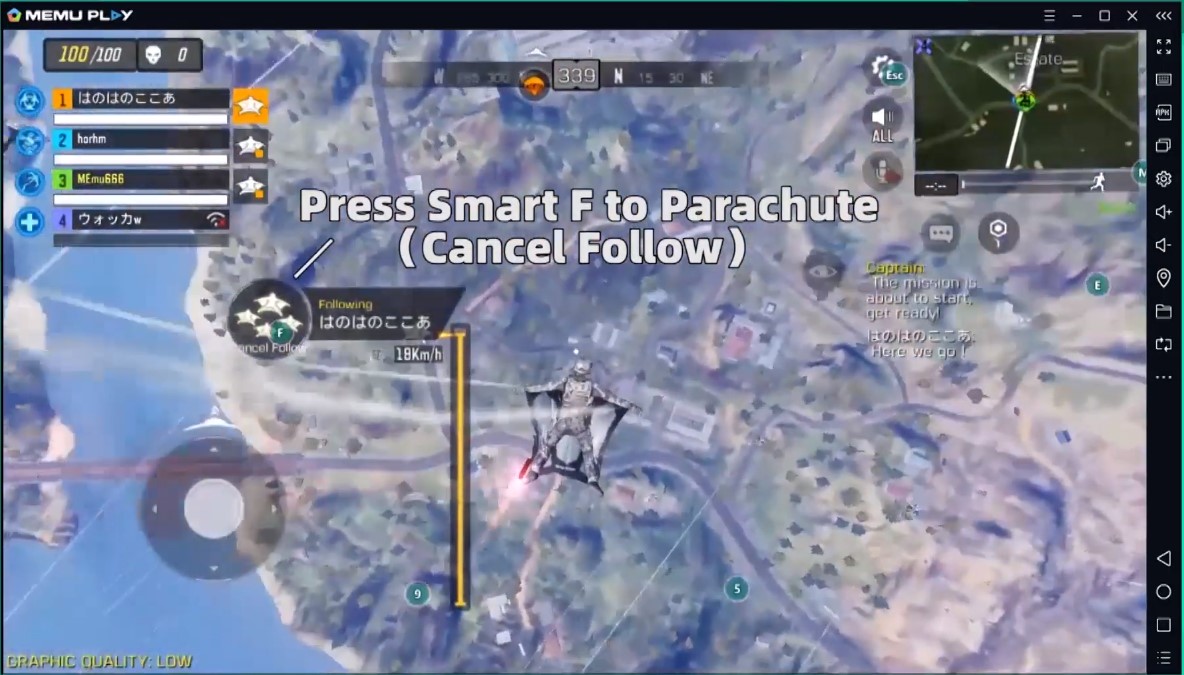
MEmu not only delivers outstanding performance but provides stunning graphics to its users. It offers rich features including smart controls, multiple-instances, macro keymapping, controller support, game automation, video record, GPS simulation, command-line scripts, etc.
How does MEmu work?
MEmu Play runs on Windows while creating a virtual environment that replicates the Android operating system. To deliver smooth performance, modern Android emulators make use of hardware virtualization technologies such as Intel VT-x or AMD-V, allowing the emulator to simulate multiple CPU cores in a way similar to a real Android device.
From the Android system’s perspective, the emulator provides access to various virtual “devices,” including the CPU, memory, display orientation, ROM, SD card storage, Wi-Fi, battery, camera, GPS, and sensors like the accelerometer. Although these components appear real to Android apps, they are actually simulated through software.
From the Windows side, MEmu simply runs as a regular desktop application—similar to programs like Notepad. All Android system data is stored as files within specific folders on Windows. For example, the virtual SD card inside the emulator may be represented as a single large file (such as a 10 GB image) on your computer.
What are the system requirements?
Please check the system requirements article for the most updated information.
Is there a version of MEmu for Mac OS?
Currently, we do not offer the Mac/Linux version of MEmu Play, but we may release it anytime in the future. Please keep paying attention and stay following us on Facebook!
Actually, there is a workaround to run MEmu on Mac OS using Parallels Desktop. You just need to enable the nested virtualization feature in the software.
How to download MEmu?
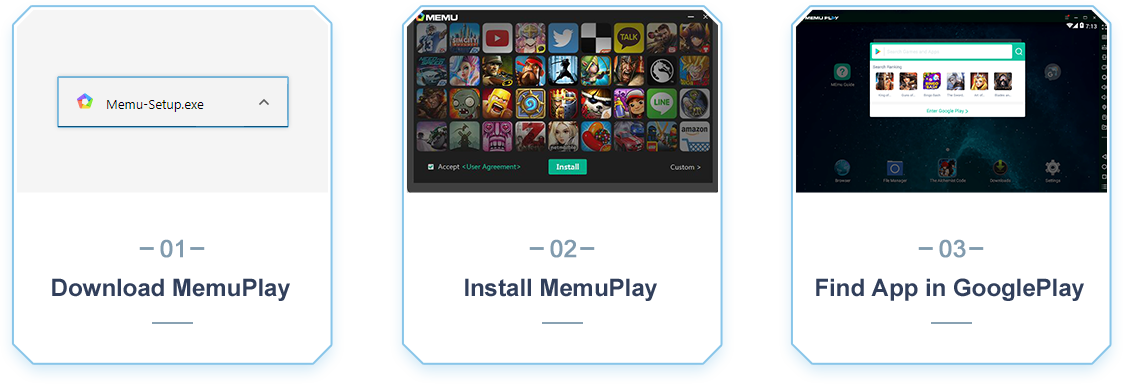
Please follow the steps below to install MEmu Play in order to play Android games on your PC.
Only 3 Steps to Play:
- Download the latest Memu Installer
- Install Memu-Installer.exe as Administrator
- Run MEmu and Find App in Google Play
You may wonder whether MEmu is safe to use.
You may also want to learn how to use MEmu after your installation is finished.
> Back to MEmu Support, everything you need to know about MEmu <<
- Official Website: https://www.memuplay.com
- Official Twitter: https://twitter.com/MicrovirtMEmu
- Facebook Page: https://www.facebook.com/memuplayer
- MEmu User Group: https://www.facebook.com/groups/memuplayer
- Discord: https://discord.gg/gA4GWV9