BLEACH Brave Souls
Updated
Current Version
18.1.0
Offered By

With your passion for BLEACH Brave Souls, you shouldn’t have to limit yourself to the small screen of a phone. Play like a pro and take full control of the game using a keyboard and mouse. MEmu gives you everything you’re looking for. Download and play BLEACH Brave Souls on PC. Play as long as you want — no more worries about battery life, mobile data, or unexpected calls. The all-new MEmu 9 is the best way to play BLEACH Brave Souls on PC. With our expertly designed keymapping system, BLEACH Brave Souls feels just like a real PC game. The MEmu multi-instance manager lets you run two or more accounts on the same device at the same time. Most importantly, our exclusive emulation engine unlocks your PC’s full potential, delivering smooth and seamless performance.
Show more
Download BLEACH Brave Souls on PC with MEmu Android Emulator. Enjoy playing on big screen. Enjoy the BLEACH TV Animation Series universe in Bleach: Brave Souls, an all-action game!


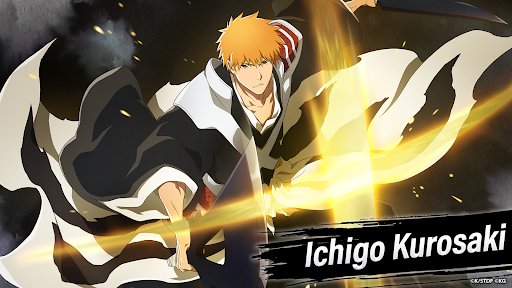
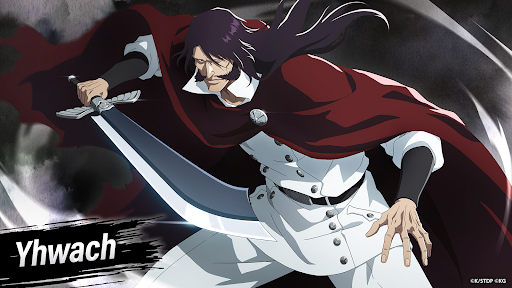
Enjoy the BLEACH TV Animation Series universe in Bleach: Brave Souls, an all-action game!
Over 100 million downloads worldwide!
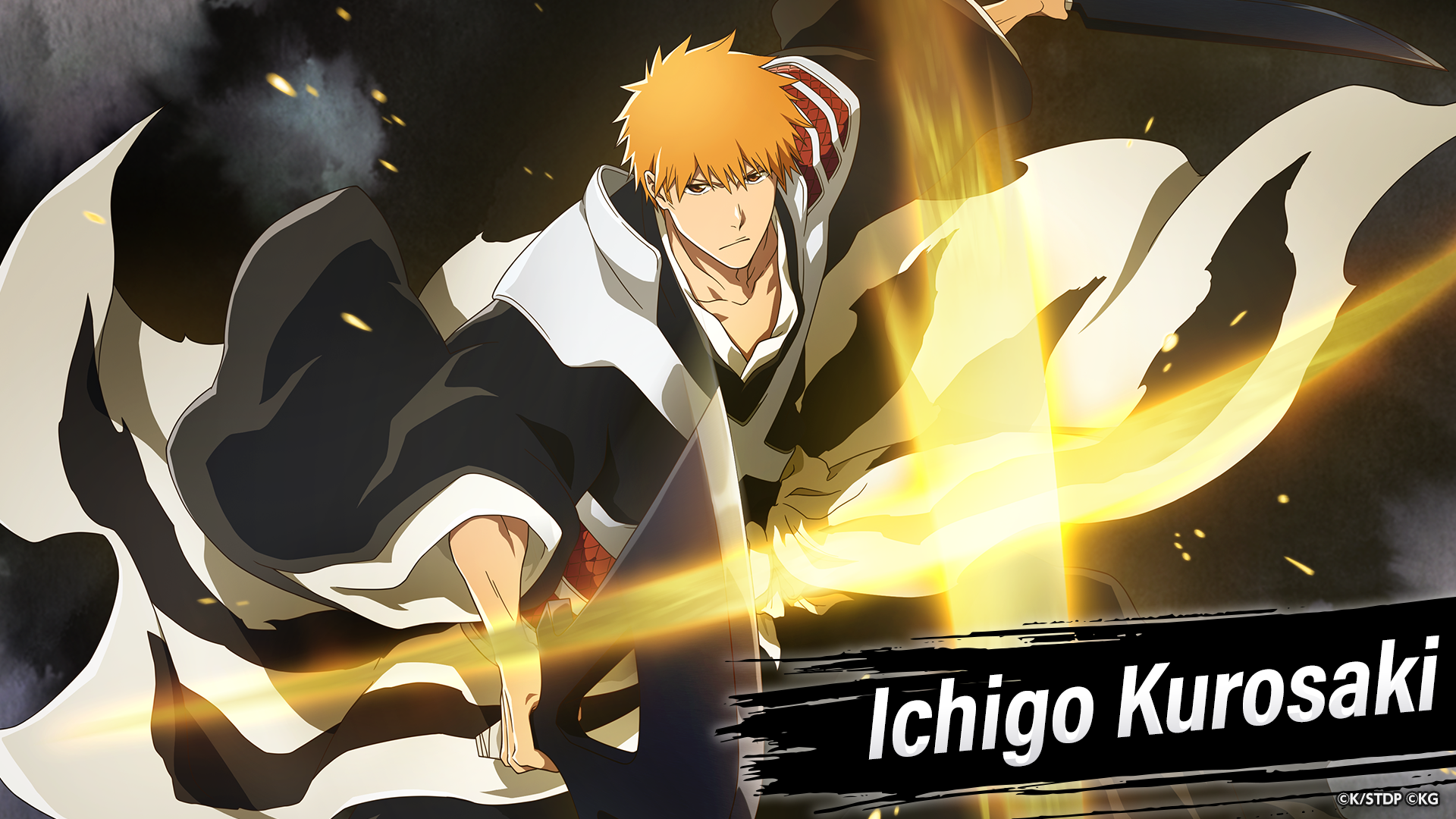
BLEACH characters come to life in this action game!
Get ready to play as your favorite characters from the BLEACH universe!
The game faithfully reproduces scenes from BLEACH anime with fantastic 3D graphics and animations.
AN EASY TO PLAY ACTION RPG GAME
All controls are super simple!
Swipe in the direction you want the character to move and tap the screen to attack an enemy.
Choose your favorite BLEACH character and freely move around stages as you unleash attacks and Special Moves through the tap of a button!
A CAST OF COLORFUL CHARACTERS
3D BLEACH characters engage in fierce battles!
Unleash Ichigo’s Getsugatensho, Aizen’s Kyokasuigetsu, Byakuya’s Senbonzakura Kageyoshi, and all the other epic BLEACH moves!
Relive the anime and manga in Story quests, form Guilds with your friends and move up the rankings,
enjoy PvE with up to three other players in Co-Op quests, or take on an even greater challenge with a variety of special super-hard quest types.
Build teams with your favorite characters and experience the world of BLEACH!
In some regions, you have an option to choose a World (server) at the start of the game. However, there is no difference between the different servers except for the languages offered and certain purchasable items.
Official Site
https://www.bleach-bravesouls.com/en/
X
Account: https://twitter.com/bleachbrs_en
Hashtag: #BraveSouls
Facebook
https://www.facebook.com/BleachBS.en/
Instagram
https://www.instagram.com/bleachbravesouls_official/
Discord
https://discord.com/invite/bleachbravesouls
TikTok
https://www.tiktok.com/@bleachbrs_en_official
Recommended For
- Fans of the original BLEACH anime and Shonen Jump manga who want to relive the BLEACH story!
- Anyone who wants to see their favorite BLEACH characters perform Special Moves during hack-and-slash action battles!
- BLEACH fans who want to enjoy new, original stories set in the BLEACH universe!
- Fans of action anime games.
- Anime game fans that enjoy completing quests.
- Fans of anime games that involve collecting.
- Fans of anime games with a large number of characters.
- Anime game fans who enjoy character development.
- Fans of PvP (player versus player) anime games.
- Fans of anime games with gacha elements.
- Fans of multiplayer anime games.
- Fans of free anime games.
- People who enjoy RPG games with gacha elements.
-----------------------------------------------------
©Tite Kubo/Shueisha, TV TOKYO, dentsu, Pierrot ©KLabGames
Show more

1. Download MEmu installer and finish the setup

2. Start MEmu then open Google Play on the desktop

3. Search BLEACH Brave Souls in Google Play
Install
4. Download and Install BLEACH Brave Souls
5. On install completion click the icon to start

6. Enjoy playing BLEACH Brave Souls on PC with MEmu
MEmu Play is the best Android emulator and 100 million people already enjoy its superb Android gaming experience. The MEmu virtualization technology empowers you to play thousands of Android games smoothly on your PC, even the most graphic-intensive ones.
Bigger screen with better graphics; Long duration, without limitation of battery or mobile data.
Full Keymapping support for precise control of keyboard and mouse or gamepad.
Multiple game accounts or tasks on single PC at one time with Multi-Instance manager.
Play BLEACH Brave Souls on PC by following steps: