Downloading MEmu...
If the download doesn't start, click here
How to Download ドラゴンクエストウォーク on PC
-
![ドラゴンクエストウォーク PC]()
1. Download MEmu installer and finish the setup
-
![ドラゴンクエストウォーク PC]()
2. Start MEmu then open Google Play on the desktop
-
![ドラゴンクエストウォーク PC]()
3. Search ドラゴンクエストウォーク in Google Play
-
Install
4. Download and Install ドラゴンクエストウォーク
-
5. On install completion click the icon to start
-
![ドラゴンクエストウォーク PC]()
6. Enjoy playing ドラゴンクエストウォーク on PC with MEmu





![NieR Re[in]carnation PC](https://dl.memuplay.com/new_market/img/com.square_enix.android_googleplay.nierspww.icon.2021-08-05-21-13-05.png)




















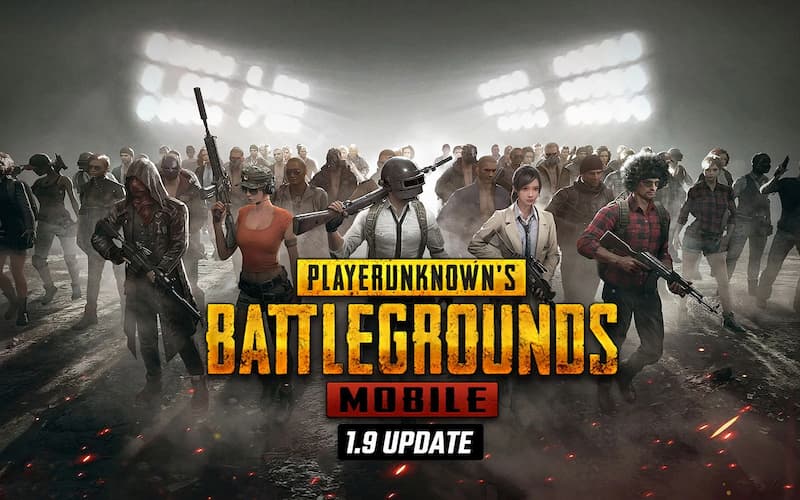
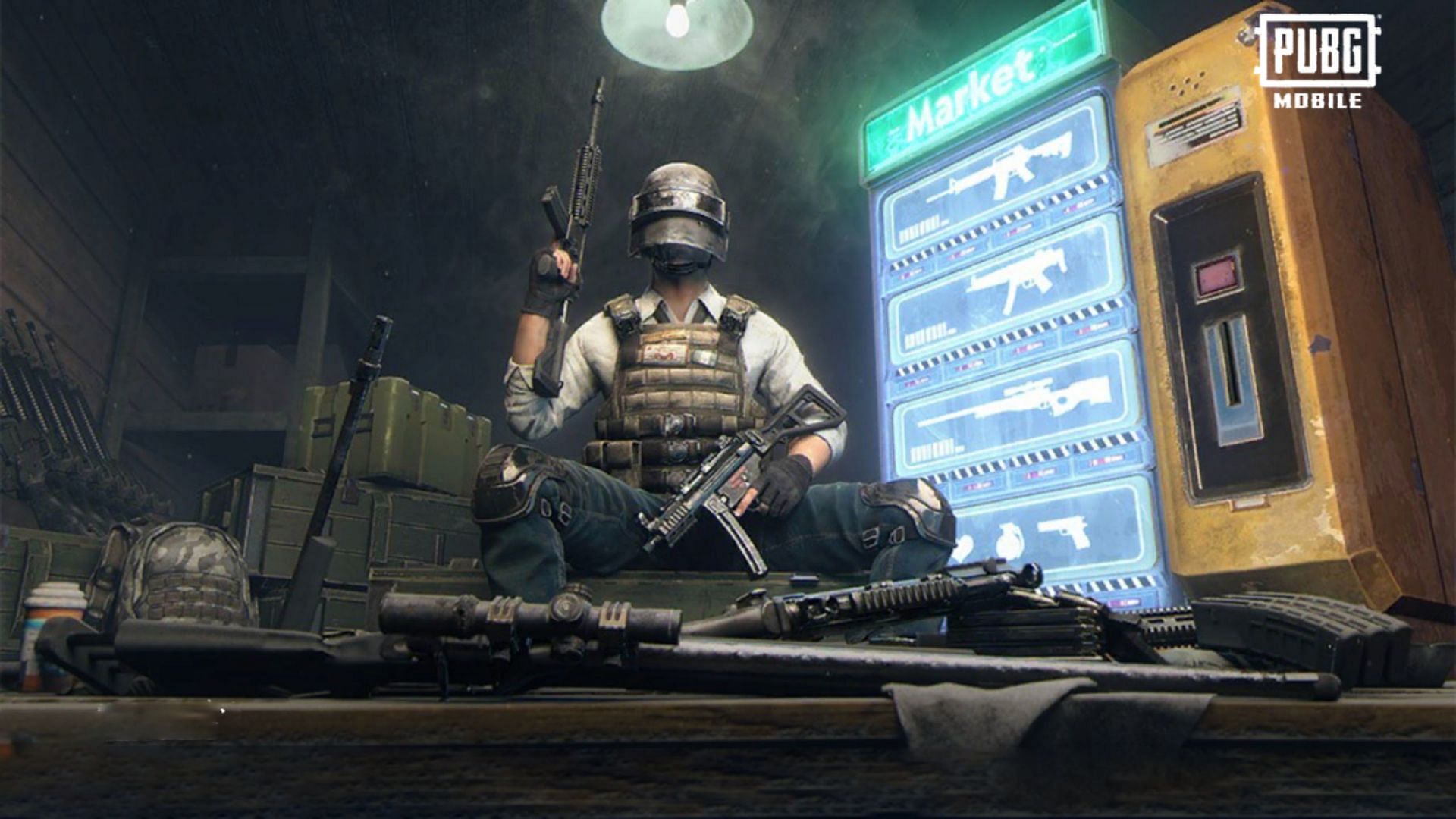

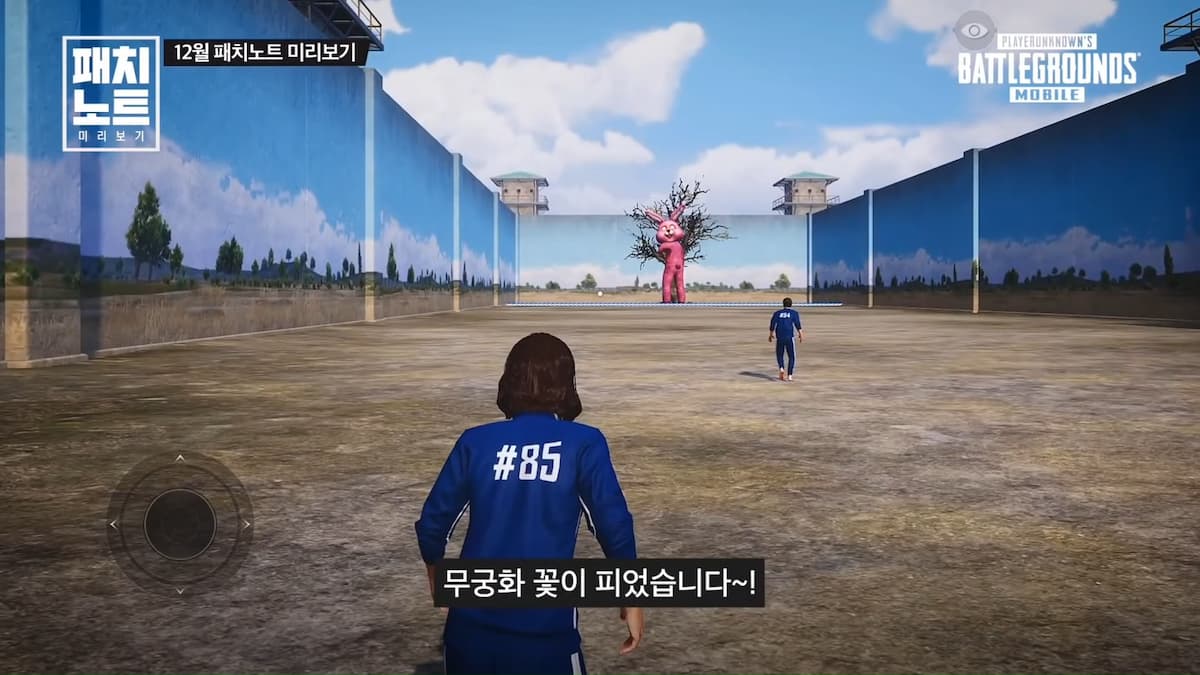



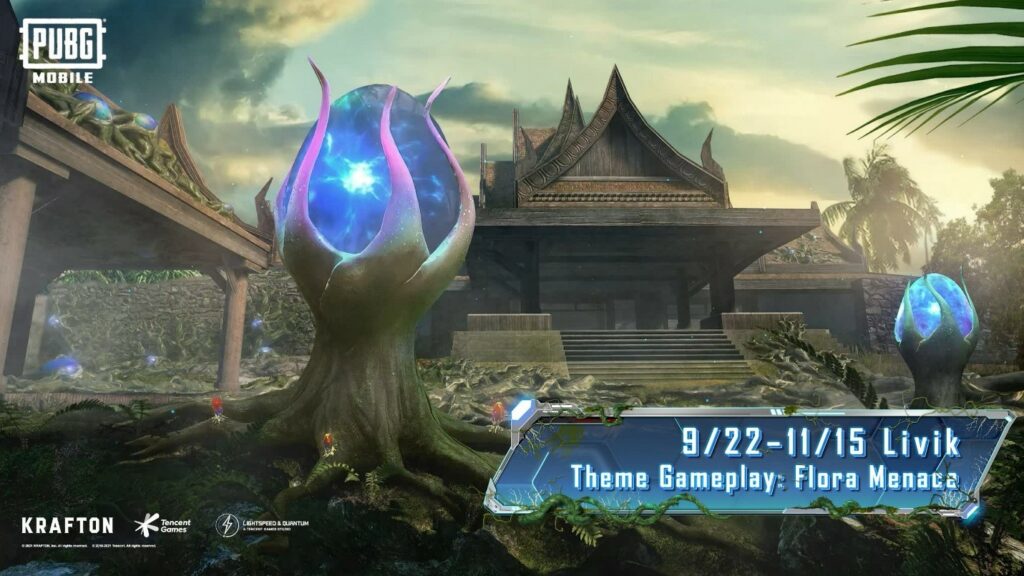





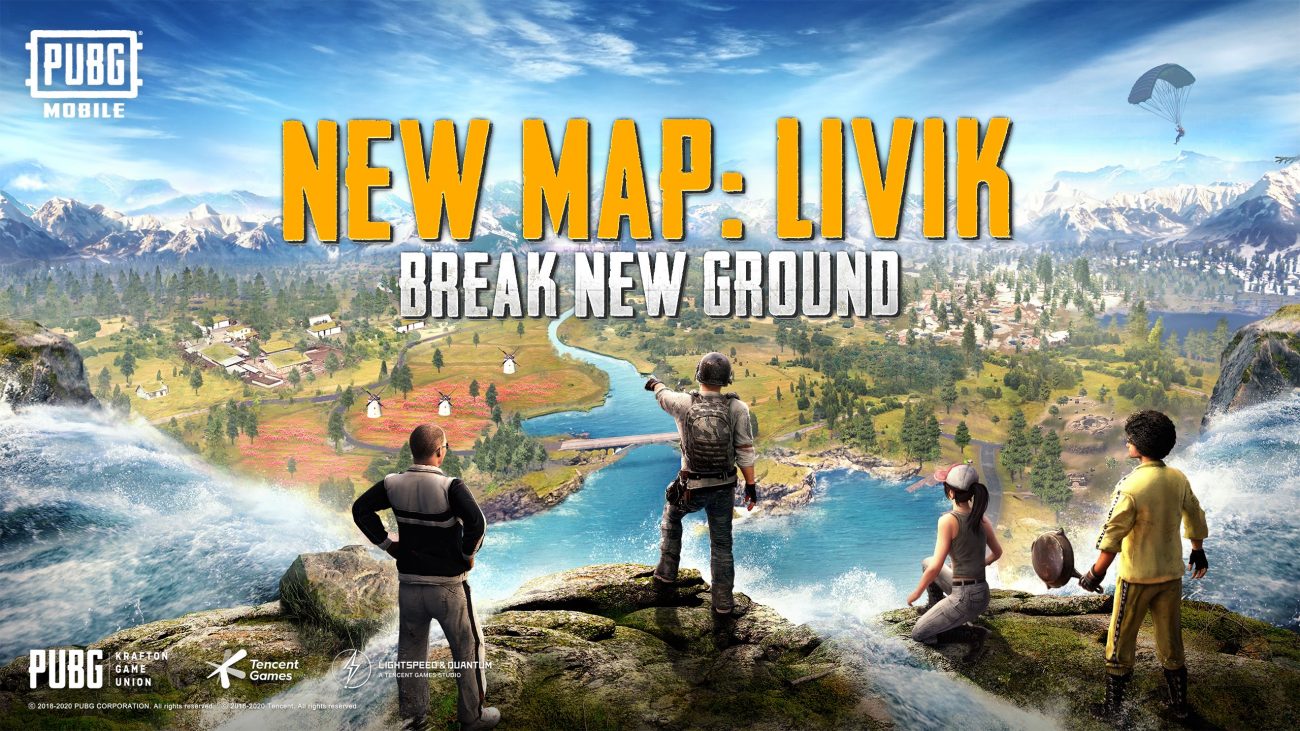
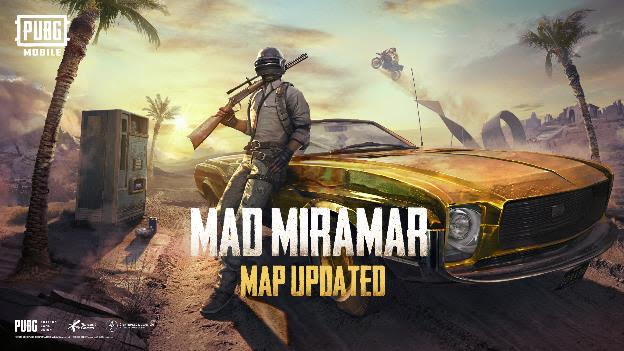
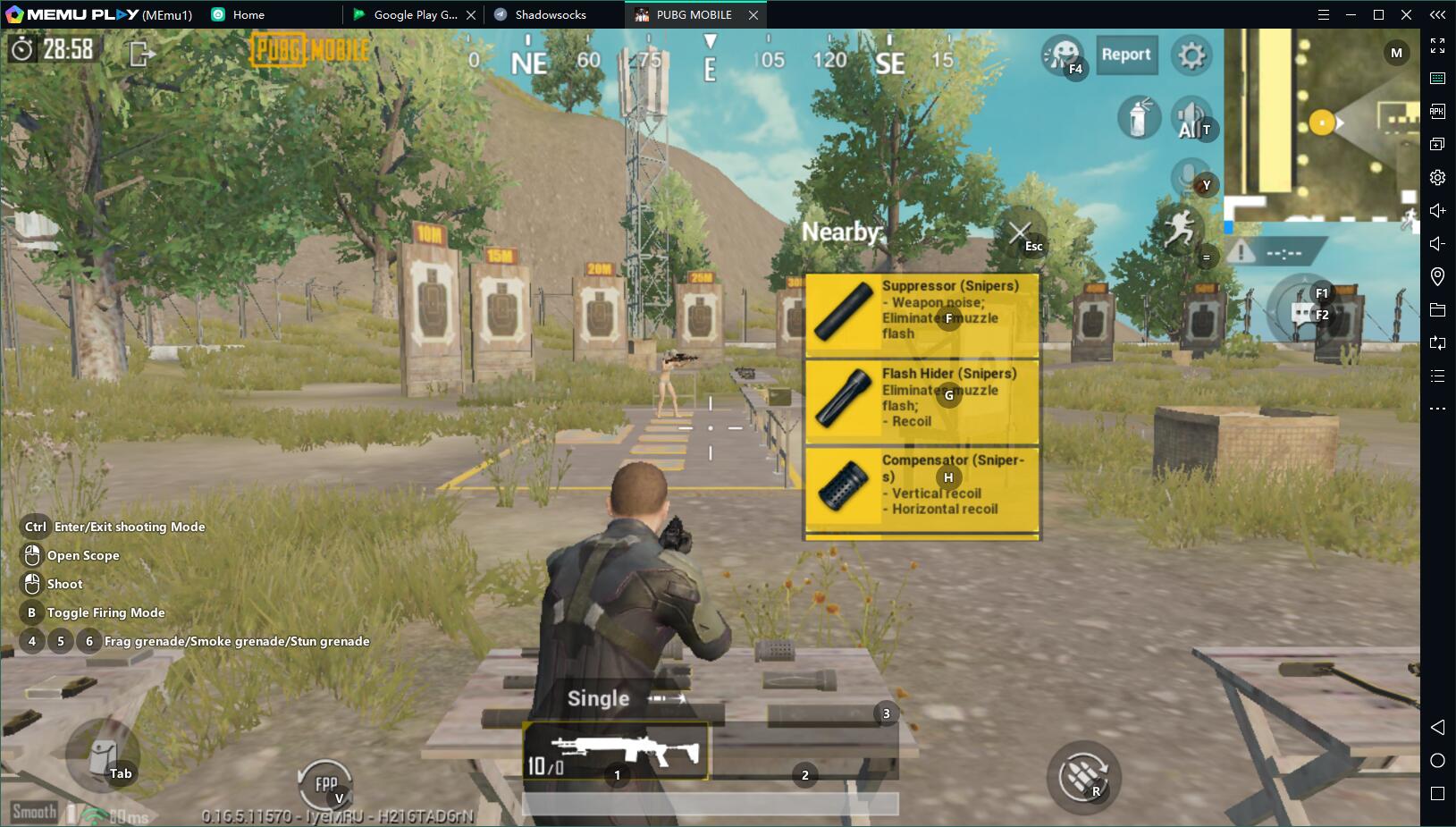
![PUBG mobile update [Mar.2020] PC](https://www.memuplay.com/blog/wp-content/uploads/2019/11/121-1.jpg)













































![[Game Reviews] Mobile Legends: Bang bang PC](http://www.memuplay.com/blog/wp-content/uploads/2016/11/bangbang-3-small.png)