Brawl Stars PC
Brawl Stars PC

Download Brawl Stars on PC

Brawl Stars PC

Brawl Stars

  • Updated

  • Current Version

    66.300

  • Offered By

    Brawl Stars PC

Features of Brawl Stars on PC

With your passion for Brawl Stars, you shouldn’t have to limit yourself to the small screen of a phone. Play like a pro and take full control of the game using a keyboard and mouse. MEmu gives you everything you’re looking for. Download and play Brawl Stars on PC. Play as long as you want — no more worries about battery life, mobile data, or unexpected calls. The all-new MEmu 9 is the best way to play Brawl Stars on PC. With our expertly designed keymapping system, Brawl Stars feels just like a real PC game. The MEmu multi-instance manager lets you run two or more accounts on the same device at the same time. Most importantly, our exclusive emulation engine unlocks your PC’s full potential, delivering smooth and seamless performance.

Show more

Screenshots & Video of Brawl Stars PC

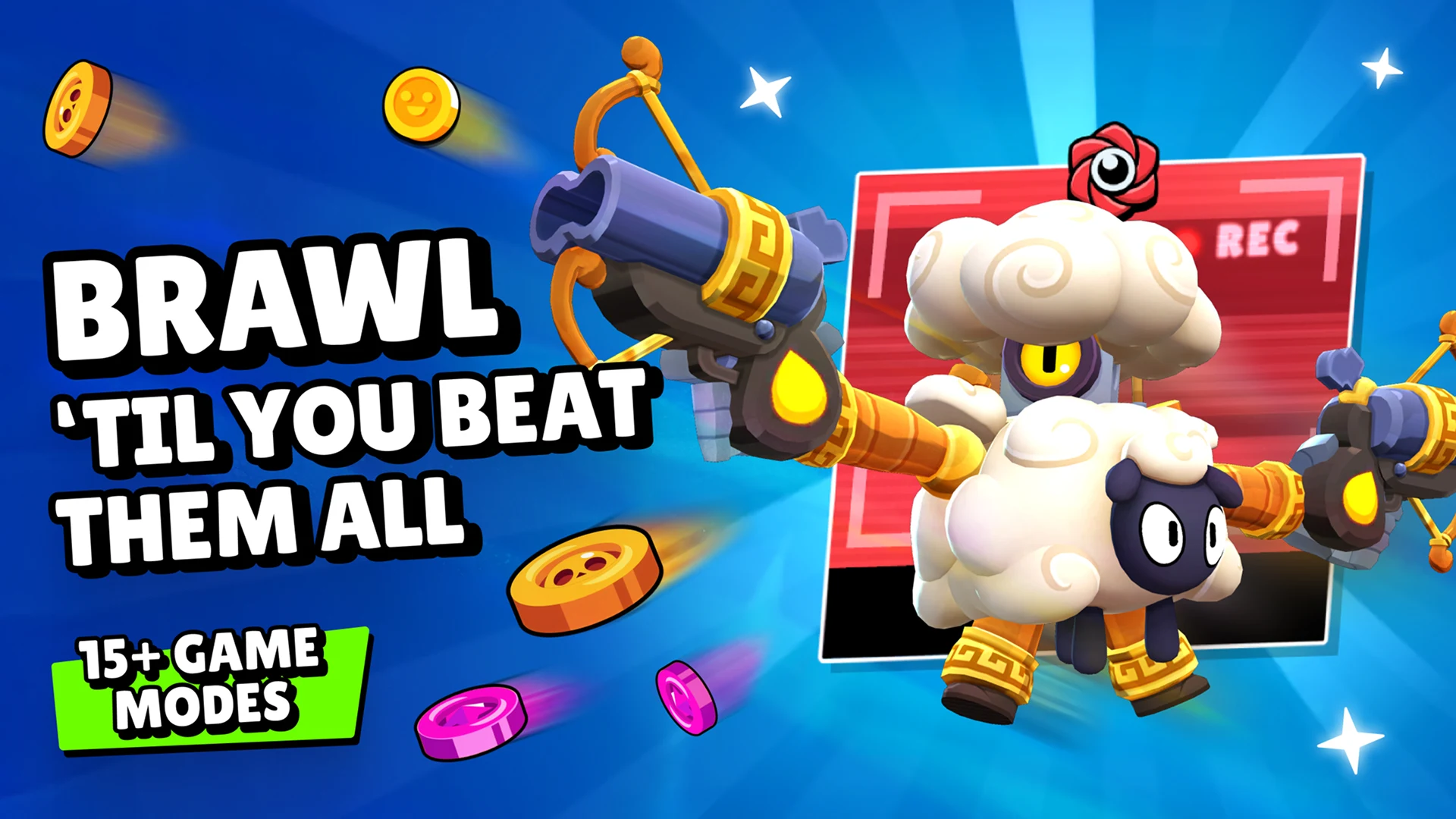
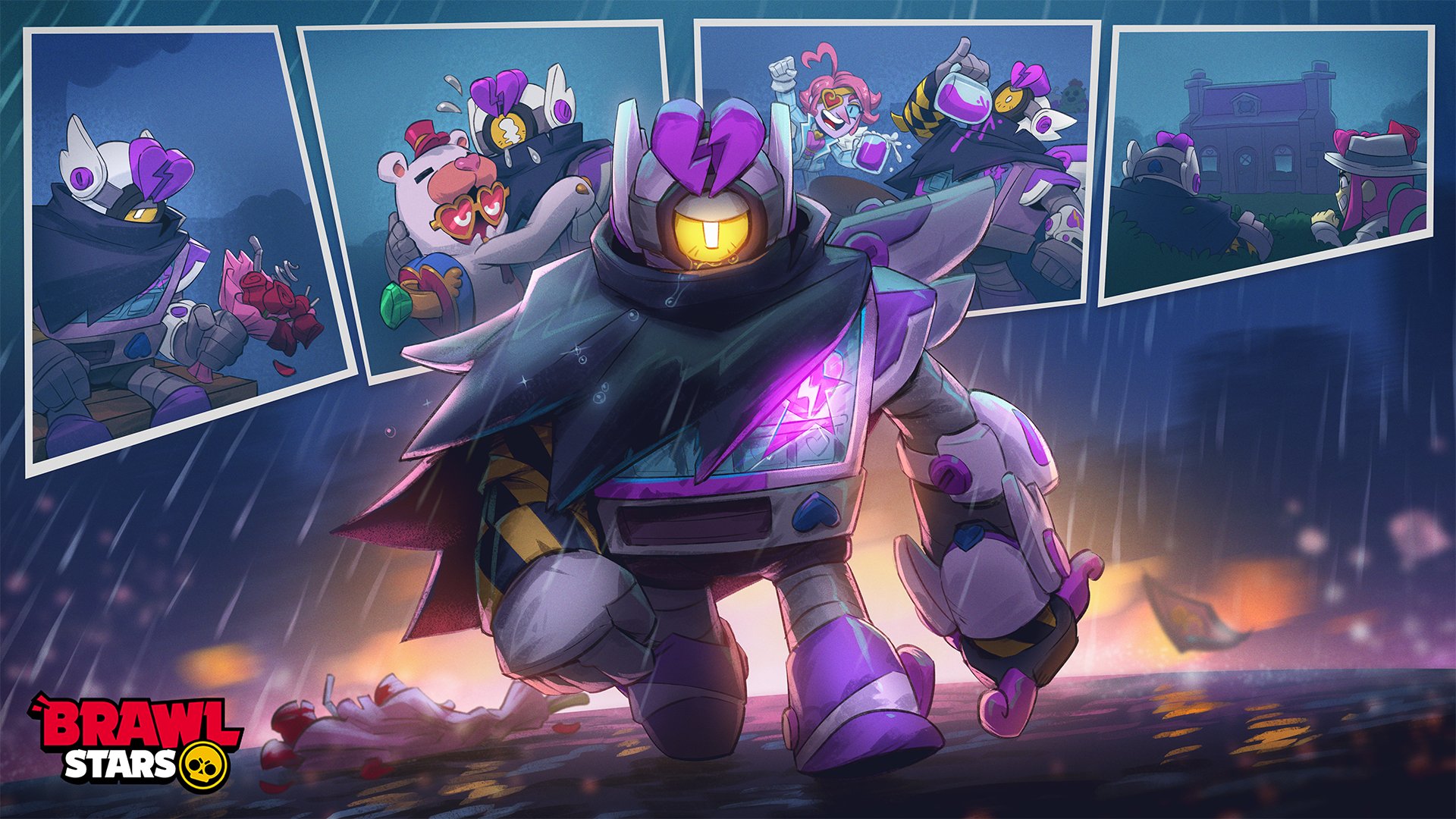
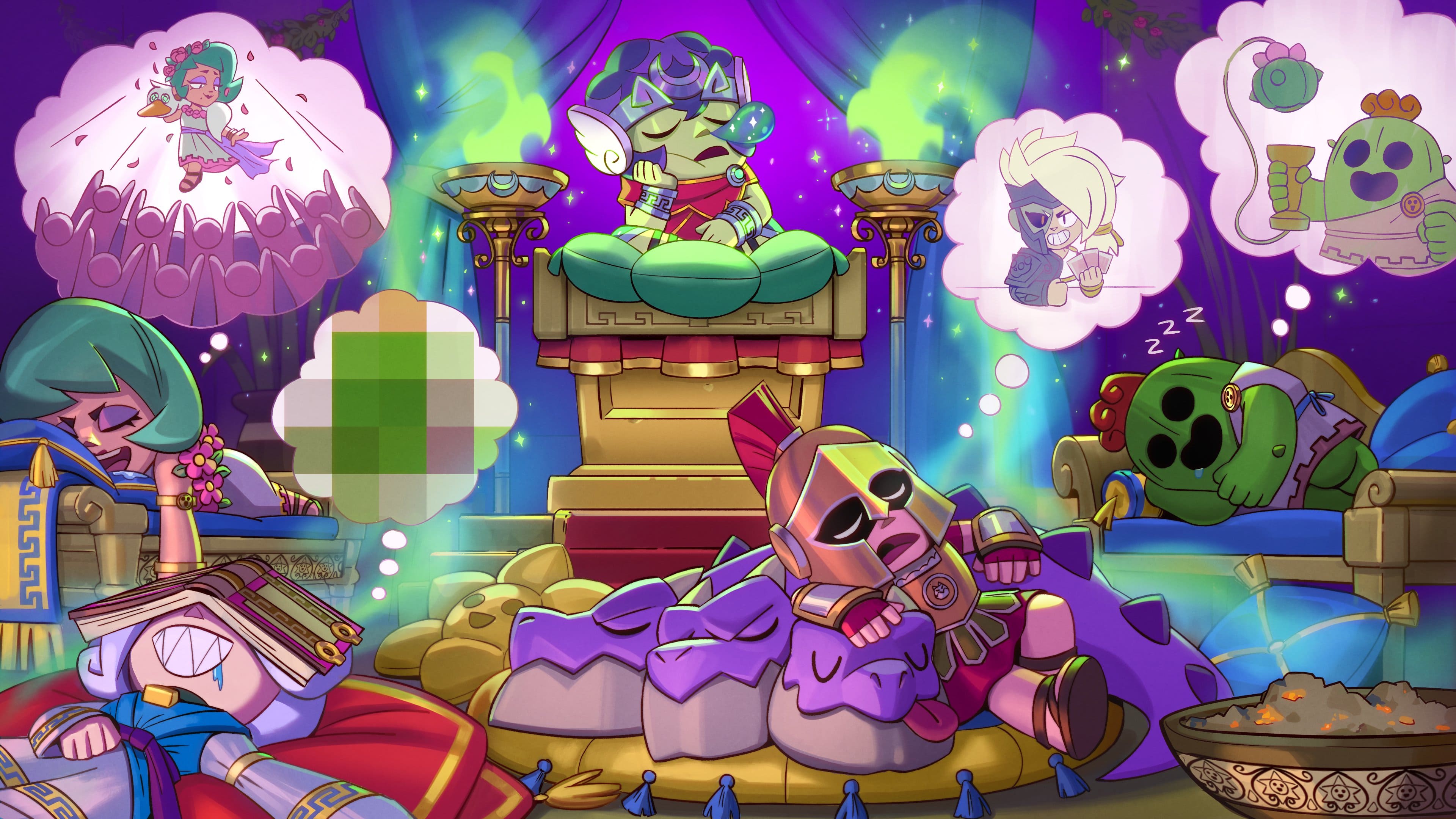
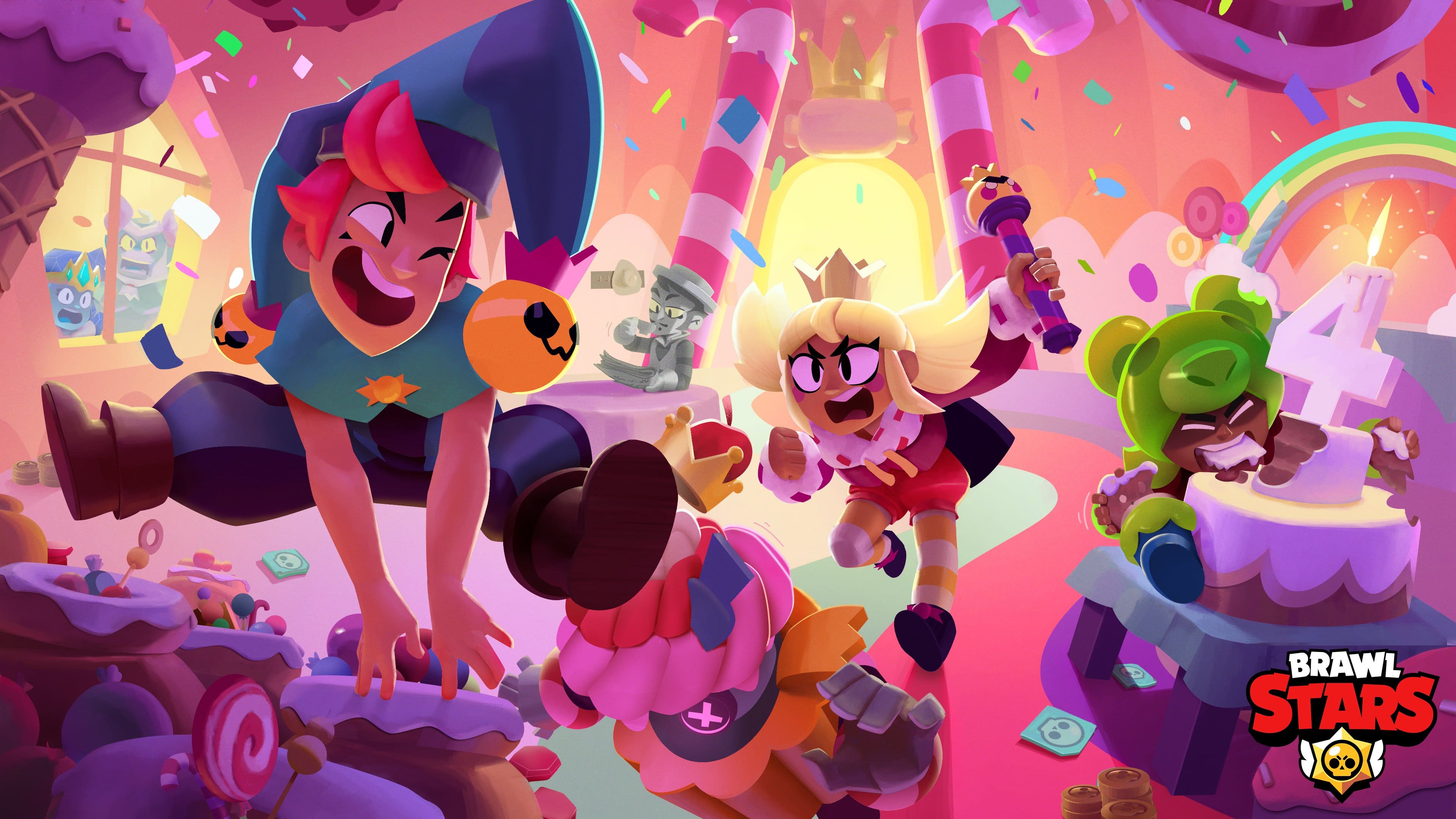
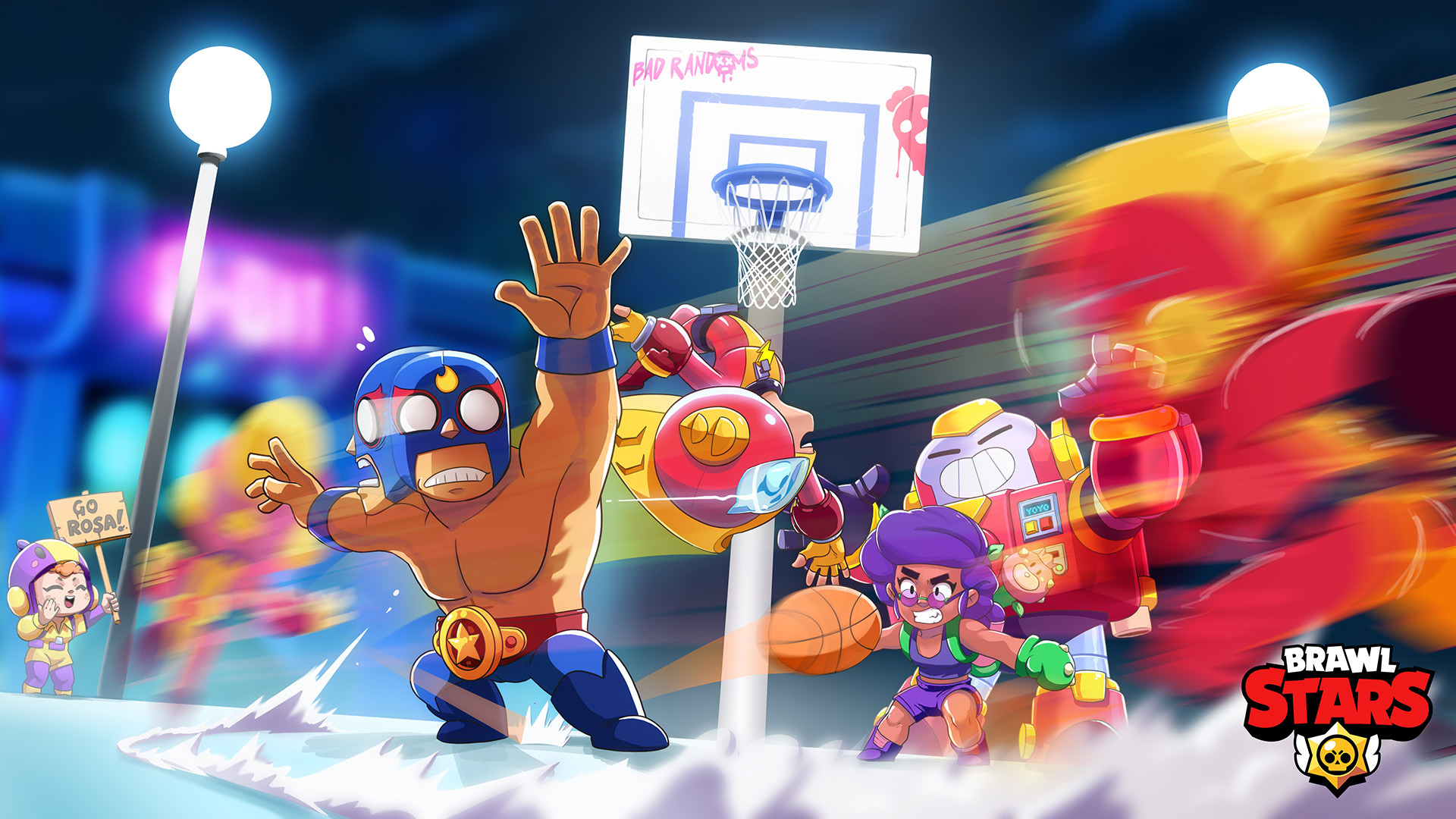
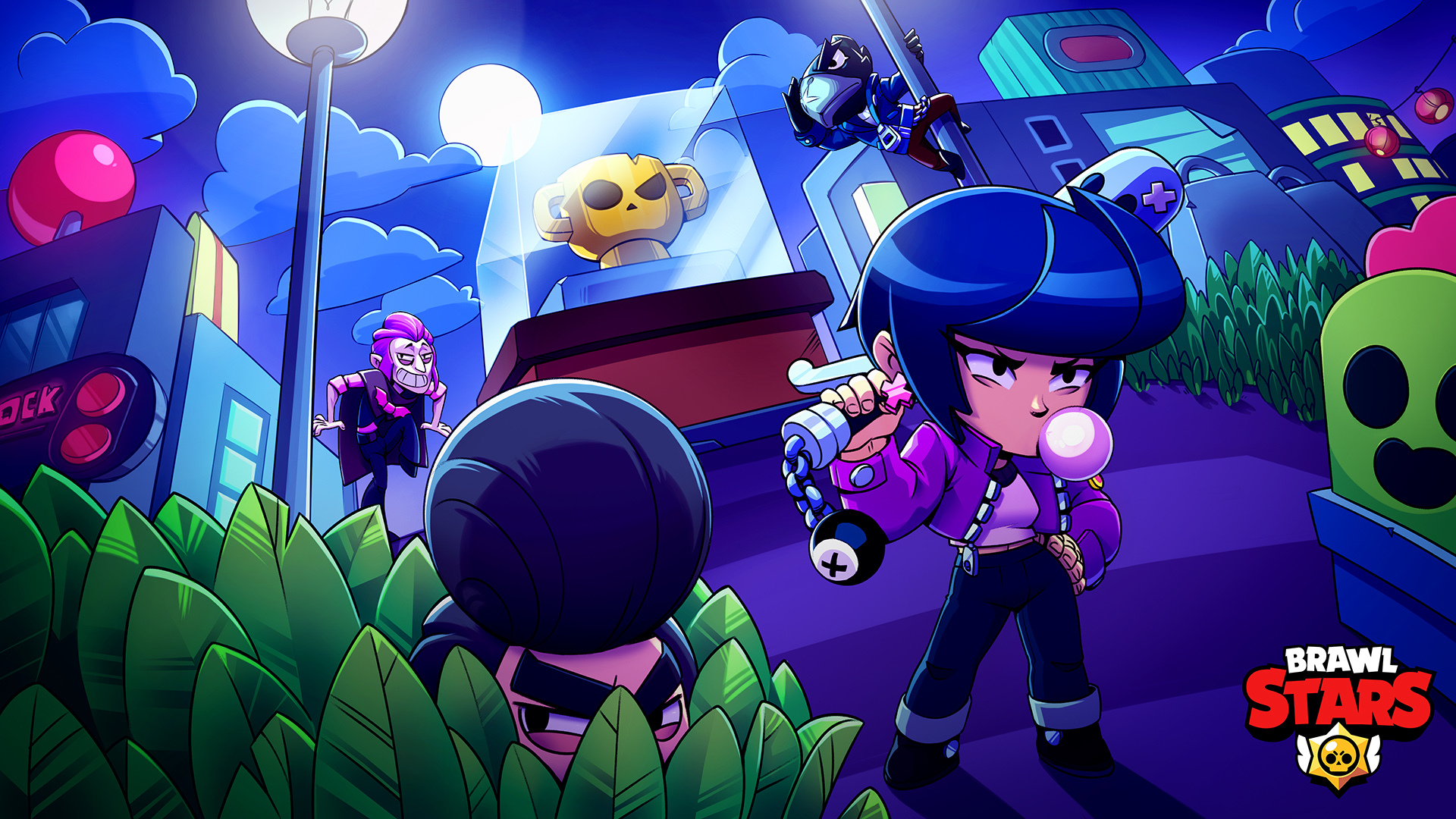
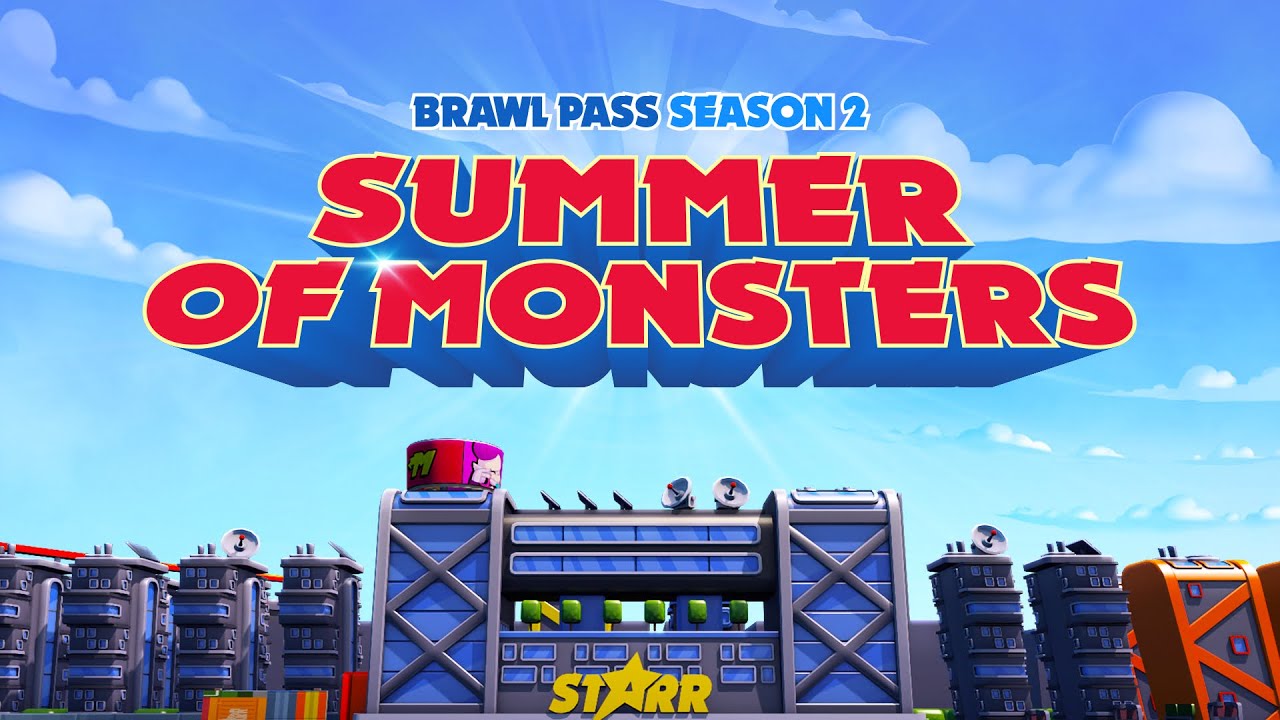
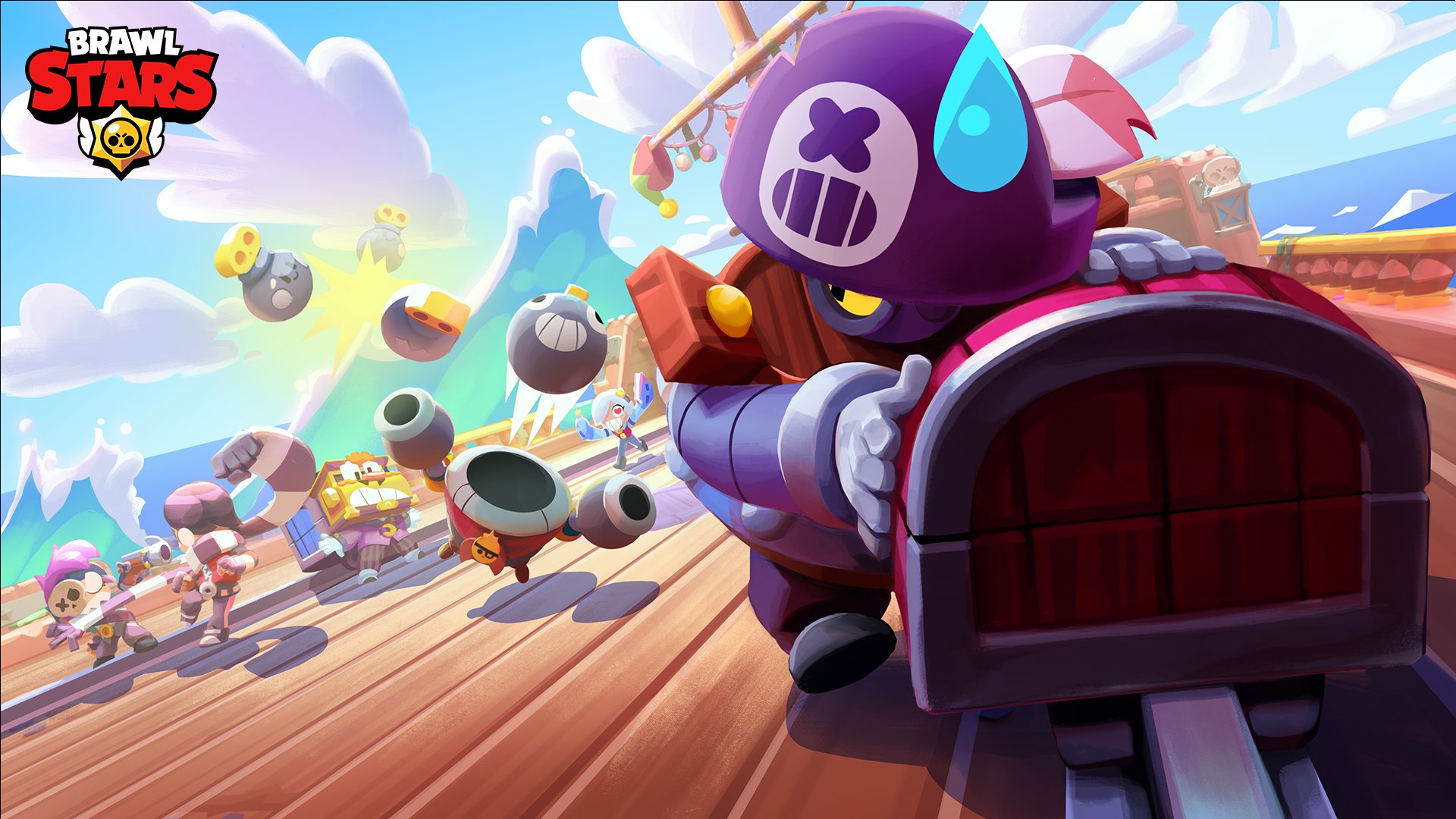
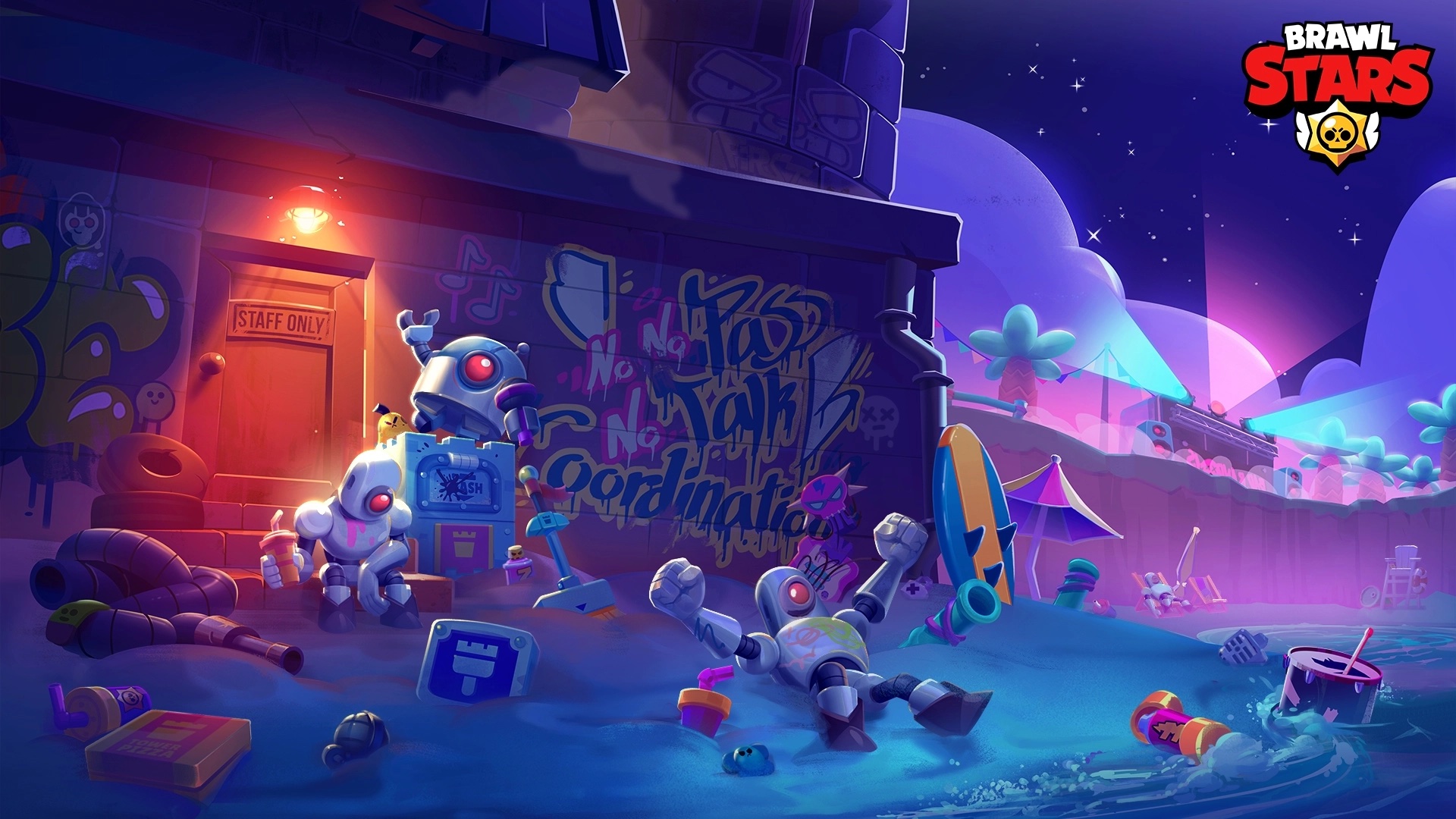
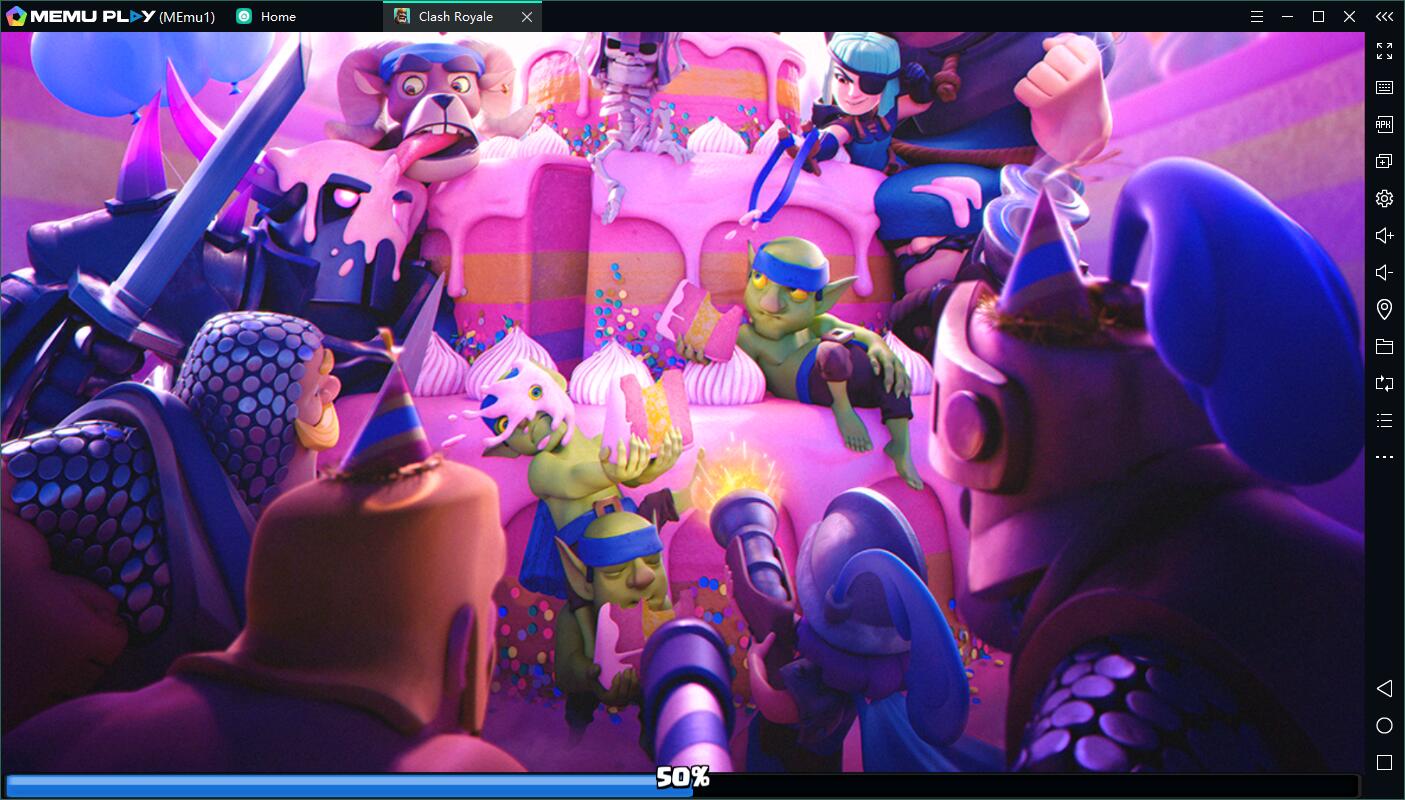
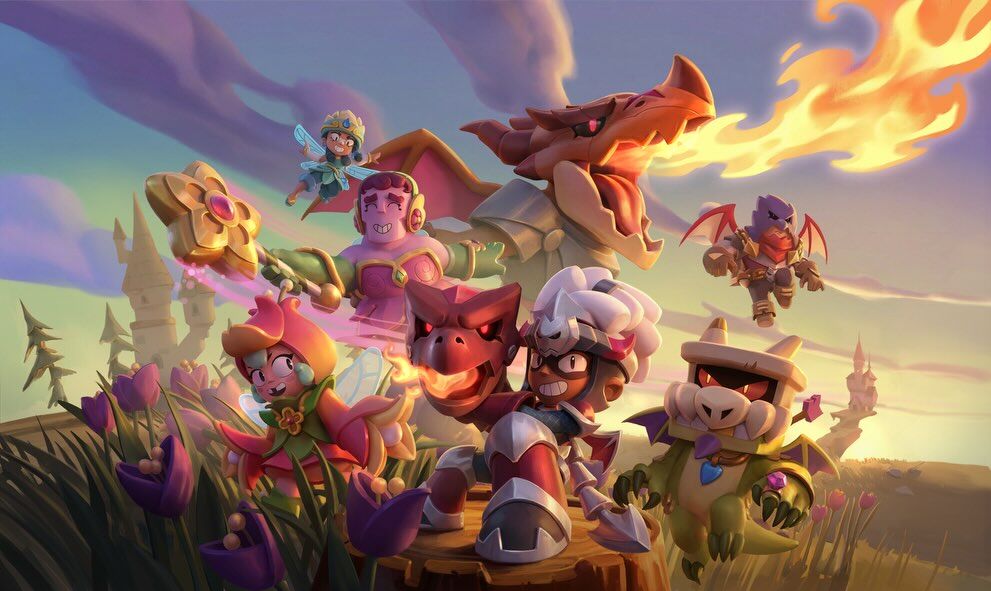
Download Brawl Stars on PC with MEmu Android Emulator. Enjoy playing on big screen. Fast-paced 3v3 & 5v5 MOBA battle royale made for mobile!

Game Info

Fast-paced 3v3 & 5v5 MOBA battle royale made for mobile! Play online PvP multiplayer action & shooting games – with friends or solo.

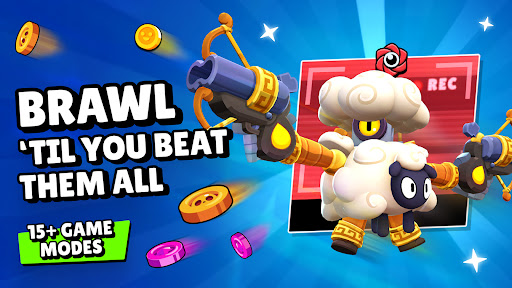
Battle in 3v3 & and 5v5 MOBA shooting games


Gem Grab (3v3,5v5): Team up for realtime 3v3 and 5v5 MOBA PvP action games. Collect and hold 10 gems to win, but get fragged and lose ‘em all.


Showdown: A MOBA battle royale-style fight for survival. Grab a friend or play solo! Be the last Brawler standing in the rowdiest MOBA PvP action game yet.


Brawl Ball (3v3,5v5): Not the usual kind of shooting game… Show off your soccer skills and score before the other team. There are no red cards here – just PvP team fun and action-packed multiplayer games.


Bounty (3v3,5v5): Battle royale bounty-hunting! Take out opponents and earn stars in this multiplayer PvP action game, but don’t let them pick you off first. The squad with the most stars wins!


Heist (3v3,5v5):A PvP multiplayer action game where you need to protect your team’s safe, and try to crack open your opponents’. Sneak, blast, battle and blow your way to enemy treasure!


Special Events: Limited-time PvE and PvP MOBA action & shooting games, 3v3/5v5 matches and battle royale events.


Championship Challenge: Join Brawl Stars' esports scene with in-game qualifiers.

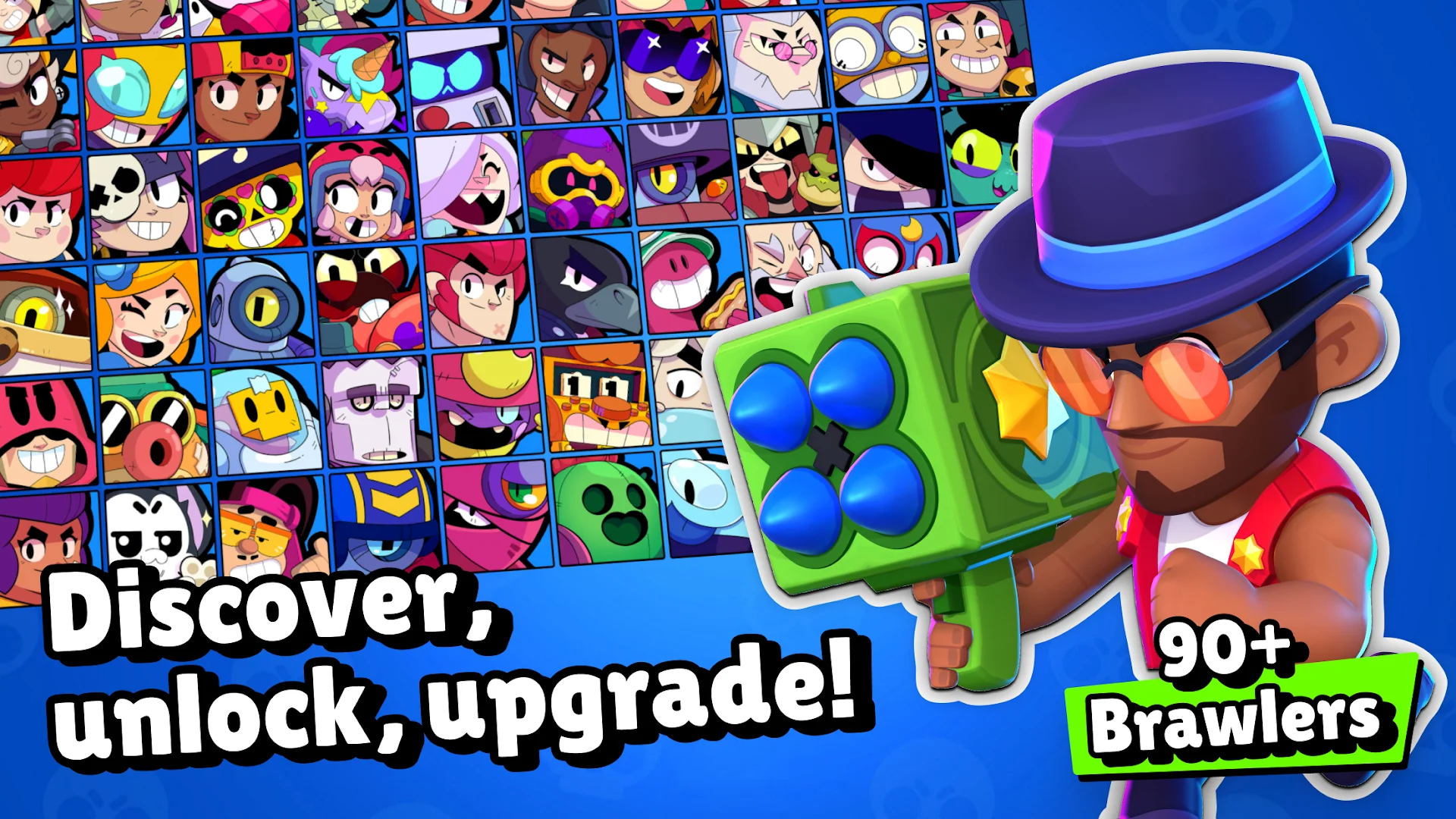
Unlock and upgrade Brawlers


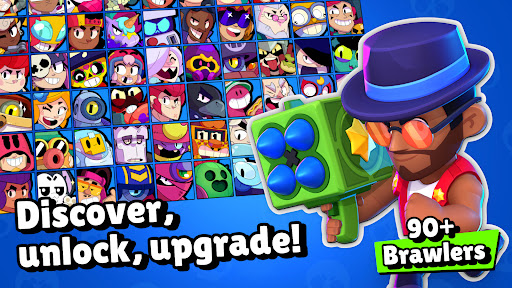
Collect and upgrade Brawlers with powerful Super abilities, Star Powers and gadgets! Level up and collect unique skins. Send them into PvP & MOBA battle royale action games to collect trophies!

Brawl Pass


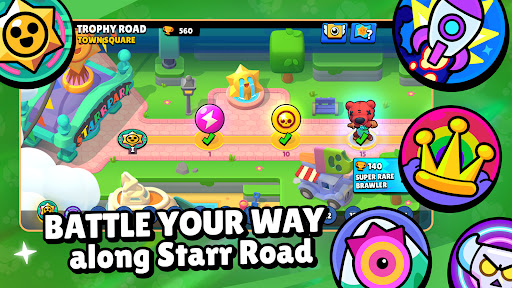
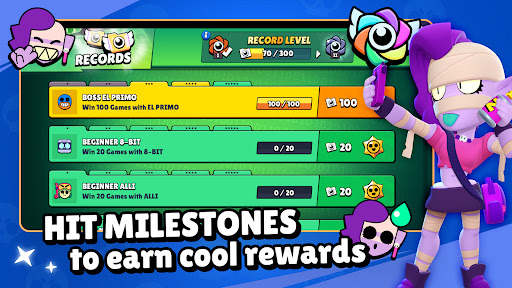
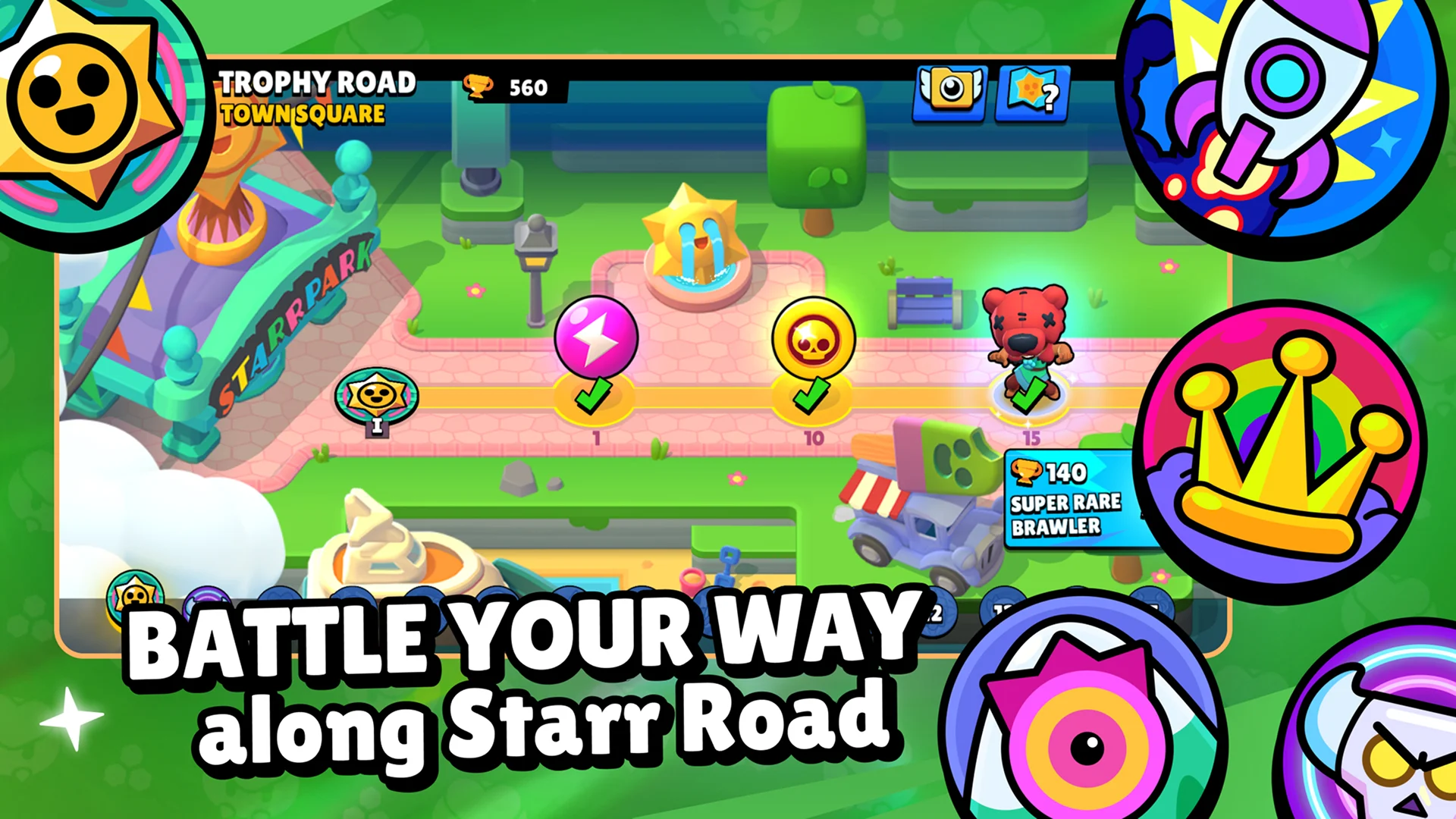
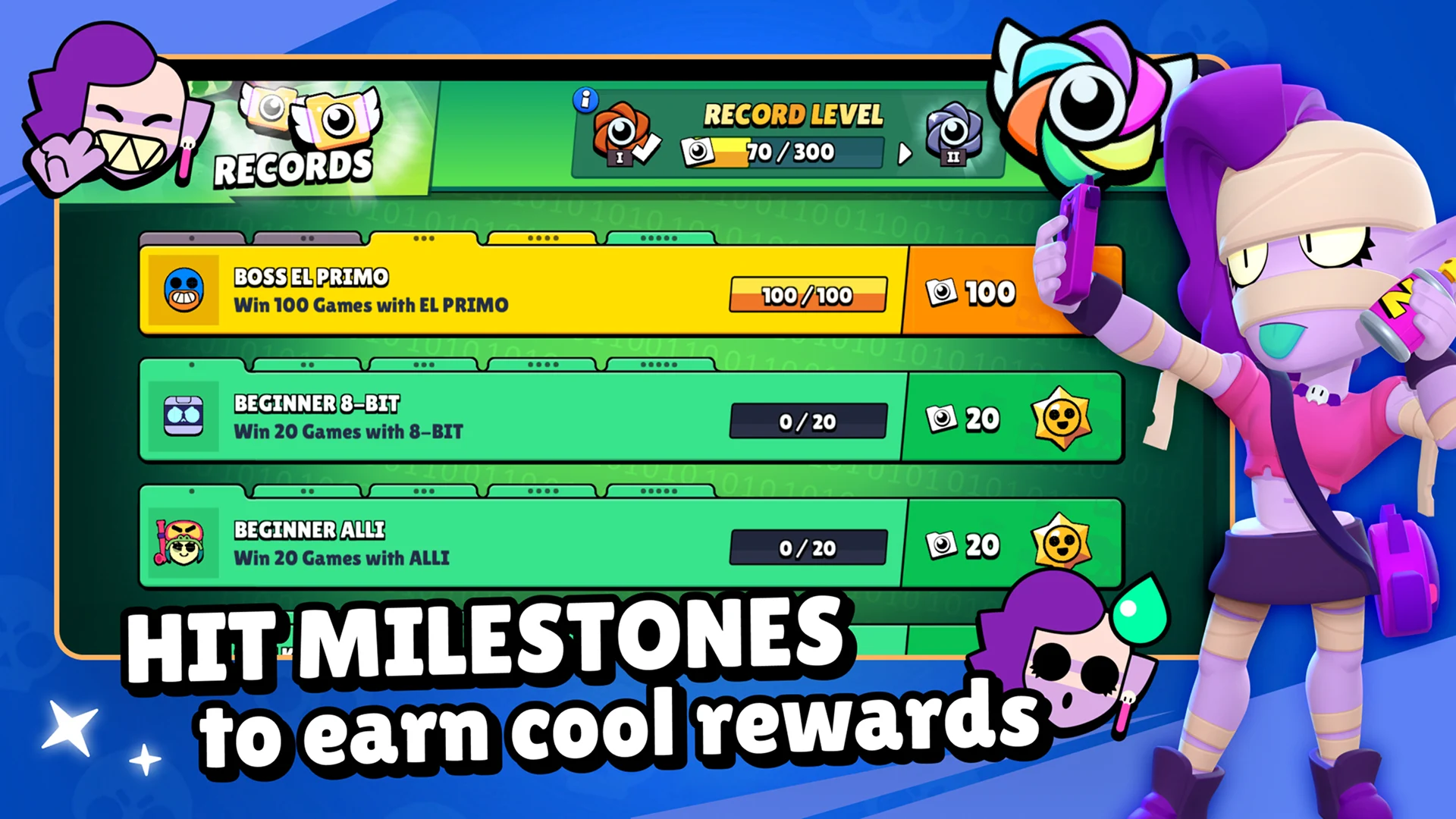
Win 3v3 and 5v5 MOBA PvP matches and multiplayer battle royale action games to earn trophies. Get Gems, Power Points, Pins, and Starr Drops! Fresh content every season.

Become a star player


Battle in 3v3 & 5v5 multiplayer PvP matches and battle royale-style action games to climb the leaderboards & prove you’re the greatest MOBA Brawler of them all! Brawl to the top in global and local rankings.


Constantly evolving MOBA


Look out for new Brawlers, skins, maps, special events and multiplayer action game modes. Smash through 3v3 and 5v5 PvP battle royale shooting games solo or with friends.
New PvP events and multiplayer action and shooting games daily. Player-designed MOBA maps offer challenging new terrain to master.

Please note! Brawl Stars is free to download and play, however, some game items can also be purchased for real money. If you don't want to use this feature, please disable in-app purchases in your device's settings. Game also includes random rewards.

From the makers of Clash of Clans, Clash Royale, and Boom Beach!

Notice of Access Permission:
[Optional permission]
Brawl Stars may request permission via in game pop ups to access your camera and send you notifications.
Camera: For in game scanning of QR codes
Notifications: For sending notifications related to the game
Consent is optional and you can use the app and play the game regardless of whether or not you consent. You may refuse to give consent within the game. However, certain app features may not work properly if you refuse optional access permissions.

Support:
Contact us in game via Settings > Help and Support, or visit http://help.supercellsupport.com/brawlstars/en/index.html

Privacy Policy:
http://supercell.com/en/privacy-policy/

Terms of Service:
http://supercell.com/en/terms-of-service/

Parent’s Guide:
http://supercell.com/en/parents/

Show more

How to Download Brawl Stars on PC

  • Brawl Stars PC

    1. Download MEmu installer and finish the setup

  • Brawl Stars PC

    2. Start MEmu then open Google Play on the desktop

  • Brawl Stars PC

    3. Search Brawl Stars in Google Play

  • Brawl Stars PC Install

    4. Download and Install Brawl Stars

  • Brawl Stars PC

    5. On install completion click the icon to start

  • Brawl Stars PC
    Brawl Stars PC Brawl Stars PC

    6. Enjoy playing Brawl Stars on PC with MEmu

Why Use MEmu for Brawl Stars

MEmu Play is the best Android emulator and 100 million people already enjoy its superb Android gaming experience. The MEmu virtualization technology empowers you to play thousands of Android games smoothly on your PC, even the most graphic-intensive ones.

  • Bigger screen with better graphics; Long duration, without limitation of battery or mobile data.

  • Full Keymapping support for precise control of keyboard and mouse or gamepad.

  • Multiple game accounts or tasks on single PC at one time with Multi-Instance manager.

Ready to Play?

Hot Topics

Brawl Stars - FAQs

  • How to play Brawl Stars on PC?

    Play Brawl Stars on PC by following steps:
    • Download MEmu, then install and launch it
    • Login to Google Play Store, install the game
    • Enjoy playing the game on PC with MEmu
  • What are the minimum system requirements to run Brawl Stars on PC?
    • Intel or AMD Processor
    • Microsoft Windows 7 and above
    • 2GB of memory
    • 5GB of free disk space
    • Hardware Virtualization Technology
Brawl Stars PC
Brawl Stars PC
Brawl Stars PC
Brawl Stars PC