Astracraft
Updated
Current Version
0.100.116
Offered By

With your passion for Astracraft, you shouldn’t have to limit yourself to the small screen of a phone. Play like a pro and take full control of the game using a keyboard and mouse. MEmu gives you everything you’re looking for. Download and play Astracraft on PC. Play as long as you want — no more worries about battery life, mobile data, or unexpected calls. The all-new MEmu 9 is the best way to play Astracraft on PC. With our expertly designed keymapping system, Astracraft feels just like a real PC game. The MEmu multi-instance manager lets you run two or more accounts on the same device at the same time. Most importantly, our exclusive emulation engine unlocks your PC’s full potential, delivering smooth and seamless performance.
Show more
Download Astracraft on PC with MEmu Android Emulator. Enjoy playing on big screen. Greetings, ARMS engineer!
Greetings, ARMS engineer!
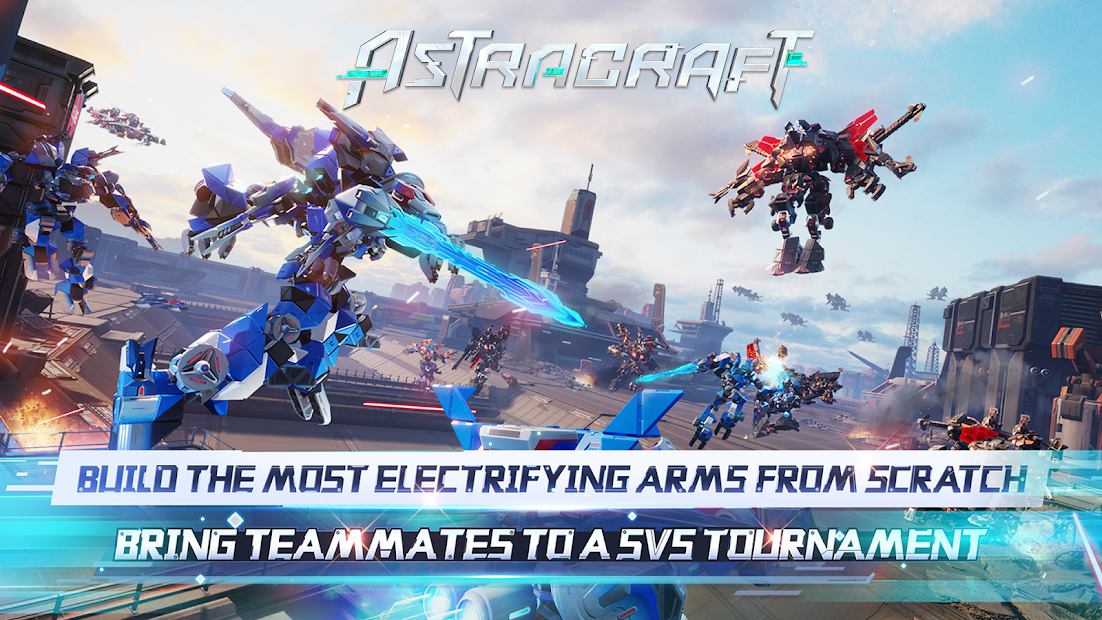
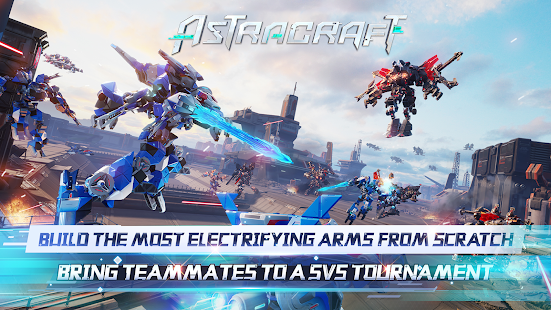
Welcome to "Astracraft: 5V5 ARMS Tournament". Glad to be protecting the peace of the galaxy with you! Death's Legion vs. White Knights—Rivals of a millennium in the galaxy. A plot and war are brewing in the dark.War of the ARMS is about to unveil. You can start with the parts, build your ARMS and send them into battle. Gather your comrades into a team of 5 to join this epic galactic war against the unknown forces deep within the universe...
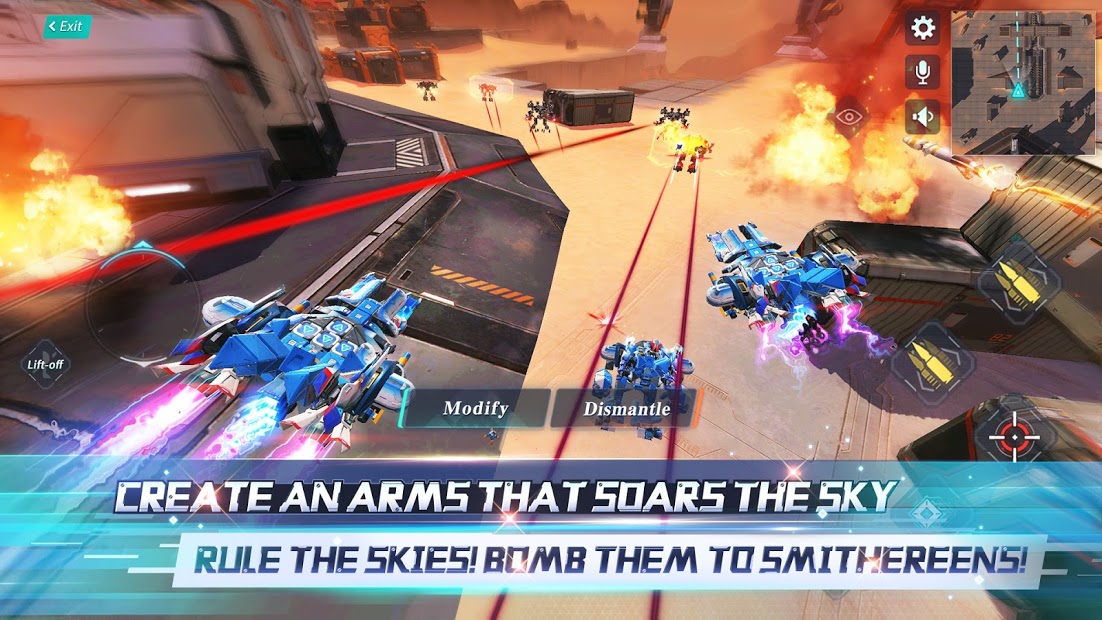
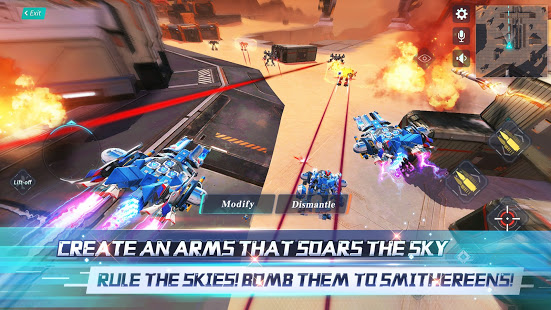
[Create an ARMS that soars the sky]
Put on powerful boosters, the latest glider tech, and turn into the angel of justice, ruler of the skies! Soar as high as you can, expand your field of view, and scour the land for prey and danger with eagle-like acuity. Once you find your target, aim, lock, and fire hundreds of laser-guided missiles to show your opponent the meaning of "shock and awe"!
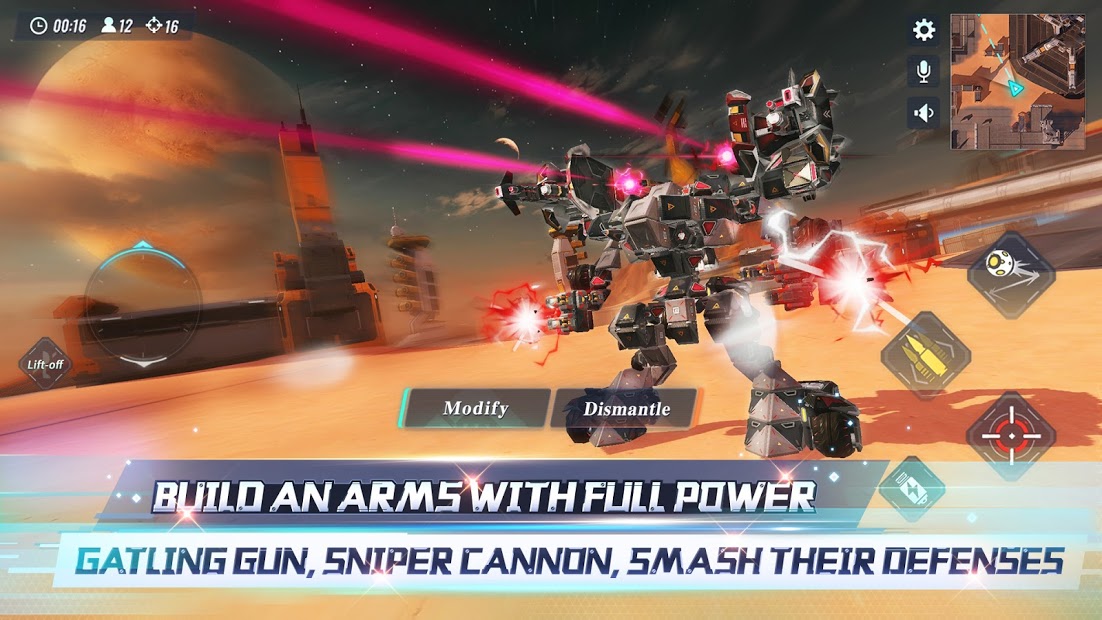
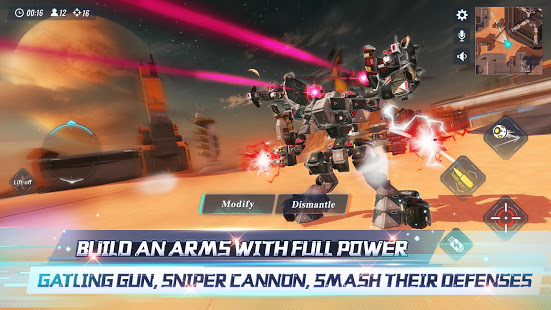
[Build an ARMS with Full Power]
Rampage! The ARM Berserk has arrived in all its glory! Carry the game with your mad DPS, snipe the enemies from a thousand miles away! Homing AI missile clusters, artillery barrage, get your penta-kill now! Initiate Dark Energy Cannon under the rain of fire, pierce through the enemy ARMS with a single shot. With so much firepower, who's going to stop me?
[Install an indestructible ARMS]
Strike from the shadows, bleed them without a trace. The greatest melee Assassin ARMS has arrived! Claymore of Light in one hand, Anti-matter Spray in the other. One-touch cloak, and engage your boosters for fast propulsion. A moment of negligence from your enemy will spell their doom! Release a Hallucinating Fog, attack from every angle, fast and deadly, leaving only sparks and scattered remains along your path...
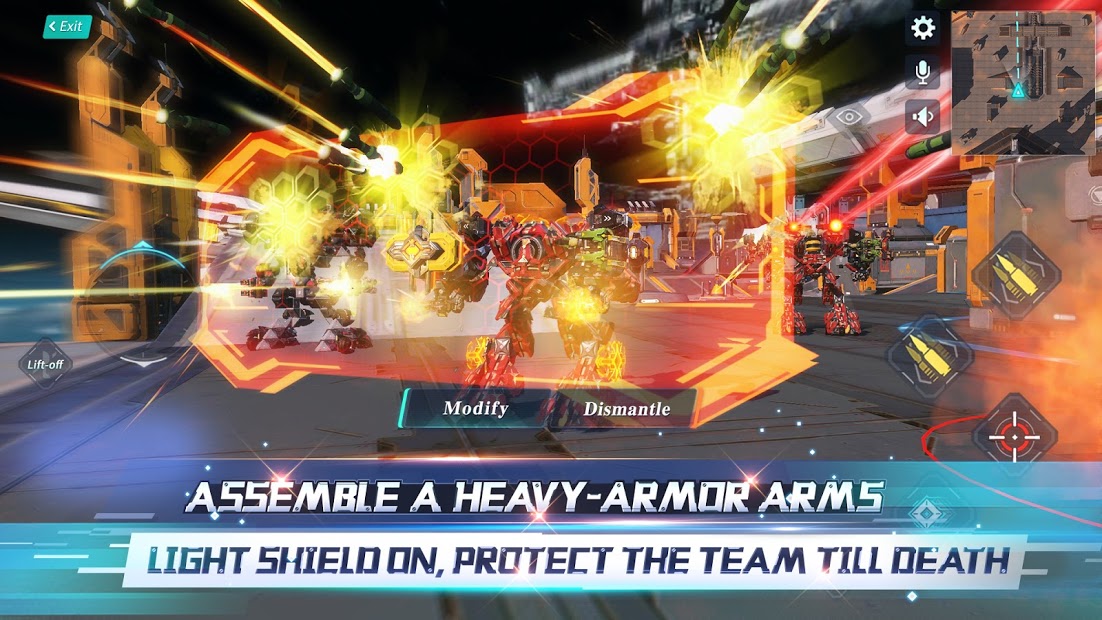
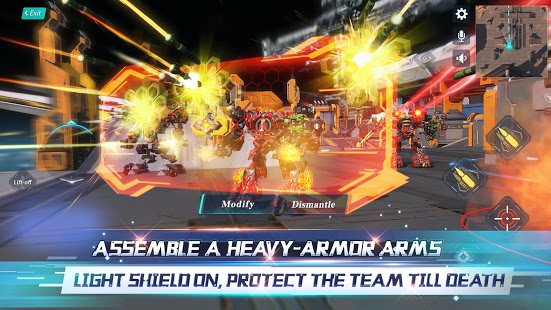
[Assemble a heavy-armor ARMS]
To destroy or to protect? There's only one choice on the life-or-death battlefield: Protect your teammates till death! Light Shield ON! Defend against all projectiles, absorb tonnes of damage! Release Special Plasma to help your teammates repair, send out Cunning Illusions to draw enemy fire. Create a miraculous comeback with the last drop of your energy!
5V5, ARMS, shootout, competitive play. Join your friends in this interstellar war that decides the fate of the universe.
Modify, enhance, improve your ARMS in a grinder of guns and steel.
Learn to cooperate with your teammates in your brushes the death.
Obliterate! Capture! Modify! Grow! Become the strongest ARMS force in the universe, become the invincible legend!
[Follow us]
Facebook: https://www.facebook.com/AstracraftGame
YouTube:https://www.youtube.com/channel/UC5OEA-cZrI1xedYodBaWH5Q
Discord:https://discord.gg/Y68KnVT7vK
Official Website:http://www.astracraftgame.com/en
Show more

1. Download MEmu installer and finish the setup

2. Start MEmu then open Google Play on the desktop

3. Search Astracraft in Google Play
Install
4. Download and Install Astracraft
5. On install completion click the icon to start

6. Enjoy playing Astracraft on PC with MEmu
MEmu Play is the best Android emulator and 100 million people already enjoy its superb Android gaming experience. The MEmu virtualization technology empowers you to play thousands of Android games smoothly on your PC, even the most graphic-intensive ones.
Bigger screen with better graphics; Long duration, without limitation of battery or mobile data.
Full Keymapping support for precise control of keyboard and mouse or gamepad.
Multiple game accounts or tasks on single PC at one time with Multi-Instance manager.
Play Astracraft on PC by following steps: